A single yard camera can generate more footage in one week than most fleet managers will review in a year, yet almost nobody can say with confidence how long any specific clip actually needs to stay before it is safe to delete. A collision claim can resurface eighteen months after the fact, an insurance adjuster can request footage from a gate incident nobody flagged at the time, and a driver dispute over trailer damage can hinge on a recording that was quietly overwritten during a routine thirty-day purge. Most yards default to one of two extremes — keep everything forever and let storage costs spiral, or purge on a fixed schedule and risk erasing the exact clip that would have closed a claim in your favor. Neither approach is a policy; both are guesses. This guide breaks down how to build event-based retention rules that match storage duration to actual risk instead of habit, and how a connected fleet platform keeps the footage that matters without paying to store the footage that does not. Set up event-based retention rules in Oxmaint free and stop choosing between compliance exposure and storage cost.
Fleet Operations
Video Compliance
Cost Control
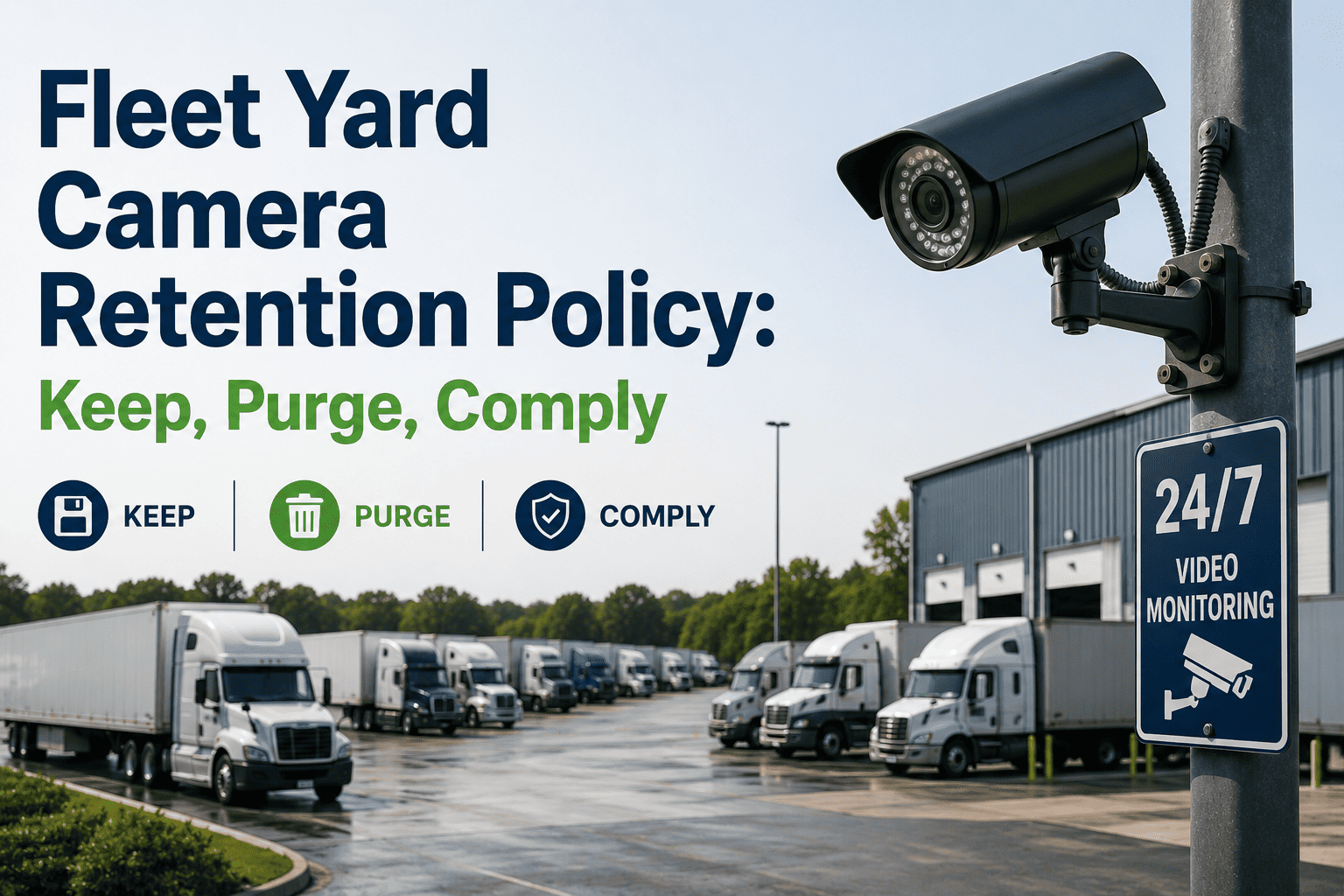
Fleet Yard Camera Retention Policy: What to Keep, What to Purge, What Regulators Expect
A working framework for setting retention periods by event type, so your yard cameras satisfy legal holds, insurance timelines, and privacy rules without turning storage into your fastest-growing line item. Built for fleet operations, risk, and IT teams who need one policy everyone can actually follow.
61%
of fleets store yard footage on a single fixed schedule regardless of what the clip shows
30–90
days is the typical default retention window, far shorter than most claim discovery timelines
$1.4M
average exposure when a fleet cannot produce footage requested in active litigation
3.7x
higher storage spend for fleets that retain all footage uniformly instead of by event category
The Cost of Guessing
Why Fixed Retention Schedules Fail Fleet Yards
A retention policy that treats every clip the same is not actually a policy — it is a coin flip that happens to run automatically. Yards that guess end up paying twice: once in unnecessary storage for footage nobody will ever request, and again when the one clip that mattered has already been deleted.
01
Over-Retention Inflates Storage Spend
Keeping every camera feed at full resolution for twelve months or longer, regardless of whether anything happened on that footage, is the single biggest driver of runaway yard camera storage costs. Most of that footage shows nothing but an empty lot overnight, yet it is billed, backed up, and migrated at the same rate as footage from an actual collision. The cost compounds every time a new camera is added without revisiting the retention assumption behind it.
Direct cost impact — cloud and on-prem storage bills climbing every quarter
02
Under-Retention Erases Evidence
A fixed thirty-day purge cycle feels efficient until a claim, injury report, or theft investigation surfaces on day thirty-one. Insurance adjusters, opposing counsel, and internal safety teams routinely request footage well after a short retention window has already cycled it out permanently, and by the time the request lands there is nothing left to hand over.
Legal and insurance exposure — the exact footage needed is already gone
03
No Category Distinction
Routine gate entries, minor equipment bumps, and active collision investigations are not the same risk category, yet most yards apply one retention rule across all of them. A policy that cannot distinguish a forklift near-miss from a routine trailer swap will always over- or under-retain something.
Structural gap — one rule cannot serve every event type accurately
Stop applying one retention rule to every camera feed in your yard
Oxmaint links retention duration to the maintenance and incident record tied to each event, so footage is kept exactly as long as the underlying claim, inspection, or dispute requires — not a day longer or shorter.
Retention Framework
Recommended Retention Periods by Yard Camera Event Type
Retention duration should be driven by how long a category of footage could plausibly be requested — not by how much storage happens to be available this quarter. The table below reflects commonly applied fleet industry retention windows by event type, and can be adjusted to match the specific insurance and legal requirements of your operating regions.
Scroll horizontally on smaller screens to view every column
Building the Policy
Five Steps to a Defensible Yard Camera Retention Policy
A retention policy only holds up under scrutiny if it can show why each duration was chosen and how it was applied consistently. These five steps turn a vague storage habit into a documented, auditable policy that operations, legal, and insurance teams can all point to when a question comes up.
1
Classify Every Camera Feed by Risk Category
Start by mapping each camera to the type of activity it typically captures — gate entry, loading dock, fuel island, maintenance bay — and assign a baseline retention category before any incident occurs.
2
Define Escalation Triggers
Set clear rules for what automatically upgrades a clip from routine to extended retention — an incident report filed, a claim number issued, a safety flag raised by a supervisor, or a maintenance work order referencing the footage.
3
Document the Legal and Insurance Minimums
Confirm the statute of limitations for injury and property claims in every state or province the fleet operates in, and set the collision and injury retention window to the longest applicable period, not the shortest. Where operations span multiple regions, apply the longest window fleet-wide rather than managing separate rules per location.
4
Automate the Purge, Not Just the Capture
A policy that requires someone to manually delete expired footage will not be followed consistently. Automated purge rules tied to event category remove the manual step and the human error that comes with it, so the policy is enforced the same way every single time, regardless of staff turnover.
5
Audit Retention Compliance Quarterly
Review a sample of purged and retained footage each quarter against the policy to confirm the rules are being applied correctly, and adjust categories as new incident types or regulatory requirements emerge.
Cost Drivers
What Actually Drives Yard Camera Storage Cost Beyond Duration
Retention duration is only one variable in the storage equation. Two yards running the same retention policy can see wildly different bills depending on resolution, frame rate, camera count, and whether footage sits on-prem or in the cloud. Understanding these levers helps you cut cost without touching the retention window at all, and they are usually the fastest wins available before any policy rewrite is even needed.
A
Resolution and Frame Rate
A camera recording at 4K and 30 frames per second consumes several times the storage of the same camera running at 1080p and 15 frames per second, with little practical benefit for routine gate footage where identifying a plate number is the main requirement, not cinematic detail worth paying to store.
Adjustable per camera role, not a fleet-wide setting
B
Motion-Triggered vs Continuous Recording
Cameras set to record continuously through empty overnight hours generate hours of footage showing nothing, while motion or event-triggered recording captures the same coverage using a fraction of the storage, since idle periods are never written to disk in the first place.
Often the single largest cost reduction available without a policy change
C
Tiered Storage by Retention Stage
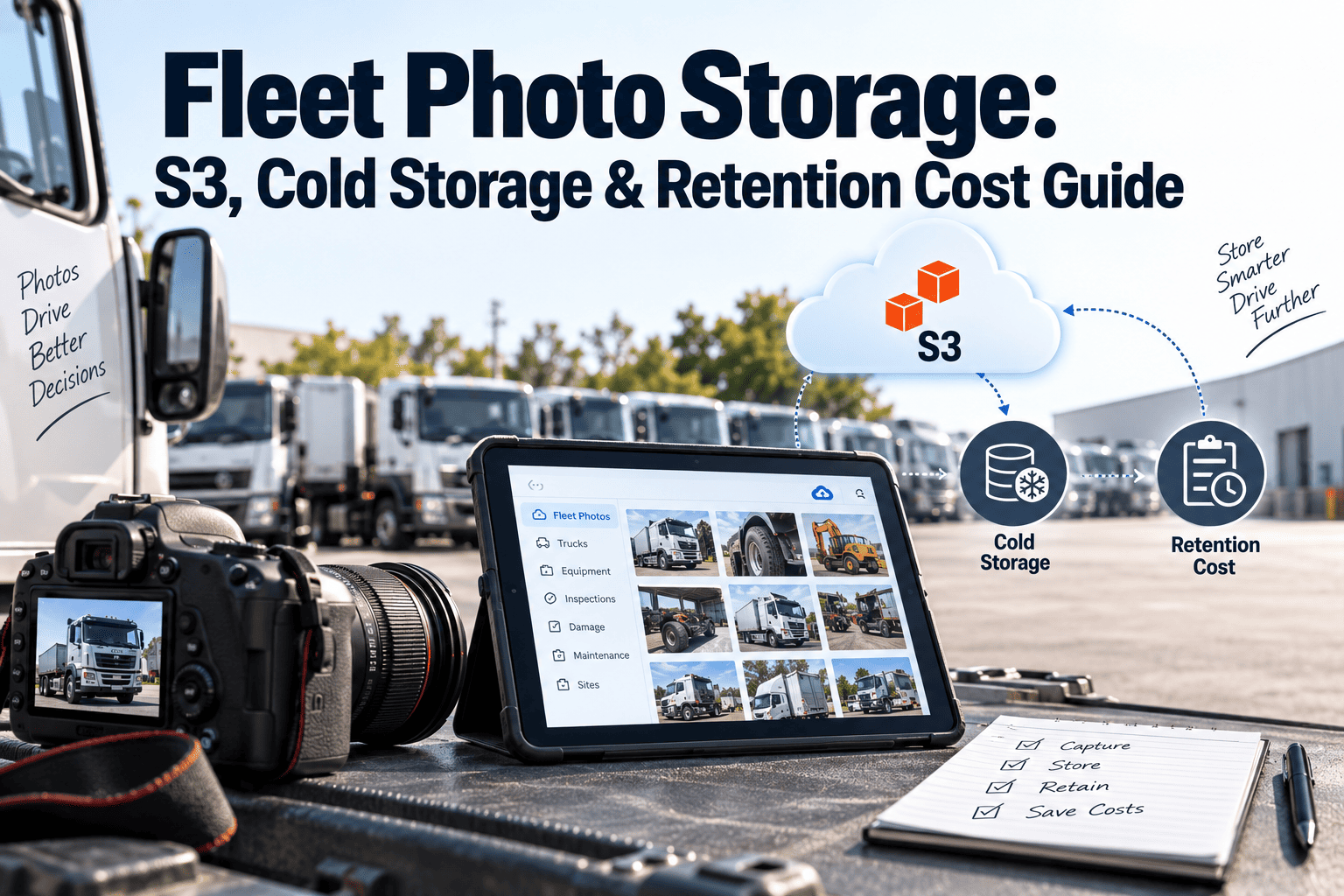
Footage in its first thirty days is usually accessed at full resolution for active review, but footage held only for legal retention beyond that point can move to lower-cost cold storage without losing evidentiary value, since it is rarely reviewed until a claim specifically requests it years later.
Reduces long-term retention cost by a significant margin
D
Camera Count Versus Coverage Overlap
Yards that add cameras incrementally over several years often end up with overlapping coverage zones that duplicate the same footage from slightly different angles, multiplying storage cost without adding meaningful evidentiary value to any single incident review or investigation.
Worth auditing during any retention policy refresh
Privacy Considerations
Balancing Retention Duration Against Privacy and Consent Rules
Longer retention is not automatically safer. In several states and provinces, holding footage of identifiable individuals — drivers, visitors, contractors — beyond a documented business purpose can create its own privacy exposure, separate from the compliance risk of purging too soon. A defensible policy addresses both directions at once.
1
Post Clear Notice at Every Camera Location
Signage at yard entrances and camera locations should state that recording is in progress and reference the retention policy, satisfying notice requirements in most jurisdictions with camera-specific privacy statutes.
2
Limit Access by Role, Not by Convenience
Footage access should be restricted to the roles that need it for an active review — safety, risk, or the specific supervisor involved — rather than left open to anyone with a login, which is a common finding in privacy audits.
3
Document the Business Purpose for Extended Holds
Any footage held beyond the routine window should have a documented reason attached — a claim number, incident report, or legal hold notice — so an extended retention period can always be justified if challenged.
Before vs After
What Changes When Retention Is Automated by Event Type
The comparison below reflects the practical difference between yards running a single fixed retention schedule and yards running event-based automated retention tied to their maintenance and incident records. Both approaches use the same cameras and the same footage — the difference is entirely in how the retention rules are applied.
Fixed Schedule Retention
Every camera feed purges on the same calendar schedule regardless of what it captured
Claims and disputes filed after the purge window have no footage to reference
Storage costs scale linearly with camera count, not with actual risk
No audit trail showing why a clip was kept or deleted
IT or operations staff manually track exceptions in spreadsheets
Event-Based Automated Retention
Retention duration adjusts automatically the moment a work order or incident is logged against the footage
Collision and claim footage is protected from purge until the case formally closes
Routine footage still purges on schedule, keeping storage costs proportional to actual risk
Every retention decision is timestamped and logged for audit purposes
Retention policy enforcement requires no manual tracking or spreadsheet review
FAQ
Common Questions on Yard Camera Retention Policy
How long should we legally keep yard camera footage after a collision?
Most fleets align collision footage retention to the longest applicable statute of limitations in their operating states, typically three to seven years.
Book a demo to review retention windows specific to your operating regions.
Can we reduce storage costs without risking compliance gaps?
Yes — the biggest savings come from shortening retention on routine, non-incident footage while extending retention only on footage tied to an actual claim, injury, or dispute, rather than applying one duration to everything.
Who should own the yard camera retention policy internally?
Retention decisions typically sit jointly with fleet operations, risk or insurance management, and legal counsel, with the policy documented and enforced through the fleet management platform rather than left to individual camera settings or IT defaults.
What happens if footage is requested after our retention period has expired?
If a formal legal hold or claim was not logged before the retention window closed, the footage is generally unrecoverable, which is why automated escalation triggers matter more than the base retention duration itself. This is also the most common gap found during insurance and litigation discovery reviews.
Does Oxmaint automatically extend retention when an incident is logged?
Yes — Oxmaint links camera footage to the associated work order or incident record, and automatically extends the retention window the moment that record is created, removing the need for manual footage tagging.
Start free to configure your event categories.
Build a retention policy that holds up in a claim, not just in a budget review
Oxmaint ties yard camera retention to real maintenance and incident events, so the footage that matters is protected automatically and the footage that does not stops costing you money.