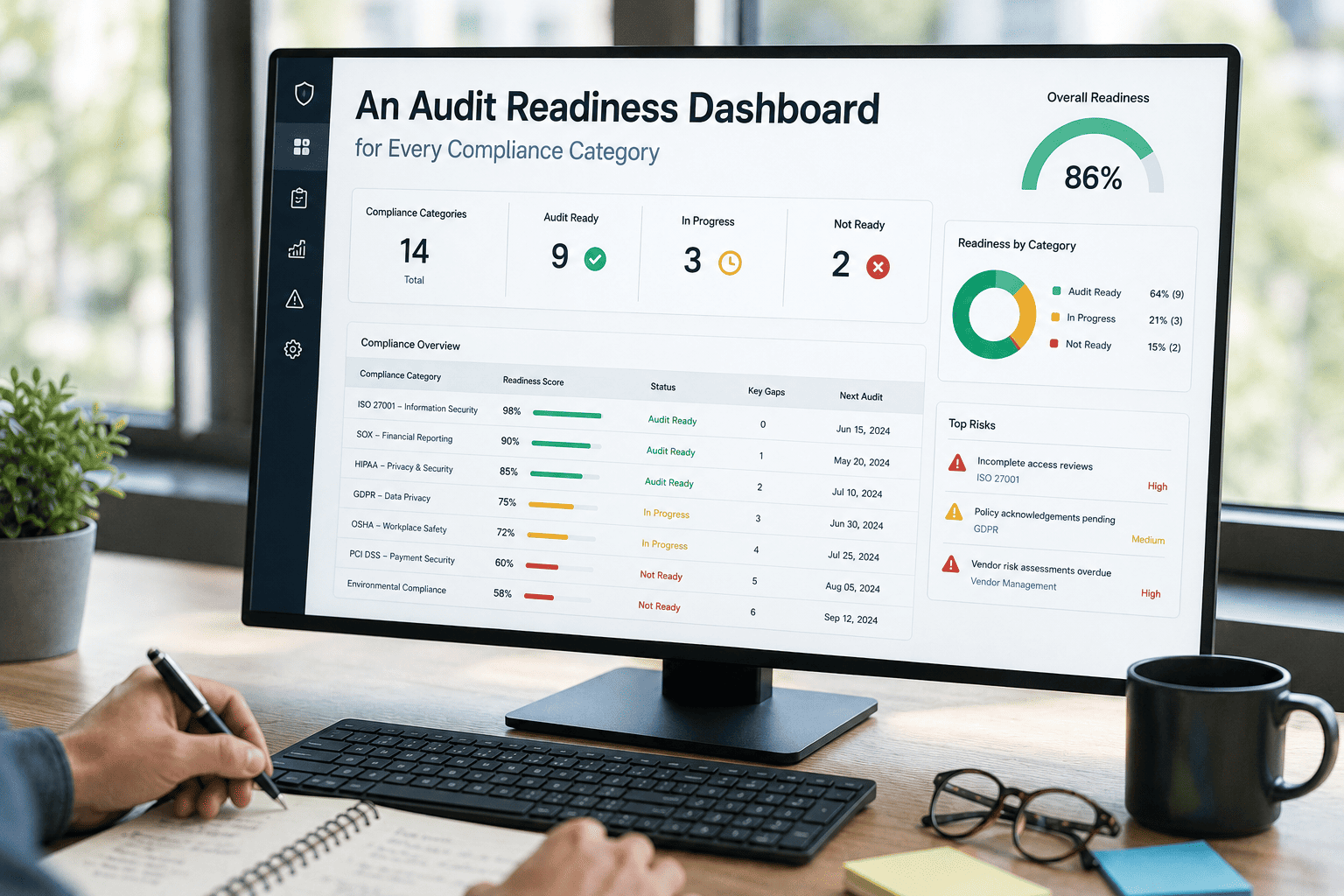
A fleet audit readiness dashboard gives maintenance and compliance teams a single, real-time view of every documentation category an auditor will check — from DOT inspections and HOS logs to DQ files, Clearinghouse queries and DVIR completion rates. Fleets that maintain audit-ready records year-round respond to FMCSA reviews, insurance renewals and customer safety qualification audits in hours, not weeks, and pass compliance reviews without findings at rates 3–5× higher than reactive fleets. OxMaint brings every work order, inspection record, asset history and compliance document into one AI-powered CMMS so your team is always prepared. Start Free Trial and turn audit panic into audit confidence.
When the auditor calls, will your fleet be ready in hours — or scrambling for weeks?
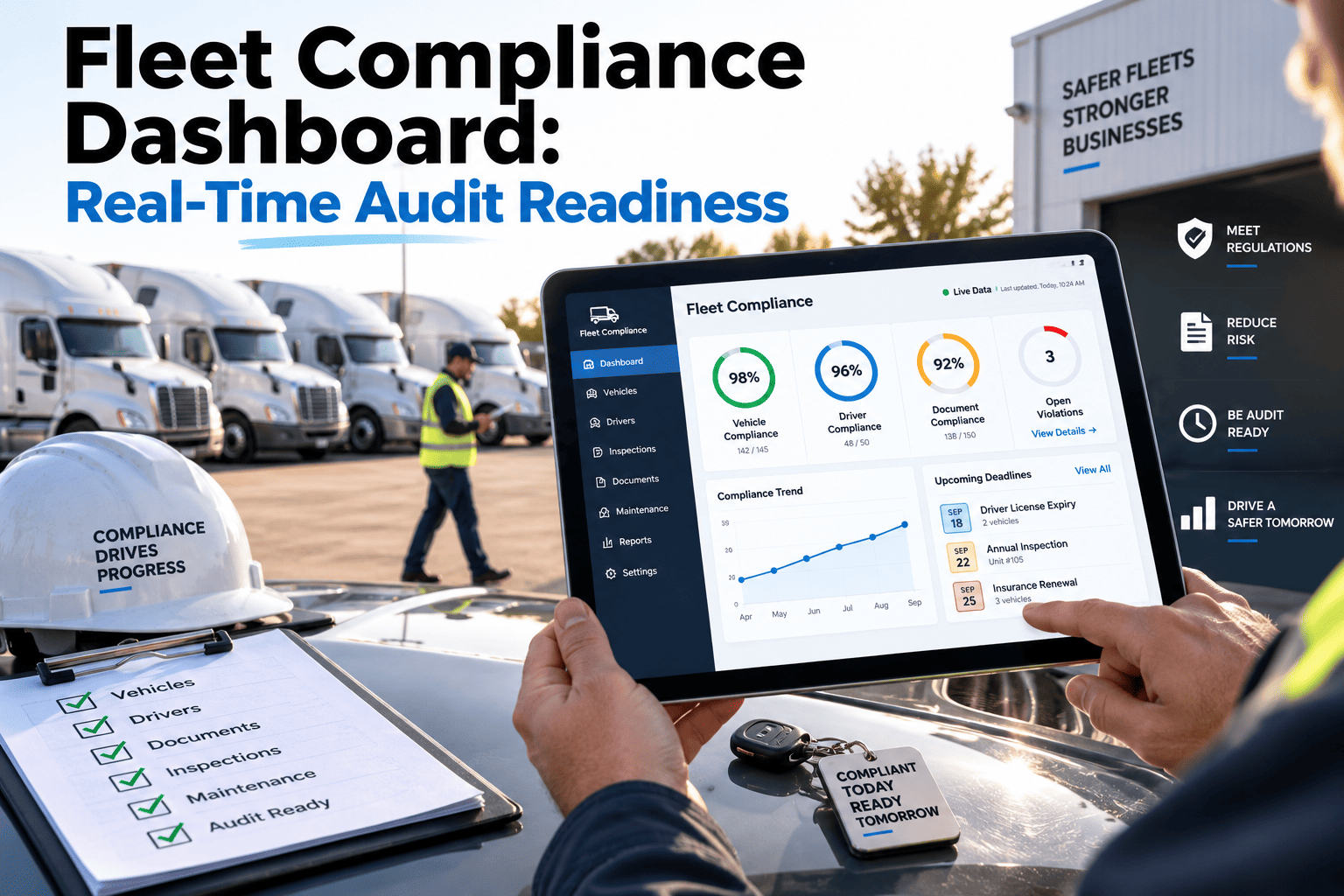
A compliance dashboard fleet operators trust tracks green/yellow/red status across every audit category — DQ files, DVIR, DOT inspections, Clearinghouse, HOS, IFTA and more — so red flags get fixed before the audit hits, not after.
What a fleet audit readiness dashboard tracks across every compliance category
An audit readiness dashboard consolidates 13 operational compliance categories into one color-coded view. Each category shows a live status — green (current), yellow (approaching deadline) or red (non-compliant) — so remediation starts the moment a status slips, not when an auditor is already at the door.
Driver Qualification Files
Percentage of DQ files complete and current — application, MVR, background check, medical examiner certificate, road test certificate and annual review.
DVIR Completion Rate
Daily vehicle inspection reports logged per driver per day. Missing DVIRs are the most common audit finding and the easiest to prevent with automated reminders.
Annual DOT Inspections
Percentage of power units and trailers with a current annual inspection sticker. Dashboard flags vehicles within 30 days of expiration for scheduling.
Drug & Alcohol Program
Percentage of drivers enrolled in a DOT-compliant random testing pool with pre-employment, reasonable suspicion and post-accident testing records on file.
Clearinghouse Queries
Pre-employment and annual limited queries completed for every CDL driver. Dashboard tracks query dates and flags drivers due for their annual query.
CSA BASIC Scores
Identifies which BASIC categories — unsafe driving, hours-of-service, vehicle maintenance, controlled substances, driver fitness, crash indicator — exceed intervention thresholds.
HOS Compliance
Hours-of-service violation rate tracked against ELD data. Flags recurring violations by driver or route for coaching before they impact CSA scores.
IFTA Filing Status
Last quarter IFTA return filed and reconciled with mileage records. Dashboard tracks next filing deadline and flags discrepancies in fuel tax data.
IRP Registration
All vehicles registered under the International Registration Plan with current apportioned plates. Flags registrations expiring within 45 days.
State Emission Compliance
All jurisdictional emission and smoke test requirements met for vehicles operating in CARB, DEQ or other state-specific programs. Tracks deadlines per jurisdiction.
Insurance Documentation
Last renewal package complete — auto liability, cargo, physical damage and workers' comp certificates on file with correct limits and named insureds.
Safety Training Records
All required trainings — orientation, defensive driving, hazmat refresher, reasonable suspicion — current per driver with completion dates and signatures.
Shop Compliance (OSHA)
OSHA-required shop documentation — lockout/tagout procedures, SDS binder, forklift certifications, injury logs (300/300A/301) — complete and posted.
Why fleets that scramble for audits underperform — and ready fleets don't
A fleet with 80 power units and 90 trailers receives an FMCSA compliance review notice on a Monday. The reactive fleet pulls DQ files from three filing cabinets, chases down missing DVIRs across four terminals and discovers three drivers with expired medical cards — all in the 48-hour window the auditor gave them. The ready fleet exports a dashboard PDF showing every category green and passes the review without a single finding.
| Audit Behavior | Reactive Fleet (Scramble) | Audit-Ready Fleet (Dashboard) |
|---|---|---|
| Response time to auditor | 5–14 days of scrambling | 2–4 hours, dashboard export |
| DQ file completeness at audit | 70–85% (gaps discovered mid-audit) | 100% (remediated before audit) |
| Clean audit (zero findings) rate | 15–25% | 60–80% (3–5× higher) |
| Staff hours per audit response | 80–120 hours across team | 4–8 hours (dashboard + drill-through) |
| Risk of conditional/unsatisfactory rating | High — findings cascade across categories | Low — red status fixed preemptively |
| Customer safety qualification renewal | Last-minute document pulls, missed renewals | Auto-tracked renewal dates, 30-day alerts |
How a 120-truck fleet cut audit response time from 9 days to 3 hours
A regional freight carrier operating 120 power units across three terminals received a DOT-ordered New Entrant safety audit with 72 hours' notice. Their previous FMCSA review two years earlier had taken 9 days of document gathering and produced 14 findings — costing an estimated $18,000 in staff time and a conditional rating that triggered a follow-up audit at 6 months. After implementing an audit readiness discipline with OxMaint, the same carrier responded to the New Entrant audit in under 3 hours with zero findings.
Compliance manager opens the audit readiness dashboard
All 13 categories display green except CSA BASIC vehicle maintenance (yellow — trending toward threshold) and two DQ files missing annual MVR pulls. Both flagged for immediate remediation.
Red/yellow items fixed before auditor arrives
OxMaint auto-generates work orders for the two overdue MVR pulls and flags three vehicles due for annual DOT inspection in the next 14 days. Shop schedules inspections same-day. DVIR completion rate confirmed at 99.2%.
Dashboard export with drill-through to source records
Compliance manager exports a category-by-category status report. Each category links to the underlying DQ files, DVIR logs, inspection records, drug testing roster and Clearinghouse query confirmations — no manual searching.
Auditor reviews records on-site, zero findings issued
FMCSA reviewer verifies DQ files, inspects a random sample of DVIRs, checks Clearinghouse compliance and confirms HOS records. Satisfactory rating issued. Total staff time: 6 hours across two people vs. 120+ hours previously.
How OxMaint builds your fleet compliance dashboard — and keeps it green
OxMaint is an AI-powered CMMS and EAM platform that aggregates every maintenance record, inspection log and compliance document into one system. The audit readiness dashboard pulls live data from work orders, asset histories and driver compliance modules — so the status you see is the status an auditor will verify.
Automated DVIR with work-order trigger
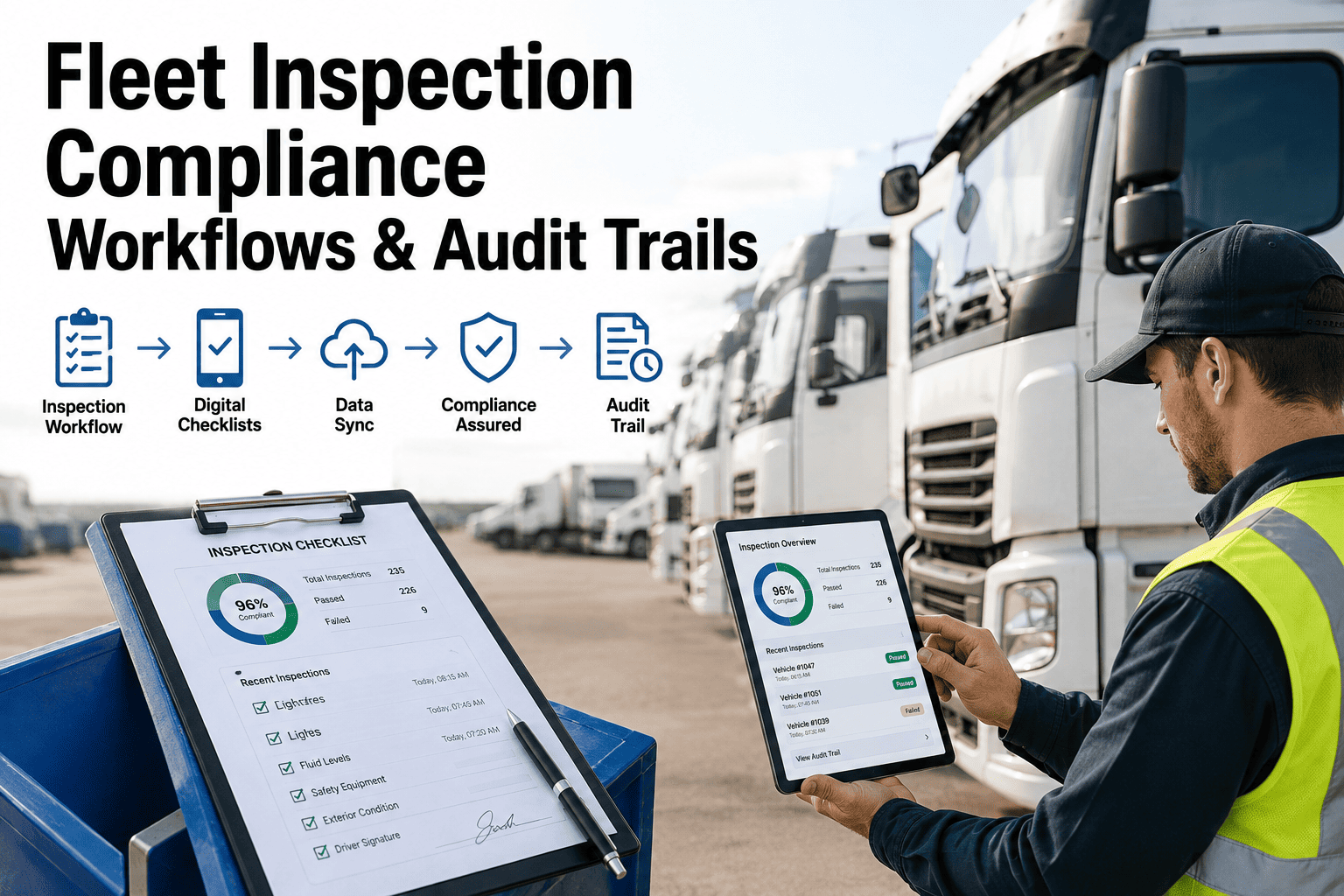
Drivers submit electronic DVIRs from the OxMaint mobile app. Any defect flagged as "out of service" auto-generates a work order and removes the vehicle from service until repaired — keeping your DVIR completion rate above 98% and defect resolution documented.
Preventive maintenance scheduler for DOT inspections
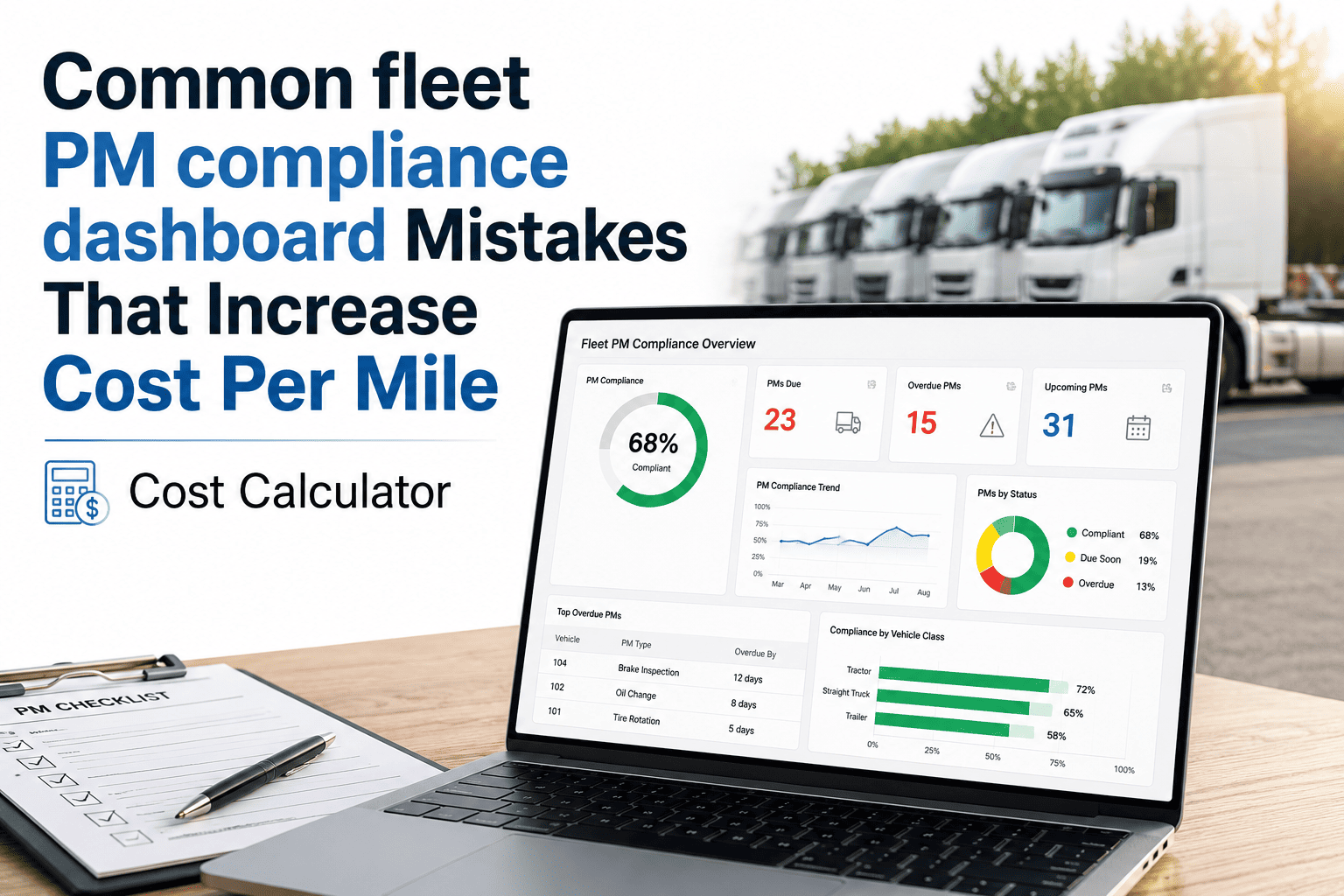
OxMaint's PM engine schedules annual DOT inspections, state emission tests and IRP renewals based on mileage, date or engine hours. Automatic alerts fire 30, 15 and 7 days before expiration — so no vehicle shows up red on the dashboard.
Drill-through audit trail for every category
Click any dashboard category and OxMaint drills through to the underlying records — DQ file documents, inspection PDFs, work order histories, parts consumption logs and signed training acknowledgments. Export a complete audit package in one click.
Predictive alerts for upcoming audit exposure
OxMaint tracks customer safety qualification renewal dates, insurance renewal dates, DOT audit anniversary dates and jurisdiction-specific audit windows. The dashboard surfaces these as a timeline so no renewal or audit window catches you off guard.
Upcoming audit exposure — dates your fleet can't afford to miss
Beyond category status, an audit readiness dashboard tracks the calendar of audit exposures your fleet faces throughout the year. Missing a customer safety qualification renewal can cost a six-figure contract; missing an insurance renewal can shut your operation down. OxMaint surfaces every critical date in one timeline view.
Customer Safety Qualification Renewals
Large shippers and brokers require annual safety qualification renewal packages — CSA data, insurance certificates, DQ file samples and inspection histories. Dashboard tracks each customer's renewal date and starts the package 45 days out.
Insurance Renewal Audits
Underwriters request loss runs, maintenance records and fleet rosters at renewal. OxMaint compiles vehicle lists, accident histories and PM completion rates so your broker has everything in 24 hours — not two weeks.
DOT Audit Anniversary Dates
New entrants face a safety audit within the first 12 months. Existing carriers with conditional ratings face follow-up reviews. OxMaint tracks your DOT audit anniversary and flags the 90-day window to verify all categories are green.
Jurisdiction-Specific Audit Windows
CARB, IRP, IFTA and state-specific emission programs have their own audit cycles and documentation requirements. OxMaint maps each jurisdiction your vehicles operate in and tracks compliance deadlines per state program.
See your fleet's audit readiness on one screen — before the auditor does
Book a 30-minute demo and we'll show you how OxMaint aggregates every compliance category into a live dashboard with drill-through to source records and automated remediation workflows.
Fleet audit readiness dashboard FAQs
What is a fleet audit readiness dashboard?
A fleet audit readiness dashboard is a single-screen view that tracks the compliance status — green, yellow or red — of every documentation category an auditor will check, including DQ files, DVIR completion, DOT inspections, Clearinghouse queries, HOS, IFTA, IRP, emissions, insurance, training and OSHA shop records. It lets a fleet confirm audit readiness in seconds and fix red items before an audit hits. OxMaint's dashboard aggregates live data from work orders, inspections and asset records with drill-through to source documents.
How do I prepare my fleet for a DOT compliance review?
Start by running a readiness check across all 13 compliance categories at least 90 days before any scheduled or anticipated review. Verify DQ files are 100% complete, DVIR completion exceeds 98%, annual inspections are current, Clearinghouse queries are done, HOS violation rates are below 1% and CSA BASIC scores are below intervention thresholds. OxMaint automates this check — Start Free Trial to see your live status today and auto-generate remediation work orders for any red or yellow category.
How far in advance should I start preparing for a fleet compliance audit?
Fleets running an audit readiness discipline prepare continuously, not in advance — the dashboard is always audit-ready. If you're transitioning from a reactive process, start 90 days out: run a full category audit, remediate every red item, schedule all expiring inspections and registrations, and verify training records are current. Once OxMaint is live, the dashboard maintains readiness year-round with automated alerts before anything goes red.
What happens if my fleet fails an FMCSA compliance review?
A failed review typically results in a conditional or unsatisfactory safety rating, which triggers a follow-up audit within 30–60 days, potential revocation of operating authority for unsatisfactory ratings, loss of customer contracts requiring satisfactory ratings and increased insurance premiums. The dashboard's red/yellow status system is designed to prevent this by flagging non-compliant categories for remediation before the auditor ever arrives — fleets using this approach pass clean 3–5× more often.
Can OxMaint track multiple terminal locations in one compliance dashboard?
Yes. OxMaint aggregates compliance status across all terminals, yards and operating jurisdictions into one dashboard while allowing filter-by-location drill-down. A compliance manager at headquarters can see that Terminal A is all green while Terminal B has two yellow categories — then click through to the specific drivers, vehicles or documents needing attention. Book a 30-minute demo at calendly.com/oxmaintapp/30min to see multi-terminal dashboard filtering in action.
Stop dreading audit day. Start passing it.
OxMaint gives your fleet a live audit readiness dashboard across all 13 compliance categories — with automated remediation, drill-through documentation and proactive exposure tracking. Be the fleet that passes in 3 hours, not the one that scrambles for 2 weeks.
Free 14-day trial · No credit card

.png)