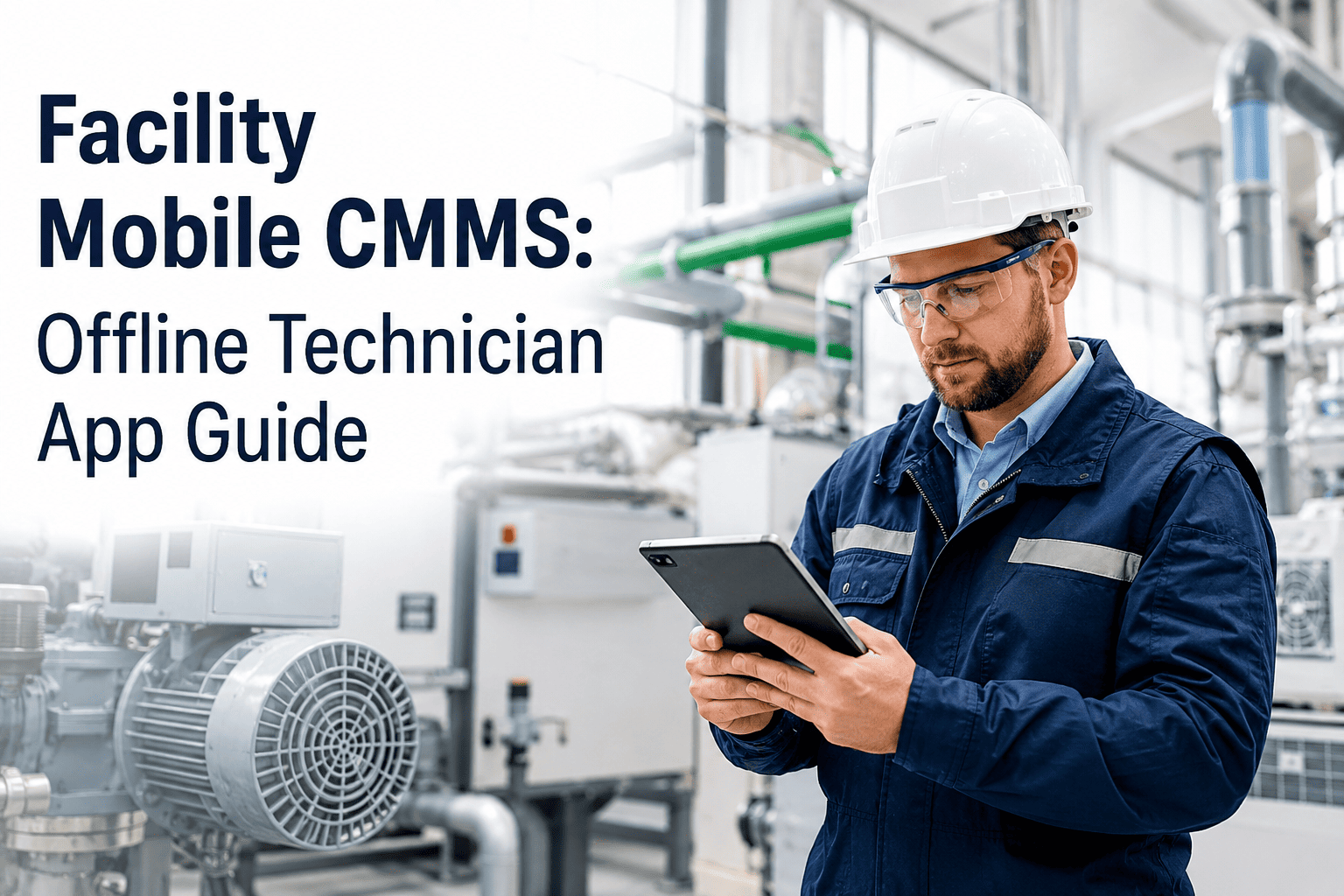
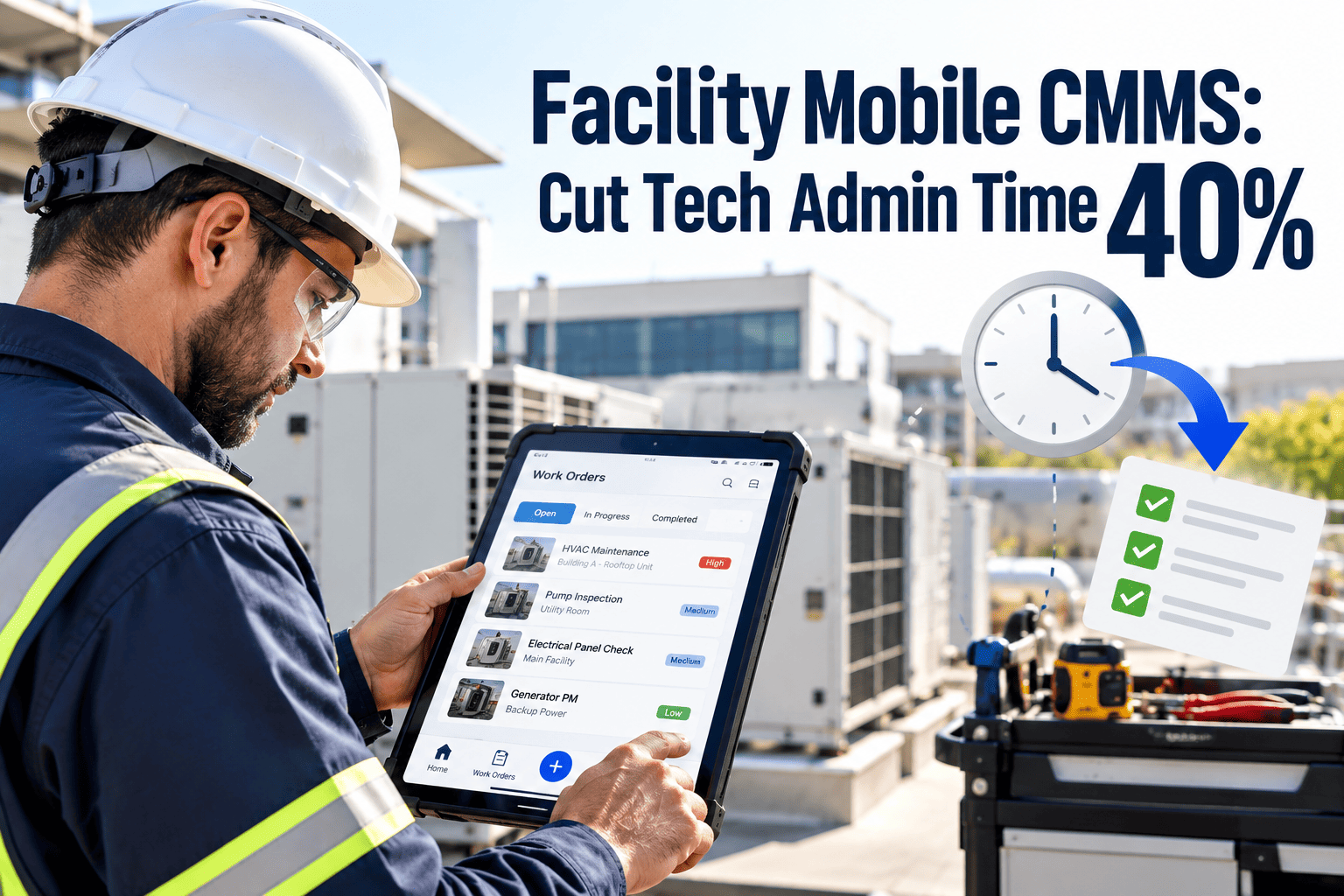
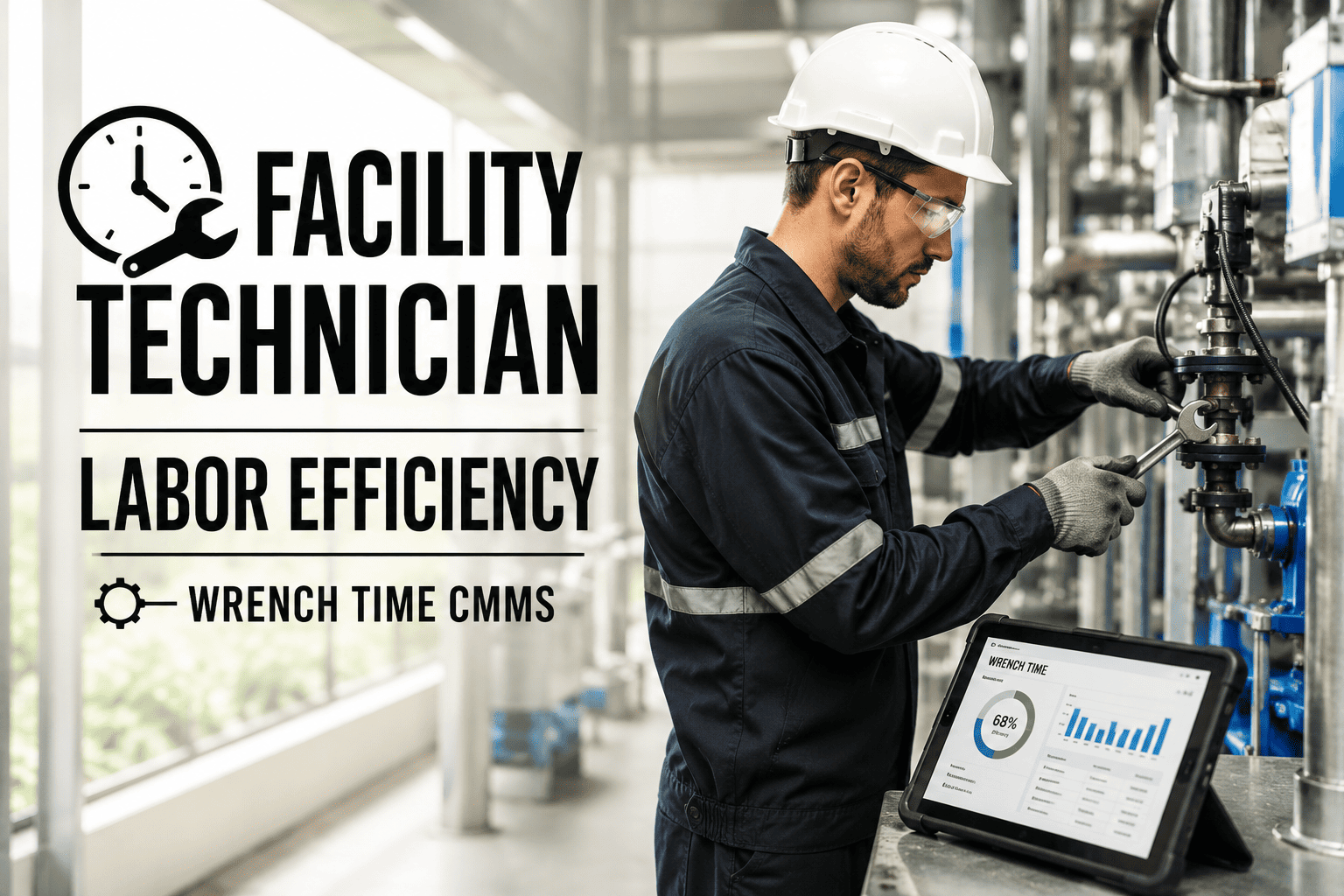
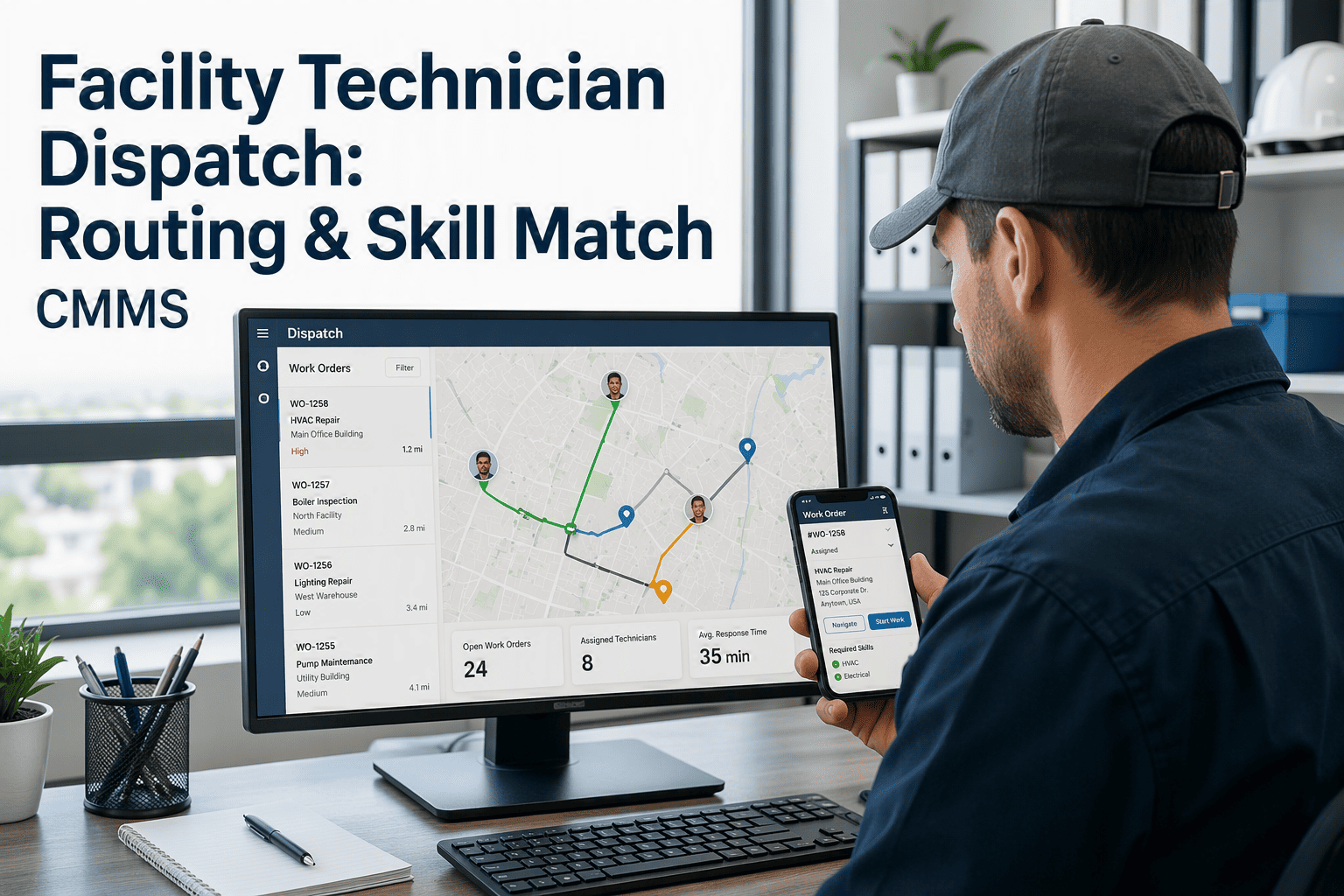
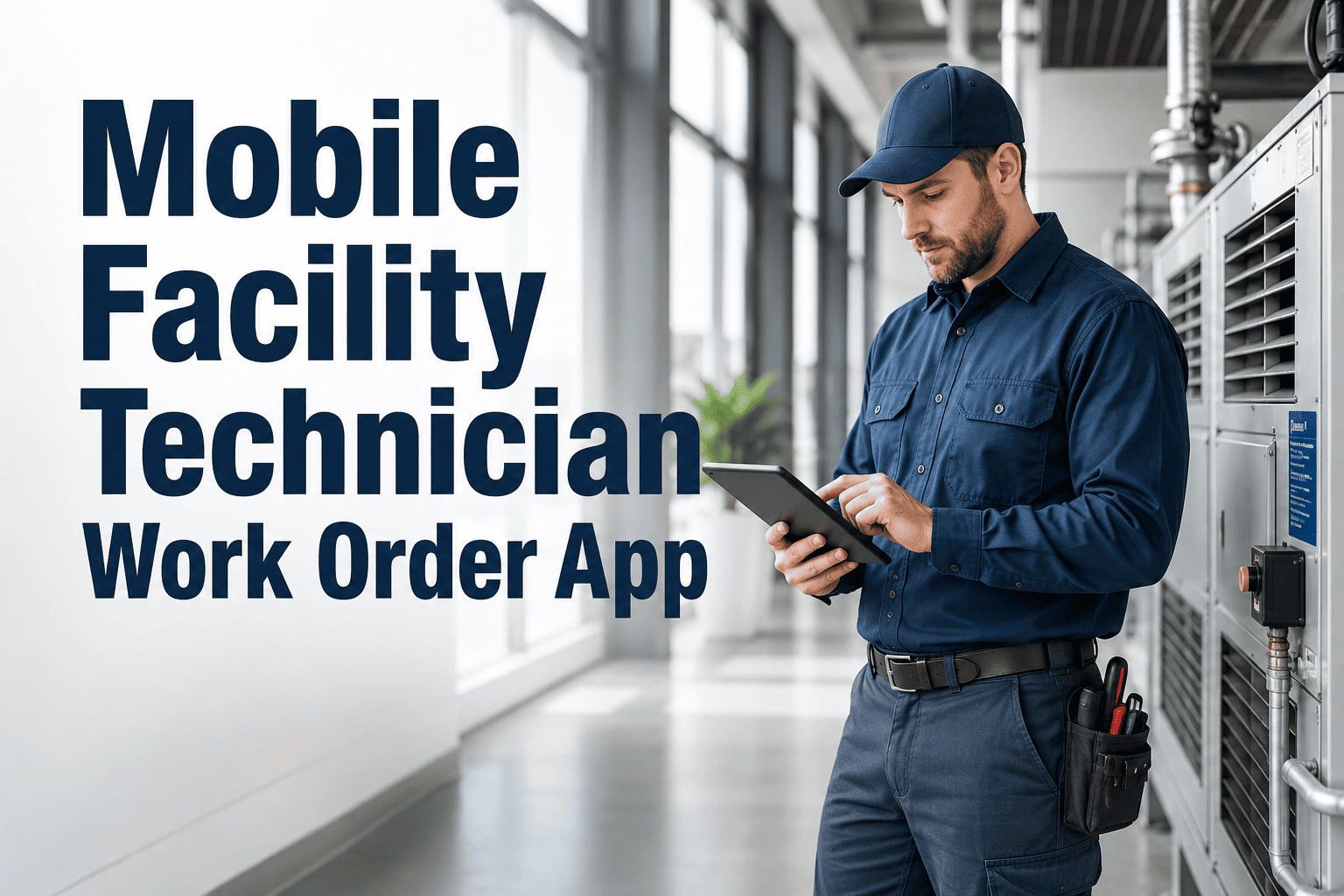
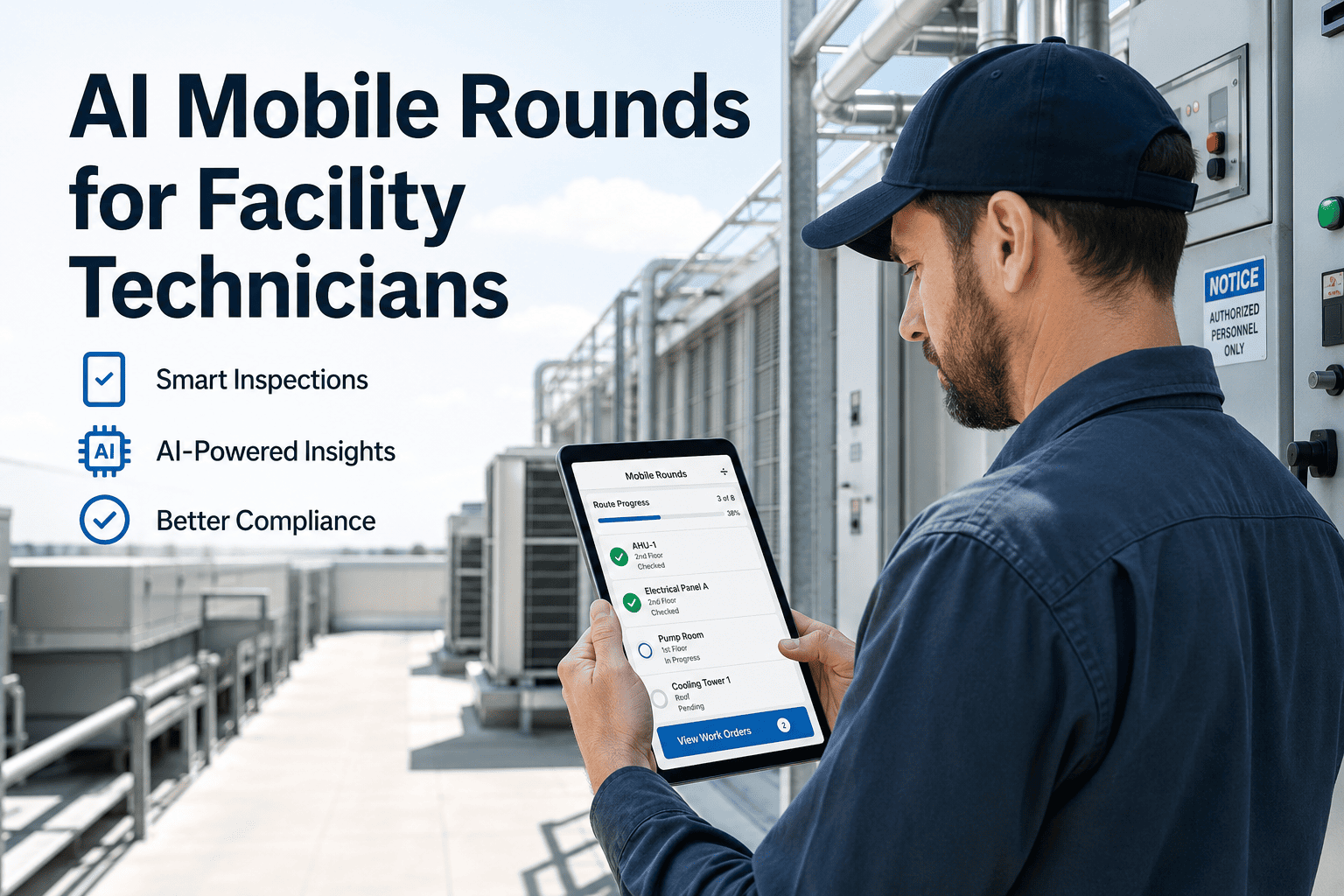
Facility technicians spend a surprising share of every shift walking back to an office just to log a completed work order, because the desktop CMMS they were handed never actually goes with them into the mechanical room, the rooftop unit, or the parking garage. Those are exactly the spots where cellular signal disappears and paperwork starts piling up on a clipboard instead. A mobile CMMS built for facility teams solves this by keeping every work order, checklist, and photo on the technician's phone even when the connection drops, then syncing everything the instant signal returns. Facility managers get accurate, timestamped records, technicians stop carrying paper, and basements and garages finally get the offline coverage they have always needed. Start free on Oxmaint and put a true offline mobile CMMS in your technicians' pockets today.
Mobile CMMS · Offline Technician App · Facility Maintenance
The Facility Mobile CMMS Built for Basements, Garages, and Dead Zones
Most mobile CMMS apps quietly stop working the second signal drops. Oxmaint keeps working — full work order creation, photo capture, and QR scanning with zero connectivity, syncing automatically the moment your technician walks back into range.
80%
of maintenance work is now logged from a mobile device instead of a desktop
94%
technician adoption rate reported once offline mode replaced paper backups
2 sec
average time to pull full asset history after a single QR code scan
Why Offline Capability Is the Real Test of a Facility Mobile CMMS
A responsive web page that shrinks a desktop screen onto a phone is not a mobile CMMS. These are the everyday facility situations where that difference becomes a real problem.
01
Basement Mechanical Rooms
Boiler rooms and electrical vaults are usually the weakest signal spots in any building, yet they hold the assets that fail most expensively.
02
Underground Parking Garages
Concrete and steel decking block cellular signal almost completely, right where lighting, drainage, and gate repairs happen daily.
03
Rooftop and Remote Units
Rooftop HVAC and elevator machine rooms sit far from WiFi access points, forcing technicians to remember details until they can log them.
04
Multi-Building Campuses
Moving between buildings means constant network handoffs, and a connection-dependent app simply freezes mid work order during that gap.
How True Offline Sync Actually Works
Four steps run automatically in the background, so your technician never has to think about signal at all.
1
Work Orders Download in Advance
Assigned jobs, checklists, and full asset history download to the device before the technician ever enters a dead zone.
2
Technician Works With Zero Signal
New work orders, photos, checklist entries, and digital signatures are created and saved locally on the phone — nothing is read-only.
3
Every Action Gets Timestamped
Arrival time, completion time, parts used, and GPS location are all recorded the moment they happen, offline or not.
4
Automatic Sync on Reconnect
The moment the device finds signal again, every record uploads on its own — no manual sync button, no lost data, no overwritten updates.
Paper backups and half-working mobile apps are still costing your facility team hours every single week in re-entered data and missed follow-ups.
Offline-First vs. Read-Only Mobile Apps
| Capability |
Read-Only Mobile App |
True Offline Mobile CMMS |
| Creating new work orders offline |
Not supported — waits for signal |
Fully supported, saved locally |
| Photo documentation |
Queued but often lost on app close |
Attached instantly to the work order |
| QR code asset lookup |
Requires live connection to server |
Works entirely from cached asset data |
| Digital checklists and signatures |
View only until reconnected |
Complete and sign the job on the spot |
| Data loss risk |
High if app is closed while offline |
None — local storage until sync completes |
What Technicians Actually Get in the App
Photo Documentation
Capture a leak, a crack, or a wrong installation the moment it's found. The image attaches directly to the work order and the permanent asset history.
QR Code Scanning
Scan any asset tag to instantly pull its full work order history, open jobs, and spare parts list — no searching by name or building floor.
Digital Checklists
Inspection steps, safety checks, and sign-offs live on the phone and complete offline, replacing clipboards for good.
GPS-Verified Closeout
Every completed job is location-stamped, giving supervisors proof the technician was physically at the asset when it was closed.
Results Facility Teams Report After Switching
94%
PM compliance after switching from paper, up from 61% within four months
45%
less time spent on field data entry compared to desktop-only workflows
58 min
saved per technician per day once desk trips for paperwork were removed
Facility Manager Perspective
Facility Operations Reviewer
Mobile Workforce Technology
Offline mode is the single feature that determines whether a facility team actually uses a mobile CMMS or quietly goes back to paper within a month. Buildings with mechanical rooms, garages, and multiple structures are precisely where connection-dependent apps fail first, and that failure shows up as missed preventive maintenance rather than an obvious error message. A genuinely offline-first app removes that failure point entirely, and the compliance and adoption numbers facility teams report after switching reflect exactly that.
Frequently Asked Questions
Does the facility mobile CMMS really work with zero signal?
Yes — technicians can create, edit, and close work orders, capture photos, and complete checklists entirely offline.
Try it free in your own mechanical room or garage to confirm it before rolling it out.
What happens if two technicians edit the same job while offline?
Each device syncs its timestamped changes on reconnect, and conflicting edits are flagged for a supervisor to resolve rather than silently overwritten.
Book a demo to see the sync logic tested live.
Can technicians scan QR codes without an internet connection?
Yes — asset data is cached on the device, so scanning a QR tag pulls history, open work orders, and parts lists even with zero signal.
Is company-issued rugged hardware required to run the app?
No — it runs on standard consumer iOS and Android phones under a normal bring-your-own-device policy.
Start a free trial on the device your team already carries.
How long does it take technicians to adopt the mobile app?
Most facility teams reach strong daily adoption within the first thirty days, since the scan-inspect-photo-close workflow mirrors how technicians already move through a building.
Give Your Facility Technicians an App That Works Where They Do
No more dead zones stopping a work order. Oxmaint keeps your team documenting, scanning, and closing jobs in every basement, garage, and rooftop across your buildings.