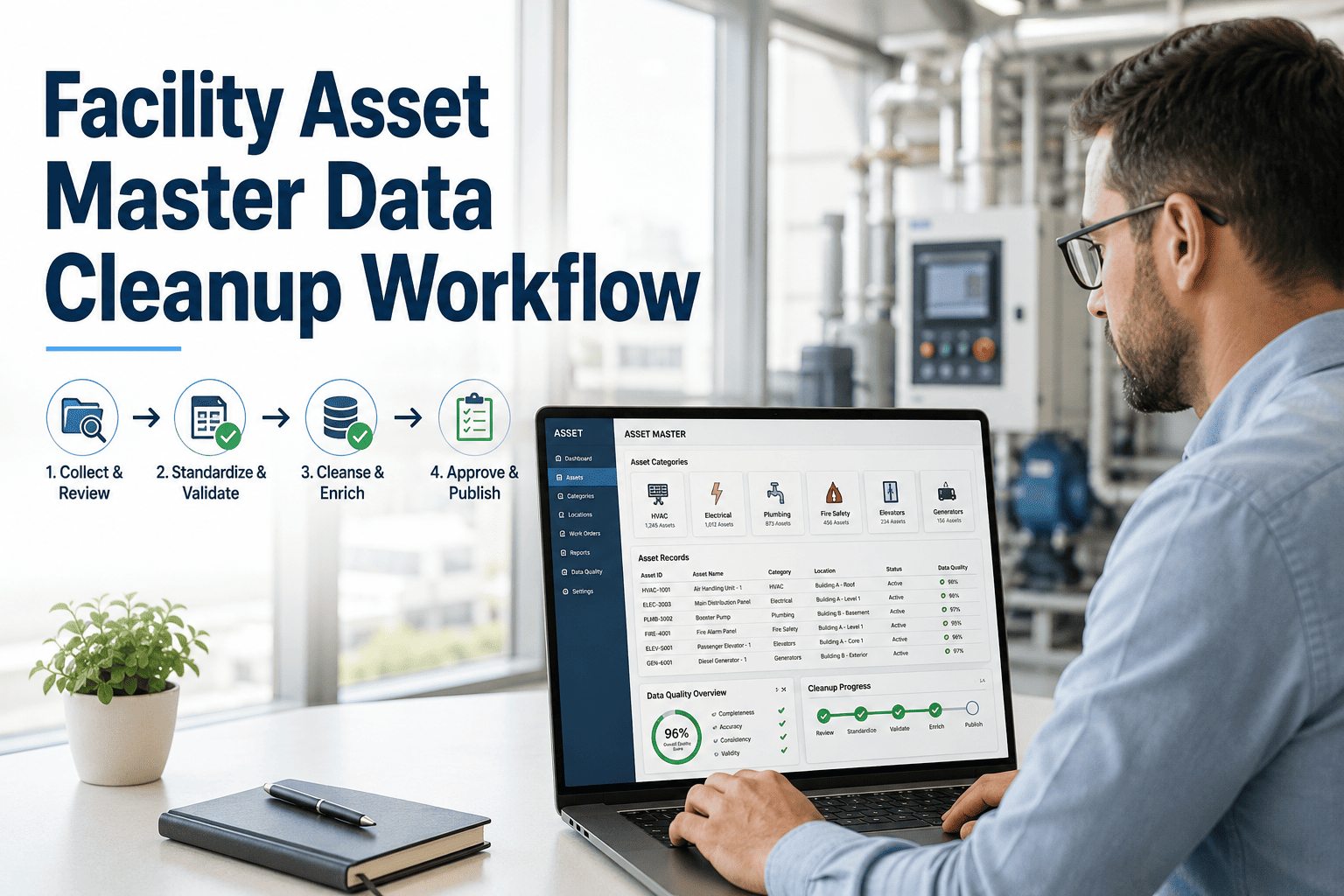
BIM handover to FM is the critical juncture where multi-million-dollar design and construction data either becomes a living operational advantage or gets stranded in unread model files. When BIM asset data is structured properly for facility management—using standards like COBie—maintenance teams gain instant access to digital O&M manuals, asset histories, and equipment specifications without digging through three-ring binders. A successful BIM to FM handover bridges the gap between capital project delivery and facilities operations, ensuring that every air handler, pump, and panel is tracked from day one. OxMaint transforms this static digital handover data into a dynamic, AI-powered CMMS that drives preventive maintenance and reduces downtime; you can Start Free Trial to see how your asset data should work.
Is your BIM model actually running your building, or just sitting in a folder?
Over 60% of facility teams receive BIM data at handover but never use it for operations. When digital O&M data isn't structured for FM, reactive maintenance costs spike and asset warranties are lost.
Why BIM to FM handover fails (and how to fix it)
The disconnect between construction teams and facility managers is well documented. Designers build rich 3D models for clash detection and visualization, but at handover, FM teams receive native RVT or IFC files that their maintenance software cannot read. The result is a digital file dropped into a shared drive, never to be opened again.
- Native model files (RVT/DWG) dumped on a hard drive
- O&M manuals delivered as non-searchable PDF binders
- Asset data missing critical FM fields (serial numbers, warranty dates)
- No mapping to a Computerized Maintenance Management System
- Reactive maintenance from day one of occupancy
- COBie data exported in structured spreadsheets or APIs
- Digital O&M linked directly to asset tags in the CMMS
- Equipment hierarchy pre-loaded with manufacturer specs
- Preventive maintenance plans generated automatically from asset data
- Full operational visibility from the first day of the warranty
COBie, ISO 19650, and BIM asset information for FM
Specifying the right information exchange standard is the only way to guarantee BIM operational data survives the transition from construction to operations. COBie (Construction-Operations Building Information Exchange) remains the baseline, but modern teams are moving toward API-driven integrations.
Structured Asset Data Spreadsheets
COBie standardizes facility data into a tabular format—capturing floor, space, system, and component details. While not visually elegant, it ensures every asset has a designated location, contact, and documentation link. OxMaint ingests COBie data directly, mapping each row to an asset record in seconds.
Information Management Standard
ISO 19650 defines the collaborative process for managing information across the project lifecycle. It requires an Asset Information Requirement (AIR) document that dictates exactly what data the FM team needs. Without an AIR, contractors guess at what to deliver—and FM teams guess where the data is.
Live Model Synchronization
Leading facilities teams bypass static spreadsheets entirely. By using IFC (Industry Foundation Classes) models and open APIs, asset data flows directly from the BIM environment into the EAM platform. When a pump is moved during a retrofit, the CMMS updates its location automatically.
The true cost of poor BIM data handover for facilities
When digital handover facility data is incomplete or inaccessible, the financial impact compounds over the building lifecycle. A missed warranty date or an unindexed maintenance manual directly translates to higher operational expenditure and unplanned downtime.
By structuring digital O&M data BIM correctly at handover and feeding it into an AI-powered CMMS like OxMaint, this facility would recover over $70K in the first year through automated PM scheduling, warranty tracking, and instant asset lookups.
How OxMaint turns BIM handover data into operational ROI
OxMaint is built to consume the asset data generated during BIM handover and immediately put it to work. Instead of letting your digital O&M sit idle, our AI-powered CMMS and EAM platform automates preventive maintenance, tracks spare parts, and predicts failures before they happen.
Automated Asset Registry Import
Upload COBie spreadsheets or sync via API, and OxMaint automatically builds your entire asset hierarchy—mapping locations, systems, and equipment tags without manual data entry.
Warranty & Documentation Vault
Every digital O&M manual, spec sheet, and warranty document from the BIM model is linked directly to its parent asset. OxMaint alerts you before warranties expire so you never pay for a covered repair.
AI-Generated Preventive Maintenance
Using manufacturer specs and asset criticality from the handover data, OxMaint's AI auto-generates PM schedules and work orders—shifting your team from reactive firefighting to predictive maintenance.
Spare Parts Inventory Sync
OxMaint cross-references BIM asset data with your spare parts inventory, ensuring critical components for newly handed-over equipment are stocked before the first work order is ever generated.
See OxMaint on your assets — book a 30-min demo
Discover how to transform your BIM handover data into a living maintenance program that cuts downtime, protects warranties, and simplifies operations.
BIM handover for FM: common questions answered
What is BIM handover in facility management?
BIM handover is the process of transferring digital building model data and operational information from the construction team to the facility management team at project completion. A successful BIM to FM handover delivers structured asset data—often via COBie—so maintenance teams can populate their CMMS, track equipment, and access digital O&M manuals immediately upon building occupancy.
Why is COBie important for BIM facility management?
COBie (Construction-Operations Building Information Exchange) is critical because it standardizes asset data into a format that facility management software can actually consume. Instead of static 3D models, COBie provides a spreadsheet of spaces, systems, and components with attached documentation. OxMaint uses this COBie data to automatically generate asset registries, eliminating weeks of manual data entry and ensuring FM teams have accurate equipment data from day one. Start Free Trial to import your COBie data.
How do you integrate BIM asset data into a CMMS?
Integrating BIM asset data into a CMMS requires mapping the data fields (like asset tag, location, manufacturer, and warranty date) from the BIM model or COBie export into the corresponding fields in the maintenance system. OxMaint streamlines this by offering direct COBie ingestion and API integrations, turning static model data into live, trackable assets with auto-generated preventive maintenance schedules.
What is the difference between BIM and digital O&M?
BIM (Building Information Modeling) is the 3D geometric and spatial representation of a building, while digital O&M (Operations & Maintenance) refers to the operational data, manuals, and maintenance schedules required to run the building. BIM contains the geometry; digital O&M data is the extracted, facility-specific information that actually feeds into maintenance software to drive work orders and preventive maintenance.
What should be included in a BIM FM data handover?
A proper BIM FM data handover must include the Asset Information Requirement (AIR) data: a complete asset register, equipment locations and spatial relationships, manufacturer details, model and serial numbers, warranty start and end dates, recommended maintenance tasks, and all digital O&M manuals. Without these elements, the CMMS cannot automate preventive maintenance or warranty tracking. Book a Demo to see how OxMaint validates your handover data.
Turn your BIM data into a maintenance advantage today
Stop letting valuable asset data sit unused. OxMaint converts your BIM handover into a proactive, AI-driven maintenance program that saves time, reduces downtime, and protects your investments.
Free 14-day trial · No credit card