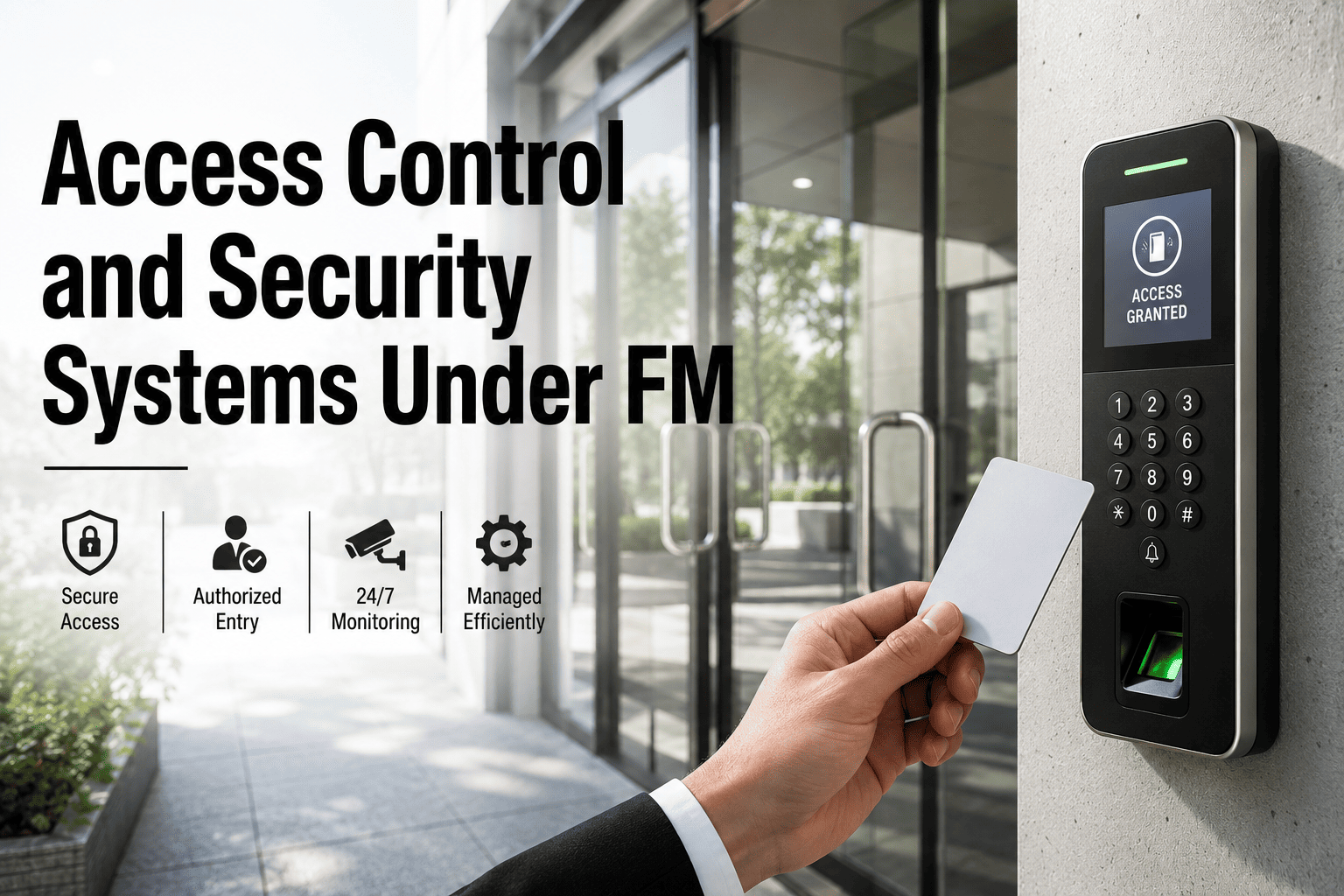
Access control FM responsibilities are one of the most contested areas in modern building operations, sitting squarely at the intersection of Facilities Management, IT, and Physical Security. When a badge reader fails at a critical perimeter or a CCTV DVR goes offline, the ownership question determines whether the fix takes 20 minutes or 20 hours. This guide breaks down how facility teams can own security system upkeep and maintenance execution without overstepping security policy, and how modern CMMS platforms like OxMaint streamline that accountability—start your Start Free Trial to see the workflow in action.
Access Control & Security Under FM
Who Maintains Your Facility Security Systems When Access Control Fails?
Ownership of security infrastructure FM assets is where accountability either lives or gets lost. The answer is not about who sets the security policy—it is about who owns the physical upkeep. When facilities management owns access control maintenance, systems stay reliable, compliant, and online.
In most mid-to-large enterprises, the security department dictates access policy, IT manages the network, but FM holds the budget and responsibility for the physical hardware lifecycle—readers, controllers, cameras, locks, and power supplies.
The Ownership Framework
Facility Access Control Ownership: Who Does What?
Clear RACI boundaries prevent the "not my job" trap. In high-performing facilities, FM owns the physical asset lifecycle, IT owns the network path, and Security owns the policy. Here is how the responsibilities break down across access control building FM operations.
| Responsibility Domain | Facilities Management (FM) | IT / Network | Security Dept |
|---|---|---|---|
| Hardware Lifecycle | Owns asset registry, replacements, and PM scheduling | Advises on IP compatibility | Defines operational need |
| Preventive Maintenance | Executes and logs all PMs (locks, readers, doors) | Network health monitoring | Reviews uptime reports |
| Access Policy & Credentialing | No involvement | Manages identity directories (AD/LDAP) | Sole owner of access levels and approvals |
| Incident Response (Hardware) | Dispatches technician, fixes physical fault | Checks switch/port status | Triggers escalation, logs incident |
| Compliance & Audit | Provides maintenance history for auditors | Provides network logs | Provides access event logs |
When FM formally owns the physical maintenance layer, mean time to repair (MTTR) for security hardware drops by up to 40% because accountability is not shuffled between departments.
PM Responsibility
FM Access Control Maintenance Checklist
Security infrastructure FM requires rigorous, scheduled preventive maintenance. Without it, fail-secure locks seize, camera lenses cloud, and card readers degrade. This is the standard PM checklist for facility security systems.
Access Hardware
- Test all fail-safe and fail-secure door locks for binding
- Inspect card reader connections and clean contact surfaces
- Verify door position switches (DPS) and request-to-exit (REX) alignment
- Lubricate door closers and check panic hardware torque
Power & Backup
- Test UPS load capacity for security controllers
- Inspect power supply outputs (12VDC / 24VDC rails)
- Verify battery discharge curves and replace if degraded
- Check PoE injector health for IP cameras and readers
Surveillance & Intrusion
- Clean camera housings, lenses, and IR illuminators
- Verify DVR/NVR recording integrity and storage thresholds
- Test intrusion detection sensors (PIR, glass break, contact)
- Validate video management system (VMS) timestamp sync
Integration Coordination
How FM Coordinates Security System Upkeep Facility Teams
Modern access control systems facility deployments do not operate in isolation. They integrate with fire alarms, elevators, HR systems, and building management systems (BMS). When maintenance is required, FM must coordinate across these integrations to avoid cascading failures.
Identify Integration Touchpoints
Map every physical security asset to its network dependencies. A card reader at a loading dock may rely on a specific network switch, an elevator controller, and the fire alarm panel. FM must document these links in the CMMS asset hierarchy.
Schedule Coordinated Outages
When replacing a door controller, FM coordinates with IT to avoid network loops, with Security to ensure guard coverage, and with Operations to minimize downtime. A CMMS automatically notifies stakeholders when a PM work order is scheduled.
Execute and Verify
Post-maintenance, the technician verifies not just the hardware, but the integration—does the door unlock during a fire alarm? Does the elevator recall work? OxMaint captures these verification steps in digital checklists attached to the work order.
Close the Loop with Data
Every completed PM feeds analytics. If a specific reader fails repeatedly, the CMMS flags it for predictive replacement before it causes a security breach. This shifts FM from reactive to predictive maintenance.
Worked Example
A 180-Door Corporate Campus
A 180-door corporate campus spending $42K/yr on ad-hoc security repairs implemented a CMMS-driven PM schedule. By assigning 100% of physical security hardware to FM's asset registry and automating quarterly PMs, emergency repair calls dropped 55% in year one. The shift from reactive to planned maintenance saved $23K in vendor dispatch fees and eliminated 14 access control downtime events that previously disrupted operations.
Product Fit
How OxMaint Secures Your FM Physical Security Systems
OxMaint is built for maintenance and reliability teams who need to keep facility security technology running without friction. From asset tracking to predictive analytics, here is how OxMaint solves the specific challenges of access control maintenance FM.
Centralized Asset Registry
Track every reader, controller, camera, and lock as a discrete asset with full hierarchy. OxMaint links maintenance history, warranties, and spare parts to each device, eliminating the "which reader is this?" guesswork.
Result: 100% asset visibilityAutomated PM Scheduling
Set quarterly, monthly, or bi-annual PMs that auto-generate work orders with digital checklists. Technicians receive mobile alerts, complete forms on-site, and upload photos—no paper, no missed PMs.
Result: 40% fewer missed PMsPredictive Maintenance Analytics
OxMaint's AI analyzes work order history and failure patterns to predict which security assets are nearing end-of-life. Replace a failing card reader before it locks out 500 employees at 8:00 AM.
Result: 30-50% less unplanned downtimeAudit-Ready Compliance Logs
Every maintenance action is timestamped, geo-tagged, and stored immutably. When auditors ask for proof of PM on a perimeter access point, export the complete history in one click. ISO 55000 and SOC 2 ready.
Result: Zero-day audit readinessStop Losing Time on Reactive Security Repairs
See how OxMaint brings every security asset, work order, and PM schedule into one AI-powered platform. Book a 30-minute demo and we will map it to your facility.
FAQ
Facility Security Systems FM Ownership: Common Questions
Does FM own access control system maintenance?
In most organizations, yes. Facilities Management owns the physical hardware lifecycle—readers, locks, cameras, power supplies, and controllers—while the Security department owns access policy and IT owns the network. FM is responsible for executing preventive maintenance, responding to hardware faults, and maintaining the asset registry, ensuring the physical security infrastructure remains operational and compliant.
What is the difference between security policy and security maintenance?
Security policy determines who gets access, when, and to which doors—this is owned by the Security department. Security maintenance ensures the hardware enforcing that policy actually works—this is owned by FM. FM does not decide who gets a badge, but FM ensures the badge reader functions, the door locks engage, and the system reports correctly. You can explore how OxMaint enforces this separation by visiting Start Free Trial.
How often should facility access control systems be maintained?
Access hardware like door locks and readers should undergo quarterly preventive maintenance. Power systems and UPS backups require monthly testing. Surveillance cameras and intrusion sensors should be inspected bi-annually. High-traffic entry points may need monthly checks. A CMMS like OxMaint automates these schedules based on asset criticality and manufacturer recommendations, ensuring no PM is missed.
Who is responsible for security system integration with IT?
FM owns the physical integration—ensuring the controller is wired correctly and the door hardware functions—while IT owns the network layer (IP addressing, switches, VLANs). Security owns the logical integration (credential mapping, access rules). When maintenance requires system downtime, FM coordinates the outage with IT and Security through the CMMS work order workflow to minimize disruption.
Can a CMMS improve security system uptime?
Yes, significantly. A CMMS improves uptime by automating preventive maintenance schedules, tracking asset failure patterns for predictive replacement, and reducing mean time to repair through streamlined work order dispatch. Facilities using OxMaint report 30-50% reductions in unplanned security downtime because failures are caught during scheduled PMs rather than discovered during a security incident.
Take Control of Your Security Infrastructure FM
Join maintenance teams using OxMaint to eliminate paper work orders, predict failures before they happen, and keep every access point online. See it on your assets today.
Free 14-day trial · No credit card