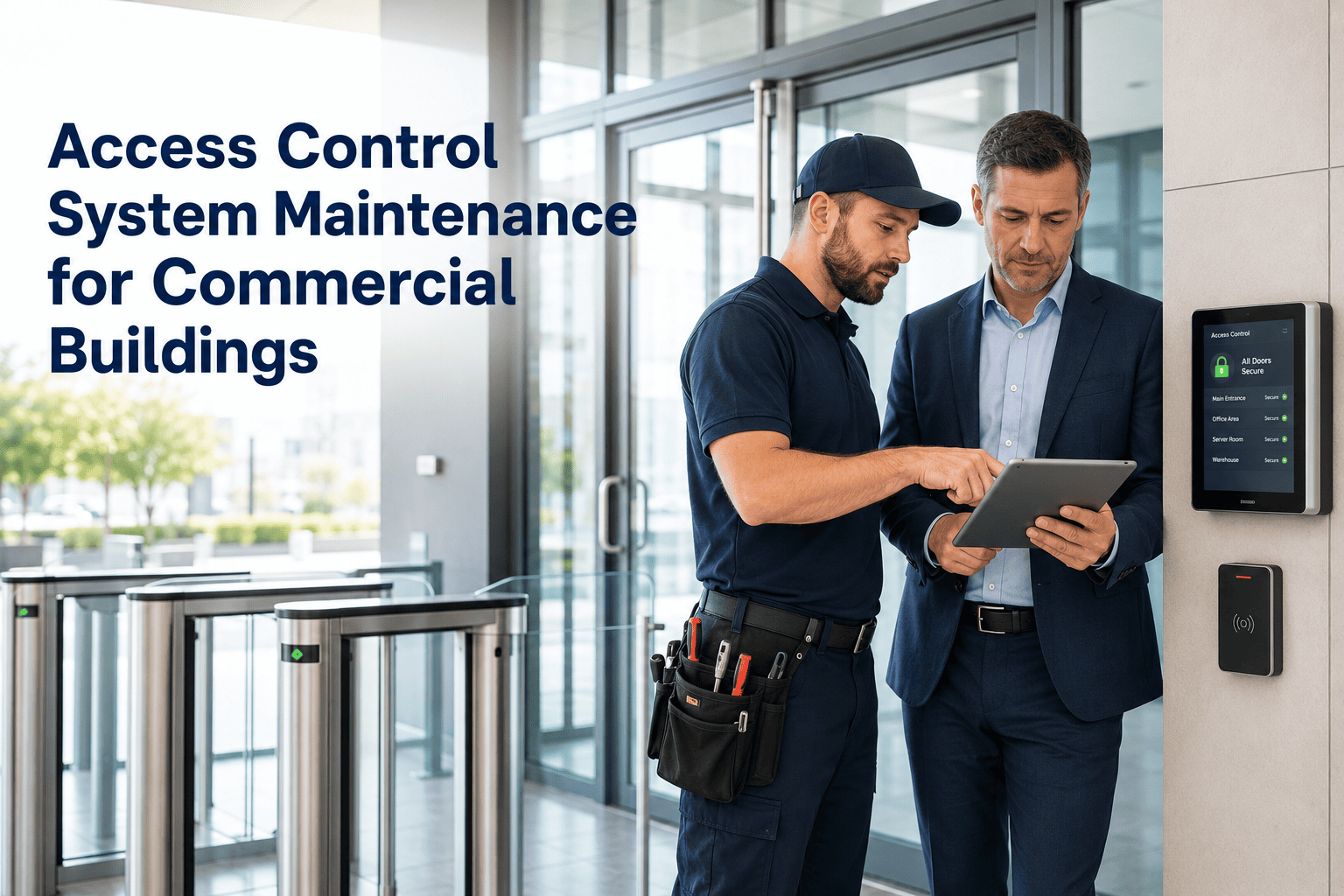
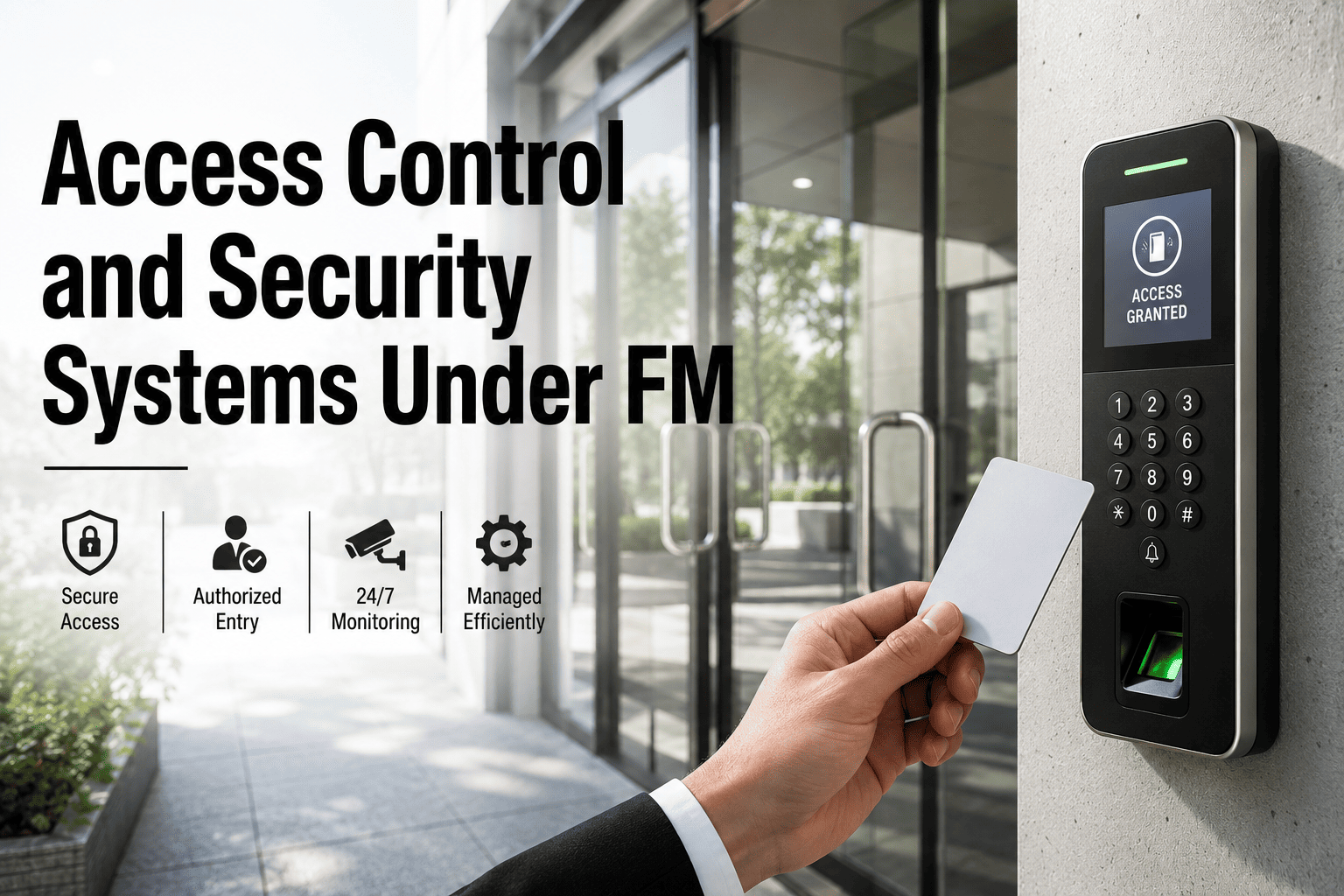
A badge reader that fails during the morning rush locks out 200 employees and triggers a security incident report before 9 AM. A door closer that hasn't been inspected in 18 months lets a fire door stay propped open — a life safety violation waiting for its next audit. Access control systems in commercial buildings degrade silently: firmware goes unpatched, battery backups drain, door hardware wears past tolerance, and credential databases accumulate ghost cards from employees who left years ago. This checklist gives facility managers and security maintenance teams a structured program to prevent every one of these failures before they become incidents. Start your free trial and configure access control PM schedules in OxMaint today.
43%
of commercial building security incidents involve a door hardware or access reader that had a documented maintenance backlog
18 mo
Average time between access control inspections in facilities without a structured PM program — 3x the recommended interval
$12K+
Average emergency repair and business disruption cost for a failed electronic access control system at a single entry point
Access Control Asset Categories — What Needs a Maintenance Record
Every component that controls, monitors, or secures physical entry must carry its own maintenance record. A single access-controlled door involves at least six distinct asset types — each with its own failure mode, inspection interval, and PM trigger. Facility teams that track only the panel miss the five components that fail first.
RDR
Card / Badge Readers
Quarterly inspection
ELK
Electric Locks and Strikes
Biannual inspection
DOR
Door Closers and Hardware
Annual + condition check
ACP
Access Control Panels
Annual + firmware cycle
BAT
Backup Power / UPS
Annual load test
CAM
Door-Mounted Cameras
Quarterly cleaning + check
Monthly Access Control Maintenance Checklist
Monthly tasks focus on what degrades fastest — credentials, connectivity, and physical reader condition. These checks are fast, require no tools, and catch the majority of failures before they affect building access. Each item should be recorded as a completed task in your CMMS with technician sign-off and timestamp.
Credential and Database Audit
Review active credential list — identify and deactivate cards belonging to terminated employees, contractors, or vendors whose access period has ended. Ghost credentials are the most common entry point for unauthorized access events.
Confirm all temporary access credentials issued in the previous 30 days have correct expiry dates set. Temporary credentials with no expiry convert to permanent access by default in most systems.
Run an access event report for the month — flag any repeated failed access attempts at any door, which may indicate a lost card, a cloned credential, or a reader fault requiring investigation.
Reader and Panel Connectivity
Verify all readers are showing online status in the access control software. Offline readers operating in degraded mode may grant access based on cached credentials without logging events — a security and audit gap.
Check system event log for communication errors, panel resets, or time synchronization failures. Panel time drift causes access log timestamps to be inaccurate, invalidating incident investigation records.
Test one reader per floor or zone with a valid credential and a known invalid credential — confirm correct grant and deny responses, and verify that both events appear correctly in the access log.
Physical Reader Inspection
Inspect all card readers for physical damage, vandalism, moisture intrusion, and tamper evidence. Outdoor readers at parking gates and loading docks are highest risk — check seals and weatherproofing gaskets.
Clean reader faces and proximity sensor windows. Contamination from fingerprints, dust, or industrial film reduces read range — a reader that fails at 2 cm when it should read at 10 cm will generate user complaints and failed access events without triggering a system fault.
Verify mounting integrity — reader mounting screws, back-box seating, and conduit entry seals. Loose mounting creates the opportunity for reader substitution attacks and allows moisture ingress.
Door Hardware Condition Check
Test door closer speed on all access-controlled doors — door should close and latch fully under its own closer power within the code-required time. A door that requires a push to latch is a fire door violation and a tailgating risk.
Inspect door frame, hinge, and strike alignment. Door sagging causes electric strike misalignment — the bolt fails to retract or engage cleanly, producing intermittent lock failures that are difficult to diagnose without physical inspection.
Test request-to-exit (REX) sensors and push-to-exit buttons on all egress doors. A failed REX sensor traps people inside a secured area — a life safety failure regardless of fire condition.
Panel and Firmware Maintenance
Apply all pending firmware updates to access control panels and reader firmware. Security vulnerabilities in access control firmware are actively exploited — unpatched panels in networked buildings are a cyber-physical attack surface.
Verify full system database backup to off-panel storage. A panel failure without a current backup requires complete credential and schedule reprogramming — potentially days of access disruption for a large facility.
Conduct access schedule audit — review all time-zone and holiday schedule settings. Schedules accumulate drift over 12 months as one-time exceptions are made and not reversed, resulting in doors unlocking at incorrect times.
Backup Power Verification
Perform UPS load test on all access control panel backup power supplies. Batteries that hold voltage under no load can still fail under the current draw of an electric strike release — test under actual lock load, not nominal voltage.
Test fail-safe versus fail-secure behavior for every door during simulated power loss. Confirm fire exit doors revert to unlocked state (fail-safe) and high-security doors revert to locked (fail-secure) as specified in the security design.
Inspect all electric locks and strikes for wear on bolt faces, strike plates, and solenoid response time. A solenoid that responds 400 ms slower than spec causes user perception of lock failure and may indicate impending solenoid burnout.
Preventive Maintenance — Powered by OxMaint
Turn This Checklist Into Scheduled Work Orders — Automatically
OxMaint converts every checklist item into a recurring PM work order, assigns it to the right technician, tracks completion, and stores the signed-off record for your next security audit. No paper. No missed inspections.
PM Interval Reference Table — Access Control Components
| Component |
Monthly |
Quarterly |
Annual |
Primary Failure Mode |
CMMS Trigger |
| Badge / Card Readers |
Connectivity check |
Physical + clean |
Firmware update |
Read range degradation, moisture ingress |
Calendar + fault log |
| Electric Locks / Strikes |
Event log review |
Alignment check |
Solenoid response test |
Strike misalignment, solenoid wear |
Calendar + reported fault |
| Door Closers |
|
Speed and latch test |
Full adjustment |
Slow close, failure to latch, fluid leak |
Calendar + inspection |
| Access Control Panels |
Status and log check |
|
Firmware + backup |
Firmware vulnerability, database corruption |
Calendar + vendor bulletin |
| UPS / Backup Power |
|
Voltage check |
Load test + replace if needed |
Battery capacity loss, silent failure |
Calendar + age threshold |
| REX Sensors / Exit Buttons |
|
Functional test |
Full egress test |
Sensor drift, mechanical failure, wiring fault |
Calendar + life safety flag |
| Credential Database |
Ghost card audit |
Temporary access review |
Full access schedule audit |
Unauthorized access from stale credentials |
Calendar + HR offboarding |
Expert Review
JH
James Holloway
Physical Security Consultant — 19 years in commercial building security systems and facility management
The access control failures I investigate most often are not technology failures — they are maintenance failures. A door closer out of adjustment for six months creates a tailgating problem that costs a company more in security investigation and remediation than a year of structured PM would have cost. The second most common issue is the credential database: I have audited facilities with 30 to 40 percent of active credentials belonging to people who left the company. That is not a security system problem. That is a maintenance program that never included credential hygiene. A CMMS that schedules database audits alongside physical hardware inspections closes both gaps in one program.
Common Access Control Failures and Their Root Causes
Reader offline at morning access peak
Root cause: Panel communication failure from unpatched firmware or network config change — not caught because monthly connectivity check was skipped
Prevention: Monthly online status verification logged in CMMS with sign-off
Fire door propped open — code violation found at inspection
Root cause: Door closer fluid leak reduced closing force below latch threshold — door appeared functional but did not fully seat against the strike
Prevention: Quarterly door closer speed and latch test with CMMS work order record
Unauthorized individual accessed secure floor
Root cause: Credential belonging to a terminated contractor still active in system — no monthly ghost card audit in place
Prevention: Monthly credential audit tied to HR offboarding workflow in CMMS
Building dark after power outage — no access for 4 hours
Root cause: UPS battery capacity below threshold — passed voltage check at rest but failed under electric strike load during actual outage
Prevention: Annual UPS load test under actual lock current draw, not nominal voltage reading
Frequently Asked Questions
How often should badge reader firmware be updated in a commercial building?
Access control panel and reader firmware should be reviewed for updates on an annual scheduled basis at minimum, and applied immediately when a vendor security bulletin is issued. Many access control vulnerabilities discovered in the past five years affect networked panels — facilities connected to corporate IT networks are exposed to both physical and cyber-physical attack vectors through unpatched firmware. OxMaint allows firmware update tasks to be scheduled as annual PM work orders with the ability to create urgent work orders when vendor bulletins arrive.
Configure firmware maintenance schedules for your access control assets in OxMaint today.
What is the correct fail-safe versus fail-secure setting for different door types in a commercial building?
Fail-safe doors unlock on power loss and are required for all emergency egress paths — stairwell exits, exterior emergency exits, and any door designated as a fire or life safety exit under local code. Fail-secure doors remain locked on power loss and are appropriate for server rooms, cash rooms, executive floors, and other high-security areas where unauthorized access during a power event is the greater risk. The setting for each door must be documented in your access control asset registry and verified during every annual power interruption test. Mismatched fail states discovered during an emergency are both a life safety and liability issue.
Book a demo to see how OxMaint stores fail-state documentation per door asset.
How should credential deactivation be handled when an employee leaves the company?
Credential deactivation should be a triggered workflow, not a periodic audit — the HR offboarding process should automatically create a work order or task in the access control system to deactivate the departing employee's credentials on their last day. This is best implemented as an integration between your HR system and CMMS, or as a manual triggered task created by HR and assigned to the security or facilities team. Monthly ghost card audits catch deactivations that were missed by the trigger workflow — they are a backup control, not the primary process. Facilities that rely only on monthly audits will always have a 30-day window of unauthorized access exposure. OxMaint supports HR-triggered work order creation to close this gap.
Can OxMaint manage access control maintenance across multiple commercial buildings from one account?
Yes — OxMaint's multi-site asset registry allows every door, reader, panel, and credential system across all buildings to be managed from a single account, with site-specific filtering for reporting and work order assignment. PM schedules are configured per asset and applied consistently across all locations. Compliance reports can be generated per building for individual property audits or across the entire portfolio for enterprise security reviews. Technicians see only the assets assigned to their location, while facility managers and security directors have full portfolio visibility.
Start your free trial and register your access control assets across all your commercial properties today.
Access Control PM — OxMaint.ai
Schedule Every Inspection. Store Every Record. Pass Every Audit.
Monthly credential audits, quarterly reader checks, annual panel firmware and backup power tests — all structured as recurring PM work orders in OxMaint, with signed-off records ready for your next security inspection or compliance review.