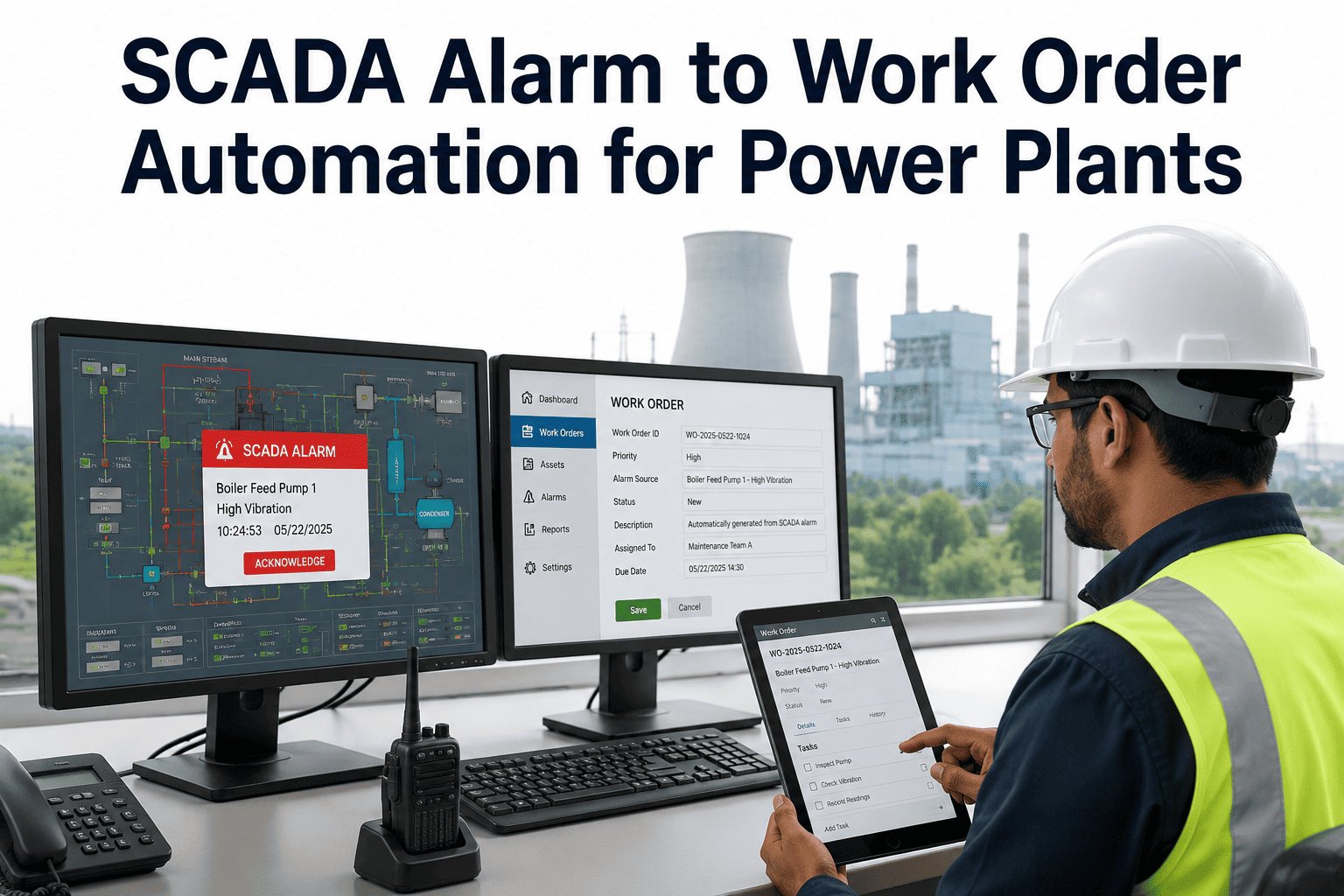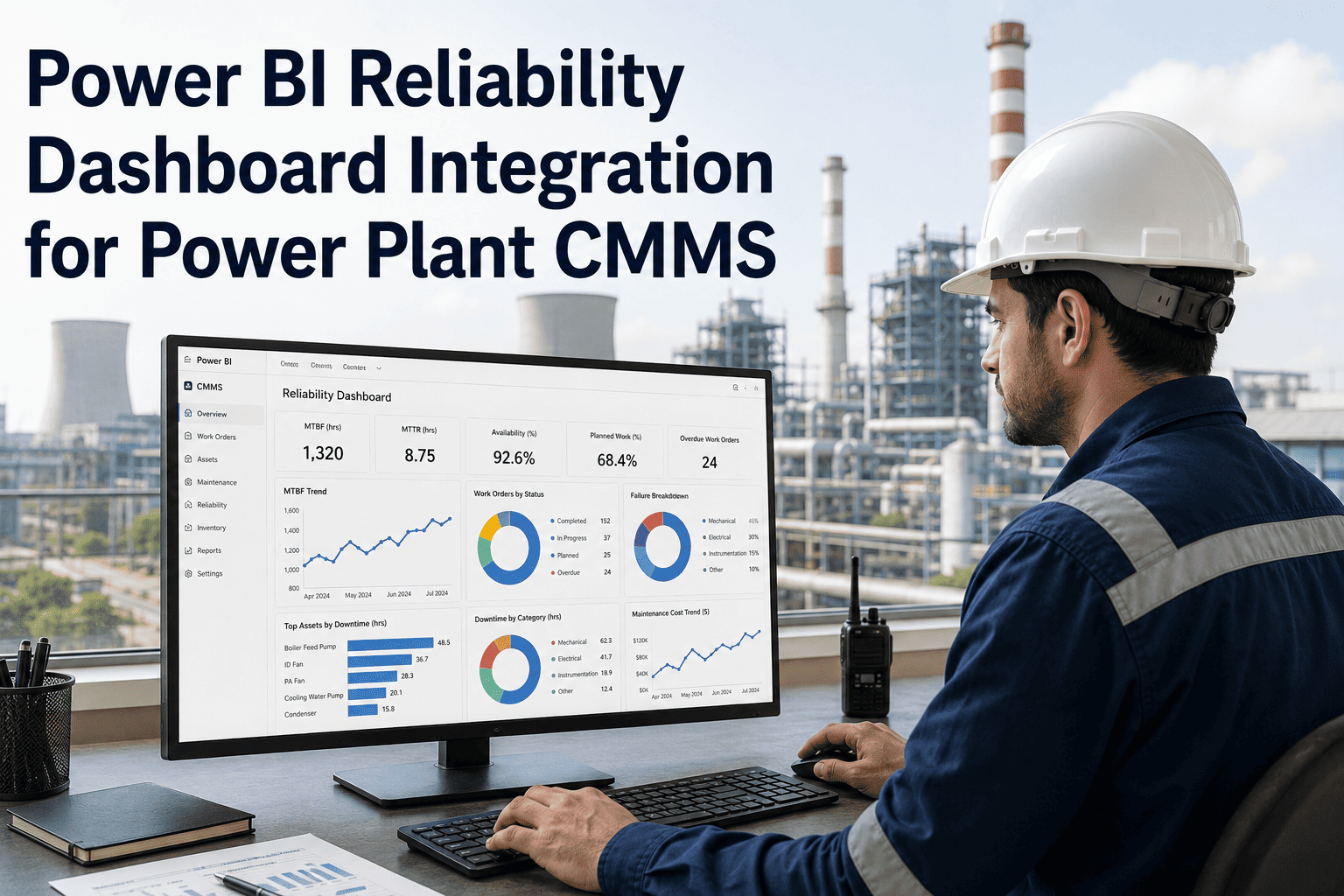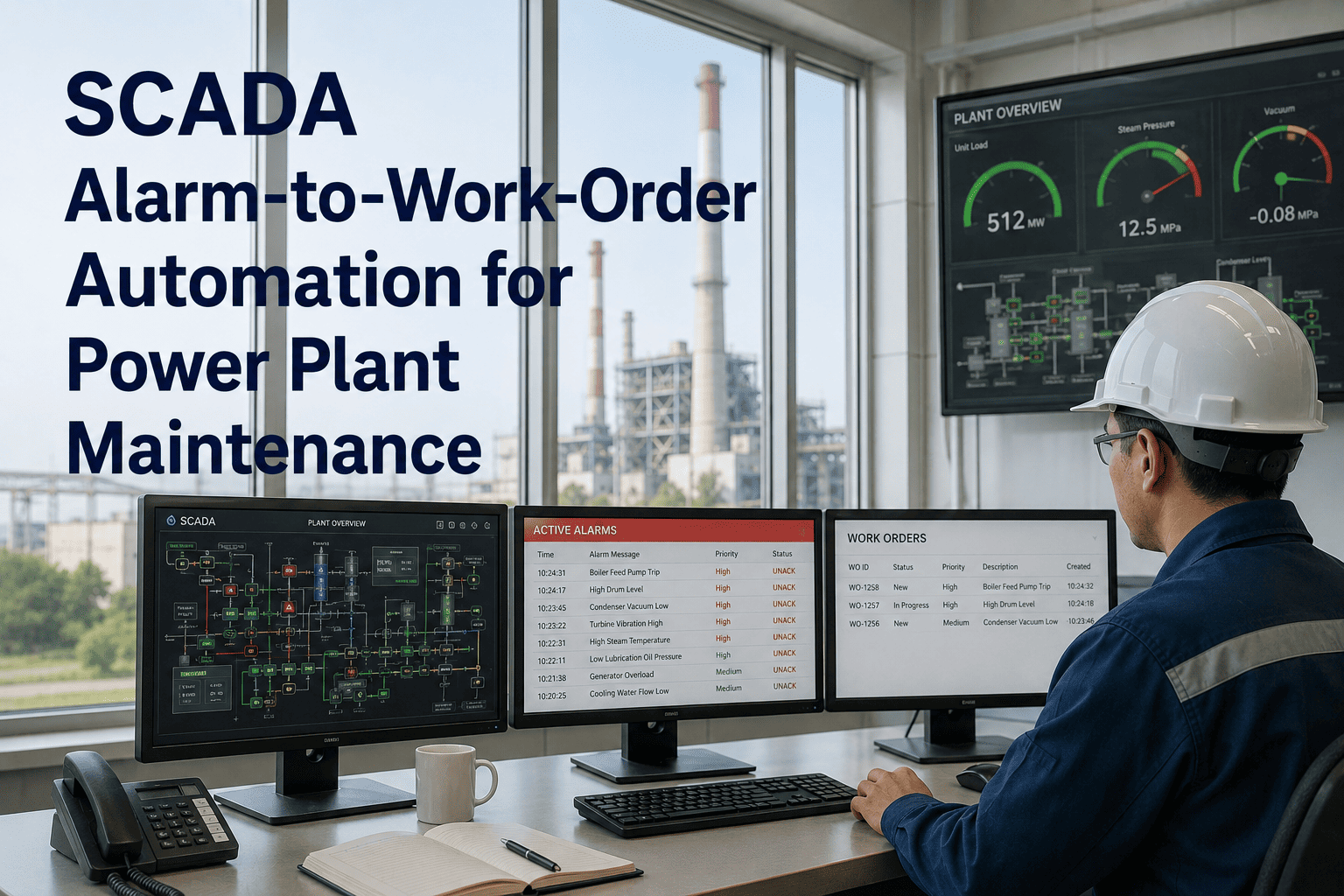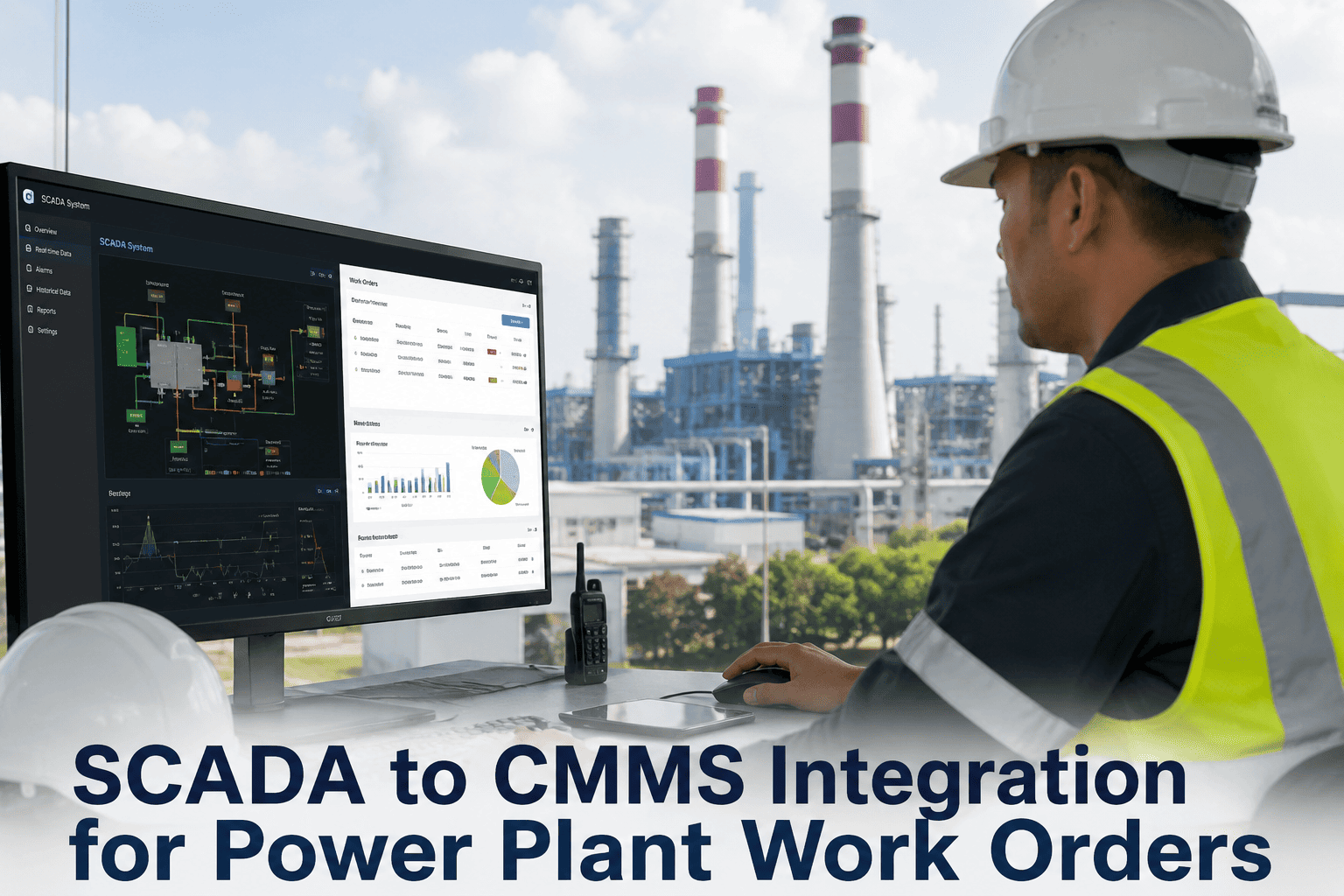
Running SAP PM or Oracle EAM at your power plant without a connected CMMS execution layer is like operating two control rooms for the same turbine — each one sees a different version of reality. At a 1,200 MW combined-cycle plant, that gap costs an estimated $500K–$2M annually in duplicate data entry, missed cost postings, and emergency procurement delays that a synchronized CMMS-ERP data flow would have caught weeks earlier. If your maintenance and finance teams are working from different records, start a free Oxmaint trial and close the gap between your ERP backbone and your field execution layer.
Power Plant Integration Guide — 2026
SAP PM & Oracle EAM Integration With CMMS: The Power Plant Playbook
Work order sync, equipment master alignment, MRO inventory, and audit-ready data flows — built for plant managers who can't afford mismatched records.
47%
Higher work order completion rate with mobile CMMS front-end over SAP PM alone
31%
Drop in emergency callouts after CMMS-SAP integration at a 1,200 MW plant
40%
Faster maintenance planning cycle after ERP-CMMS bidirectional sync
2–4 hrs
Per-day planner time lost to duplicate data entry in disconnected setups
Why Power Plants Run SAP PM or Oracle EAM — And Where They Hit the Wall
SAP Plant Maintenance (PM)
Role in the Plant
SAP PM governs financial control — cost centre postings, purchase order flows, asset master records, and maintenance order accounting. It is the system of record for what maintenance costs, not for how maintenance happens on the floor.
Where It Falls Short
- Requires multiple transaction codes to close a single work order
- Asset master reflects commissioning data, not field-modified reality
- No mobile-first interface for technicians at the turbine deck
- Maintenance history siloed from field execution data
Oracle EAM / Oracle Cloud Maintenance
Role in the Plant
Oracle EAM handles asset lifecycle management, work order scheduling, and MRO inventory within the Oracle ERP suite. It offers strong reporting and hierarchy management but shares the same field execution gaps as SAP PM.
Where It Falls Short
- Complex UI drives low technician adoption on mobile devices
- Spare parts inventory often lags real-time consumption
- Condition-based triggers require custom configuration
- Offline capability limited in switchyard and substation environments
The 5 Critical Data Flows That Must Sync
01
Equipment Master Sync
Asset records, functional location hierarchies, and equipment numbers created or updated in SAP (EQUNR/TPLNR) or Oracle EAM propagate to the CMMS automatically. Every work order links to the correct asset — no phantom equipment records, no orphaned maintenance history.
SAP Object: EQUNR · IFLOT · TPLNR
02
Work Order Bidirectional Sync
Work orders created in the CMMS field layer post to SAP PM (AFKO/AFPO) or Oracle EAM automatically. Completion data — labour hours, material consumption, failure codes — writes back to the ERP without manual re-entry. Finance sees costs in real time.
SAP Objects: AFKO · AFPO · AFRU
03
MRO Inventory & Purchase Requisitions
When a CMMS work order consumes a spare part, inventory in SAP MM or Oracle Inventory adjusts instantly. When stock drops below reorder point, a purchase requisition triggers in the ERP — no manual PO creation, no stockouts at critical maintenance windows.
SAP Module: MM · FI · MRP
04
Cost Centre & Labour Posting
Technician labour hours and contractor costs captured in the CMMS post automatically to the linked SAP cost centre or Oracle Project. No end-of-month reconciliation spreadsheets. No maintenance-to-finance data lag. Audit-ready records from day one.
SAP Module: FI · CO · HR
05
Preventive Maintenance Schedules
PM plans maintained in the CMMS sync with SAP PM maintenance task lists or Oracle EAM PM schedules. Schedule changes made by plant engineers in either system propagate across both — eliminating the shadow spreadsheet problem that plagues most power plant maintenance teams.
SAP Object: PLKO · PLPO · IP10
Integration Architecture: How It Actually Works
Field Execution Layer
Mobile Work Orders
Offline Capability
Technician App
QR Asset Scan
Bidirectional API Sync (REST · OData · BAPI · IDoc)
Assets · Work Orders · Parts · Costs
Completions · Labour · Inventory · POs
ERP / Financial System of Record
SAP PM
SAP MM
Oracle EAM
Oracle Inventory
Supported Integration Protocols
SAP BAPIStandard function modules for work order and asset operations
SAP ODataS/4HANA REST-style services for real-time sync
IDoc/ALEAsynchronous document exchange for batch scenarios
Oracle RESTOracle EAM and Cloud Maintenance REST endpoints
Power Plant CMMS Integration
Stop Reconciling Two Versions of Your Maintenance Reality
Oxmaint connects directly to SAP PM, SAP MM, SAP S/4HANA, and Oracle EAM — out of the box, no custom development. Work orders, asset records, MRO inventory, and cost postings stay synchronized across both systems, giving your maintenance and finance teams a single source of truth.
Common Integration Failure Points — And How to Avoid Them
| Failure Point | Root Cause | What Goes Wrong | Prevention |
|---|---|---|---|
| Mismatched Asset IDs | CMMS asset numbers don't map to SAP EQUNR or Oracle Asset Number | Cost postings land on wrong equipment; maintenance history becomes unreliable | Establish a master asset mapping table before first sync; validate 100% coverage |
| Duplicate Work Orders | Both systems create work orders independently without conflict detection | Technicians receive two job cards for the same task; labor is double-posted | Define single system of origin per work order type; implement unique ID cross-reference |
| Stale Inventory Records | Parts consumption in CMMS doesn't write back to SAP MM in real time | SAP shows available stock that has already been consumed; wrong POs raised | Enable real-time inventory consumption events on work order completion |
| Missing Cost Postings | Labour hours closed in CMMS but never posted to SAP FI/CO | Finance reports show undercount; maintenance costs undervalued by 15–30% | Mandatory cost-centre field in CMMS work order; auto-post on close |
| PM Schedule Drift | Engineers update schedules in one system but not the other | Technicians execute overdue tasks; compliance reports show false adherence | Single PM schedule master in CMMS; read-only sync to ERP for reporting |
What a Successful Integration Delivers: Real Plant Outcomes
15–30%
Downtime Reduction
Reported by power plants after integrating a dedicated CMMS with existing SAP infrastructure — driven by faster work order dispatch and real-time parts availability.
$500K+
Annual Cost Avoidance
Typical savings from eliminating duplicate data entry, reconciliation labor, and emergency procurement premiums at a mid-size generation facility.
8–12 pts
Wrench Time Recovery
Maintenance technicians gain productive floor time back within 90 days of integration go-live — time previously lost to paperwork, system navigation, and manual re-entry.
100%
Audit-Ready Records
Every work order, parts transaction, and cost posting is timestamped and linked across both systems — making NERC CIP and ISO 55001 compliance evidence collection a report, not a scramble.
Frequently Asked Questions
Does integrating a CMMS mean we have to replace SAP PM or Oracle EAM?
No. The integration model keeps SAP PM or Oracle EAM as the financial system of record — handling cost postings, purchase orders, and asset valuation. The CMMS becomes the field execution layer for work orders, mobile maintenance, and predictive scheduling. Both systems stay synchronized through standard APIs, and neither needs to be reconfigured. Learn how Oxmaint connects to your existing ERP setup.
How long does SAP PM or Oracle EAM integration with a CMMS typically take?
With pre-built connectors and clean asset master data, a standard integration goes live in 4–8 weeks. The majority of that time is asset ID mapping and cost-centre configuration, not development. Plants with poor data quality or highly customized SAP configurations should plan for 10–16 weeks.
What SAP objects does the CMMS integration use?
The core objects are EQUNR (equipment master), TPLNR and IFLOT (functional locations), AFKO and AFPO (work order header and items), AFRU (order confirmations), and the relevant FI/CO cost-centre structures. Oxmaint's SAP connector maps these automatically during configuration — book a demo to review the mapping for your specific SAP landscape.
Can the integration support NERC CIP and ISO 55001 compliance documentation?
Yes. Every work order, parts transaction, labour hour, and cost posting is timestamped and cross-referenced in both systems. Compliance audit trails are generated from the CMMS in one click, with SAP or Oracle data automatically reconciled — no manual evidence collection required.
What if our plant runs both SAP and Oracle EAM across different units?
Oxmaint supports multi-ERP environments, connecting to SAP PM and Oracle EAM simultaneously within a single plant or across a multi-site fleet. Asset records and work orders route to the correct ERP based on plant or unit-level configuration rules set during onboarding.
CMMS Built for SAP & Oracle Environments
Your Power Plant Deserves One Version of the Truth
Oxmaint integrates with SAP PM, SAP MM, SAP S/4HANA, and Oracle EAM out of the box — pre-built connectors, configurable mapping, and no custom development required. Go live in weeks, not quarters.
4–8 wks
Standard go-live
Zero
Custom development needed
100%
Bidirectional data sync
1-click
Audit-ready export