A guest calls the front desk with a complaint. The receptionist answers and manually creates a work order on paper. A supervisor reads the note 15 minutes later. They call a technician on the radio. The technician is busy and doesn't respond for 10 minutes. The message is relayed three times because of radio static. The technician finally arrives at the room 45 minutes after the guest called. By then, the guest has called back three times, left a negative comment in the guest survey, and posted on social media. This chain of manual handoffs creates delays at every step. Hotels that automate work order creation, routing, and closure eliminate every manual step between request and resolution. A guest complaint enters the system as a timestamped work order, routes instantly to the right technician via push notification, and provides live status updates to the guest—all with zero manual intervention. Response time drops from 45 minutes to 12 minutes. Guest satisfaction improves measurably. Sign Up Free with Oxmaint to deploy mobile-first work order automation in 48 hours. Book a Demo to see how hotels automate 80–90% of work order workflow and eliminate the coordination delays that cost guest satisfaction. This guide covers the complete work order automation lifecycle and the technologies that make 24/7 same-shift response possible.
The Work Order Lifecycle: Five Stages of Automated Workflow
A structured work order lifecycle has five distinct stages. Without automation, each stage requires manual handling—someone writes it down, someone else reads it, someone relays it, someone confirms it. Every handoff introduces delay and error. Automation means a system handles all five stages instantly, and humans only intervene when they need to make a decision. Book a Demo to see this complete automation in action at a live hotel property.
| Stage | Manual Process (Typical Hotel) | Automated Process (CMMS) | Time Saved | Error Reduction |
|---|---|---|---|---|
| 01: Request Intake | Guest calls or texts; receptionist writes note; note sits on board or in email until someone notices | All channels feed one system; request auto-timestamped; priority auto-assigned within 2 seconds of submission | 10–15 min per request | 99%—no lost requests |
| 02: Work Order Generation | Supervisor reads note, manually enters into system (if system exists), spends 3–5 min typing details | System auto-generates complete work order from intake data; pulls asset info automatically; no manual entry needed | 3–5 min per request | 100%—data entry errors eliminated |
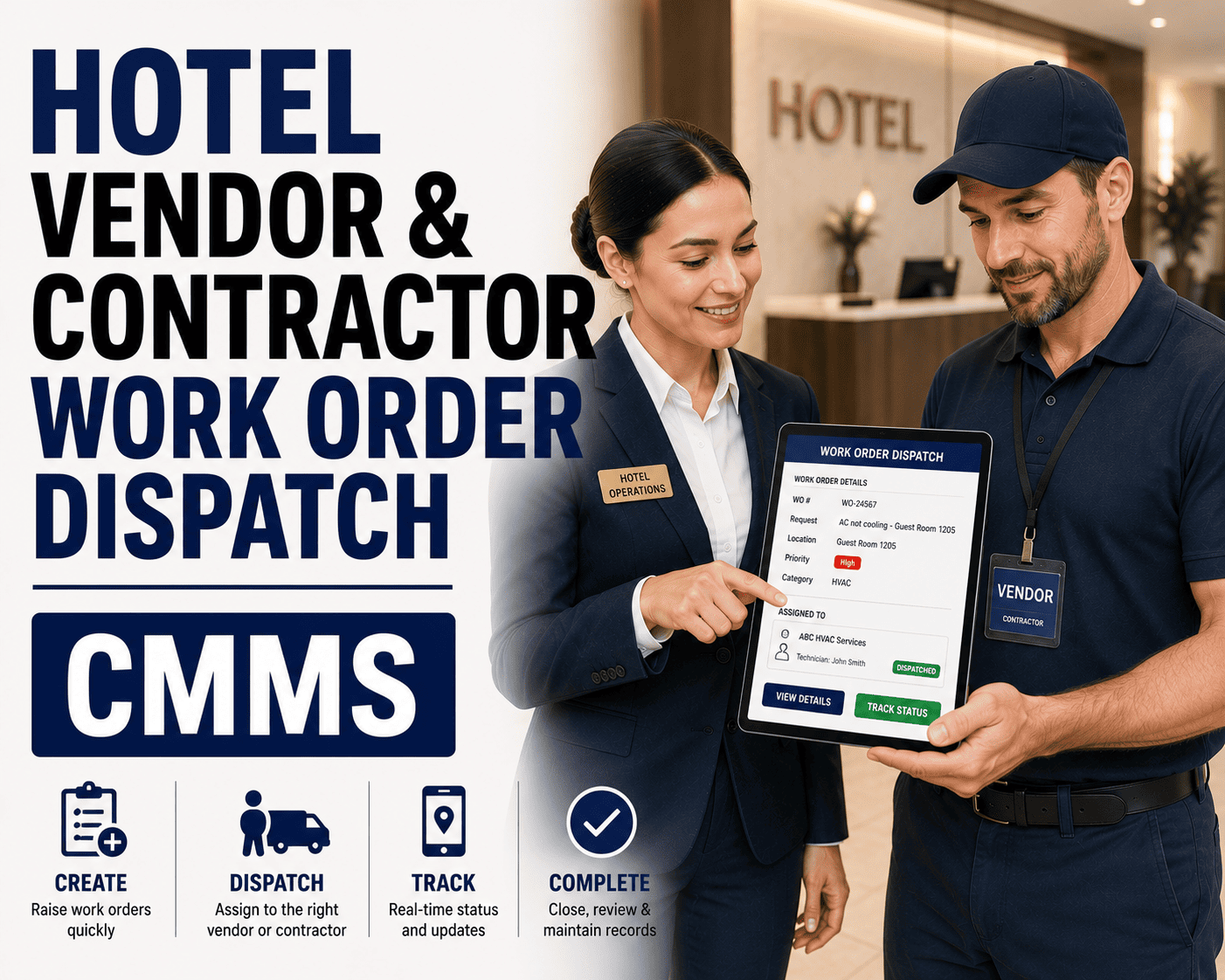
| 03: Dispatch & Assignment | Supervisor decides which tech to assign, calls on radio, waits for callback, message relayed 2–3 times, 10+ min delay | System auto-routes based on skill and workload; push notification sent to assigned tech instantly; escalates if not acknowledged within SLA | 10–15 min per request | 95%—wrong-skill dispatches eliminated |
| 04: Execution & Status Update | Tech works on-site; no one knows progress; guest calls asking for update; front desk has no answer; guest frustrated | Tech checks in via mobile app at job start; app displays asset history and prior faults; guest receives automatic status text; progress visible to supervisor | 25–40 min from reduced guest follow-up calls | 100%—no status inquiry delays |
| 05: Closure & Documentation | Tech returns to office hours later; fills paper form; supervisor manually logs closure; audit trail is scattered across notebooks and emails | Tech closes work order on-site with photo evidence; timestamp auto-logged; before-and-after photos attached; data syncs instantly to all systems | 4–6 hours (from delayed closure) | 100%—complete audit trail created automatically |
Mobile-First Technician Workflow: From Dispatch to Closure on the Job
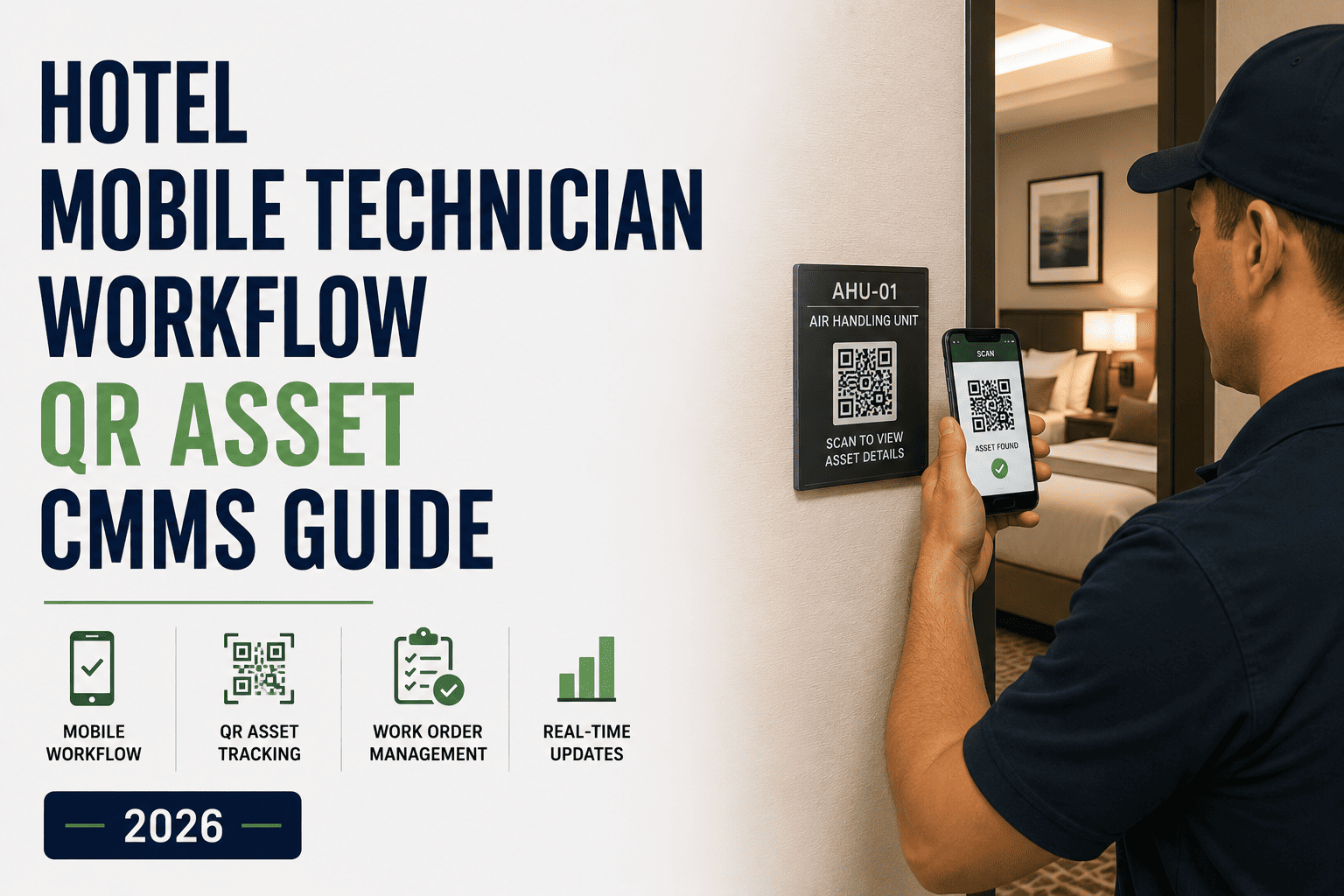
The technician's mobile app is the heart of work order automation. Instead of receiving a radio call and writing notes in a pocket book, the technician receives a push notification with full job details, navigates to the location using built-in map, checks asset history before entering the room, and logs completion with photo evidence—all within the app. No paper, no office visit, no transcription delay. Most hotels deploy mobile-first CMMS to their entire team in one day because the user experience is so intuitive. Sign Up Free to get your team on mobile dispatch immediately.
Automation Rules: How the System Makes Decisions Without Human Input
Most hotels still manually make critical decisions about every work order: Is this priority? Who should do it? When should it be done? With automation rules, the system makes these decisions consistently and instantly. Rules are configured once and apply to thousands of requests. They enforce compliance and eliminate the supervision bottleneck. Sign Up Free to configure your property's automation rules—usually a 30-minute setup.
- IF issue type = "No heat/AC" THEN Priority = P1 (respond <15 min)
- IF issue type = "Toilet overflow" THEN Priority = P1 (respond <15 min)
- IF issue type = "TV not working" THEN Priority = P3 (respond <4 hours)
- Rule eliminates guessing; every request gets correct priority automatically
- IF issue = "HVAC" AND tech assigned to floors 6–12 AND has HVAC cert THEN assign to that tech first
- IF primary tech workload > capacity THEN assign to secondary qualified tech with lower load
- IF no skilled tech available THEN escalate to assistant engineer or on-call manager
- Rule prevents wrong-skill dispatches; improves first-time fix rate by 30–40%
- IF work order P1 AND not acknowledged within 15 min THEN notify supervisor + send SMS to on-call manager
- IF work order P2 AND not started within 30 min THEN notify assistant engineer
- IF work order P3 AND not started within 4 hours THEN flag for review but do not escalate
- Rule ensures no critical jobs get forgotten; escalations are timestamped for compliance audit
- IF today's date matches PM schedule for asset THEN create work order automatically
- IF HVAC-101 needs monthly filter change THEN generate work order on the 1st of every month at 2 AM
- IF elevator needs quarterly inspection THEN generate on Q1, Q2, Q3, Q4 dates automatically
- Rule eliminates forgotten PMs; work order appears in queue when shift starts—never misses schedule
Measuring Work Order Automation Success: KPIs That Matter
After deploying a CMMS, hotels can measure exactly how much automation improved operations. These metrics are visible within days and improvement continues for months. Track them weekly for the first 90 days to identify bottlenecks that still require manual intervention.
Time from request submission to technician receiving push notification. Industry average without CMMS: 10–15 minutes (radio relay). With automation: 15–30 seconds. Improvement driven by instant system routing.
Percentage of work orders completed on first visit without repeat call. Improves when technicians have asset history and prior fault data before arriving. CMMS deployment typically improves this from 60–70% to 85–95%.
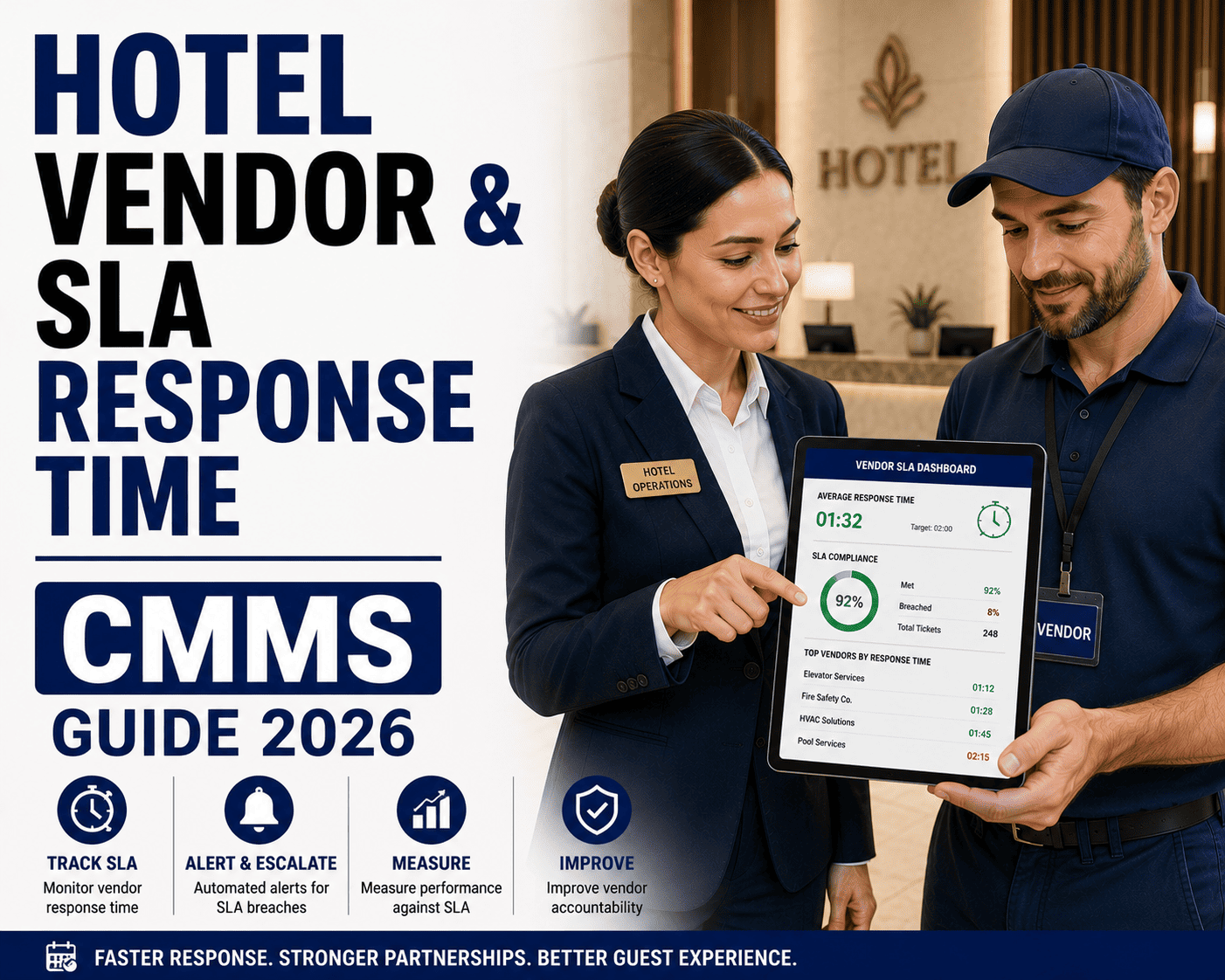
Percentage of shift time spent on billable/productive work vs. coordination overhead. Most hotels improve 15–25% when manual dispatching is eliminated and mobile app reduces office paperwork.
Average daily output per technician. Increases 20–30% from automation and better prioritization without adding headcount. Indicates whether routing and skill-matching are working effectively.
Percentage of technicians using mobile app for all work orders (vs. reverting to paper or radio). High adoption = full automation benefit. Below 80% suggests training gaps or user experience friction.
All work orders have timestamped start/end, assigned technician, photographic closure evidence. When audit comes, documentation exports in seconds instead of manual file searching for 4–6 hours.
Frequently Asked Questions: Work Order Automation & Mobile Dispatch
Before Oxmaint, our maintenance team used radios and paper. I had no idea how many hours were wasted on coordination—calling people, writing notes, transcribing notes, talking about which jobs were open. We had one technician doing a PM while a critical guest issue was sitting unacknowledged. After mobile work orders, everything is instant. Guests can see their request is being worked on. We closed a 4-year-old issue with the broken elevator being unresponsive—now critical alerts escalate to three people if not acknowledged immediately. The automation changed our entire operation.
—David Kim, General Manager, 190-room full-service hotel, San Francisco, California