In the modern hotel experience, a dropped Wi-Fi connection ranks alongside a broken air conditioner as a guest satisfaction crisis. Business travelers expect seamless video conferencing from their room; leisure guests expect buffer-free streaming on the pool deck; event planners expect rock-solid connectivity in the ballroom for hundreds of simultaneous devices. Yet hotel Wi-Fi maintenance is too often treated as a reactive IT helpdesk function—addressing complaints one guest at a time rather than managing the network infrastructure proactively. The reality is that Wi-Fi performance degradation follows predictable patterns: access point coverage gaps from moved furniture or new construction, bandwidth saturation during peak hours, firmware version fragmentation across access points, and switch port failures that take down entire floor segments. Without structured maintenance tracking, these conditions accumulate invisibly until guest complaint volume forces attention. Sign Up Free to see how OxMaint gives hotel IT and facility teams the equipment inventory, scheduled maintenance records, and failure history tracking needed to keep guest connectivity at the standard your brand promises.
Stop Reacting to Wi-Fi Complaints—Start Managing Network Reliability
OxMaint connects network equipment inventory, scheduled PM records, and failure history tracking to give hotel IT teams a proactive view of infrastructure health—and the data to prevent guest connectivity issues before they happen.
Why Guest Wi-Fi Reliability Requires Structured IT Infrastructure Maintenance
Hotel Wi-Fi is not a single system—it's an integrated infrastructure stack spanning internet service provider connections, firewalls, core switches, Power over Ethernet (PoE) switches powering access points, wireless controllers, and hundreds of distributed access points across guest floors, meeting spaces, and public areas. A failure at any layer cascades into the guest experience. Structured IT maintenance in OxMaint creates an asset register for every network device, schedules recurring preventive maintenance on active equipment, tracks firmware versions and end-of-life dates, and logs failure history per device—giving the IT manager a single-pane view of infrastructure health rather than scattered spreadsheets and vendor portals. Properties that Book a Demo with OxMaint see how equipment inventory management, scheduled PM tracking, and failure trend analysis combine to shift Wi-Fi from a top-three guest complaint to a competitive differentiator.
OxMaint maintains a complete inventory of every network device—access points by location, switches by IDF closet, controllers, firewalls, and UPS units—with model, serial number, firmware version, and install date tracked per asset.
Firmware fragmentation across access points causes inconsistent performance and security gaps. OxMaint tracks current firmware version per device and schedules version audit tasks—flagging devices that are behind the standard build.
Switches in unventilated IDF closets overheat and fail silently. OxMaint schedules temperature checks and cleaning inspections for every IDF closet on property—preventing heat-related switch failures before they take down a guest floor.
Peak-hour saturation causes the majority of guest Wi-Fi complaints. OxMaint logs bandwidth utilization readings at scheduled intervals—identifying saturation trends that justify circuit upgrades before the next high-occupancy season.
A failed PoE switch port silently drops the connected access point. OxMaint tracks AP status checks and switch port diagnostics—identifying failed ports and APs requiring replacement before guests report dead zones.
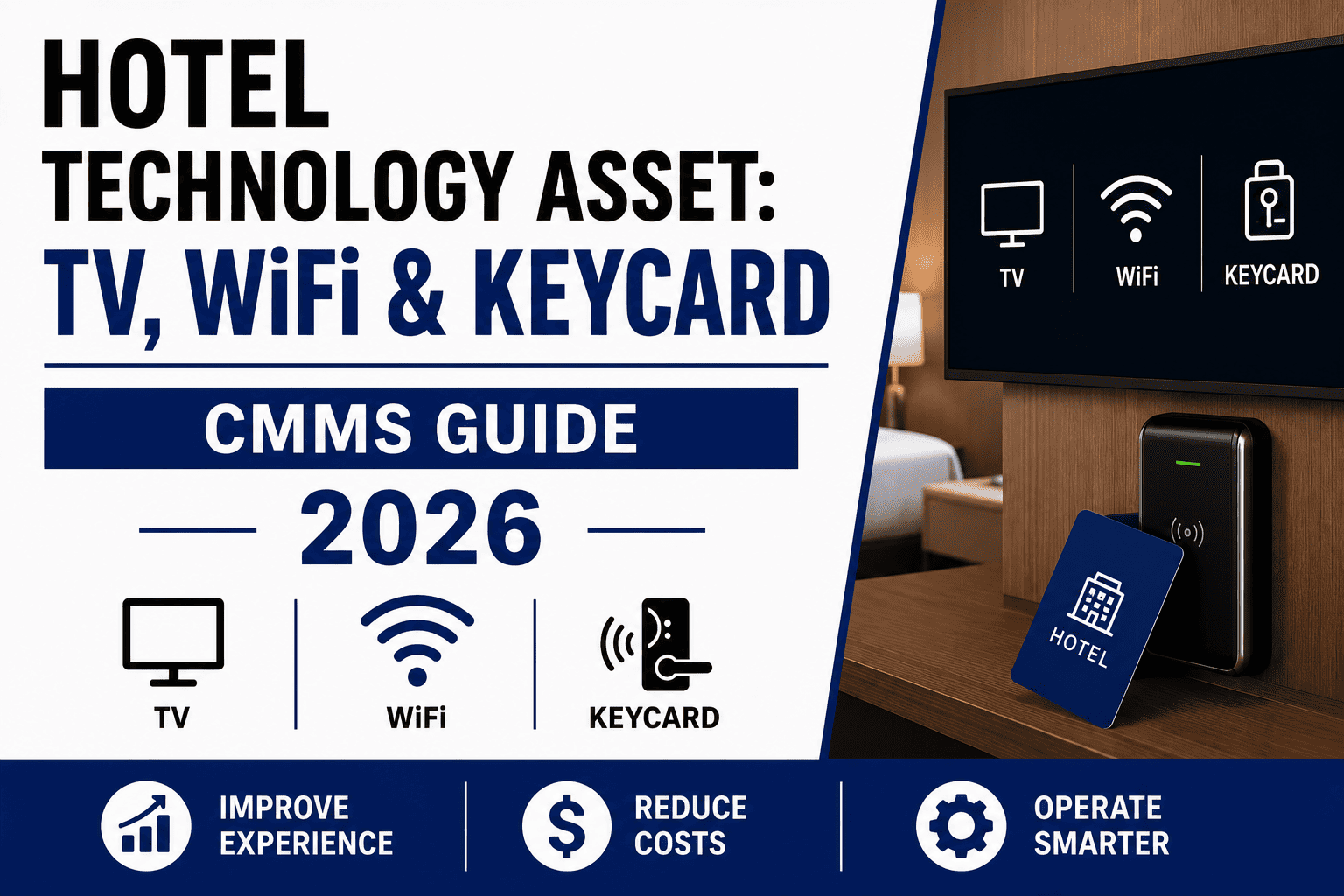
Business center computers, self-service kiosks, digital signage, and in-room smart TVs are part of the technology experience. OxMaint schedules PM and tracks failure history for all guest-facing IT devices across the property.
Essential Hotel Wi-Fi and IT Infrastructure Maintenance Checklist
Access points are the guest-facing edge of the entire network investment—when one fails or underperforms, the guest experience fails with it. A structured AP health audit verifies that every access point is online, transmitting at correct power levels, serving expected client counts, and providing signal strength above the property's minimum threshold (typically -67 dBm in guest rooms). Coverage gaps emerge when APs fail silently, when furniture or construction changes create new RF shadows, or when adjacent properties deploy competing signals on the same channels. OxMaint schedules AP health audits by floor and zone, logs offline APs for immediate corrective work order generation, and tracks replacement history per AP location—building a reliability record that identifies problematic AP models or switch port locations. Facilities that Sign Up Free can begin building the AP asset register and scheduling health audits immediately.
Every guest floor or building wing typically has an IDF (Intermediate Distribution Frame) closet housing the PoE switches that power access points and the edge switches connecting guest room wired ports. These closets are often small, unventilated spaces where heat accumulates and dust clogs equipment vents—leading to premature switch failure that takes down connectivity for an entire floor. IDF closet maintenance includes temperature verification (sustained operation above 85°F shortens switch lifespan dramatically), visual inspection for dust accumulation on equipment vents, verification that cooling fans are operational, cable management check to prevent strain on switch ports, and UPS battery test to confirm the closet has backup power for orderly shutdown. OxMaint schedules quarterly IDF closet inspections, logs temperature readings and findings per closet, and generates corrective work orders for any out-of-spec condition. Teams that Book a Demo can see how IDF inspection checklists are configured in OxMaint.
Firmware fragmentation—where access points, switches, and controllers across the property run different firmware versions—is a leading cause of inconsistent Wi-Fi performance, roaming issues, and security vulnerabilities. A structured firmware audit verifies that all network infrastructure devices are running the property's standard firmware build, identifies devices that have missed updates or failed during previous update cycles, and schedules remediation for out-of-standard devices. Firmware standardization is particularly critical before high-occupancy periods when guest device density stresses the network in ways that outdated firmware handles poorly. OxMaint tracks current firmware version in each device's asset record, schedules recurring version audit tasks, and logs update completion dates—creating a firmware compliance record that the IT manager can review before major events or brand audits.
Guest Wi-Fi complaints peak when bandwidth demand exceeds circuit capacity—typically during evening hours when guests return to rooms and stream content simultaneously, or during conferences when hundreds of devices connect in ballroom spaces. Proactive bandwidth monitoring logs utilization percentage at scheduled intervals across the property's internet circuits, identifying when peak-hour usage approaches the threshold where guest experience degrades (typically 70–80% of circuit capacity). Trending this data over months reveals whether the property is outgrowing its current circuit sizing and provides documented justification for bandwidth upgrades in the next budget cycle. OxMaint schedules bandwidth readings, logs utilization data against circuit ID, and builds a trend history that supports capacity planning conversations with ownership and internet service providers.
The property's server room or data center houses the core network infrastructure—firewall, core switches, wireless controllers, property management system servers, and phone system equipment. Environmental conditions in this room directly determine equipment reliability: temperature must remain within the equipment manufacturer's specified range (typically 64–80°F), humidity must stay between 40–60% to prevent static discharge and condensation, and UPS systems must provide clean backup power with tested battery runtime. Server room PM includes HVAC system filter replacement, temperature and humidity logging, UPS battery test with load simulation, cable management and labeling verification, and physical security check (access log review, camera coverage). OxMaint schedules all server room PM tasks on a recurring calendar, logs environmental readings, and generates corrective work orders for any parameter outside specification—preventing the single-room failure that could take the entire property offline.
Guest perception of hotel technology extends beyond Wi-Fi to every device they interact with: in-room smart TVs with streaming capability, business center workstations and printers, self-service check-in kiosks, digital signage in lobbies and meeting spaces, and the guest-facing portal that handles Wi-Fi authentication. Each device type requires scheduled maintenance: smart TVs need firmware updates and app compatibility verification; business center printers need toner, paper, and connectivity checks; kiosks need screen cleaning, receipt printer testing, and card reader verification. OxMaint maintains each guest-facing device as a tracked asset, schedules device-specific PM tasks, and logs failure history—ensuring the complete technology experience matches the property's brand standard, not just the Wi-Fi signal. Facilities can Sign Up Free and begin loading guest-facing devices into the asset register immediately.
Hotel IT Infrastructure Maintenance: Schedule Reference
| Infrastructure Layer | Maintenance Activity | Frequency | OxMaint Record | Guest Impact if Deferred |
|---|---|---|---|---|
| Access Points | Online status verification, signal strength audit, client count check, firmware version audit | Monthly automated; quarterly walk-test | AP location, status, signal reading, firmware version | Dead zones, slow connections, roaming failures |
| IDF Closet Switches | Temperature check, dust inspection, fan operation, cable management, UPS test | Quarterly | Closet ID, temp, findings, corrective WO | Entire floor or wing connectivity loss |
| Core Network (Server Room) | Environmental monitoring, UPS load test, HVAC filter, security access review | Monthly env; quarterly UPS; semi-annual HVAC | Temp/humidity log, UPS test, access log review | Property-wide network outage |
| Internet Circuits | Bandwidth utilization reading, latency test, failover circuit verification | Weekly peak-hour; daily during high occupancy | Circuit ID, utilization %, trend data | Slow speeds, buffering, connection timeouts |
| Guest-Facing Devices | Functionality check, firmware/software update, consumables replenishment | Monthly; weekly for business center | Device ID, PM completion, issue found/resolved | Guest complaints about non-Wi-Fi technology |
How OxMaint Supports Hotel IT Infrastructure Maintenance Programs
Hotel Wi-Fi reliability is the product of disciplined infrastructure maintenance—APs staying online, switches staying cool, firmware staying current, and circuits staying below saturation. OxMaint connects network equipment inventory, scheduled PM tracking, environmental monitoring records, and failure history into a single IT infrastructure management platform—giving the hotel IT manager the structured data to confirm that every layer of the connectivity stack is being maintained proactively. When OxMaint shows AP health audits completed on schedule, IDF closet temperatures within range, firmware versions standardized across the property, and bandwidth utilization trending below upgrade thresholds, that is the evidence base that the Wi-Fi amenity is being managed rather than firefighting guest complaints. Facilities can Sign Up Free and begin building the IT infrastructure maintenance record from their first equipment audit in OxMaint.
Building a Hotel IT Infrastructure Maintenance Program: Implementation Steps
Create Complete Network Equipment Inventory
Load every network device into OxMaint as a tracked asset—every access point with location, every switch with IDF closet ID, every controller, firewall, and UPS—with model, serial number, firmware version, and install date.
Define Maintenance Checklists per Equipment Type
Build OxMaint checklists for AP health audit (online status, signal strength, client count), IDF closet inspection (temperature, dust, fans, UPS), server room PM (environmental, security, backup test), and firmware audit.
Schedule Recurring PMs on the Maintenance Calendar
Set recurring PM schedules in OxMaint—monthly AP health audits, quarterly IDF inspections, monthly server room environmental checks, quarterly firmware audits—aligned with occupancy patterns and maintenance windows.
Log Bandwidth Utilization on Schedule
Schedule weekly peak-hour bandwidth readings in OxMaint, logging utilization percentage per circuit. Review trends monthly to identify saturation patterns before the next high-occupancy period or conference season.
Track Failure Events & Device Reliability
Log every AP offline event, switch port failure, and guest-facing device issue in OxMaint as a corrective work order against the specific asset—building a per-device reliability history that identifies chronic problems.
Use Trend Data for Budget & Upgrade Planning
When OxMaint shows bandwidth utilization approaching 70% sustained, or AP failure rates increasing on a specific model, use that trend data to justify circuit upgrades or equipment replacement in the next capital budget. Book a Demo to see the full IT infrastructure reporting workflow.
Frequently Asked Questions
How often should hotel Wi-Fi access points be inspected?
Automated online/offline status checks should run continuously or at minimum daily. Manual signal strength walk-tests should be conducted quarterly, with additional walk-tests after any construction, furniture reconfiguration, or adjacent property changes that could create new RF shadows. Guest floor APs serving high-occupancy areas may warrant monthly walk-tests during peak season.
What causes most hotel Wi-Fi guest complaints?
The most common root causes are silently failed access points creating dead zones, bandwidth saturation during evening peak hours when guests simultaneously stream content, and firmware fragmentation causing inconsistent roaming behavior as guests move between APs. All three conditions are preventable through structured maintenance and monitoring rather than reactive troubleshooting after complaints arrive.
How does OxMaint help hotel IT teams manage network infrastructure?
OxMaint provides a complete asset register for all network devices, schedules recurring PMs and inspections, tracks firmware versions per device, logs bandwidth utilization trends, and maintains failure history per asset—giving IT managers a single platform for infrastructure management rather than fragmented spreadsheets and vendor portals.
What temperature should hotel IDF closets be maintained at?
Network switch manufacturers typically specify operating temperatures up to 104–113°F, but sustained operation above 85°F significantly shortens equipment lifespan and increases failure probability. IDF closets that lack dedicated cooling should be inspected quarterly at minimum; closets that regularly exceed 85°F may require ventilation improvement or active cooling installation.
How can hotels justify Wi-Fi infrastructure upgrades to ownership?
Documented trend data is the most effective justification. When OxMaint shows bandwidth utilization sustained above 70% during peak hours, access point failure rates increasing on aging equipment, or guest complaint work orders trending upward quarter-over-quarter, the IT manager has objective evidence to support the upgrade business case—replacing anecdotal requests with data that ownership can evaluate against guest satisfaction scores and competitive positioning.
Turn Guest Wi-Fi From a Complaint Generator Into a Competitive Advantage
OxMaint gives hotel IT teams the equipment tracking, scheduled PM management, and failure trend analysis to keep network infrastructure at the reliability level your guests expect—with the data to prove it.