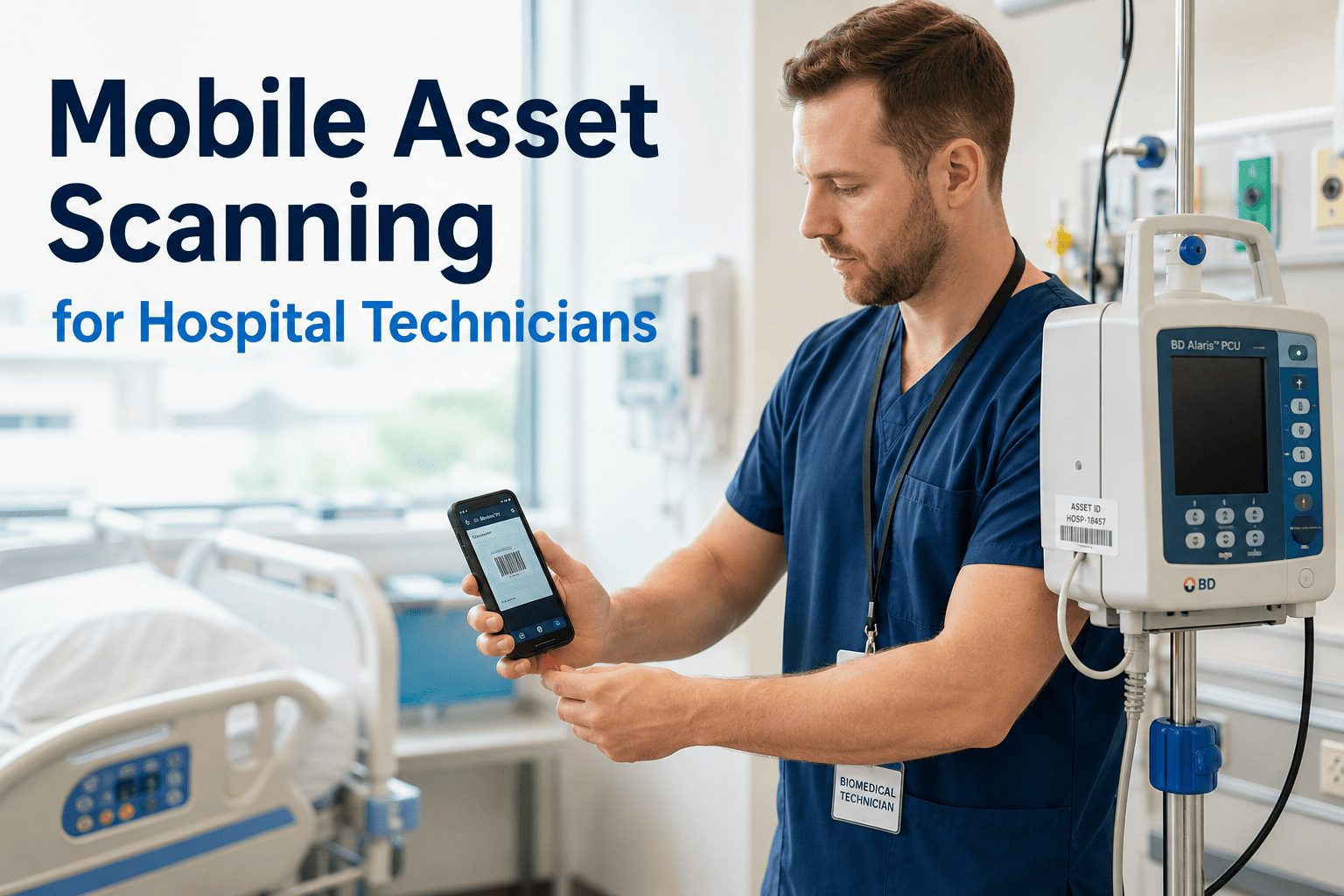
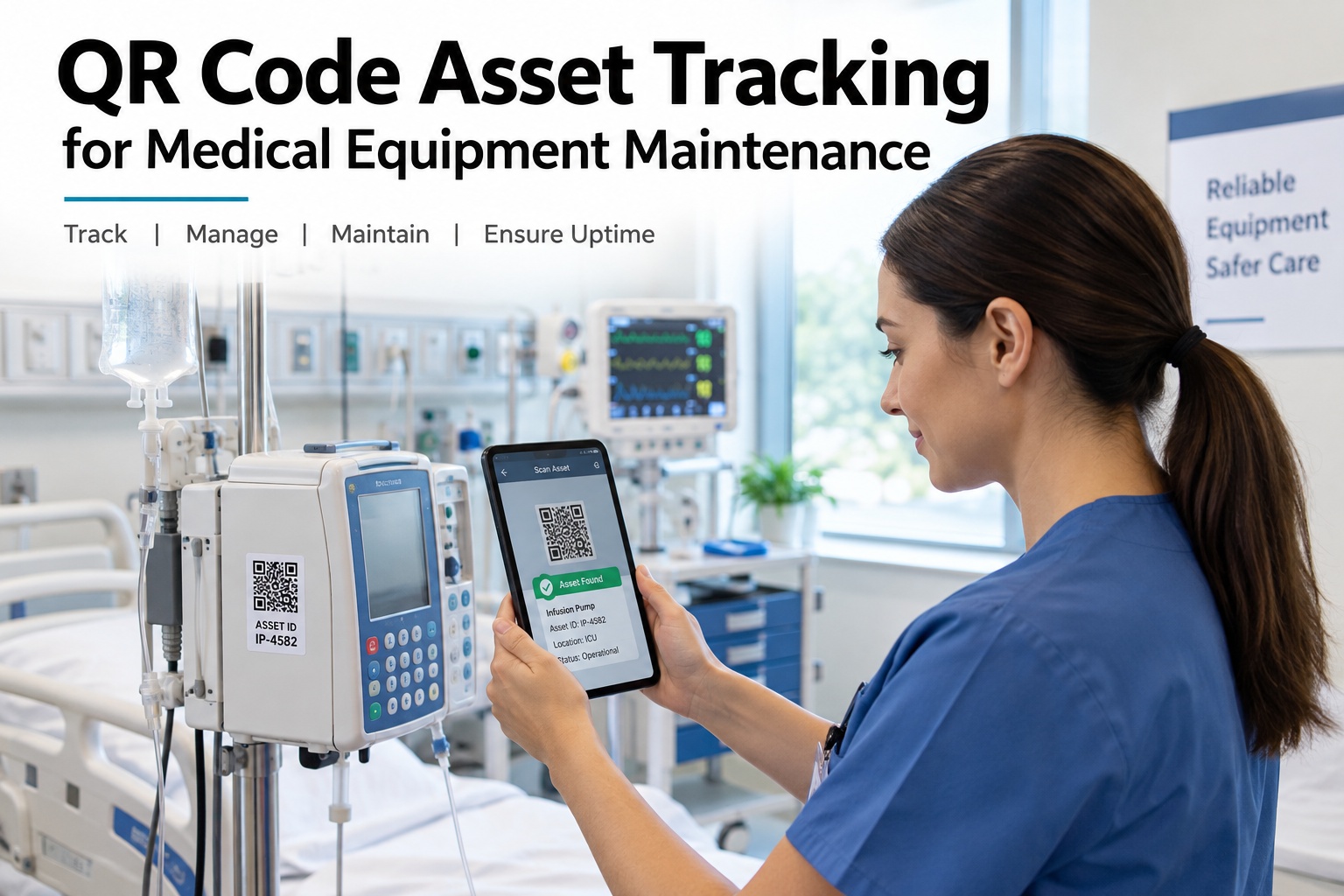
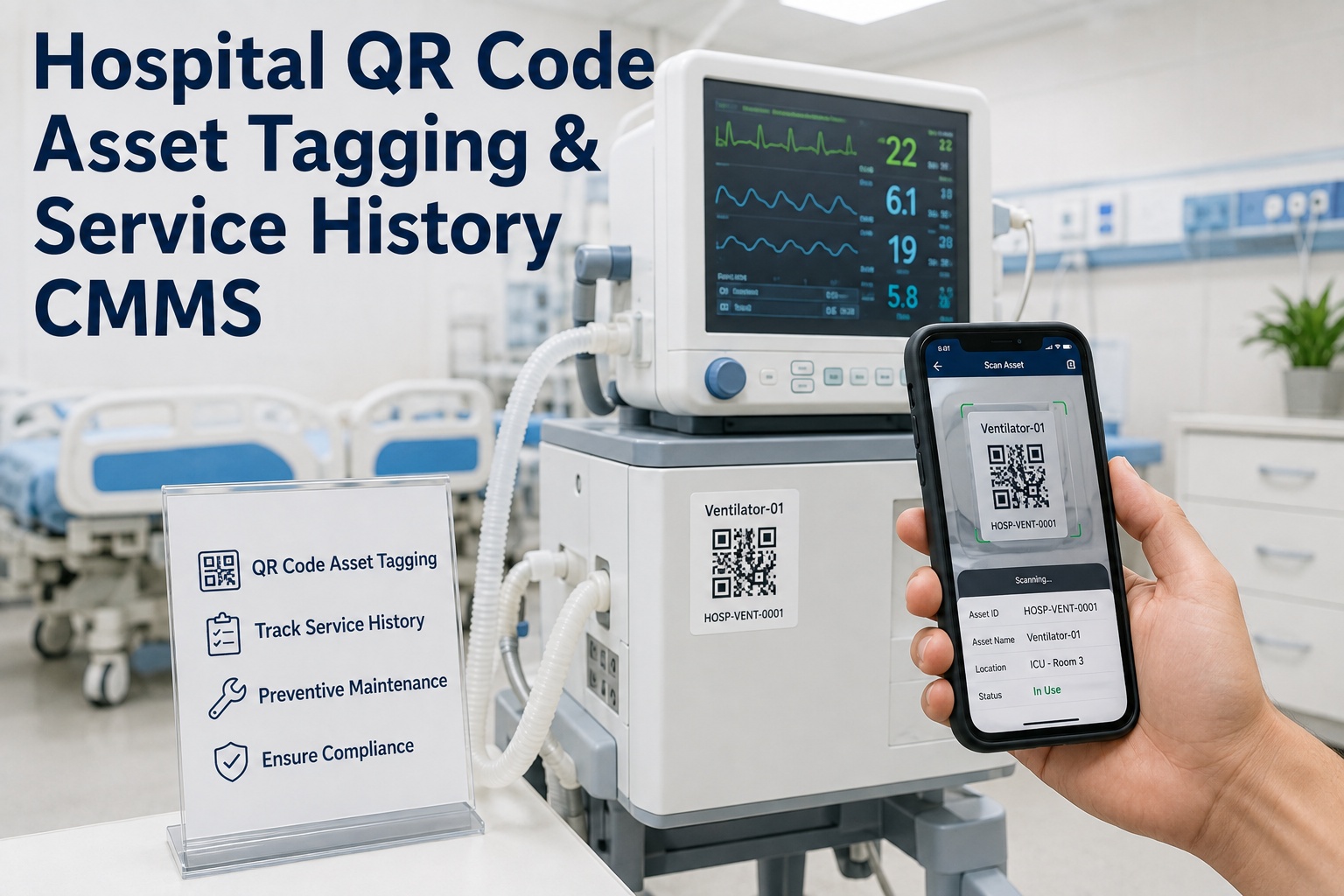
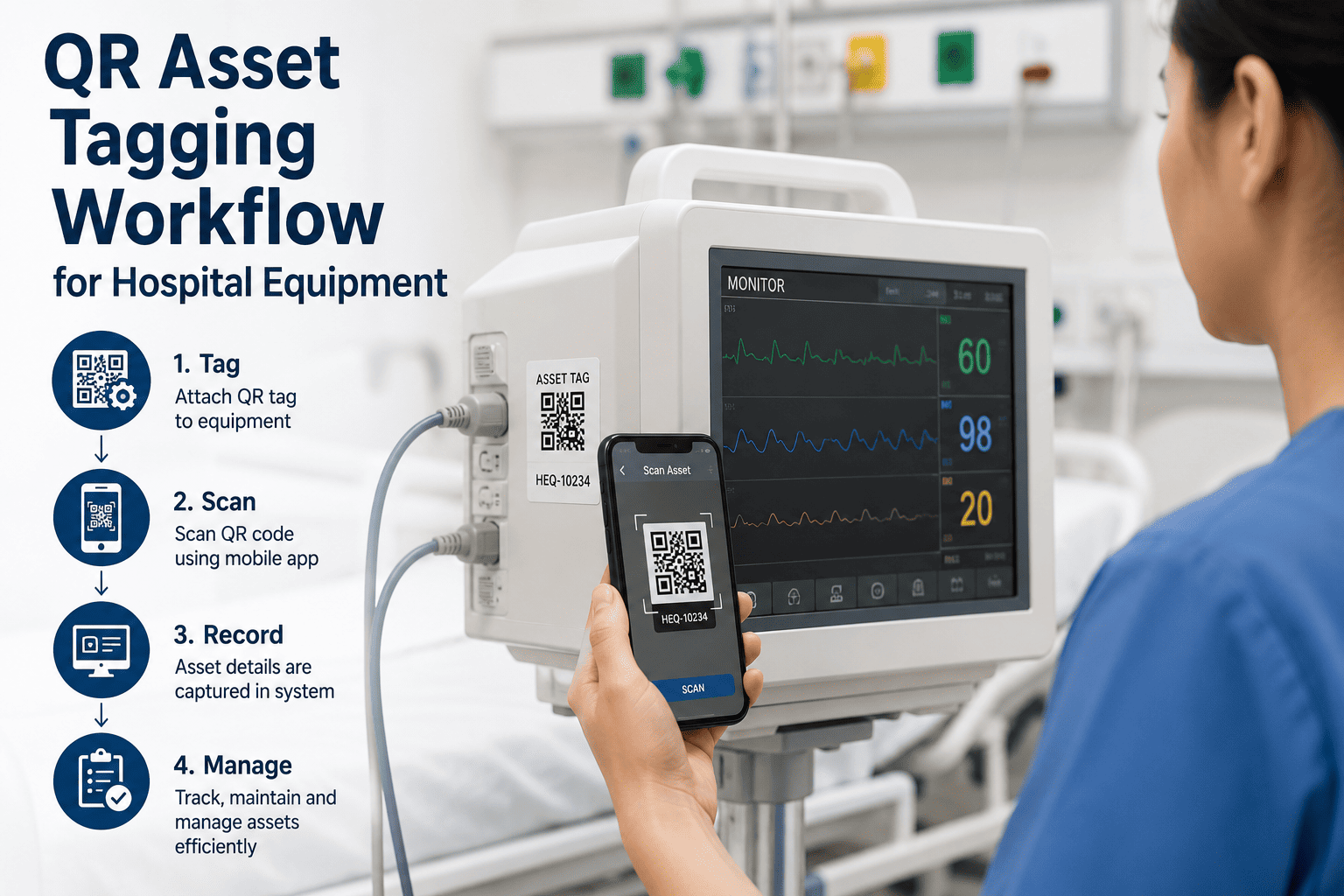
Before a technician ever touches a piece of equipment, they usually spend several minutes finding out what it even is — walking to a binder, calling a supervisor, or typing an asset number into a search box and hoping it was entered correctly the last time. Across a hospital with thousands of tagged assets, those minutes add up to hours of every shift spent looking for information instead of using it. Book a free OxMaint demo and watch one QR scan open an asset's full history, manuals, and open work orders in under two seconds.
Mobile CMMS · Asset Scanning · Hospital Technicians
One Scan Opens Everything a Technician Needs to Know
Every tagged asset carries its full history, manuals, PM schedule, and open work orders behind a single QR code, so technicians arrive informed instead of searching.
opens in
Asset history
PM schedule
Open work orders
Under 2 seconds
What One Scan Replaces
Five Manual Steps Become One
Walk to the maintenance office to check the binder
Call a supervisor to confirm the asset number
Search a spreadsheet for the last service date
Dig through email for the equipment manual
Manually write down findings to enter later
becomes
What Opens the Moment You Scan
Everything Tied to That One Asset Tag
01
Full Asset History
Every prior work order, repair, and inspection logged against this exact unit.
02
PM Schedule & Checklists
The next due preventive task, with the checklist ready to complete on the spot.
03
Manuals & Warranty Docs
The exact manufacturer manual and warranty status, no searching email or folders.
04
Open Work Orders
Any active or pending task already linked to this asset, visible before duplicate work gets created.
OxMaint · Asset Scanning · Hospital CMMS
Tag It Once. Scan It Forever.
Print and apply QR tags across your asset inventory in an afternoon, and give every technician instant access to the record behind each one.
What the Data Shows
Time Recovered When Search Becomes a Scan
| Metric |
Reported Impact |
| Time saved per technician, per day |
Close to one hour recovered from searching and walking |
| Field productivity |
Up to 34% higher with mobile, scan-based access to data |
| Annual hours recovered per technician |
Roughly 240 hours, equal to six extra work weeks |
| Duplicate work order creation |
Reduced — open work orders are visible at the point of scan |
Expert Review
What a Biomedical Manager Sees Once Every Asset Is Tagged
AP
We used to lose ten minutes per device just confirming which model it was and what the last service note said. Now a technician scans the tag and has the full file before they have even opened their toolbox.
A. Pillai
Biomedical Engineering Manager, community hospital
Frequently Asked Questions
Mobile Asset Scanning for Hospital Technicians — Common Questions
Do we need new hardware to scan asset tags?
How do we tag thousands of existing assets without a long rollout?
OxMaint generates printable QR labels in bulk directly from your asset list, so most facilities complete initial tagging across a department in a single day.
What if a QR tag gets damaged or removed?
Does scanning work offline in basements and shielded equipment rooms?
Yes. Asset data relevant to a technician's assignments caches to the device in advance, so scanning and viewing records works the same with or without signal.
OxMaint · Hospital CMMS · Free to Start
Give Every Asset a Tag and Every Technician an Answer
Replace the binder, the phone call, and the guesswork with a single scan that opens the full record on the spot.