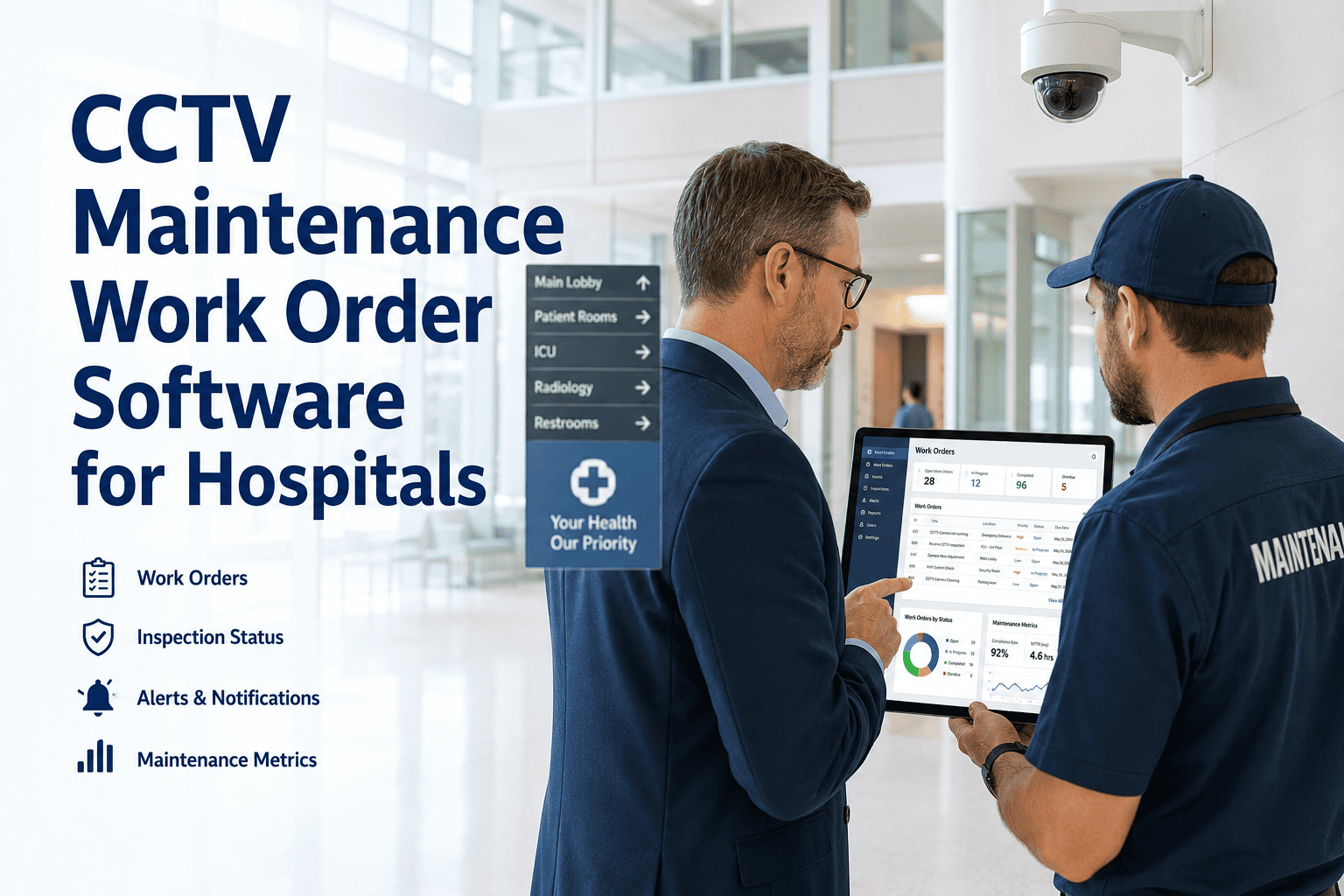
Hospital CCTV systems are the silent audit trail behind patient safety investigations, security incidents, staff safety disputes, and regulatory inquiries — and when they fail, they fail quietly, without an alarm, often going undetected for days or weeks until the footage is needed and isn't there. Healthcare CMMS software that manages CCTV maintenance as a structured work order process — with scheduled inspections, mobile evidence capture, automated fault detection, and searchable asset history — closes the gap between a camera going offline and someone noticing. Book a demo with OxMaint to see how hospital security and facilities teams are tracking CCTV maintenance work orders, managing asset history for hundreds of cameras across multi-building campuses, and producing compliance documentation for TJC, CMS, and state health department reviews — in a single platform that works on the mobile devices technicians already carry.
The Hidden Risk
What Happens When CCTV Maintenance Isn't Tracked
11 days
Mean detection lag for CCTV failures at paper-dependent hospitals
23%
Of hospital CCTV cameras have an incomplete or no maintenance record at time of TJC survey
$240K+
Estimated legal exposure when CCTV footage is unavailable for a safety incident investigation
3.6×
Higher repeat-failure rate for cameras without a structured PM schedule vs cameras on OxMaint
Every Camera Failure Should Trigger a Work Order. Is Yours?
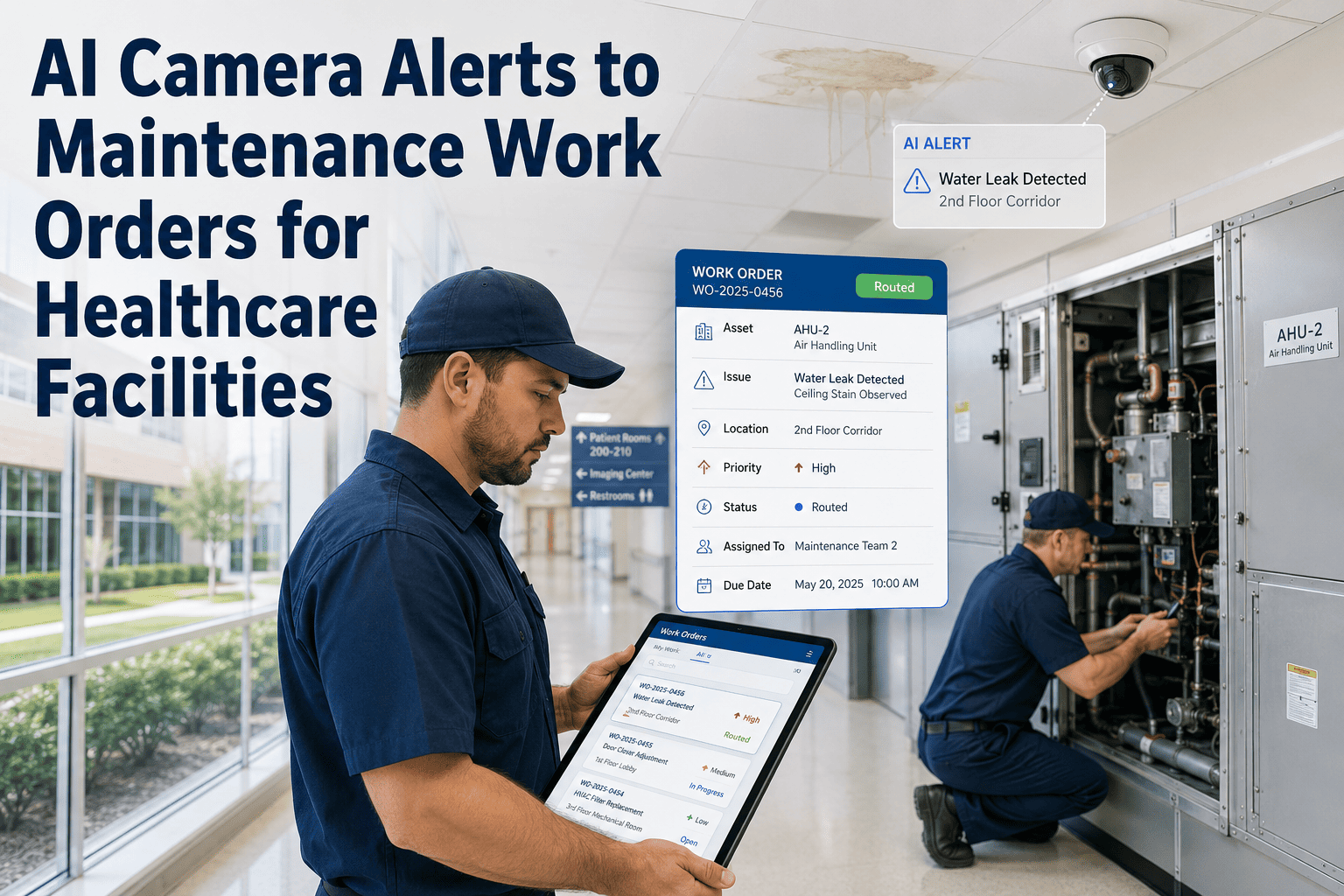
OxMaint detects CCTV anomalies via AI vision, auto-generates work orders, routes technicians by shift, and closes every maintenance task with photo evidence — before a missing recording becomes a legal problem.
Work Order Lifecycle
How a CCTV Maintenance Work Order Flows Through OxMaint
Detection
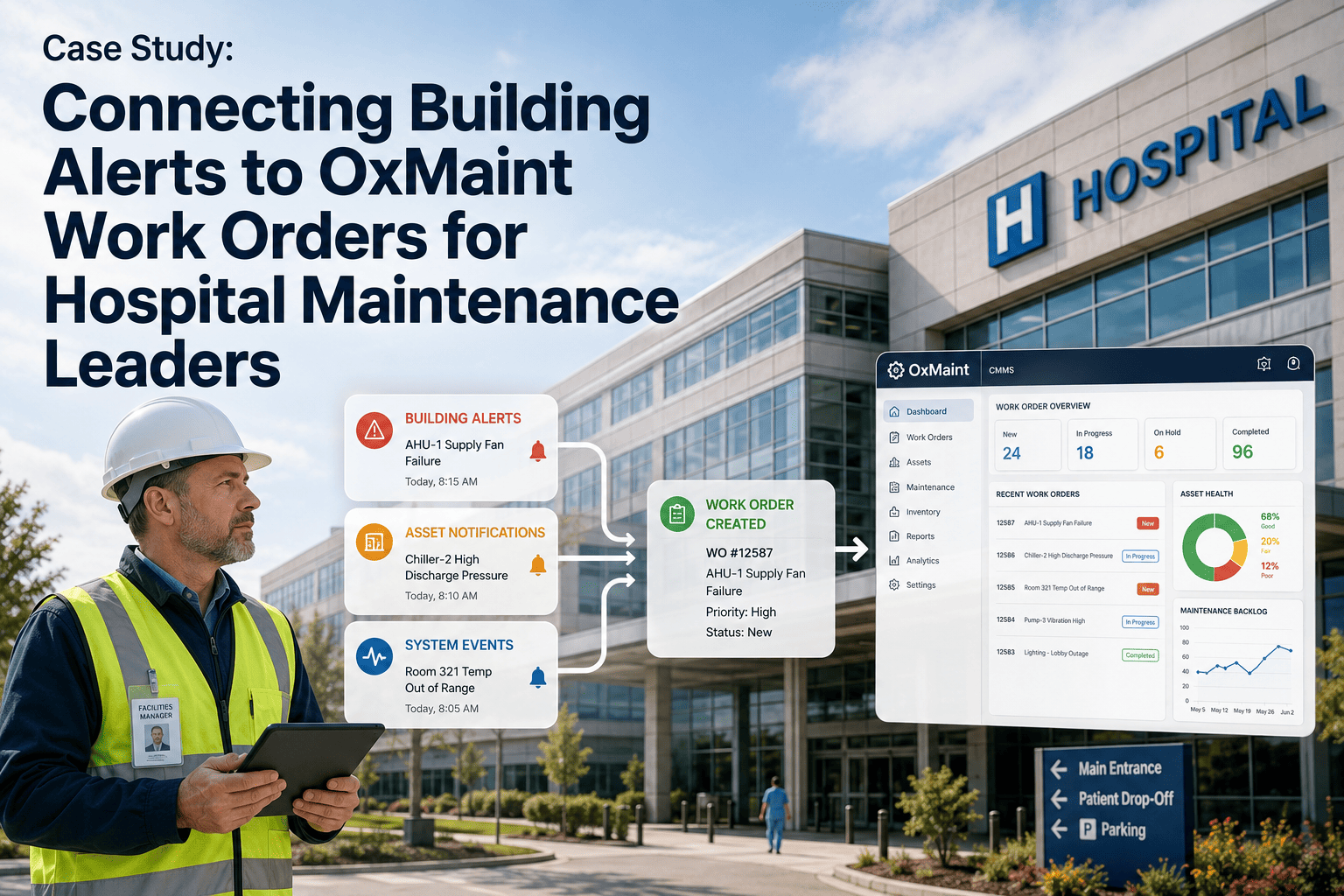
AI vision alert, scheduled PM trigger, or staff QR-code report auto-creates a WO with asset ID, location, timestamp, and priority classification.
Routing
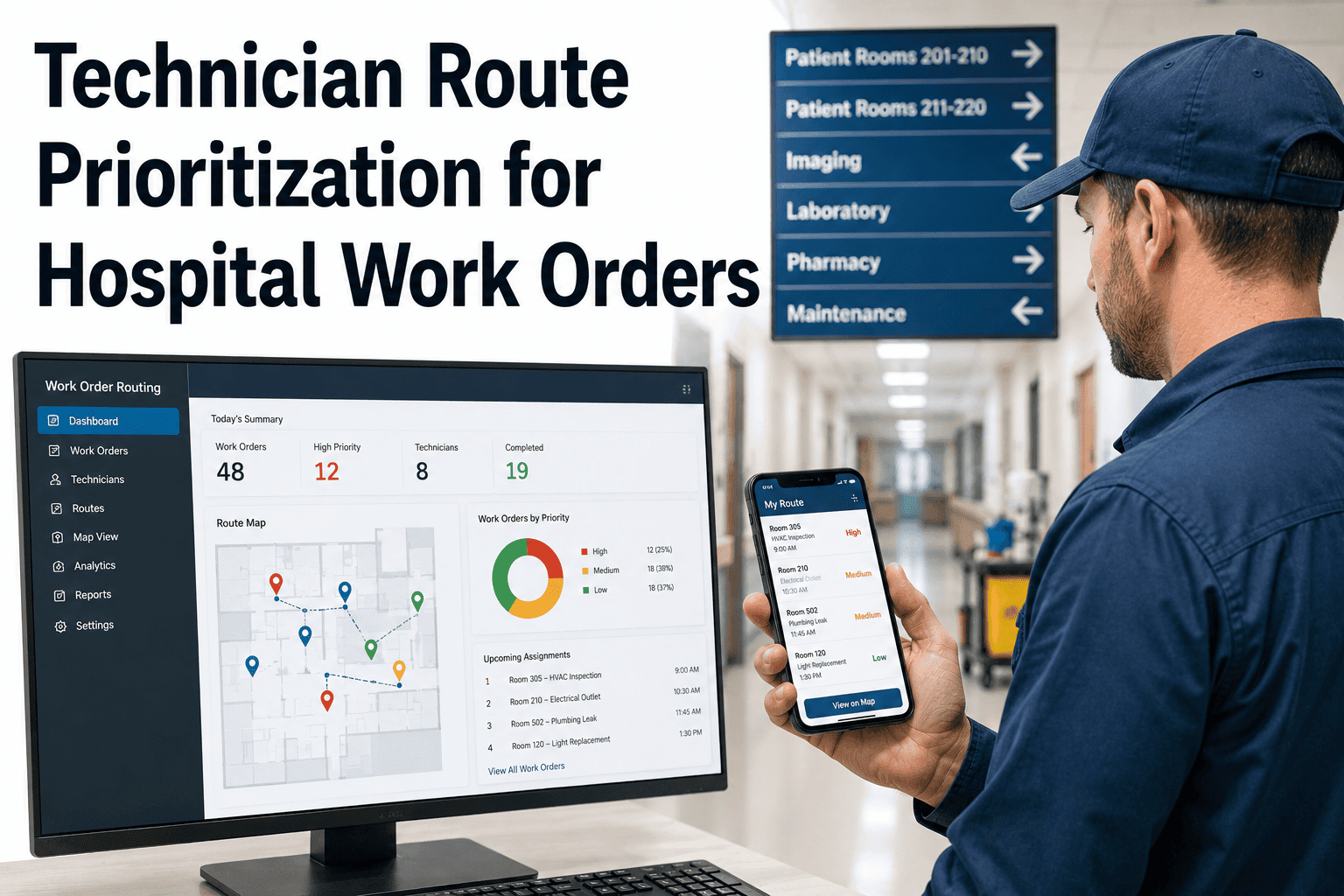
Nearest qualified technician on shift receives a mobile push notification with WO details, camera location, and access credentials needed.
Inspection
Technician completes digital checklist — lens condition, mounting integrity, recording status, night vision, cable connection — with mandatory photo at each step.
Escalation
Failures trigger auto-escalation to supervisor or vendor with documented digital handoff. Critical camera zones (ER, nursery, pharmacy) receive parallel alerts to security director.
Closure
Supervisor sign-off required. Closed WO stored against camera asset record, tagged by zone and regulatory framework, retrievable in <60 seconds during audit.
Platform Features
CCTV Maintenance Capabilities in OxMaint vs Legacy Approaches
| Capability |
Spreadsheet / Ticket System |
OxMaint CMMS |
| Failure Detection |
Staff report only — avg 11-day lag |
AI vision continuous monitoring + QR staff reports |
| WO Auto-Generation |
Manual entry required |
Auto-created from AI alert or PM schedule |
| Technician Routing |
Phone/radio — availability unknown |
Mobile push to nearest qualified tech on shift |
| Inspection Evidence |
Paper or freeform notes |
Mandatory checklist + photo per step |
| Asset History |
Scattered, hard to search |
Full service history per camera, searchable in seconds |
| Compliance Export |
Days of manual file assembly |
One-click export formatted for TJC/CMS review |
Critical Coverage Zones
Hospital CCTV Zones Requiring Priority Maintenance Classification
Critical
Emergency Department
Any recording gap in ED camera coverage creates legal exposure for patient safety and staff safety incidents. OxMaint flags ED cameras as Critical-class assets with 4-hour response SLA on fault WOs.
Critical
Pharmacy & Medication Storage
DEA and state pharmacy board requirements mandate continuous recording coverage of controlled substance storage areas. Camera failures here require immediate escalation and vendor response documentation.
Critical
NICU / Nursery / L&D Access
Camera coverage of infant and pediatric access zones is required under TJC infant security standards. AI vision monitors these feeds continuously between scheduled inspections.
High Priority
Stairwells & Emergency Exits
Life safety egress zones require documented camera coverage for security incident investigations. OxMaint schedules quarterly inspections with angle verification and blind spot documentation.
High Priority
Loading Dock & Service Entrances
High-traffic service zones with elevated theft and access risk. Monthly camera inspection with coverage verification and lighting adequacy check.
Standard
Corridors & General Areas
General coverage zones managed on quarterly PM schedules. OxMaint tracks coverage density and flags zones where camera count or angle coverage falls below facility-defined minimums.
"
Hospital security administrators and facilities directors tend to discover their CCTV maintenance gap at the worst possible moment — when a recording is needed for an incident investigation and the footage is missing because a camera failed eleven days ago and no one had a structured process for detecting or responding to it. What I tell every hospital security committee I advise is this: CCTV maintenance is not a security problem, it is a maintenance management problem. Security directors don't have the tools to manage it systematically. Facilities directors with a proper CMMS do — and the facilities teams I work with that have implemented structured CCTV work order management have uniformly eliminated the gap between camera failure and technician dispatch. That gap is where the liability lives.
Michael Torres, CPP, CHPA
Director of Healthcare Security · 21 years in hospital security and facilities management integration · Certified Healthcare Protection Administrator · IAHSS Board Member
FAQ
CCTV Maintenance Work Order Software — Common Questions
Can OxMaint manage CCTV maintenance for multi-building hospital campuses with hundreds of cameras?
OxMaint is specifically designed for large multi-building environments. Each camera is registered as a named asset within a location hierarchy — campus, building, floor, zone, specific room — and can be assigned to a zone-specific technician team while remaining visible to the campus-wide dashboard. Facilities with 100–800 cameras are common OxMaint deployments. PM schedules and response SLAs can vary by zone classification (Critical, High Priority, Standard) without any manual management. Reports, compliance exports, and open WO views can be filtered by building, zone, or camera type at any time.
Book a demo to see multi-campus camera management in OxMaint.
How does OxMaint's AI vision integration detect CCTV camera failures proactively?
OxMaint's AI vision module connects to existing camera feeds and applies computer vision to detect recording anomalies — static frames, significant angle change, lens obstruction, low-light degradation, and recording interruptions — continuously between scheduled inspections. When an anomaly is detected, OxMaint auto-generates a corrective work order with a timestamped screenshot attached and routes it to the on-shift technician. For Critical-class camera zones (ED, pharmacy, nursery), the AI alert simultaneously notifies the security director and facilities charge engineer. This continuous monitoring reduces the failure detection lag from an industry average of 11 days at paper-dependent facilities to under 15 minutes at OxMaint-managed sites.
Start a trial to configure AI vision monitoring for your camera zones.
What inspection checklist items does OxMaint enforce for routine CCTV PM work orders?
OxMaint's default CCTV PM checklist includes: lens condition (clarity, no scratches or moisture), mounting and housing integrity (no physical damage, tamper-evident seal present), recording status verification (confirmed active recording visible in system), night vision or IR function (if applicable), cable connection and weatherproofing condition, coverage angle confirmation (match to facility camera map), and audio recording function (where applicable). Each checklist item requires a pass/fail response and at least one photo at the technician's discretion — with mandatory photo required for any fail finding. Checklists are fully configurable to add facility-specific items or remove non-applicable ones.
Can OxMaint produce camera maintenance documentation for a DEA pharmacy compliance inspection?
Yes. OxMaint's compliance export allows filtering by camera zone (pharmacy, controlled substance storage, dispensing areas) and produces a documentation package including inspection dates, technician credentials, checklist completions, photographic evidence, corrective WO history, and a coverage continuity summary. This package is formatted for straightforward presentation to DEA inspectors or state pharmacy board surveyors. OxMaint also maintains a coverage continuity log that shows whether any camera in a controlled-substance zone had a recorded downtime period — a critical document for any inspection that involves reviewing a specific date's footage availability.
See the compliance export workflow in a live demo.
How do hospital technicians receive and complete CCTV maintenance work orders in OxMaint?
Technicians receive work orders via mobile push notification on the OxMaint iOS or Android app. Each WO displays the camera's name, location, asset ID, maintenance type, priority classification, and any prior service notes relevant to that camera. Technicians complete the digital checklist in the app, attach photos at each step, log parts used (if any), and submit for supervisor review — all from their phone without returning to a desk or printing anything. The WO is logged against the camera's asset record immediately upon submission, and the compliance dashboard updates in real time. Most technicians complete the OxMaint mobile onboarding in under 30 minutes.
OxMaint · CCTV Maintenance · Hospital Security
Don't Let a Camera Failure Go Undetected for 11 Days.
OxMaint gives hospital security and facilities teams AI-powered fault detection, structured work order management, mobile inspection checklists, and audit-ready CCTV maintenance records — all in one platform.
.png)

.jpg)
