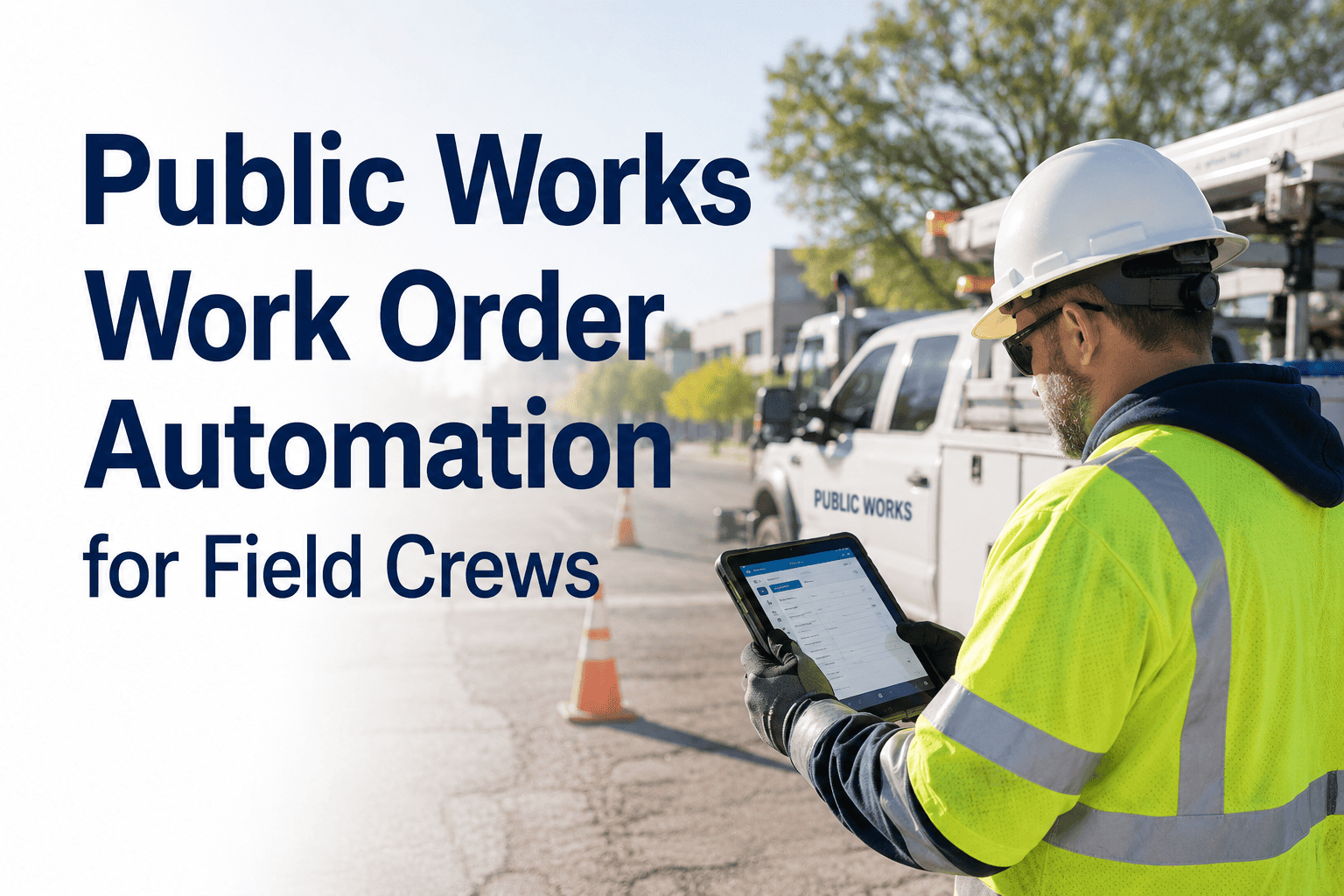
Public works field crews lose an estimated 2.4 hours per day to paperwork, manual dispatch calls, and status updates — time that should be spent fixing infrastructure, not filling out forms. OxMaint's Work Order Management system puts automated dispatch, digital checklists, and real-time completion tracking directly on every technician's mobile device — eliminating the administrative bottleneck that slows public works departments nationwide.
2.4 hrs
Lost daily per crew to paperwork & manual dispatch
67%
Work order cycle time reduction with automation
$18K
Annual savings per technician from admin elimination
98%
Compliance documentation rate with mobile sign-off
The Public Works Work Order Problem — By the Numbers
34%
of work orders missing required documentation at close
3.2 days
average backlog age for unassigned public works work orders
41%
of field technician time is non-wrench-turning activity
$220
average cost of a rework event caused by incomplete work order
Work Order Lifecycle — Automated vs. Manual
Stage
Manual Process
OxMaint Automated
Request received
Phone / email to supervisor
Citizen portal, sensor alert, or supervisor app — auto-logged
Work order created
30–90 min manual entry
Instant, pre-filled from asset registry
Crew assigned
Phone/radio dispatch call
Auto-assigned by skill, location, availability
Field completion
Paper checklist, later keyed in
Mobile checklist, photo capture, digital sign-off
Documentation filed
1–3 days post-completion
Instant, timestamped at field close
Compliance report
Manual compilation, weeks
One-click automated report
What Field Crews Get on Their Mobile Device
My Work Queue
Prioritized list of assigned work orders with asset location, job type, and required tools — sorted by urgency and crew route proximity.
Asset History
Full maintenance history for each asset is available offline — so crews arrive knowing the last repair, common failure points, and parts inventory status.
Digital Checklist
Step-by-step compliance checklists built to your department's standards — crews cannot close a work order without completing required safety and quality steps.
Photo Documentation
Before-and-after photos attached directly to the work order record — providing irrefutable evidence of completion quality for audits and liability protection.
Give Your Field Crews the Tools They Actually Need
OxMaint's mobile work order app works offline, syncs when connected, and is configured for your department in under a week.
Supervisor Dashboard — What Managers See in Real Time
Live Map
Crew & Asset Location
Real-time GPS view of all active crews and open work orders — enabling dynamic redeployment when priorities shift.
SLA
Response Time Tracking
Automatic SLA monitoring against response time commitments — with alerts when any work order is at risk of breaching its deadline.
KPI
Performance Analytics
Crew productivity, work order close rates, first-time fix rates, and overtime trends — all on one dashboard, updated in real time.
Expert Review
"Work order automation is the highest-ROI technology investment available to public works operations today. Departments that implement digital work order systems consistently report 25–40% reductions in administrative overhead within the first quarter — translating directly to additional wrench time without adding headcount. The compliance and documentation benefits are equally significant: digitized records eliminate the liability exposure that paper-based systems create in incident investigations and public records requests."
Marcus Reid — Director of Operations Research, American Public Works Association; co-author, APWA Work Order Efficiency Study 2025
Frequently Asked Questions
Does the OxMaint mobile app work without an internet connection in the field?
Yes — OxMaint's mobile app includes full offline functionality for work order viewing, checklist completion, photo capture, and time logging. When crews return to network coverage, all field data syncs automatically to the central platform without any manual steps. This is critical for public works operations in parks, underground infrastructure, and rural service areas where connectivity is unreliable. Test the mobile app free for 14 days.
How does OxMaint handle work order prioritization during emergency events?
OxMaint includes an emergency escalation mode that overrides standard scheduling and automatically reprioritizes all active work orders based on life-safety impact, service criticality, and available crew capacity. Supervisors can trigger department-wide emergency dispatch from a single screen, and crews receive updated assignments immediately on their mobile devices — no radio coordination required. See the emergency dispatch workflow in a demo.
Can we integrate OxMaint with our existing citizen request portal or 311 system?
OxMaint integrates with 311 platforms including CivicPlus, SeeClickFix, and ServiceNow via REST API — automatically converting citizen service requests into work orders without manual re-entry. The integration includes automatic status updates back to the citizen portal, so residents receive real-time progress notifications without any additional staff effort on your department's side.
How does OxMaint track union labor classifications and overtime rules?
OxMaint's labor module supports configurable union work classifications, overtime triggers, and craft-specific rate tables aligned to your collective bargaining agreement. Every work order tracks which classification performed each task, total labor hours by classification, and overtime accrual — generating the documentation required for union audits, grievance resolution, and public accountability reporting at the department and division level.
Your Field Crews Deserve Better Tools
OxMaint eliminates the paperwork, speeds up dispatch, and gives supervisors the real-time visibility they need — free to start, no IT process required.