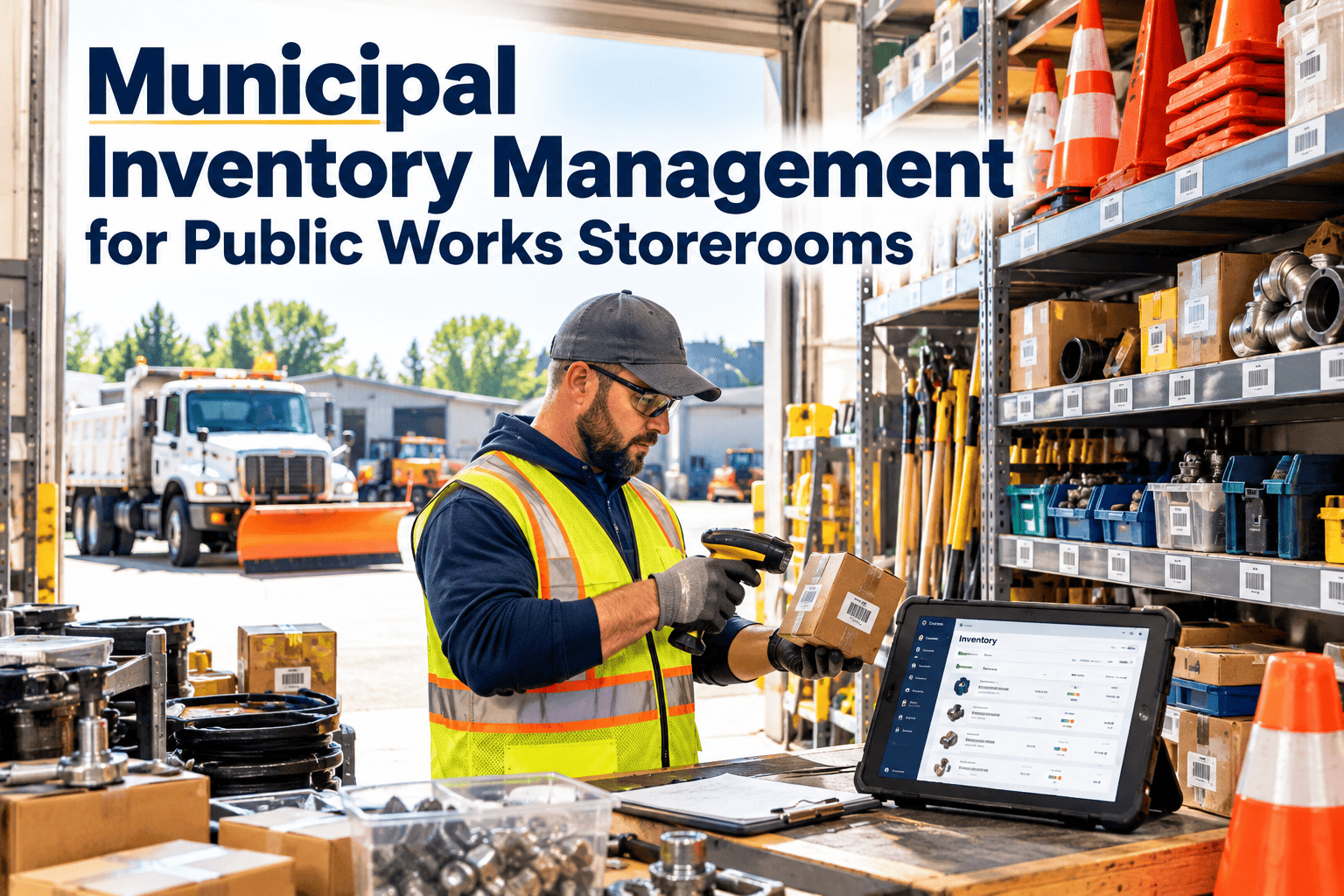
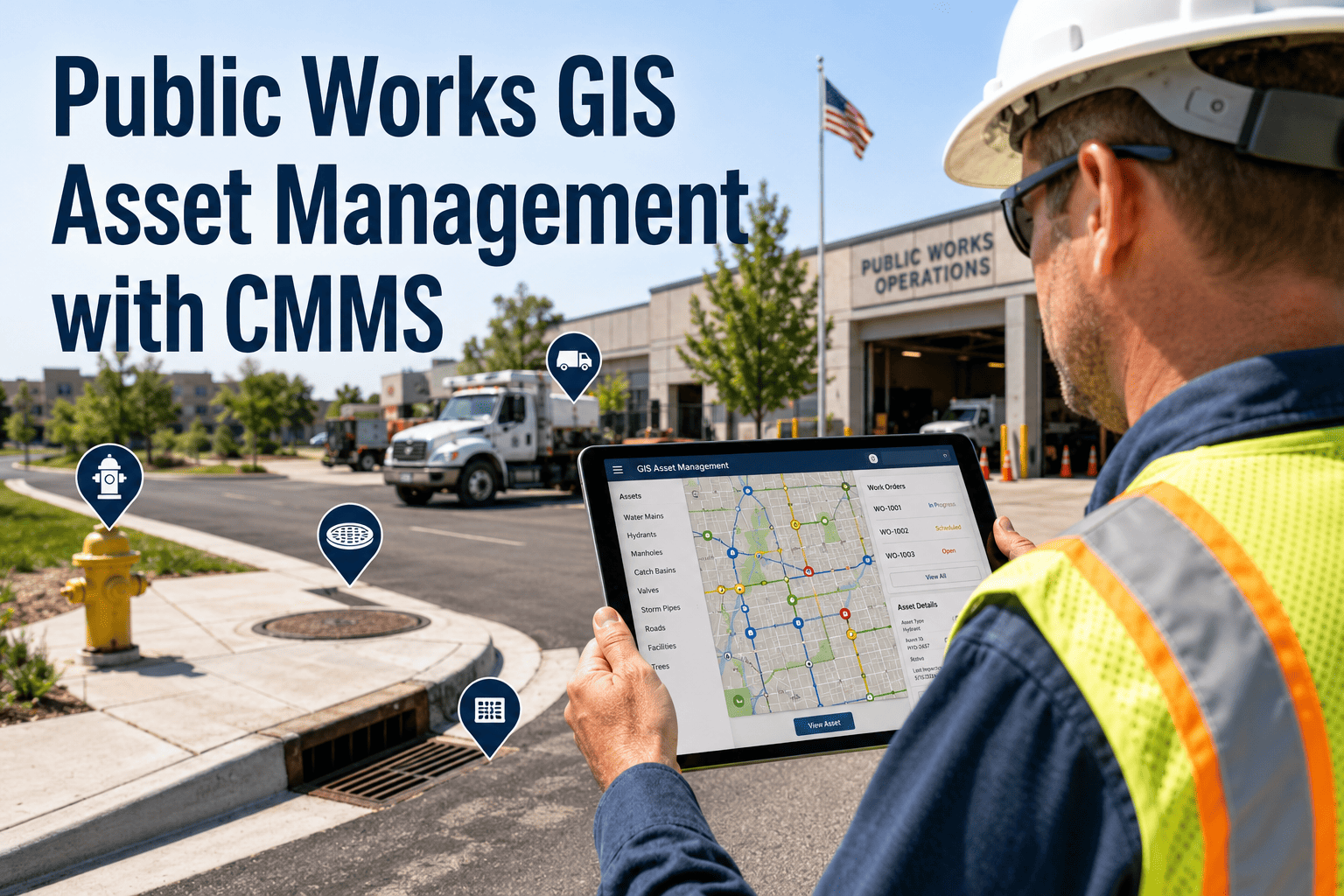
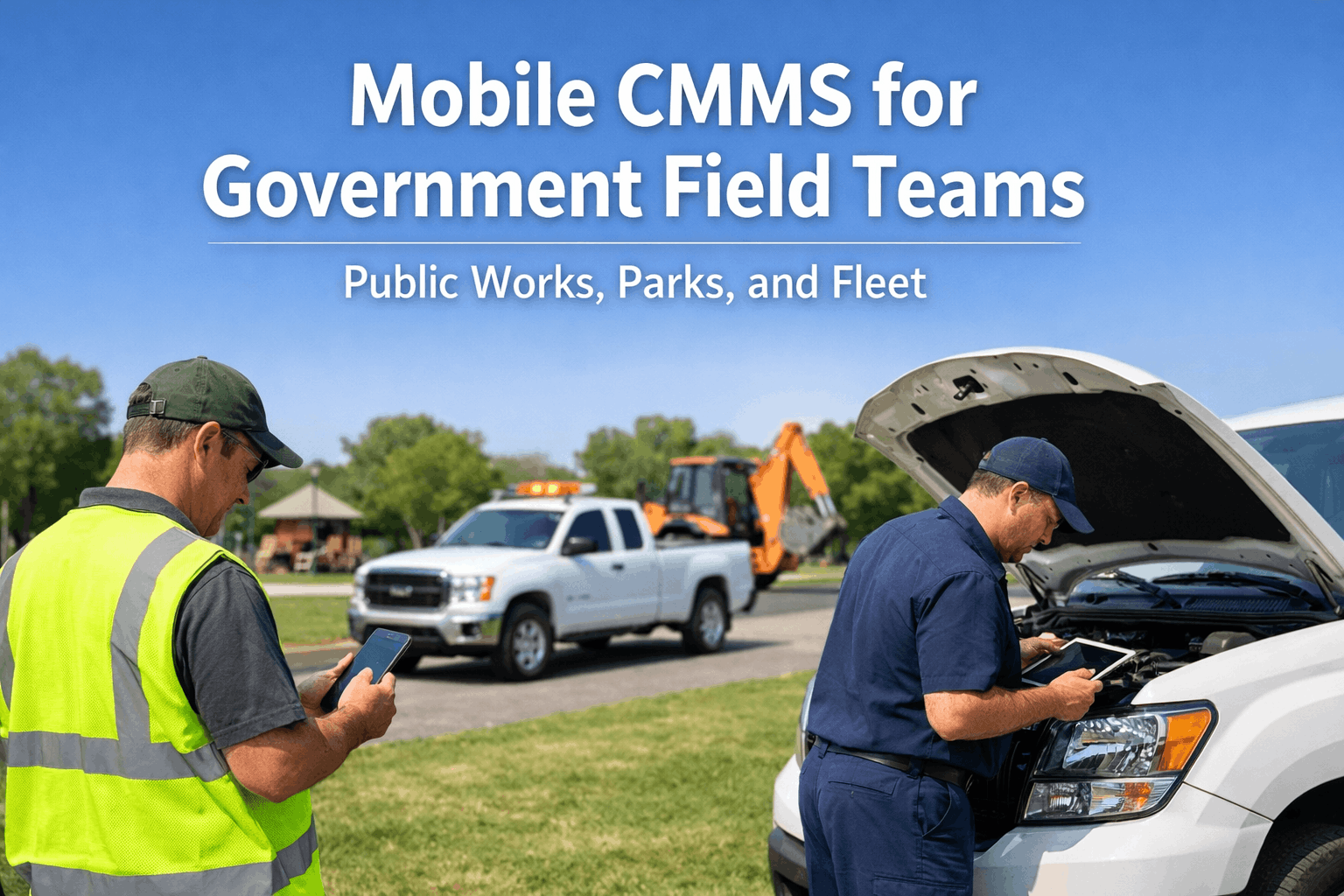
A government agency cannot manage what it cannot see — and most municipal and public sector organisations cannot accurately see their asset inventory. The average mid-sized municipality manages a capital asset portfolio valued at $340 million in replacement cost, yet the asset records that underpin the maintenance programme, compliance reporting, and capital planning decisions for that portfolio are typically scattered across spreadsheets last updated in a different administration, physical logbooks in maintenance offices, and the memory of staff who may no longer be employed there. An asset inventory cleanup — establishing accurate, complete, digital records for every asset in the portfolio — followed by QR tagging that links physical assets to those digital records is not a technology project. It is the foundational maintenance management infrastructure that every other improvement in predictive maintenance, compliance tracking, and capital planning depends on. The global asset tracking market reached $36.3 billion in 2025 precisely because organisations have learned that the cost of not knowing what they own, what condition it is in, and when it last received maintenance is consistently higher than the cost of implementing the system that answers those questions. Book a demo to see how OxMaint supports government asset inventory cleanup and QR tagging deployment — or start free and begin importing your first asset register today.
Guide · Infrastructure Asset Management · Asset Lifecycle
Government Asset Inventory Cleanup and QR Tagging Guide
A practical, phase-by-phase guide to auditing your existing asset records, establishing the data standards your CMMS requires, deploying QR tags across a municipal asset portfolio, and connecting every physical asset to its digital lifecycle record.
This Guide — 4 Phases
Phase 1
Existing records audit — what you have, what is missing, what is wrong
Phase 2
Asset data standards — minimum fields, naming conventions, criticality classification
Phase 3
QR tag deployment — tag selection, placement, and physical-to-digital linking
Phase 4
CMMS integration — live asset records, PM scheduling, and lifecycle tracking
Phase 1 — Existing Records Audit: Finding What You Have, What You Don't, and What Is Wrong
Before adding technology, you need an honest assessment of your current asset record state. Government asset inventories typically fall into one of three categories — and the cleanup approach differs for each.
Situation A
No structured inventory exists
Assets are known to maintenance staff but not documented anywhere retrievable. This is common in departments that have operated the same infrastructure for decades with the same core team. The inventory exists as institutional knowledge, not as records. Starting from scratch with a physical walkthrough and mobile data capture is the only path forward.
Approach: Physical audit-first — walk each facility and asset zone, capture asset details via mobile app, build the register as you go.
Situation B
Partial inventory exists in spreadsheets
An asset list exists but it was created for a specific purpose (audit, grant application, insurance valuation) and has not been maintained since. Records are incomplete, naming is inconsistent, condition data is missing, and the list does not match what is physically on site. This is the most common situation in mid-sized municipalities.
Approach: Import the existing data, use it to create the skeleton, then conduct a verification walkthrough to fill gaps and correct errors.
Situation C
Inventory exists in a legacy system
Asset records exist in a previous CMMS, EAM, or financial system but the data quality is variable — duplicate records, inconsistent naming, missing maintenance history linkage, and criticality classifications that were never updated after the initial setup. Migration requires data cleaning before import, not just export-and-import.
Approach: Export full dataset, de-duplicate, apply naming standard, score data completeness per asset, migrate with quality gates.
Existing Records Audit Checklist — Run Before Any Cleanup Work Begins
Count total assets currently in any record system (all sources combined) versus estimated total physical assets on site
Identify percentage of asset records with: asset ID, location, make/model/serial, installation date, last service date, and condition rating
Check for duplicate records — same physical asset appearing under different names, IDs, or locations
Identify assets in the field with no record — assets known to maintenance staff that appear nowhere in documentation
Assess maintenance history completeness — what percentage of assets have at least one documented service event in the past 24 months
Phase 2 — Asset Data Standards: The Minimum Record Every Government Asset Needs
An asset record is only as useful as its completeness. The table below defines the minimum data fields required for a government asset record to support maintenance scheduling, compliance reporting, and capital planning — and what each field enables.
| Data Field |
Required For |
What "Wrong" Looks Like |
OxMaint Validation |
| Asset ID (unique) |
Work order linkage, QR tag association, maintenance history |
"HVAC-1" used for 6 different units across 3 buildings |
Duplicate ID prevention at entry. Auto-generated if not supplied. |
| Asset name and type |
Reporting, filtering, PM template assignment |
"Pump" with no further specification — cannot assign the correct PM template |
Controlled taxonomy — asset type selected from standardised list, not free text. |
| Location (building + floor + zone) |
Work order dispatch, compliance reporting by location, FCI scoring per building |
"City Hall" without room or zone — technician cannot find the asset |
Hierarchical location structure: Site → Building → Floor → Zone. Each level required before record is complete. |
| Make, model, serial number |
Parts ordering, warranty tracking, OEM PM interval lookup |
Make only — without model, PM intervals and parts lists cannot be looked up |
Model lookup auto-populates OEM PM interval when manufacturer is in the reference database. |
| Installation date (or estimated age) |
Remaining useful life calculation, replacement cost forecasting, capital planning |
Date field blank — asset age is unknown, lifecycle calculations are impossible |
If installation date unknown, estimated year required. Asset age flags assets approaching end-of-life threshold. |
| Criticality classification |
PM priority, failure impact assessment, maintenance budget allocation |
No classification — all assets treated identically regardless of operational impact of failure |
Critical / Major / Minor classification required at asset creation. PM intervals and escalation rules set by criticality. |
| Condition rating (A–D or 1–5) |
FCI scoring, capital planning, maintenance priority |
No condition data — FCI calculations are estimates, not evidence |
Condition updated at every inspection and PM closure. FCI auto-calculated from condition scores across all assets per building. |
ASSET LIFECYCLE MANAGEMENT · OXMAINT · GOVERNMENT
Your Asset Inventory Is the Foundation. Everything Else Depends on It.
OxMaint provides the data validation, naming conventions, and import tools that turn a government asset inventory cleanup into an ongoing lifecycle management programme — not a one-time data project that decays back to spreadsheets within 18 months.
Phase 3 — QR Tag Deployment: Choosing the Right Tag for Each Asset Type
Not all QR tags are equal — and in a government asset portfolio spanning outdoor infrastructure, mechanical rooms, and climate-controlled offices, tag selection matters for durability and read reliability. The comparison below guides tag selection by asset environment and use case.
QR Code Labels
Best forIndoor assets — HVAC units, electrical panels, fire suppression equipment, office equipment
Scan methodAny smartphone camera — no specialist hardware required
DurabilityStandard labels: 3–5 years indoor; outdoor-rated polyester/polycarbonate: 7–10 years UV-resistant
Data capacityUp to 7,089 characters — encodes asset ID, CMMS URL link, and supplementary data in one code
Cost$0.05–$0.30 per tag at scale — lowest cost option for large portfolio deployments
LimitationRequires line-of-sight; does not function if tag is obscured by paint, dirt, or physical damage
RFID Tags
Best forFleet vehicles, large equipment, and high-volume inventory audits where multiple items need rapid scanning
Scan methodRFID handheld reader — does not require line-of-sight, reads through packaging and at distance
DurabilityPassive RFID: 10–20 years depending on tag type; metal-mount RFID tags for equipment surfaces
Data capacity64–4,096 bits — sufficient for asset ID and basic data; complex records stored in CMMS database
Cost$0.50–$5.00 per tag plus RFID reader hardware — higher upfront cost, lower per-scan time for bulk audits
LimitationRequires RFID reader hardware; not suitable for assets with high metal content near the tag antenna
NFC Tags
Best forAccess-controlled assets, portable equipment, and assets where the technician taps the tag to confirm physical presence before logging work
Scan methodNFC-enabled smartphone — tap to read; confirms technician was physically at the asset
Durability5–10 years; embedded NFC tags available for embedding in asset housing
Data capacity144 bytes to 64 KB depending on chip — typically stores asset ID link to CMMS record
Cost$0.30–$2.00 per tag; no additional hardware for smartphones with NFC capability
LimitationRead range 4–10 cm only; not suited for bulk scanning or remote location assets
Phase 4 — CMMS Integration: From Tagged Asset to Live Lifecycle Record
A QR tag without a CMMS connection is a label. A QR tag that opens an asset's full maintenance history, triggers a work order, and records who scanned it and when is the foundation of an asset lifecycle management programme. The connection between physical tag and digital record is what makes the inventory cleanup permanent rather than a one-off data project.
1
Tag Scan Opens Asset Record
Technician scans QR tag on the asset with mobile device. OxMaint app opens directly to that asset's record — displaying maintenance history, current PM status, outstanding work orders, and relevant compliance dates. No manual asset ID search required — the physical tag is the navigation.
2
Scan Creates a Location-Verified Audit Trail
Every tag scan is timestamped and attributed to the scanning technician — proving they were physically at that asset at that time. For compliance inspections, the scan log replaces the paper sign-in sheet as proof of inspection presence. The audit trail is automatic, not an additional documentation step.
3
Work Order Creation from the Asset
From the scan-opened asset record, the technician can create a corrective work order, update condition rating, or confirm PM completion in one workflow — without returning to a desk or re-entering the asset ID. The work order is automatically linked to the asset record, building the maintenance history that makes the next technician more effective.
4
Condition Update Feeds Capital Planning
When the technician updates an asset's condition rating during a PM or inspection, that data flows immediately into the FCI (Facility Condition Index) calculation for the building and into the capital planning forecast for the asset class. The inventory stays current because every physical interaction with a tagged asset updates the digital record — rather than requiring a separate data entry cycle.
Expert Review
"Every government asset management improvement programme I have been involved with runs into the same obstacle at the same point: the asset inventory. You cannot build a predictive maintenance programme without knowing what assets exist. You cannot produce defensible FCI scores without condition data. You cannot make capital planning decisions without installation dates and replacement cost estimates. And you cannot do any of these things reliably when the asset records are in three spreadsheets, two legacy systems, and the memory of a maintenance supervisor who is due to retire. The QR tagging component is often undervalued in these projects. Organisations see it as a labelling exercise — and then discover that the physical tag is what makes the digital record permanent. An asset that exists only in a CMMS record can drift out of sync with reality as assets are moved, modified, or replaced without the system being updated. An asset with a QR tag physically attached to it creates a physical-to-digital link that forces every interaction with that asset — every PM, every repair, every inspection — through the CMMS record. The tag is not the technology. The tag is the discipline mechanism that keeps the inventory accurate after the cleanup is done."
James Okonkwo, PE, BEMP, HBDP
Licensed Professional Engineer · Building Energy Modelling Professional (ASHRAE) · High Performance Building Design Professional (ASHRAE) · 18 years government and public sector infrastructure asset management programme design and CMMS implementation
Frequently Asked Questions
How long does a government asset inventory cleanup typically take?
Timeline depends heavily on portfolio size and starting record quality. A mid-sized municipality with 2,000–5,000 assets and partial existing records typically completes the core cleanup in
8–16 weeks using a structured programme: 2–3 weeks for existing records audit and data standardisation; 4–6 weeks for physical walkthrough and gap-filling; 2–4 weeks for QR tag printing, deployment, and CMMS linking. Larger portfolios with poor starting data take proportionally longer. The most important decision is defining the minimum data standard before starting — teams that begin data capture without a standard produce records of inconsistent quality that require re-cleaning.
Book a demo to see OxMaint's government asset inventory import tools.
What QR tag material is suitable for outdoor government assets?
Outdoor government assets require UV-resistant polyester or polycarbonate labels with UV-stable inks — standard paper or vinyl labels degrade within 1–2 years of outdoor exposure. For assets subject to direct sunlight, high-humidity environments (pump stations, outdoor electrical equipment), or extreme temperature cycling, aluminium or stainless steel QR tags provide the best durability, typically rated for 10–15 years. The QR code pattern on metal tags is etched or engraved rather than printed, making it immune to fade, UV damage, or surface abrasion. Metal tags cost more ($2–$8 per tag) but are appropriate for the highest-value outdoor infrastructure assets.
What data should government agencies prioritise capturing during an asset inventory walkthrough?
In order of operational priority:
Asset ID, type, and location (without these, no other data can be linked or retrieved);
make, model, and serial number (enables OEM PM interval lookup and parts ordering);
installation date or estimated age (enables remaining useful life and replacement cost forecasting); and
current condition rating (enables FCI scoring and capital planning). Secondary fields — warranty status, purchase cost, assigned department — add value but should not block progress if unavailable. A record with the five primary fields is operationally useful. A record with only secondary fields and missing primary data is not.
Start free to access OxMaint's government asset import template.
How does OxMaint keep asset inventory accurate after the initial cleanup?
OxMaint keeps inventory current through three mechanisms: QR tag-triggered record updates — every technician scan of a physical asset tag creates an audit trail event and prompts condition or status updates at the point of physical contact; work order closure updates — PM and corrective work order completion automatically updates last service date, parts replaced, and observed condition; and change control prompts — when a work order notes asset replacement, modification, or decommissioning, the CMMS flags the asset record for update rather than allowing the physical and digital states to diverge silently. The combination means the inventory self-updates through normal maintenance operations rather than requiring periodic manual re-auditing.
ASSET LIFECYCLE MANAGEMENT · GOVERNMENT · OXMAINT
A Maintenance Programme Is Only as Good as the Asset Inventory It Runs On.
OxMaint provides the data import tools, naming conventions, QR tagging workflows, and validation rules that turn a government asset inventory cleanup into a permanent, self-updating lifecycle management programme — giving public sector maintenance teams the asset visibility that predictive maintenance, compliance reporting, and capital planning all require.