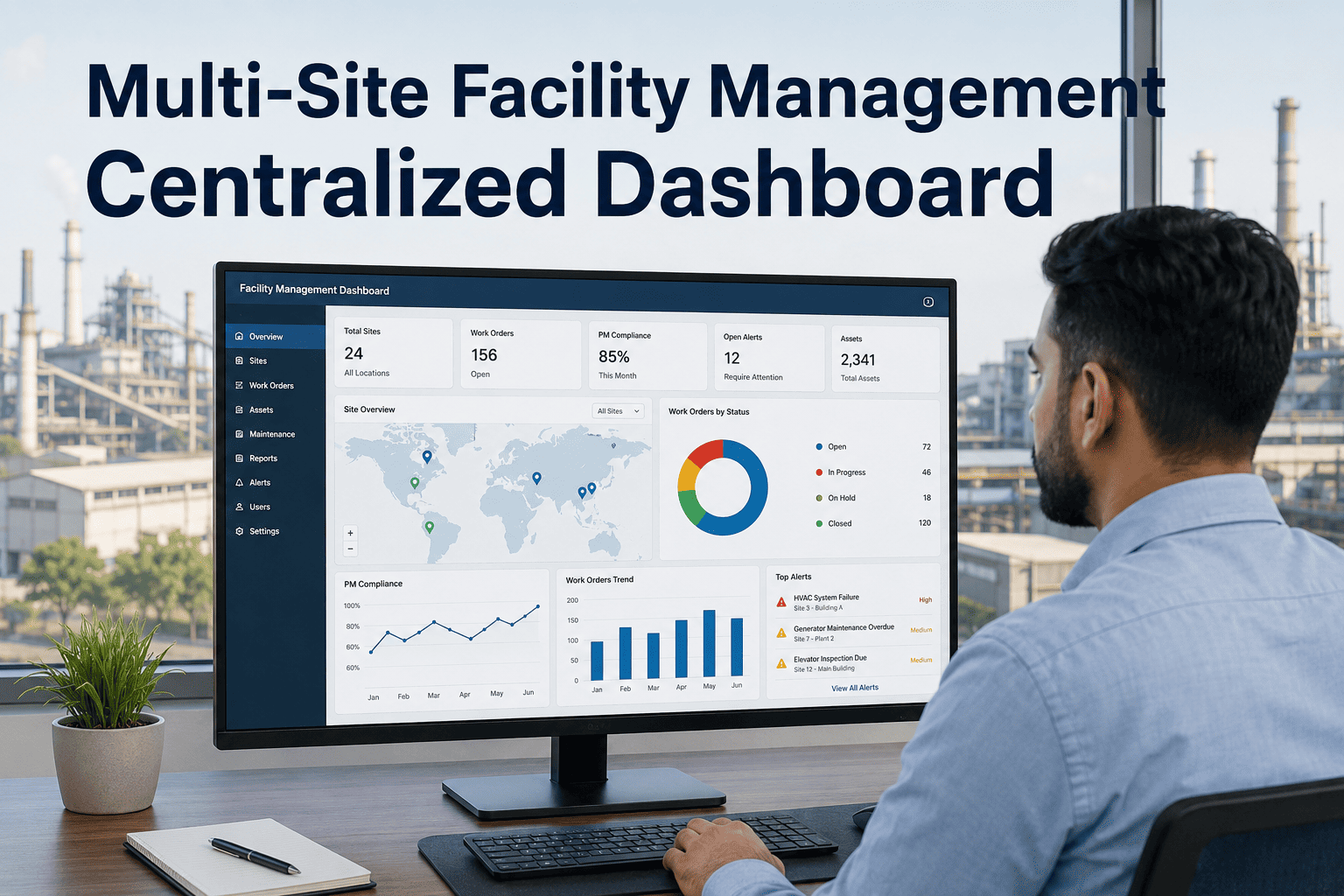
Managing a single building is challenging enough—coordinating maintenance, compliance, vendor schedules, and tenant requests across ten, fifty, or a hundred properties without a unified platform turns operations into a patchwork of spreadsheets, phone calls, and missed deadlines. Property portfolio managers lose visibility the moment assets span multiple locations, and that blind spot costs real money in deferred maintenance, regulatory penalties, and tenant turnover. A centralized facility management CMMS like Oxmaint consolidates every work order, asset record, and compliance certificate across your entire portfolio into one command center—giving you control without requiring you to be everywhere at once.
Why Disconnected Tools Fail Multi-Site Portfolios
Most property managers inherit a different system at every site—one building uses paper logs, another has a legacy desktop tool, a third relies on email chains. The result is zero cross-portfolio visibility, duplicated vendor contracts, inconsistent preventive maintenance schedules, and compliance gaps that only surface during audits. When your portfolio grows, these fragmented workflows do not scale—they fracture. Transitioning to a unified facility management platform eliminates the information silos that erode portfolio performance.
Core Capabilities for Portfolio-Wide Control
Oxmaint is built for the complexity of multi-site operations. Every feature works across your entire portfolio from a single dashboard—no switching between accounts, no manual data consolidation, no blind spots. Schedule a walkthrough to see how these capabilities map to your specific portfolio structure.
Centralized Work Order Management
Create, assign, and track work orders across every property from one queue. Filter by site, priority, trade, or status. Maintenance teams at each location receive mobile-pushed assignments with full asset context—photos, manuals, and history—so nothing gets lost between dispatch and completion.
Preventive Maintenance Calendars
Build recurring PM schedules per asset class and deploy them across sites in minutes. HVAC filters, fire suppression tests, elevator inspections, roof assessments—each task auto-generates on schedule with the right checklist attached. Completion rates roll up to a portfolio-wide compliance dashboard.
Portfolio Asset Registry
Every HVAC unit, elevator, fire panel, generator, and plumbing system across your portfolio lives in a single searchable registry. Each asset record holds warranty data, service history, photos, manuals, and replacement cost estimates—giving you the full picture when making capital expenditure decisions.
Vendor Coordination Hub
Manage contractor assignments, track SLA compliance, and compare vendor performance across properties. When a plumbing contractor serves three of your buildings, their response time, completion rate, and cost per ticket are benchmarked automatically—giving you negotiation leverage and quality assurance data.
Compliance and Inspection Tracking
Fire safety, elevator certifications, backflow testing, ADA compliance—every regulatory requirement is calendared, tracked, and documented with audit-ready records. When inspectors arrive, pull up the full compliance history for that site in seconds instead of digging through filing cabinets.
Portfolio Analytics and Reporting
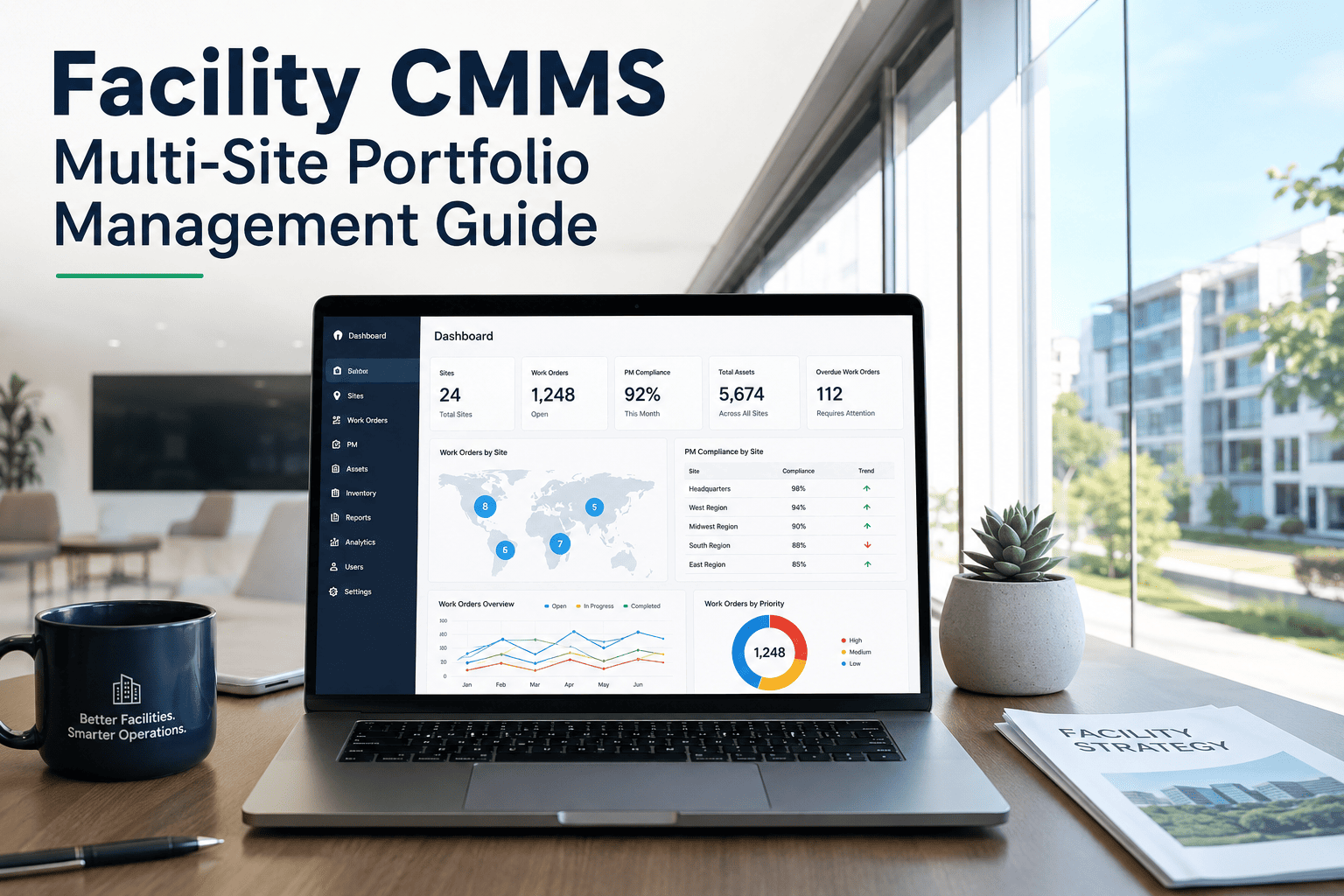
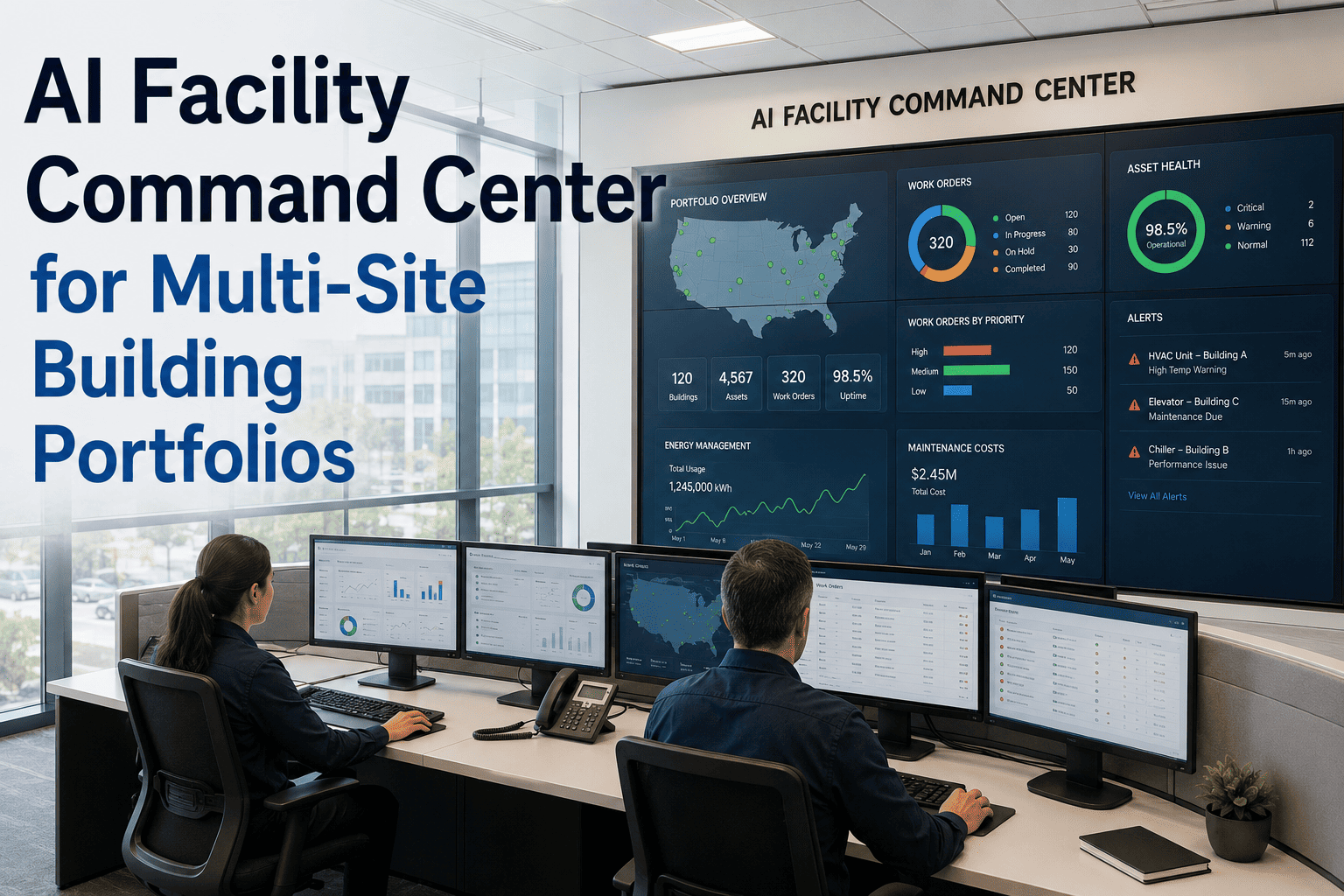
Compare maintenance spend, response times, PM completion rates, and tenant satisfaction scores across every property in your portfolio. Executive dashboards surface the sites that need attention, while drill-down reports give site managers the detail they need to take action.
One Platform. Every Property. Complete Visibility.
Oxmaint gives portfolio managers the cross-site command center they need—consolidating work orders, assets, vendors, and compliance into a single system that scales with your portfolio.
Fragmented Tools vs. Unified Platform
The difference between managing properties with disconnected tools and a centralized CMMS is not incremental—it is structural. Here is what changes when your portfolio operates from a single platform.
How Multi-Site Onboarding Works
Getting your entire portfolio onto Oxmaint does not require months of IT projects. The platform is designed for rapid multi-site deployment—most portfolios are fully operational within weeks, not quarters. Book a demo to map out a deployment timeline for your portfolio size.
Portfolio Structure Setup
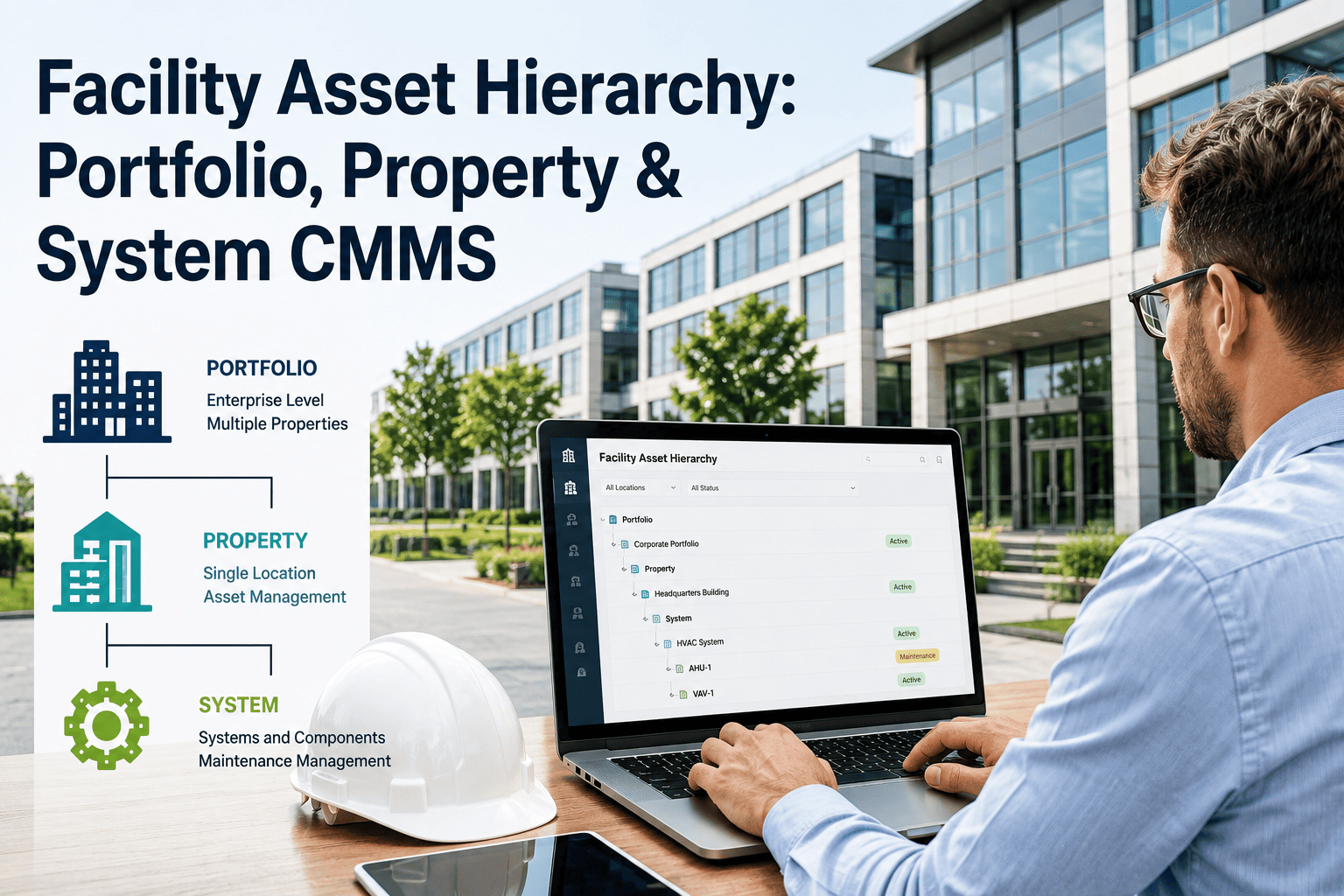
Define your property hierarchy—regions, campuses, buildings, floors, units. Each site gets its own workspace with shared global settings for asset categories, priority levels, and vendor lists.
Asset and Vendor Import
Bulk-import asset inventories from existing spreadsheets or legacy systems. Map vendors to their service territories and assign preferred contractors per trade and site.
PM Template Deployment
Create preventive maintenance templates by asset class, then deploy them across all applicable sites in a single action. Schedules auto-adjust for local regulations and seasonal requirements.
Team Activation
Invite site managers, maintenance technicians, and executive stakeholders. Role-based permissions ensure each user sees exactly what they need—site-level teams see their building, portfolio managers see everything.
Live Portfolio Operations
Work orders flow, PM tasks generate on schedule, compliance alerts fire, and analytics begin building from day one. Your portfolio has a single source of truth.
Built for Portfolio Scale
These are not add-on features bolted onto a single-site tool. Every capability in Oxmaint is engineered from the ground up for multi-site complexity—because managing a portfolio is a fundamentally different discipline than managing one building. Start your free account to explore the platform.
Cross-Site Benchmarking
Compare maintenance KPIs, spend-per-sqft, and response times between properties. Identify underperforming sites and replicate best practices from top performers across the portfolio.
Mobile-First Field Operations
On-site technicians receive push-notified work orders with full context—asset photos, repair history, attached manuals, and GPS-tagged location. Complete tickets, upload photos, and log parts from any device.
Tenant Request Portal
Give tenants a branded portal to submit maintenance requests with photos and priority indicators. Requests route automatically to the correct site team, eliminating phone tag and email chains.
Budget Tracking by Property
Set and monitor maintenance budgets per property, region, or portfolio segment. Real-time spend tracking with variance alerts ensures no site exceeds allocation without visibility at the executive level.
Your Portfolio Deserves One System of Record
Stop toggling between spreadsheets, email threads, and legacy tools to manage your properties. Oxmaint brings every site, every asset, every vendor, and every compliance deadline into a single platform built for portfolio-scale operations.