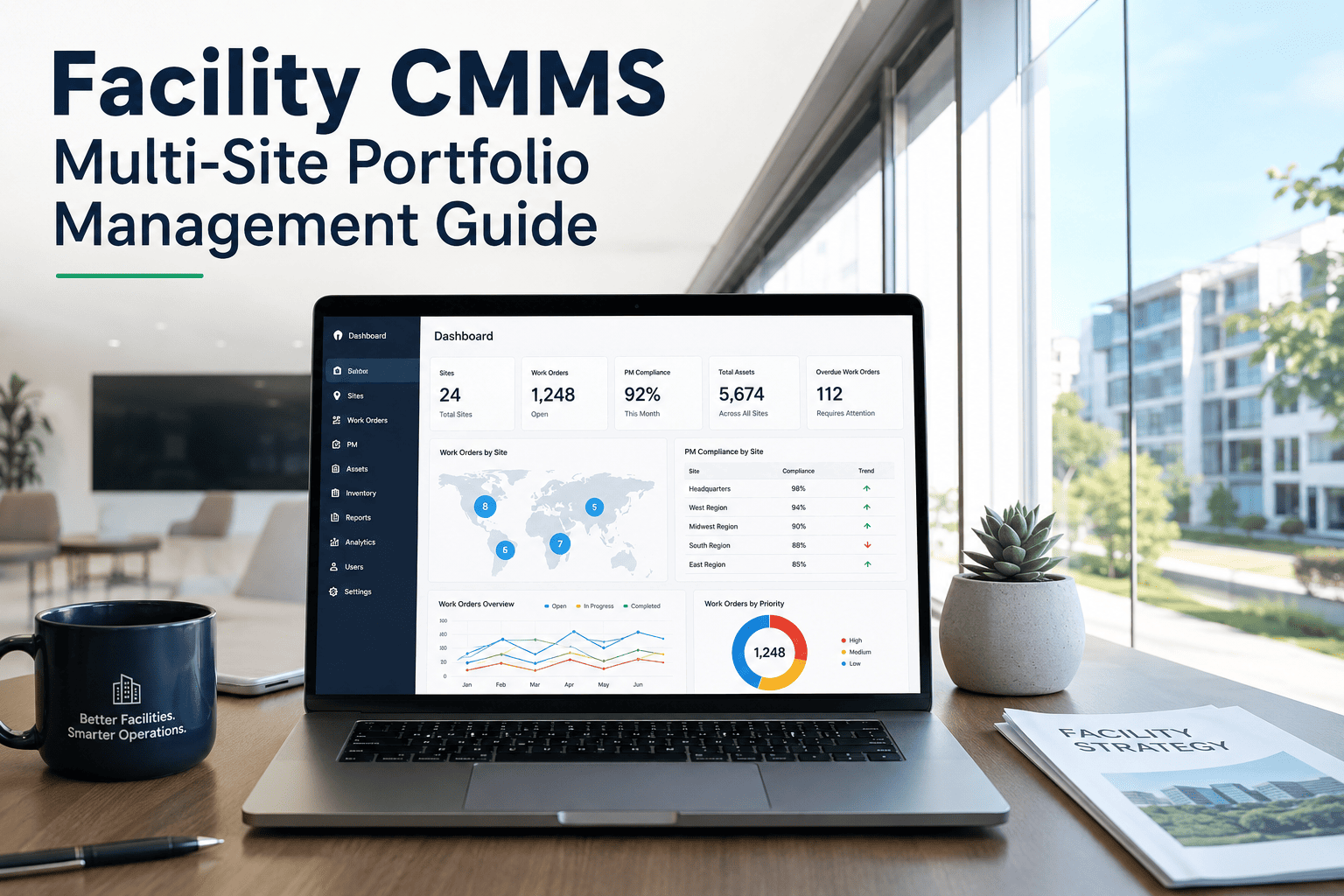
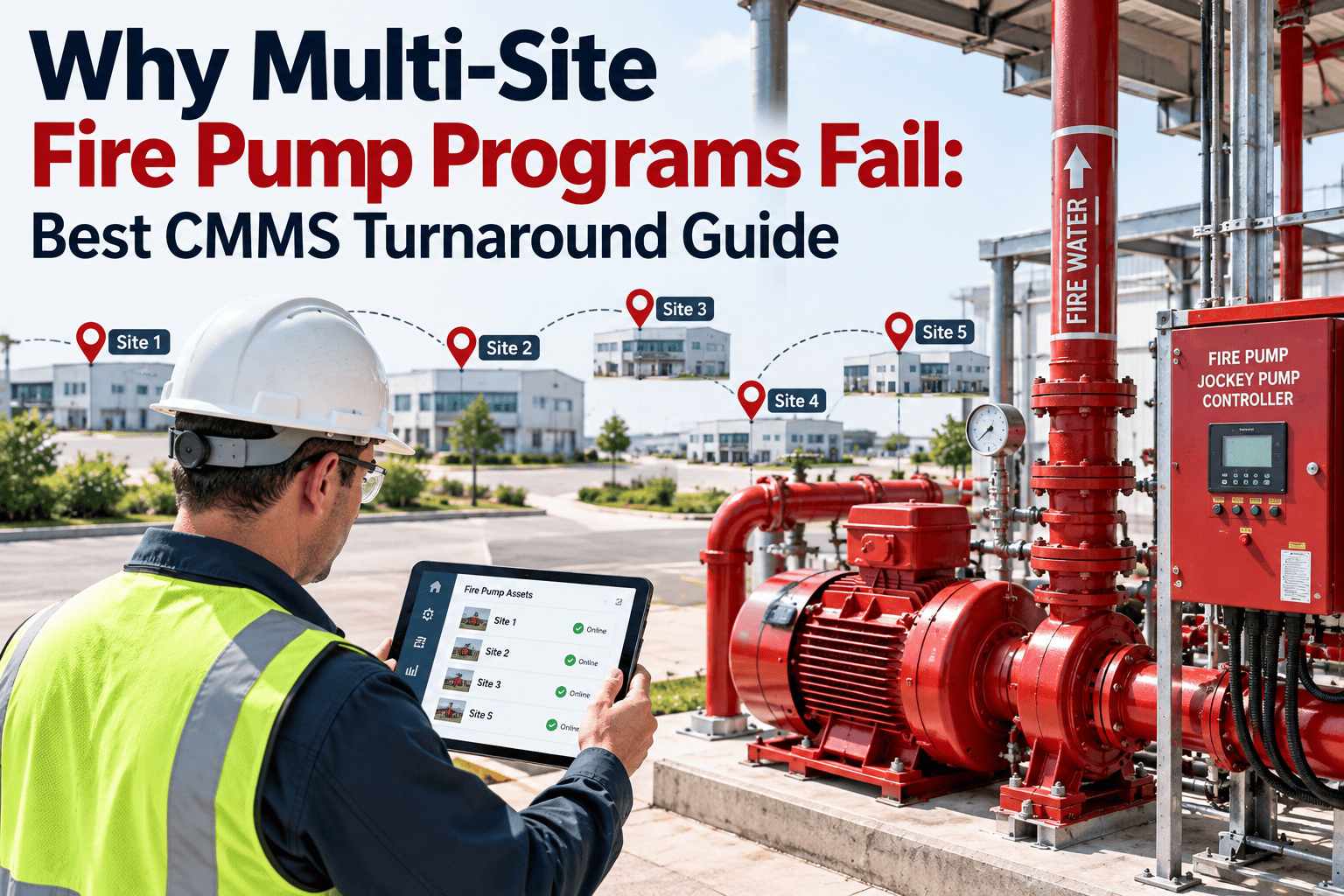
When a facility portfolio grows from one building to ten, the maintenance approach that worked at a single site quietly stops working everywhere else. Site managers invent their own spreadsheets, technicians label the same rooftop unit three different ways, and by the time a monthly report reaches leadership the numbers are already weeks old. Multi-site teams lose the one advantage that made single-site operations manageable: a shared, real-time view of what is actually happening across every property. A connected portfolio-property-system-asset hierarchy is what brings that visibility back, without forcing every site to lose its local autonomy. Start free on Oxmaint and connect every property in your portfolio to one system.
Multi-Site CMMS · Portfolio Management · Facility Operations
One Portfolio Hierarchy for Every Property You Manage
Stop reconciling spreadsheets from ten different site managers. A unified portfolio-property-system-asset hierarchy gives technicians, site managers, and executives the same real-time picture, scaled to exactly what each of them needs to see.
64%
of facility managers still track maintenance on spreadsheets or disconnected tools across their portfolio
$412K
average yearly cost of inconsistent maintenance standards across a multi-site portfolio
8+ hrs
spent every month manually consolidating site reports into one portfolio view
Why Growing Past One Site Breaks the Old Playbook
A single building can run on a spreadsheet and a manager who knows every asset by heart. A ten-site portfolio cannot — and the problems that show up next are structural, not a matter of trying harder.
Every Site Speaks a Different Language
One site calls it "RTU-3," another calls the same equipment class "Rooftop Unit North." Without a shared naming and classification standard, accurate portfolio-wide reporting on asset performance is nearly impossible.
Reports Are Always Weeks Old
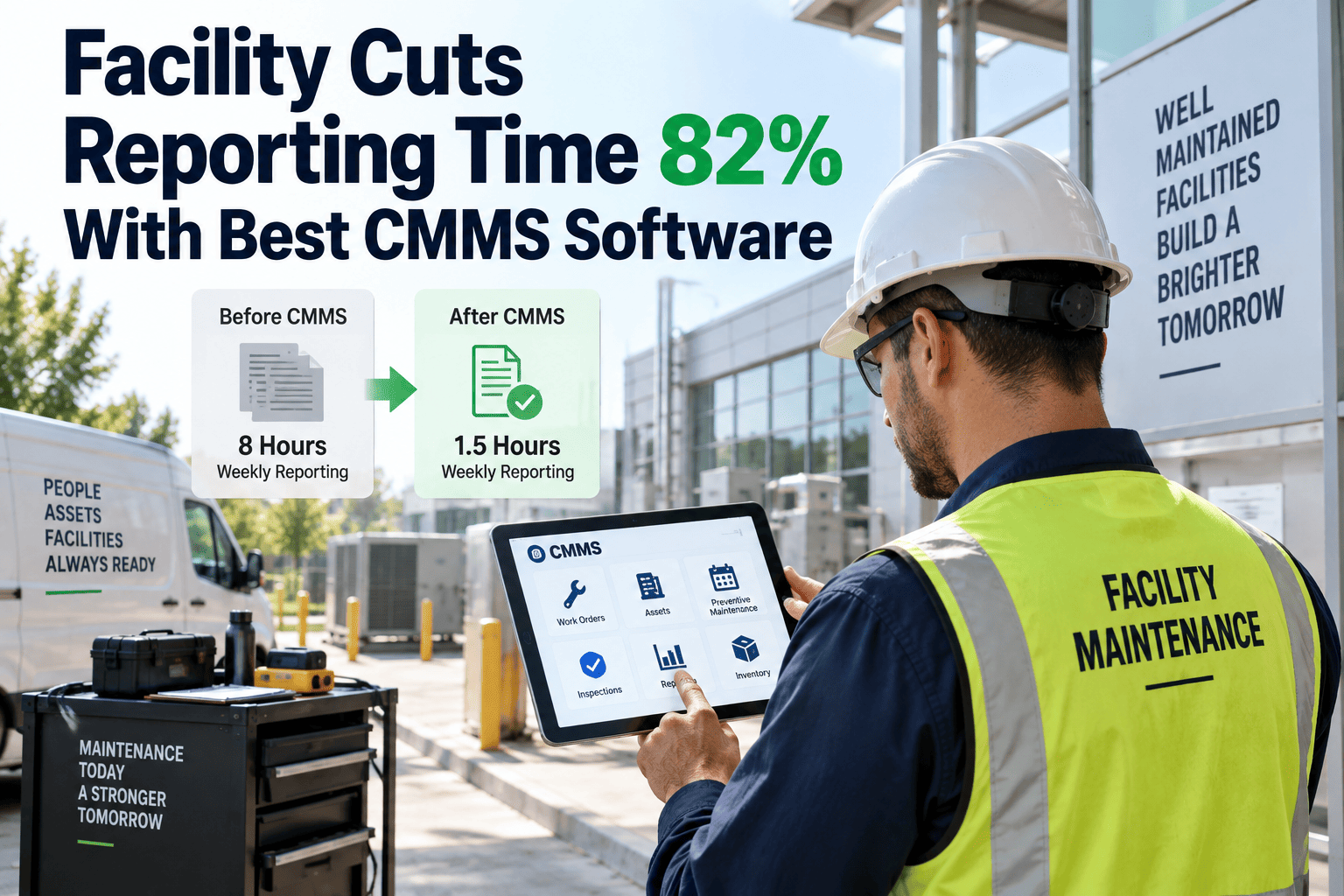
Consolidating individual site spreadsheets into one portfolio report regularly takes days of manual work. By the time leadership sees the numbers, the operational picture underneath them has already changed.
Inventory Sits Idle in the Wrong Building
A critical part fails at one site while an identical part sits unused two buildings away. Without shared visibility, teams pay for rush shipping instead of moving stock that already exists inside the portfolio.
The Data Model That Makes Multi-Site Actually Work
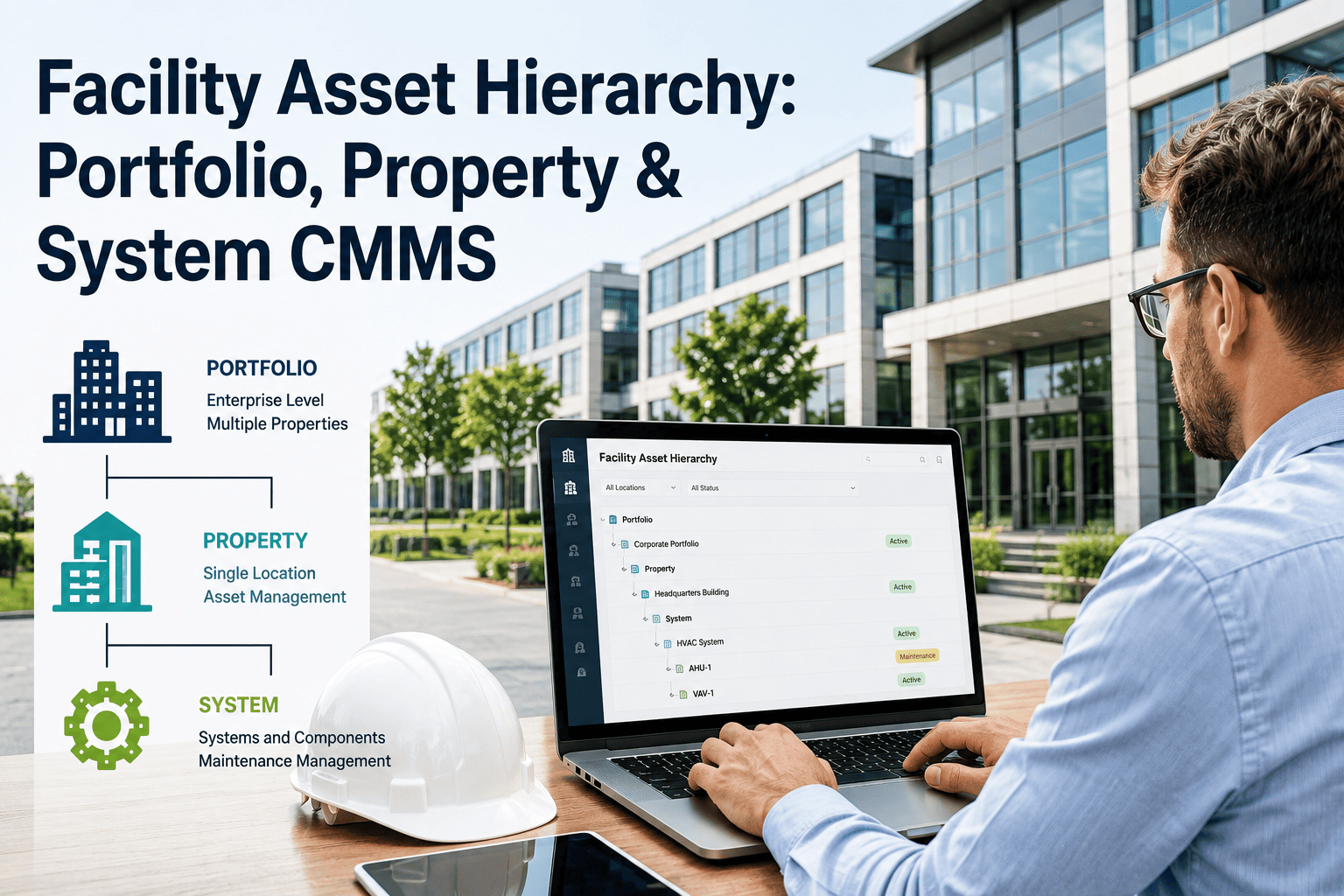
Most CMMS platforms were built for one building and had multi-site capability bolted on afterward. A true multi-site architecture connects five levels into a single hierarchy, so every asset traces back to the property and portfolio it belongs to.
01
Portfolio
The ownership entity — a REIT, operator group, or corporate real estate division overseeing every property below it.
→
02
Property
Each building or campus, with its own address, occupancy, compliance calendar, and local team.
→
03
System
HVAC, electrical, fire protection, plumbing, and elevators — organized consistently inside every property.
→
04
Asset
Individual equipment, tracked with the same classification and condition scoring across every site.
→
05
Component
Parts and sub-assemblies, linked to failure history so recurring issues surface at the portfolio level.
Every month without a connected hierarchy, your portfolio report is being built by hand — one spreadsheet, one phone call, and one outdated number at a time.
Site-by-Site Tracking vs. One Portfolio Dashboard
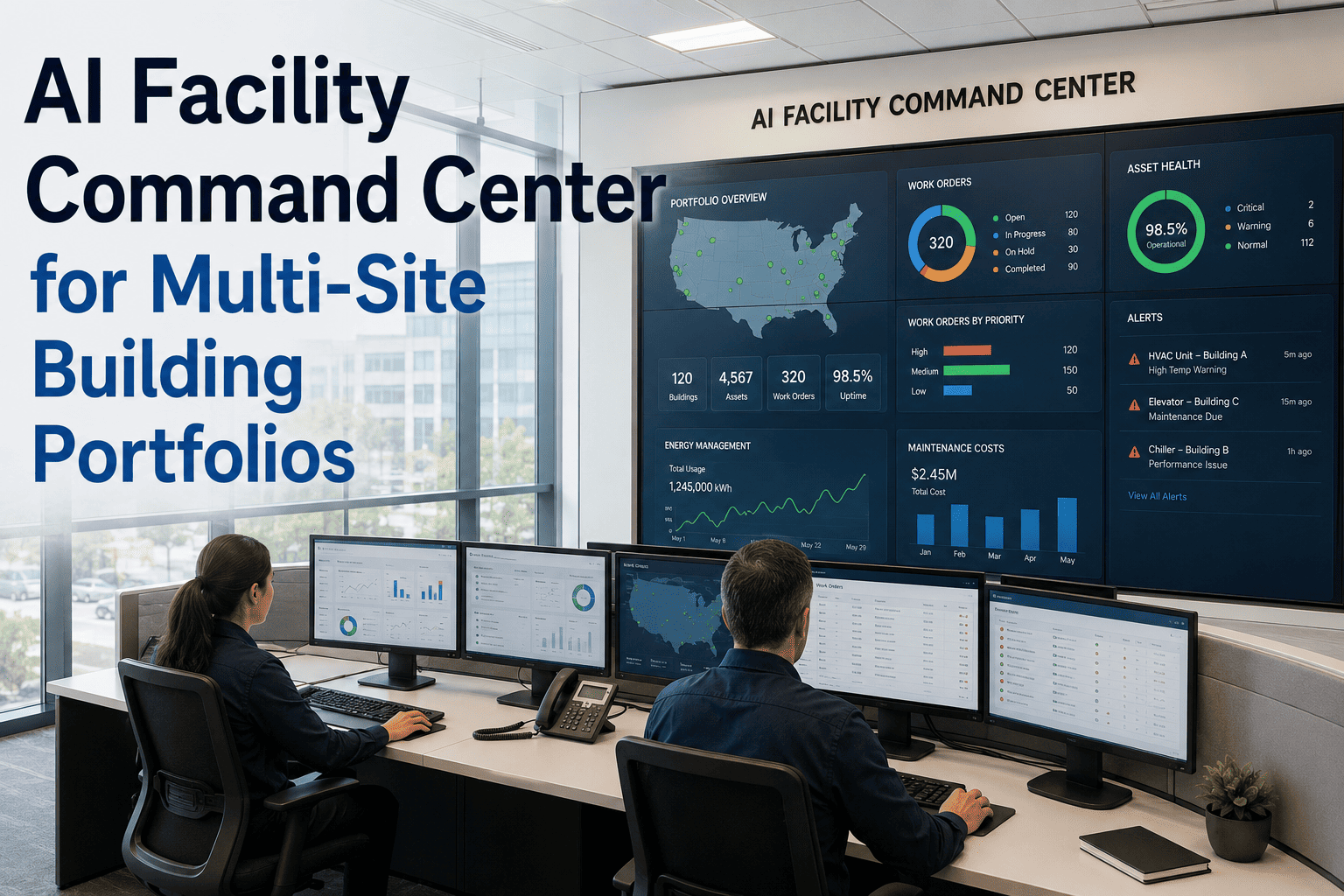
The difference between running a portfolio on disconnected tools and running it on one connected platform shows up clearly across the metrics that matter to operations and ownership alike.
| Metric | Disconnected Site Tools | Unified Portfolio Dashboard |
|---|
| PM Compliance Visibility | Requested from each site manager individually | Visible portfolio-wide in real time, by site or by system |
| Report Consolidation | Multiple days spent merging spreadsheets each month | Rolls up automatically as work orders close |
| Spare Parts Visibility | Each site orders independently, often duplicating stock | Stock levels visible across every site before reordering |
| PM Standardization | Every site builds its own checklist over time | One template deployed identically across all properties |
| Compliance Audit Trail | Depends on local recordkeeping quality per site | Digital audit trail standardized across the portfolio |
| Technician Reallocation | Difficult to see workload imbalance across sites | Workload visible across sites, enabling cross-site support |
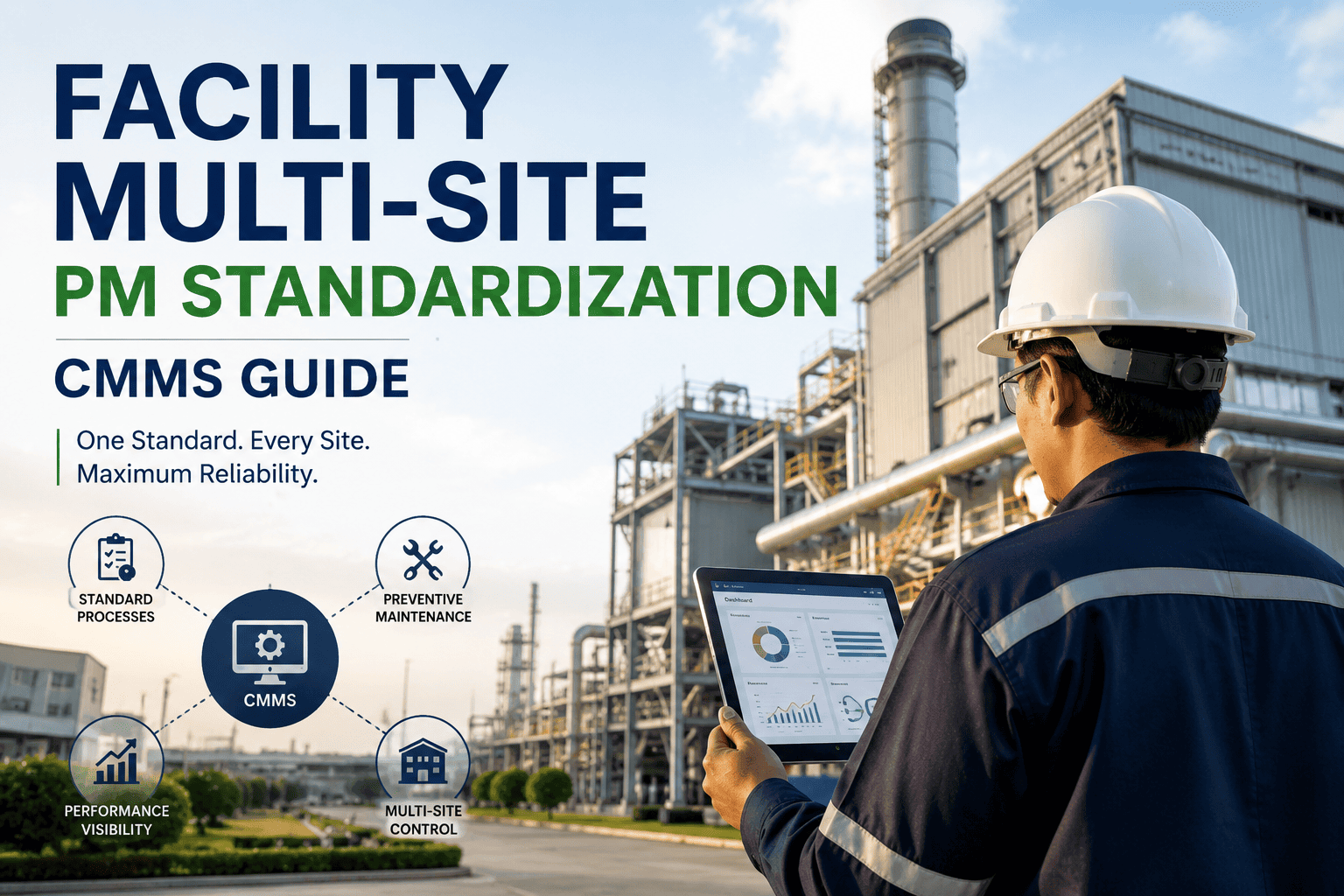
Centralized PM Scheduling, Deployed Once
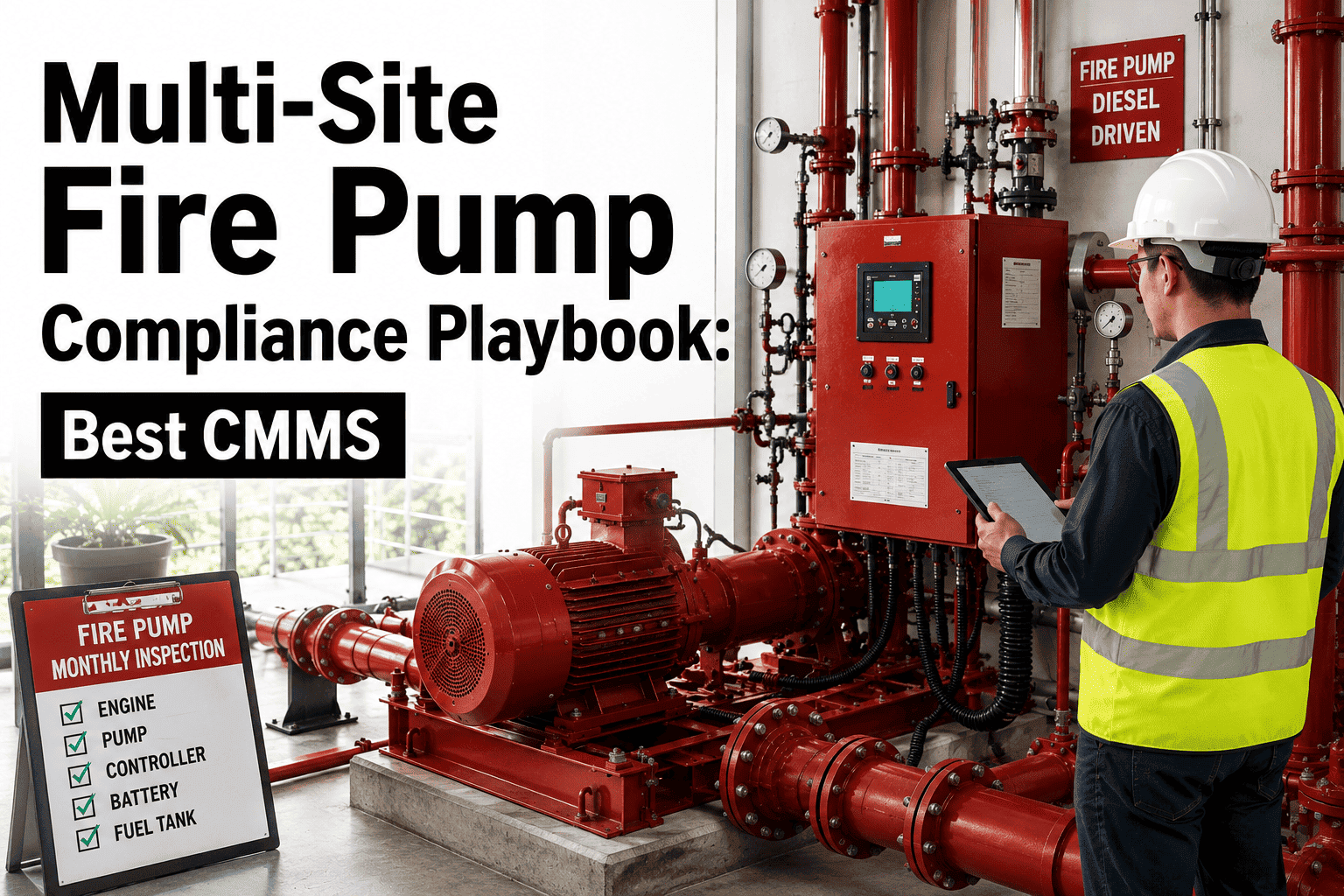
Instead of every property building its own preventive maintenance routine from scratch, portfolio-level templates let you set the standard once and push it everywhere it applies.
Build Once
Create a PM checklist for HVAC, fire safety, or electrical systems a single time, at the portfolio level.
Deploy Everywhere
Push the same checklist to every property that has that asset class, with no per-site setup required.
Adjust Locally
Individual sites can still adapt frequency for local conditions without breaking the portfolio-wide standard.
Expert Review
FM
Multi-Site Operations Expert
Portfolio Facility Management Review
A connected portfolio hierarchy is the difference between reporting on your buildings and actually managing them as one operation. Once every property maps into the same system, questions that used to take a week to answer — which sites are falling behind on compliance, where inventory is being duplicated, which technicians are overloaded — become answerable in minutes instead of meetings. That shift alone changes how confidently ownership groups can plan capital spending across the whole portfolio.
Frequently Asked Questions
How does the portfolio-property-system-asset hierarchy work in practice?
Every asset is registered once and automatically linked upward through its system, property, and portfolio. This lets a single dashboard show performance at any level, from one rooftop unit to the entire estate.
Book a demo to see the hierarchy mapped to your own portfolio.
Can individual sites keep their own PM schedules while still rolling up to the portfolio?
Yes. Portfolio-level PM templates set the standard, but site managers can adjust frequency for local conditions without breaking the standardized checklist. Reporting still rolls up cleanly regardless of local adjustments.
Try Oxmaint free to configure a template across multiple sites.
How is cross-site KPI comparison actually calculated?
Metrics like PM compliance, cost per square foot, and emergency call-out frequency stay consistent because every site feeds data into the same asset classifications and work order structure, making side-by-side comparison meaningful rather than misleading.
Does setting up multi-site management require an IT project?
No. Properties can be added to the portfolio directly by an administrator, without custom development or a lengthy implementation timeline. Most portfolios are running live work orders across multiple sites within days.
Start free on Oxmaint to add your first properties.
Can regional managers see only their sites while executives see the whole portfolio?
Yes. Role-based access means technicians see their assigned work, site managers see their property, and executives see the full portfolio — all from the same underlying data.
Book a demo to see role-based views configured for your team.
Manage Your Whole Portfolio Like It's One Building
Oxmaint connects every property, system, and asset into one hierarchy — so your team stops reconciling spreadsheets and starts managing the portfolio as a single, real-time operation.