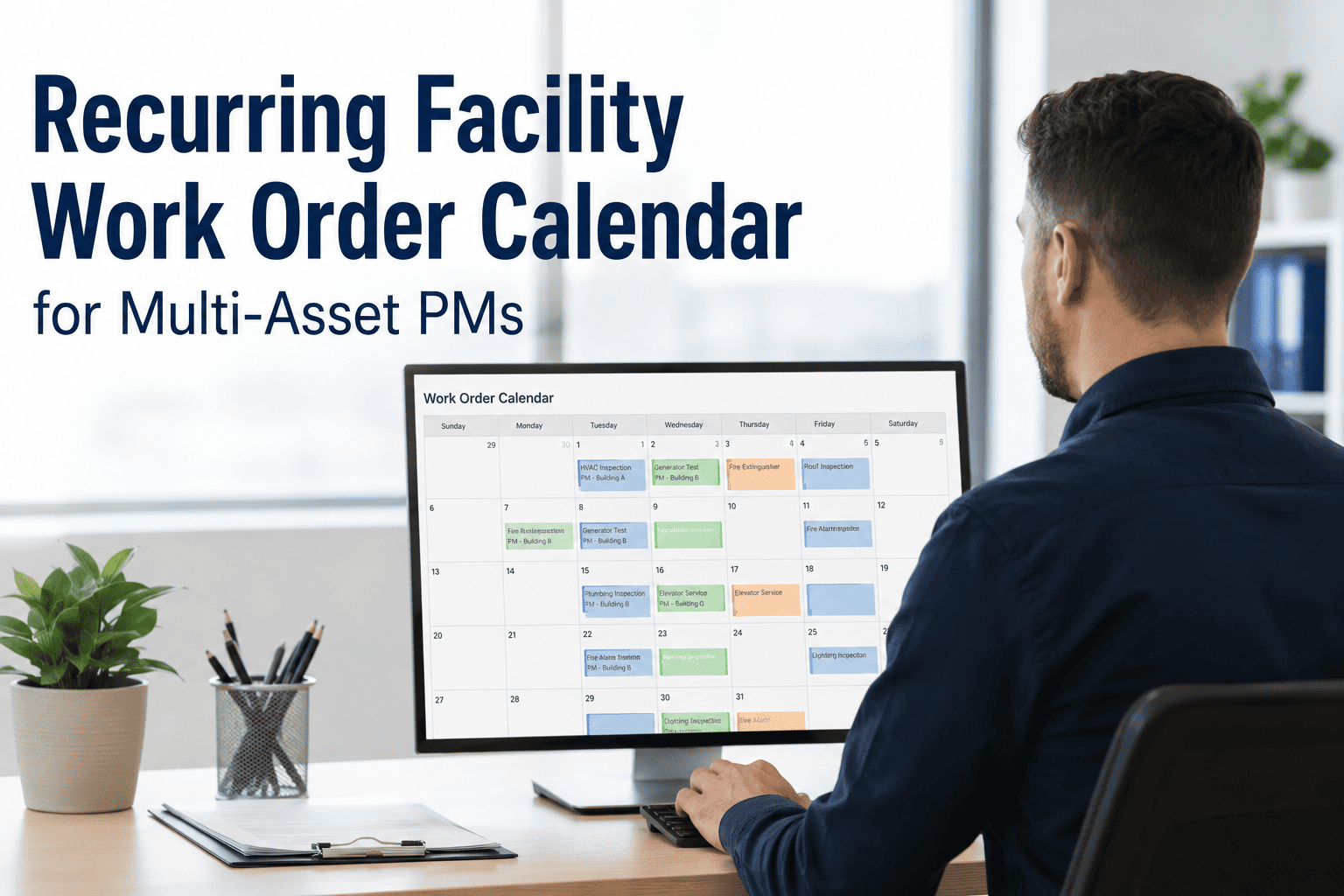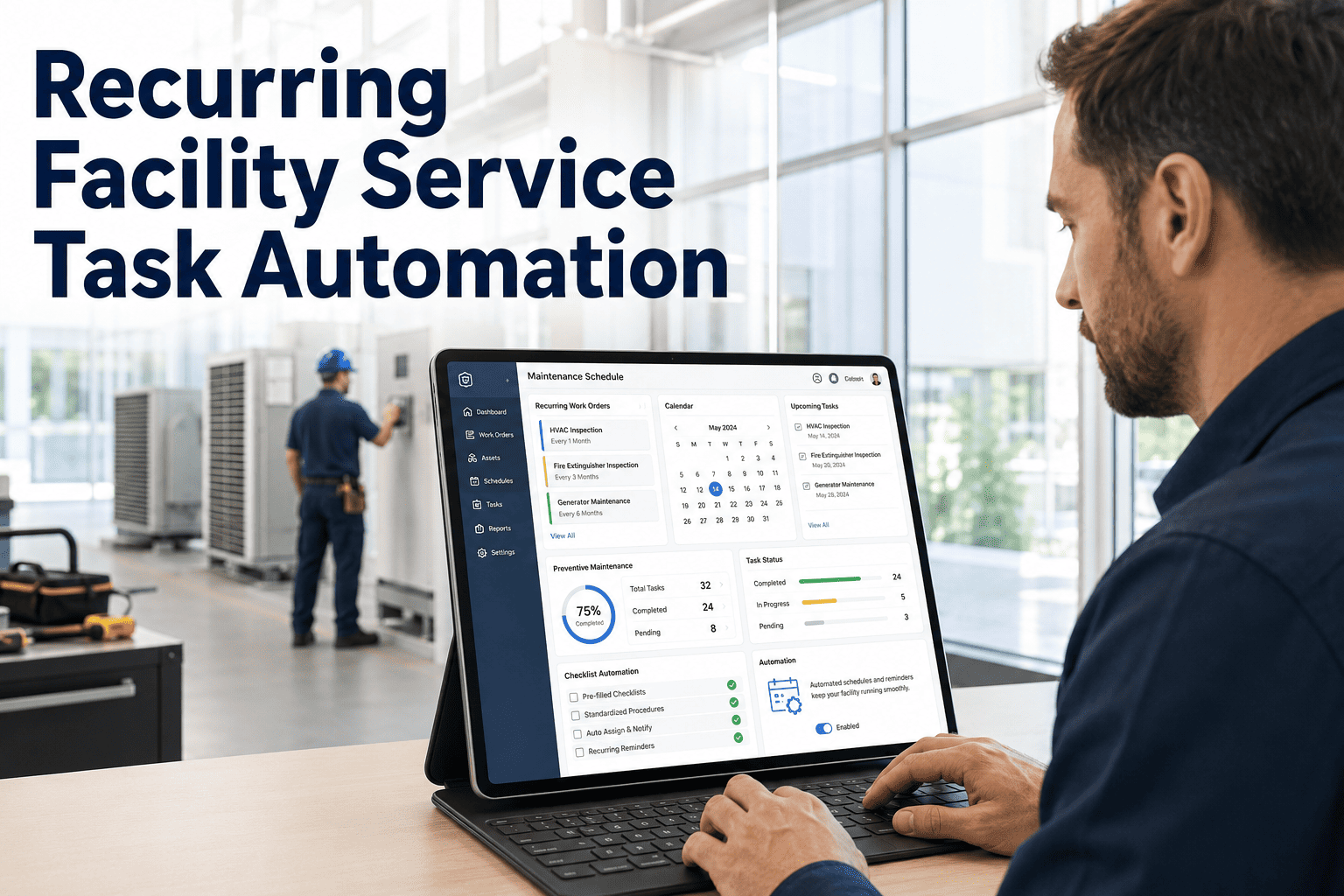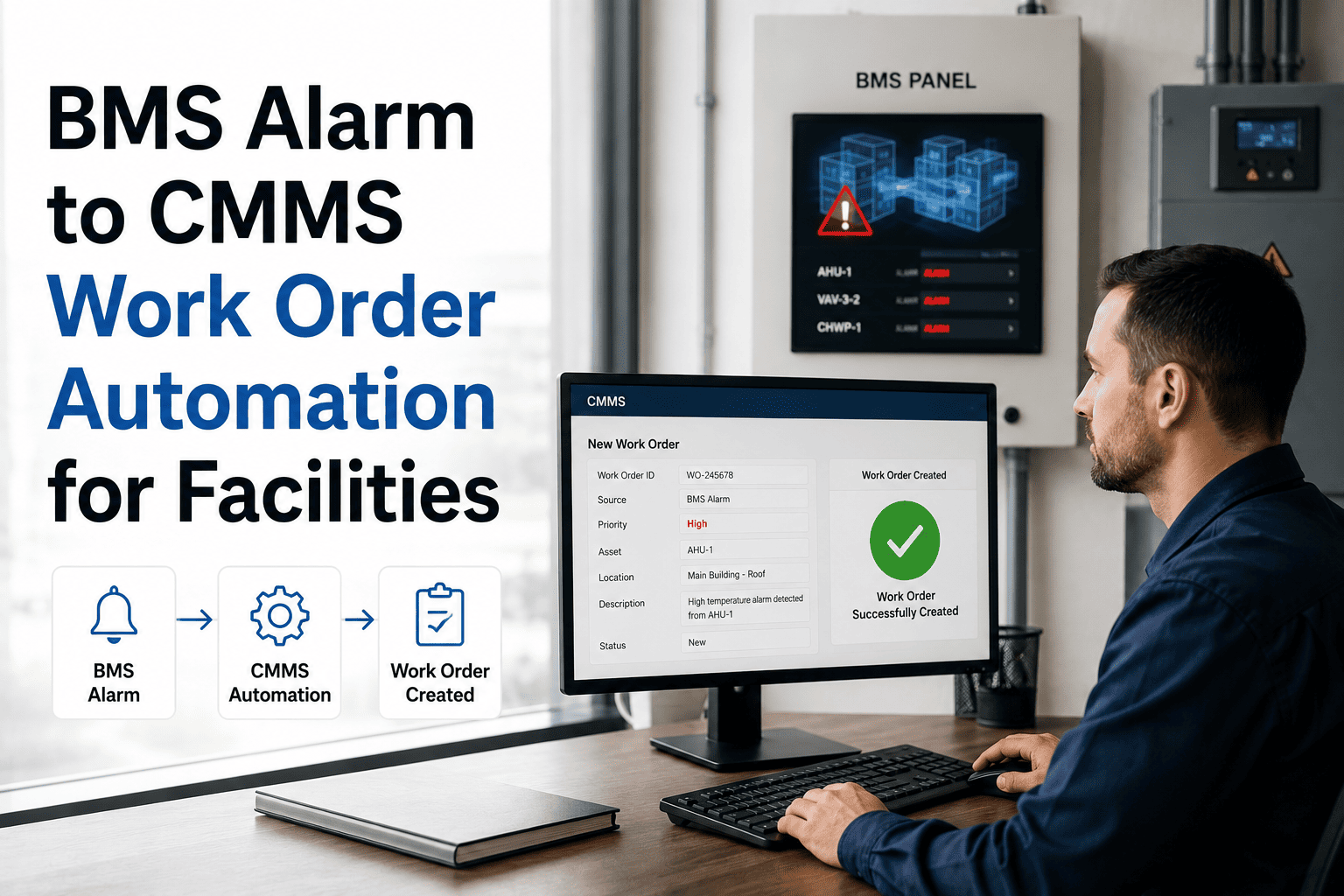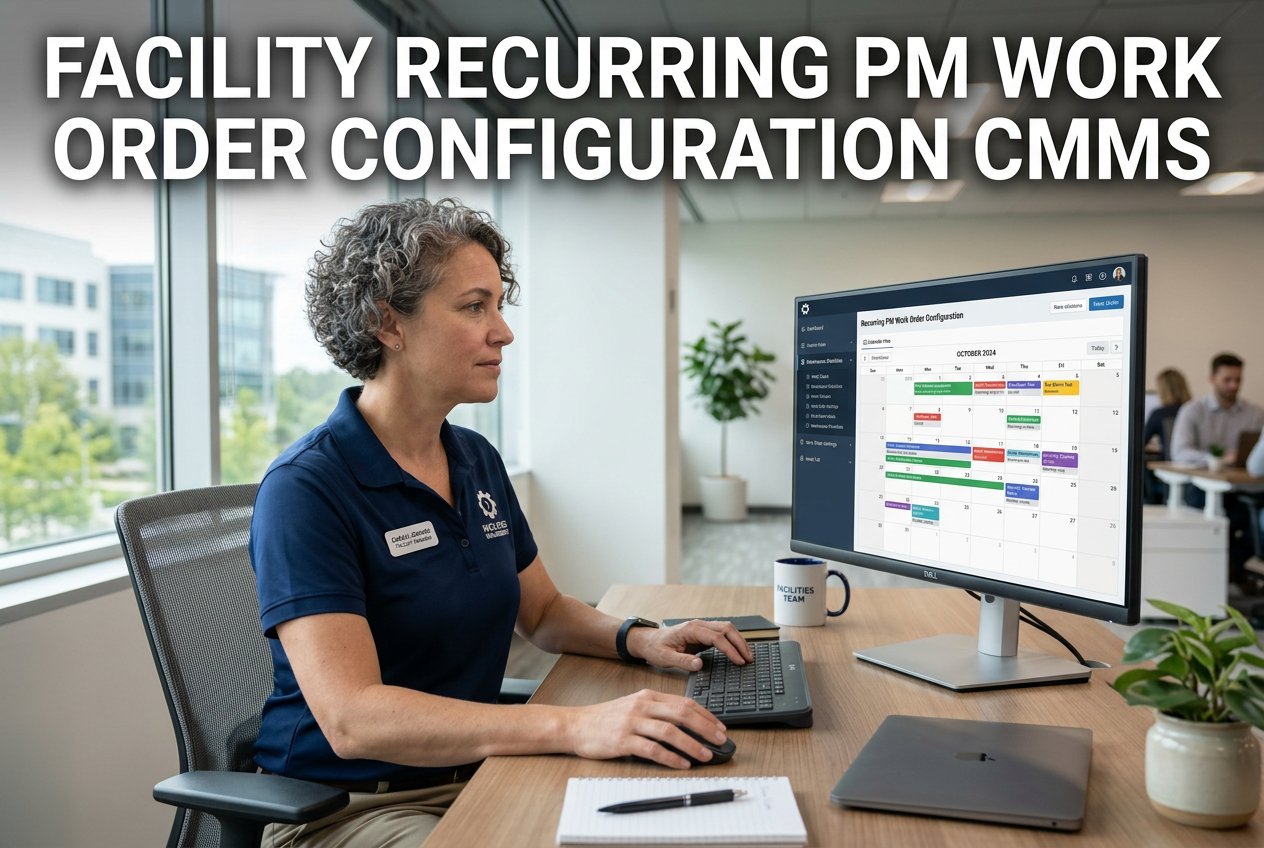
Every facility team eventually runs into the same quiet failure: a preventive maintenance schedule built in spreadsheets or on sticky notes slowly falls apart the moment the team gets busy. A monthly generator test slips to six weeks, a filter change is forgotten for a quarter, and nobody notices until an inspector asks for the log. Facilities running structured, automated PM programs report far higher schedule compliance than portfolios still tracking maintenance from memory, and a large share of "sudden" equipment failures actually show detectable warning signs 7 to 28 days before they happen. Recurring PM work order configuration solves this by letting your CMMS generate, assign, and track every routine task automatically, whether it repeats on a calendar, a usage cycle, or a live sensor reading. This guide breaks down each trigger type and shows how to configure it inside OxMaint.
Three Ways to Trigger a Recurring PM Work Order
Most facilities need more than one trigger type. Mixing calendar, usage-cycle, and condition-based rules keeps every asset on the schedule that actually fits how it fails.
Work orders generate on a fixed cadence — daily, weekly, monthly, or annual — for tasks like filter swaps, fire door checks, and quarterly inspections that follow a set clock regardless of usage.
Orders fire off operating hours, cycles, or production output — a generator load test every 250 run-hours, or an elevator inspection every set number of door cycles, instead of a calendar guess.
A live reading — vibration, temperature, pressure — opens the work order the moment a threshold is crossed, catching early warning signs before a scheduled visit would have caught them.
The Real Cost of an Unconfigured PM Schedule
Configure calendar, usage-cycle, and sensor-triggered PM once inside OxMaint, and every recurring work order after that generates, assigns, and escalates on its own — across every building in your portfolio.
What Changes When PM Configuration Is Automated
The gap between a manually tracked PM program and a CMMS-configured one shows up clearly once you compare compliance, cost, and warning time side by side.
| PM Program Type | Average Compliance | Advance Notice Window | Emergency Repair Cost |
|---|---|---|---|
| Spreadsheet / paper-based | Around 51% | None — relies on someone checking a calendar | 30 to 50% higher |
| CMMS-configured (OxMaint) | Well above manual baseline | 30, 7, and 1-day automated alerts | 20 to 30% lower |
How to Configure a Recurring PM Work Order
Choose calendar interval, usage/meter reading, or condition-based sensor input depending on how the asset actually fails.
Define the exact cadence — every 90 days, every 500 operating hours, or a specific vibration or temperature limit.
Link a digital SOP, inspection checklist, and any spare parts the technician will need directly to the work order template.
Set who owns the task and how many hours or days it can sit before a supervisor gets an automatic alert.
From here, work orders appear in the queue on schedule, every time, with no manual step that can be skipped during a busy week.
Bring your current PM list to a 30-minute walkthrough and we will show you exactly how each asset would be scheduled, checklisted, and escalated inside OxMaint.
Recurring PM Configuration Questions
Calendar triggers fire on a fixed date regardless of how much an asset has run, while usage-based triggers fire off actual operating hours or cycles. Configure both trigger types in your free account.
A connected reading, such as vibration or temperature, opens a work order automatically once it crosses a set threshold, often catching problems days before a scheduled visit would. Ask about sensor integration on a demo call.
Portfolios that keep a strong preventive-to-reactive ratio typically spend 20 to 30% less overall, since planned work is far cheaper than emergency repair. See the cost breakdown in your free account.
Yes, tiered alerts at 30, 7, and 1 day before a due date go to the technician and supervisor, and annual certificate renewals get earlier notice on top of that. Walk through the alert setup on a call.
No, even teams with two or three technicians report fewer missed inspections and measurable time savings once tasks stop depending on memory. Set up your first recurring PM for free.
Configure your first recurring PM work order today, or bring your full asset list to a live walkthrough and see your entire schedule mapped out inside OxMaint.