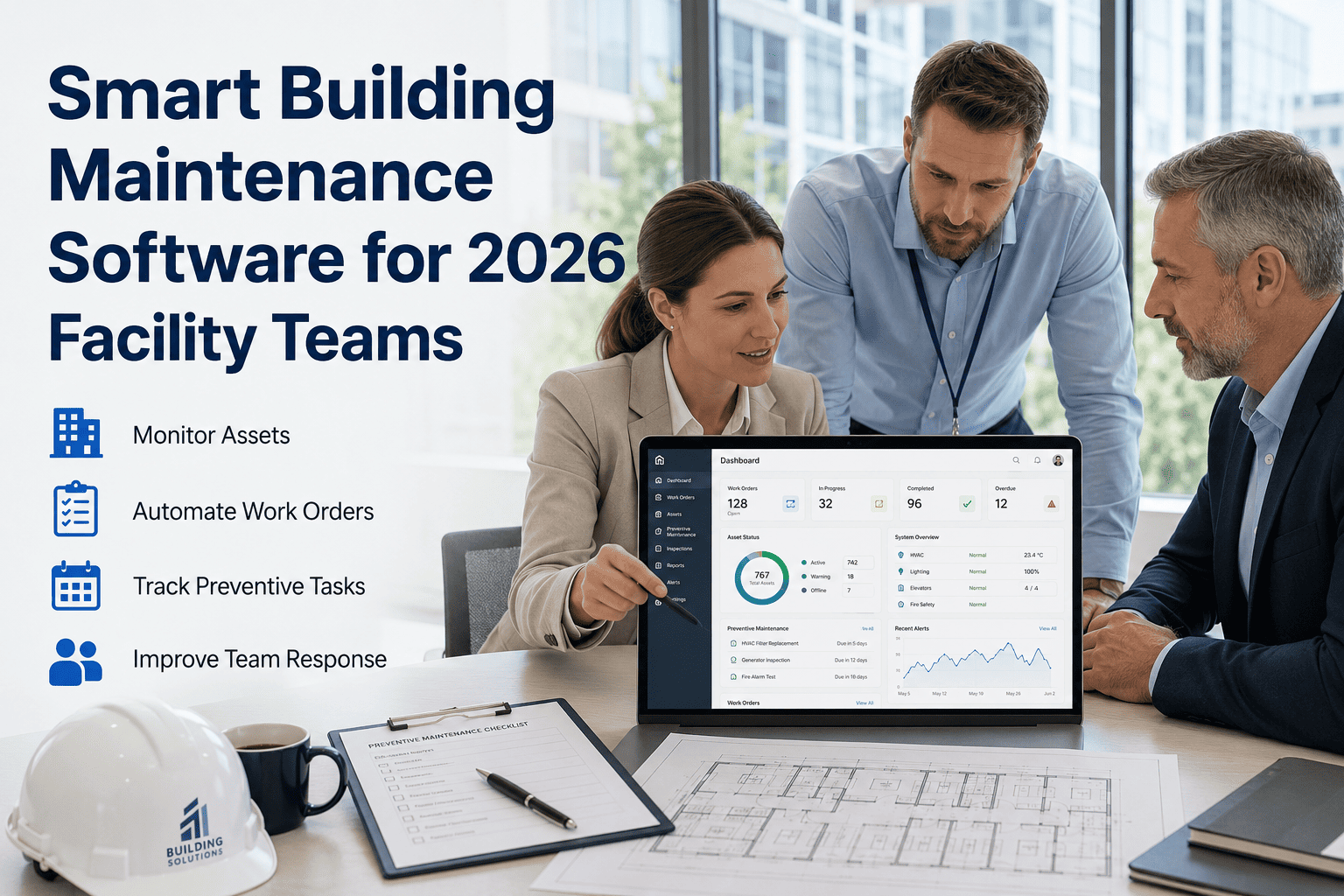
Most facility teams don't lose time to bad maintenance work, they lose it to not knowing where the work actually stands. A technician finishes a job and logs it on paper, a manager finds out three days later, and a spare part that should have been reordered last week never gets flagged until the machine stops running. A facility management CMMS closes that exact gap by giving every asset, work order, and part a single digital record that updates the moment something changes on site. Industry research shows that close to two-thirds of facility teams in 2026 are still coordinating maintenance through spreadsheets and shared drives, which is precisely why unplanned downtime remains the single largest preventable cost in facility operations today. See how a connected system looks for your own sites, book a demo or start free on OxMaint.
Complete Guide · Facility Management CMMS · 2026
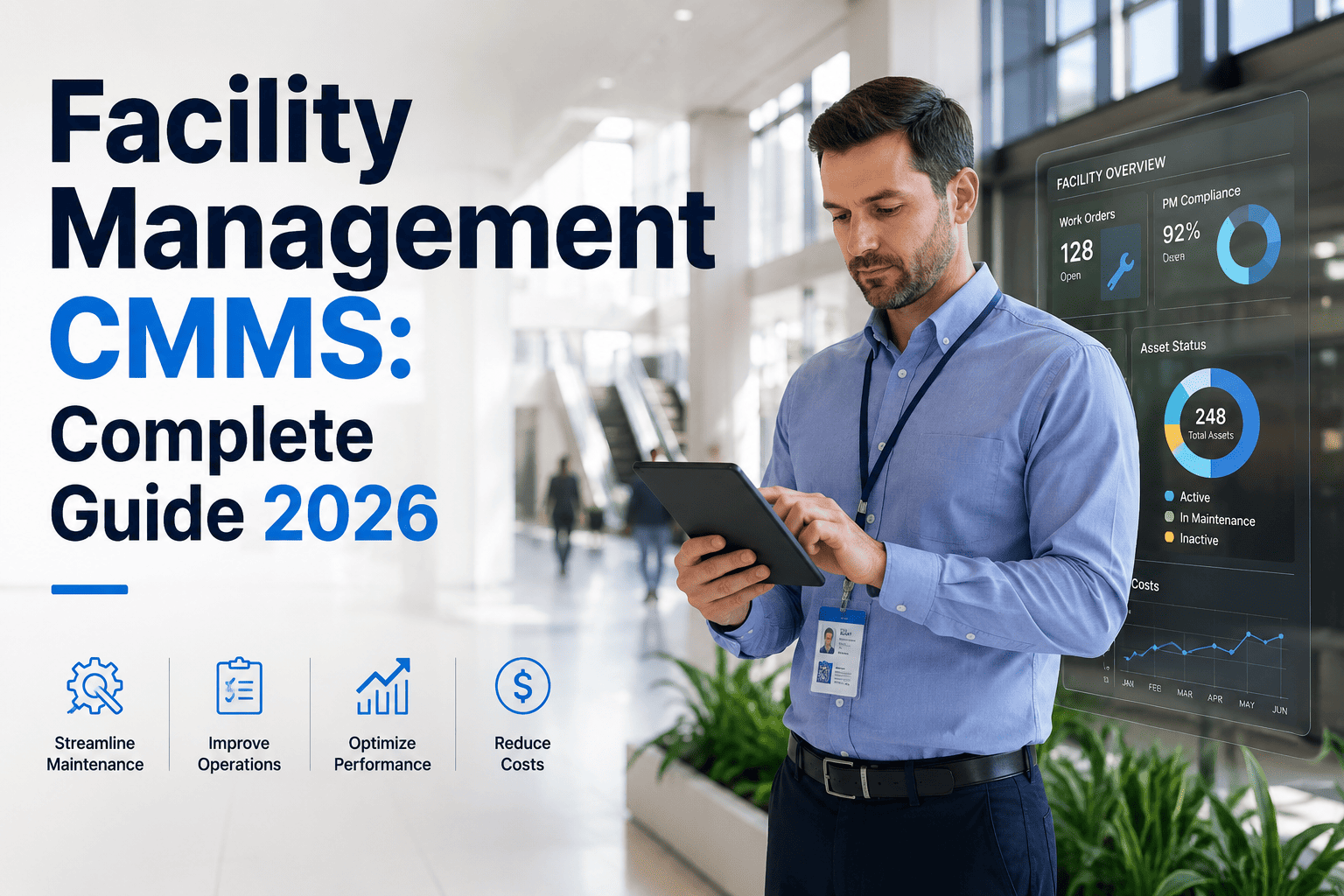
Facility Management CMMS: The Complete 2026 Guide
Everything a facility team needs to know about asset records, PM scheduling, work order lifecycle, spare parts inventory, and compliance documentation, built around what actually moves the needle in 2026 deployments.
30–45%
Lower total maintenance cost reported by facility teams running a modern CMMS in year one
89%
PM compliance rate achieved once preventive schedules move off paper and into a CMMS
64%
Of facility managers still track assets and work orders on spreadsheets as their primary system
$1.4T
Lost yearly to unplanned downtime across the world's largest companies (Siemens, 2024)
Why Spreadsheets Stop Working the Moment You Scale
A single site can run on a shared spreadsheet because one person sees everything that happens. Add a second building, a second shift, or a second region, and that same spreadsheet quietly becomes the reason nobody has a current answer to "is this asset due for service." Three failure points show up in almost every facility that hasn't moved to a CMMS yet.
No Shared Visibility
Every site keeps its own version of the truth. A regional manager asking "what's overdue across all locations" gets a different answer depending on who they ask and when.
Compliance Gaps
Inspection records, safety checks, and audit trails live in binders, inboxes, and personal notebooks. When an auditor asks for proof, someone spends a week reconstructing it.
Reactive Cost Spiral
Without a system connecting PM schedules to actual asset condition, teams find out equipment failed after it already has, which is the most expensive way to find out.
The 5 Core Modules Every Facility CMMS Needs
Not every maintenance tool on the market covers the same ground. A facility management CMMS that actually replaces spreadsheets, binders, and side conversations needs these five modules working together, not sold separately.
01
Asset Records & Hierarchy
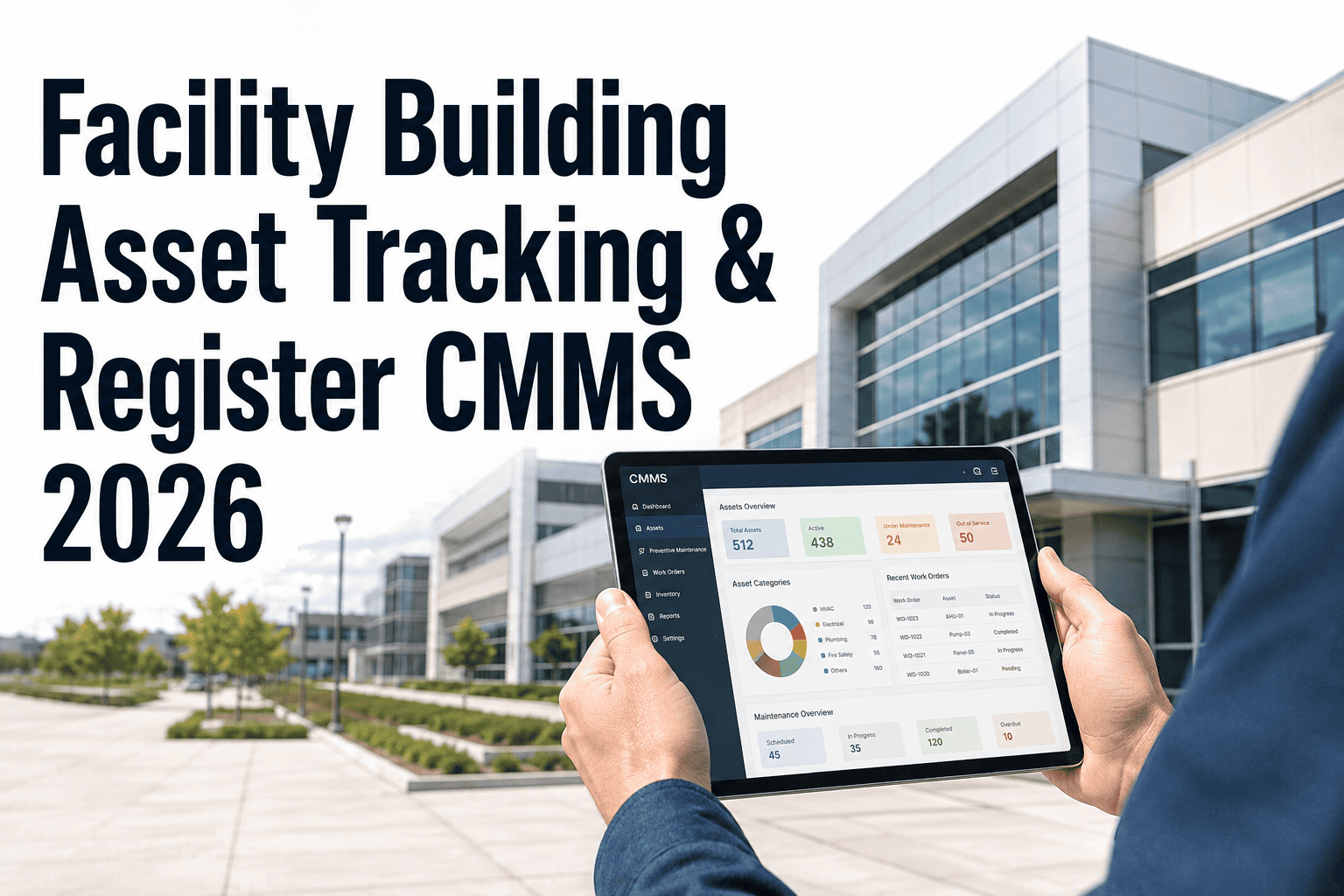
Every piece of equipment gets a permanent digital record: install date, manufacturer specs, warranty status, and a full history of every job ever performed on it, organised by building, floor, and system.
02
PM Scheduling
Preventive maintenance is triggered automatically by calendar interval, meter reading, or condition threshold, so a job is generated before the asset fails rather than after someone notices it.
03
Work Order Lifecycle
A request moves from submission to assignment to completion with a timestamped trail, so a manager can see exactly where a job stands without calling anyone to ask.
04
Spare Parts Inventory
Parts consumption is tied to work orders and PM schedules, so reorder points reflect what is actually about to be needed instead of a static number set once a year.
05
Compliance Documentation
Inspection results, safety certifications, and regulatory checklists are captured at the point of work and stored against the asset record, so an audit request is a search, not a scramble.
Facility Management · CMMS · 2026
Still Running Maintenance on Spreadsheets and Sticky Notes?
OxMaint brings asset records, PM scheduling, work orders, spare parts, and compliance documentation into one system your whole team can see at the same time, from any site.
Manual Tracking vs a Facility Management CMMS
| Operating Dimension |
Spreadsheets & Manual Tracking |
Facility Management CMMS |
| Asset visibility |
Scattered across files, folders, and whoever remembers the last update |
One searchable record per asset, visible to every authorised user in real time |
| PM scheduling |
Manual calendar reminders that get missed during busy weeks or staff turnover |
Automated triggers by date, meter reading, or condition, with escalation on overdue jobs |
| Work order tracking |
Email threads and verbal handoffs with no single source of status |
Full lifecycle trail from request to close-out, visible on desktop or mobile |
| Spare parts management |
Annual physical count, static reorder points, frequent emergency purchases |
Consumption linked to work orders and PM jobs, reorder points update continuously |
| Compliance documentation |
Binders, inboxes, and personal files reconstructed under audit pressure |
Inspection and certification records captured at the point of work automatically |
| Multi-site reporting |
Each site reports separately, no comparable portfolio-level view |
Portfolio dashboard comparing every site on the same metrics in real time |
Rolling Out a CMMS in 4 Stages
A facility management CMMS earns its value in the order it is implemented, not all at once. Teams that see the fastest return follow roughly this sequence.
1
Map the Assets
Build the asset register first: what exists, where it sits, and what its maintenance history looks like so far.
2
Digitise PM Schedules
Move every recurring maintenance task off paper and into automated triggers tied to each asset record.
3
Go Live on Work Orders
Route every request, planned or reactive, through the same system so status is visible to the whole team.
4
Layer in Compliance
Attach inspection checklists and certifications to work orders so audit-ready records build themselves.
Expert Perspective
A CMMS does not make a facility team smarter, it makes their existing knowledge visible to everyone who needs it. The plant manager who used to hold every asset's history in their head is still valuable, but now that history does not disappear the day they take a vacation or change roles. The 30 to 45 percent cost reductions that get reported after CMMS adoption are not magic, they come from eliminating the rework, the duplicate purchases, and the emergency callouts that only happen because nobody had a current picture of what was already known somewhere in the building.
Renee Castillo, CMRP
Certified Maintenance and Reliability Professional · 16 years in multi-site facility operations and CMMS implementation across healthcare and commercial real estate portfolios
Frequently Asked Questions
What is a facility management CMMS and how is it different from a spreadsheet?
A CMMS is a dedicated system that stores asset records, schedules preventive maintenance, tracks work orders, and manages spare parts in one connected place. A spreadsheet stores data but does not trigger jobs, track status, or update automatically.
Start free to see the difference on your own asset list.
How long does it take to implement a CMMS across multiple facilities?
Most teams get a single site live on core work orders and PM scheduling within 2 to 4 weeks. Full multi-site rollout with compliance documentation and reporting typically takes 8 to 12 weeks, depending on asset count and data quality.
Do small facility teams actually need a CMMS, or is it only for large portfolios?
Small teams often see the fastest relative gain, since a single missed PM or lost work order carries more weight when the team is small. Cloud-based CMMS pricing has made adoption practical well below enterprise scale.
Can a CMMS help with compliance audits and inspection records?
Yes. Inspection checklists, safety certifications, and regulatory documentation get attached directly to the work order and asset record at the time the work happens, so audit requests become a search rather than a reconstruction project.
What should a facility manager check before choosing a CMMS?
Confirm it covers all five core modules: asset records, PM scheduling, work order lifecycle, spare parts inventory, and compliance documentation.
Book a demo to walk through your own requirements against the platform.
Facility Management CMMS · OxMaint · 2026
Your Facility's History Shouldn't Live in Someone's Head or a Shared Drive
OxMaint brings asset records, PM scheduling, work order tracking, spare parts inventory, and compliance documentation into one system every site can see, right now, from any device.