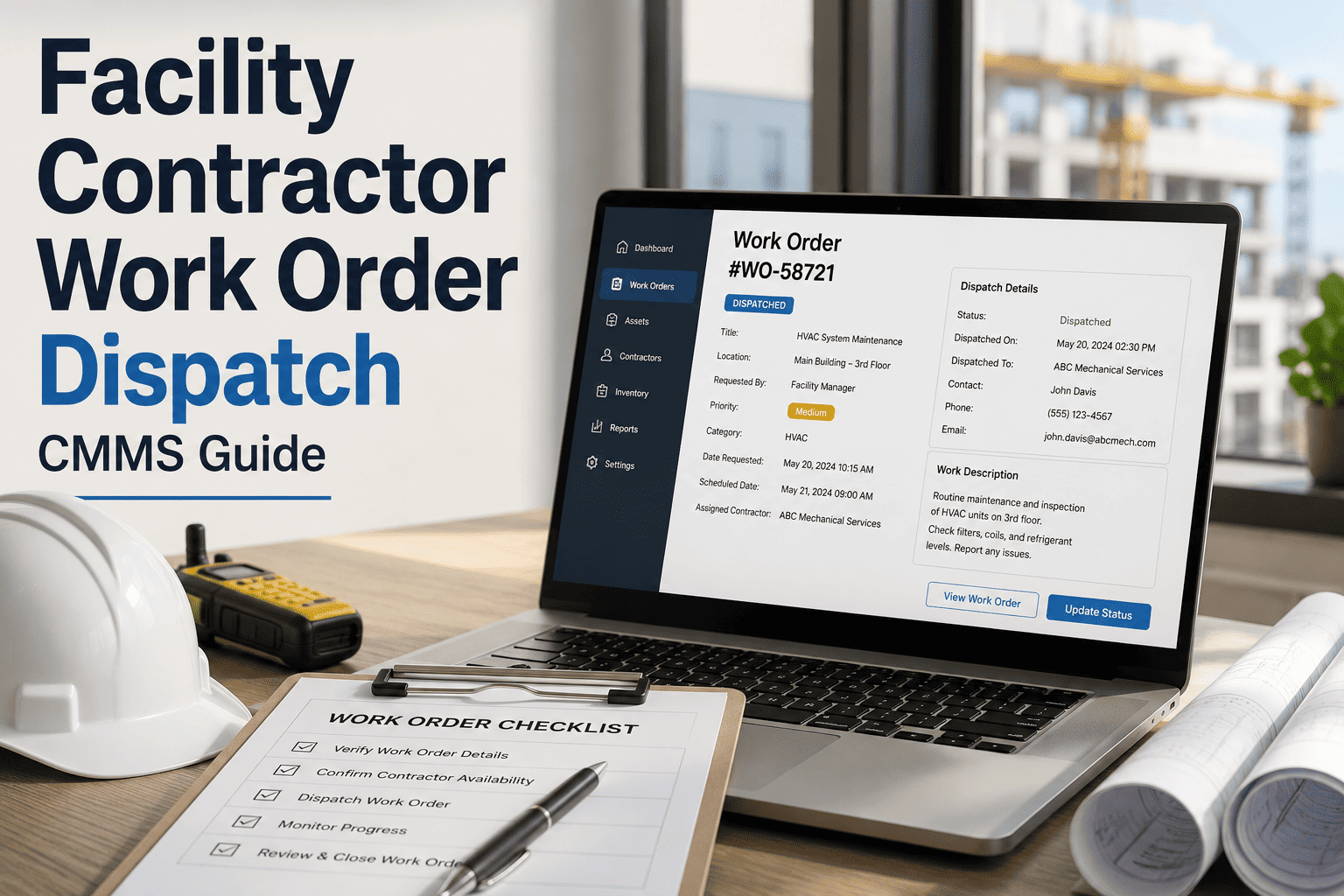
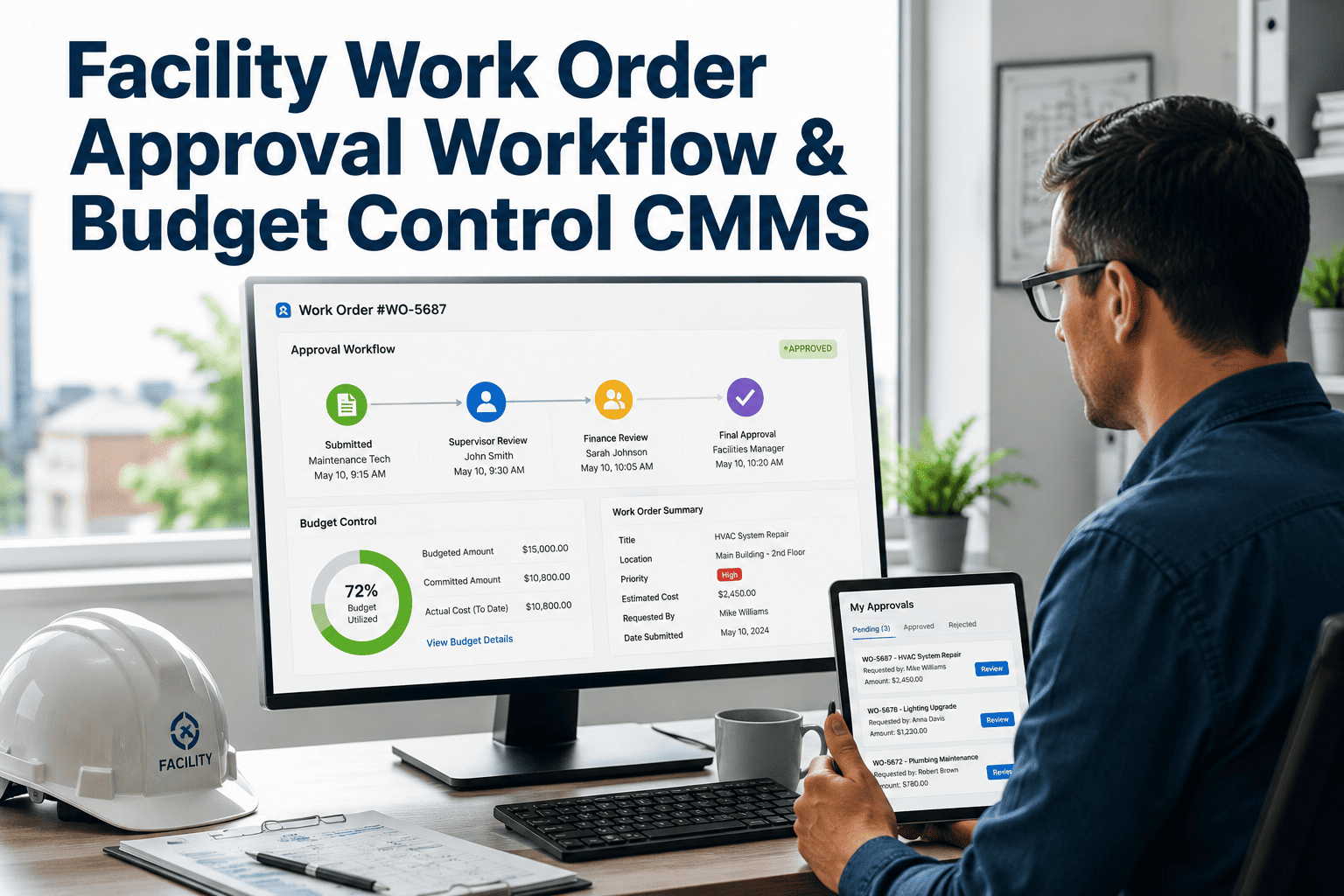
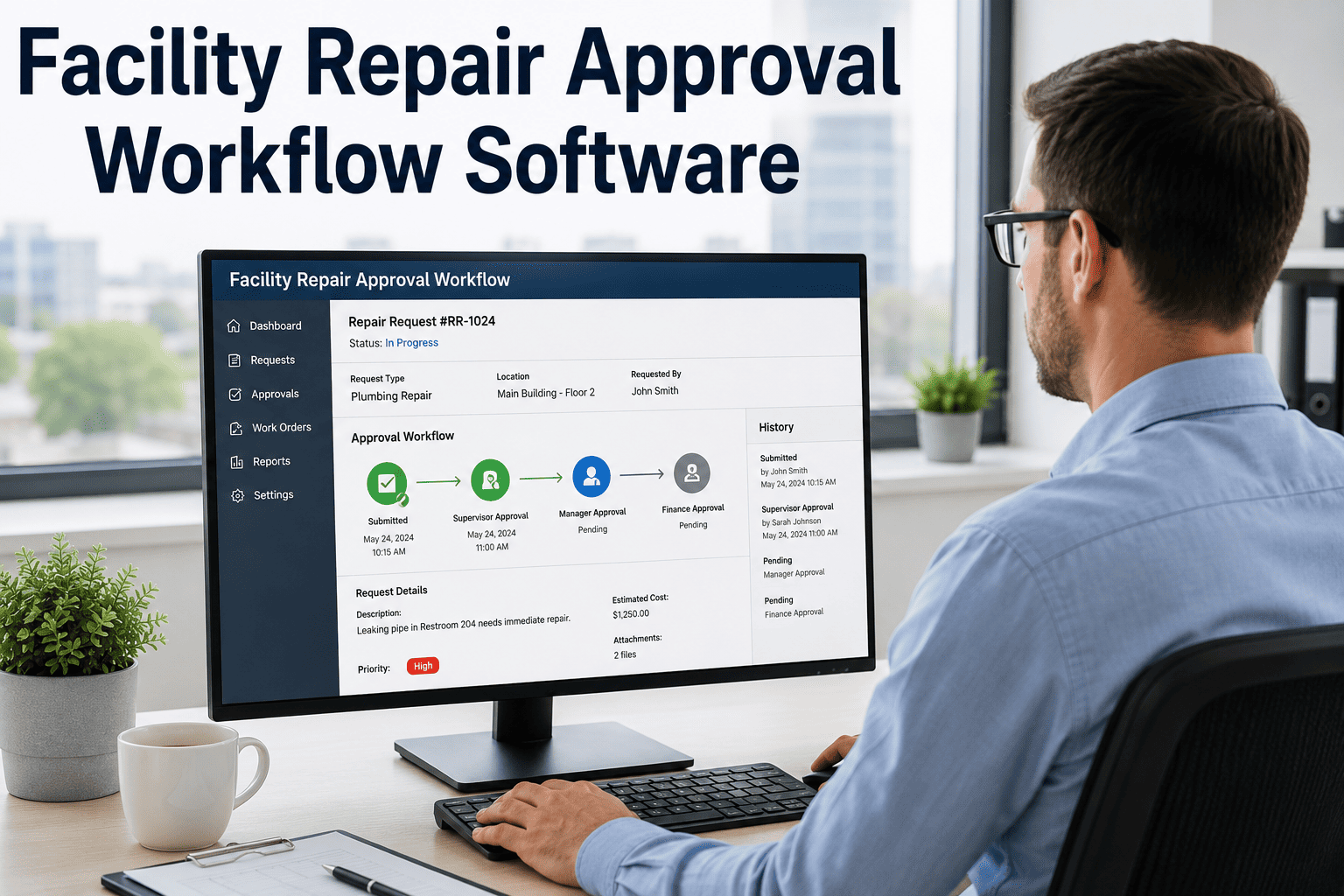
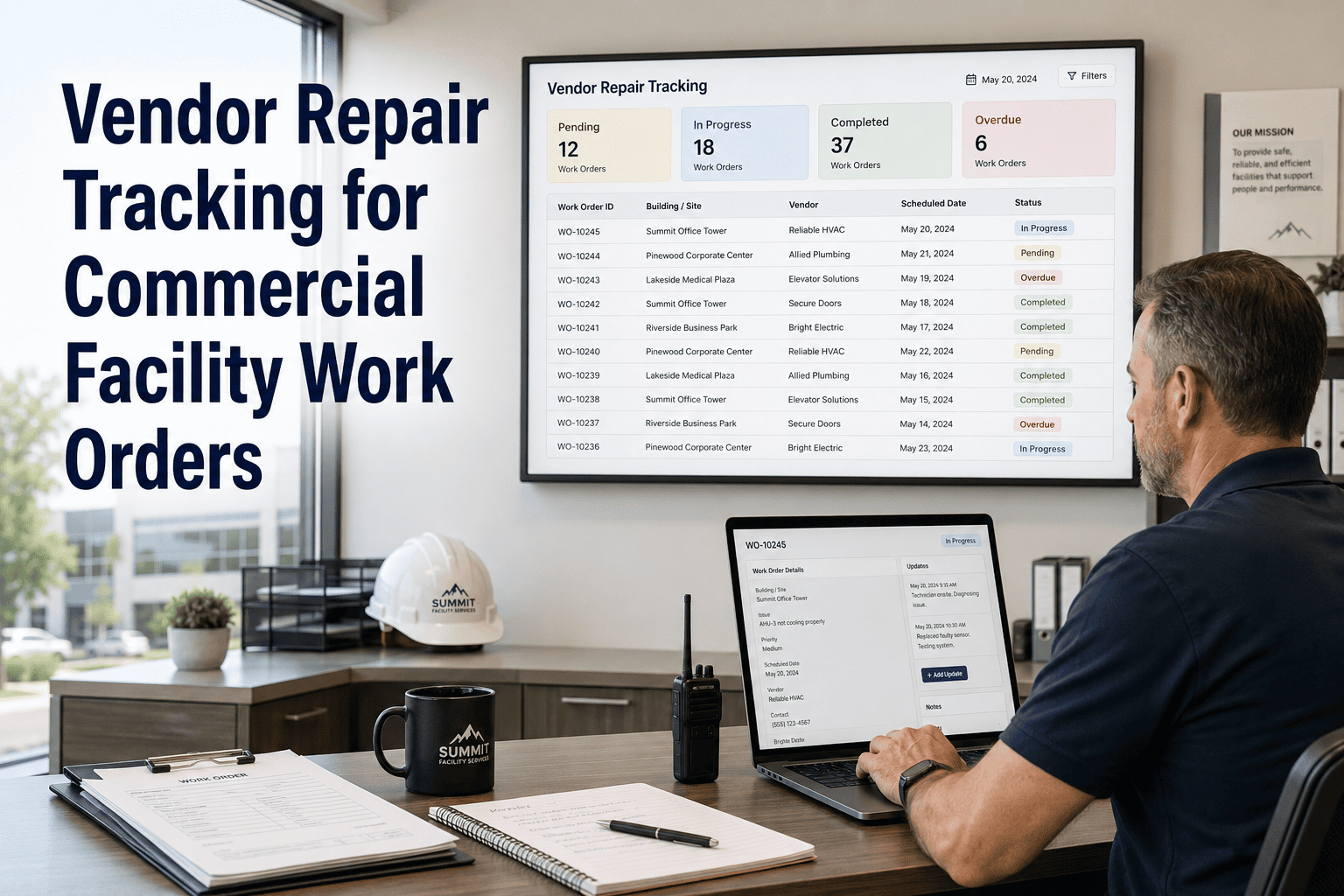
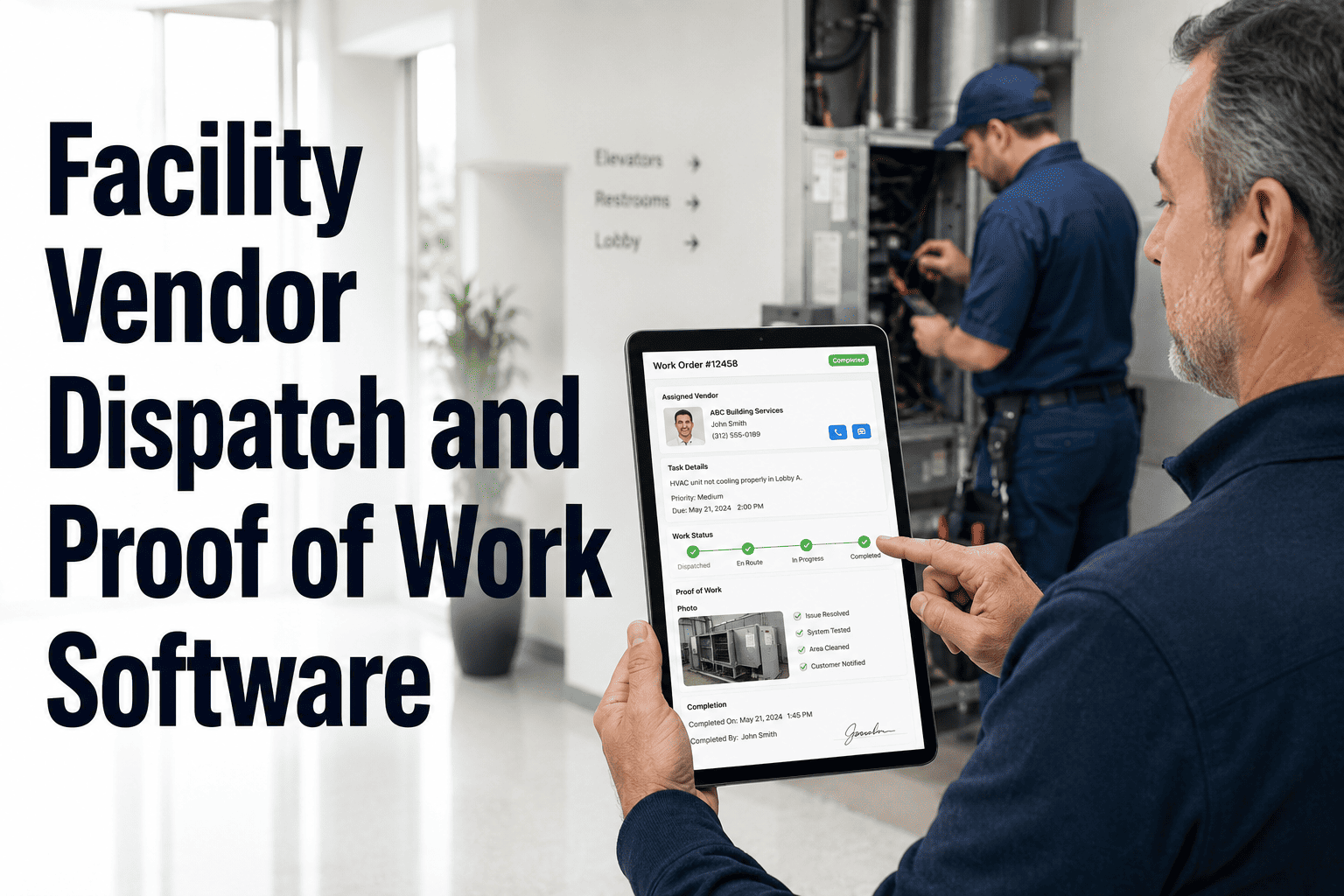
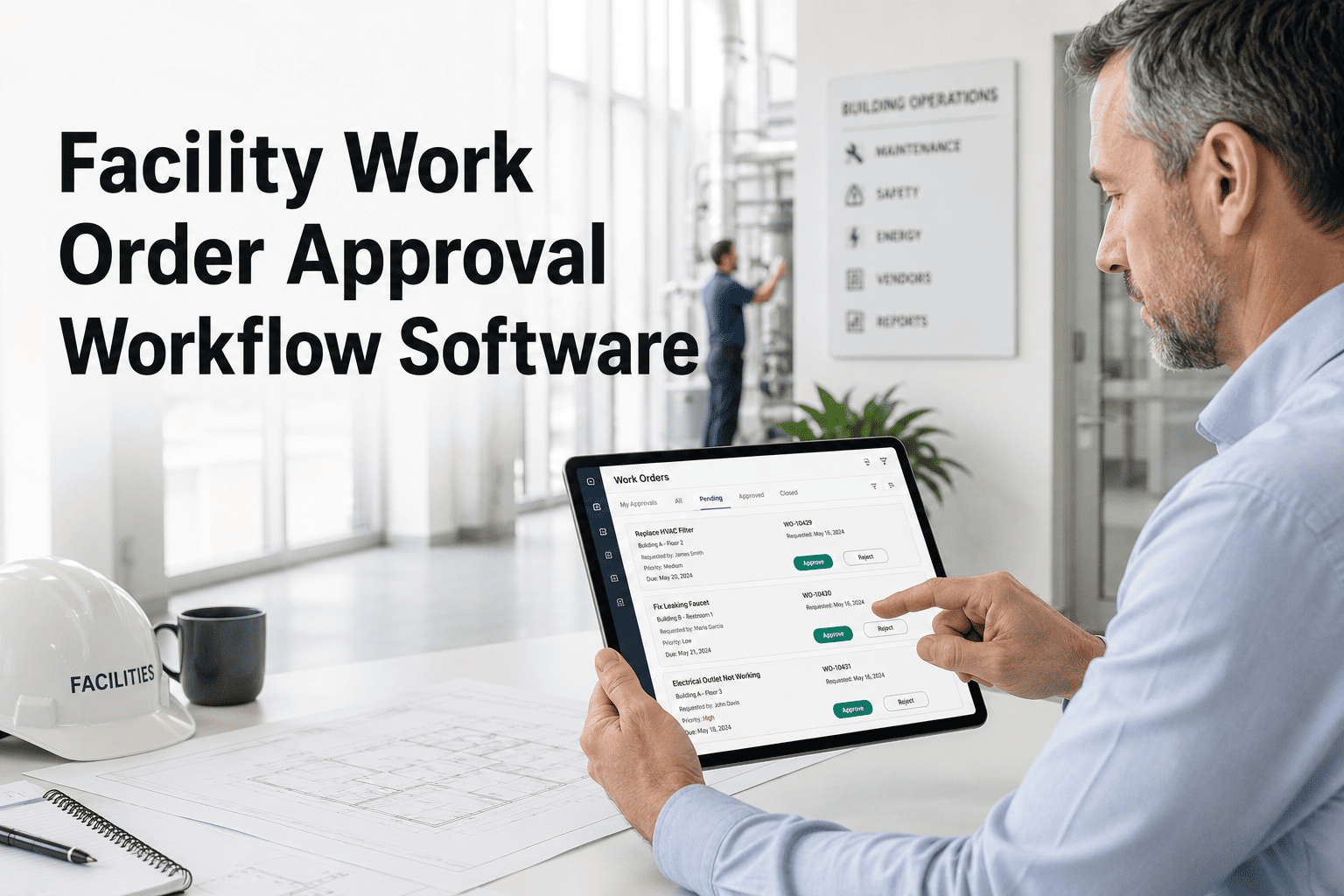
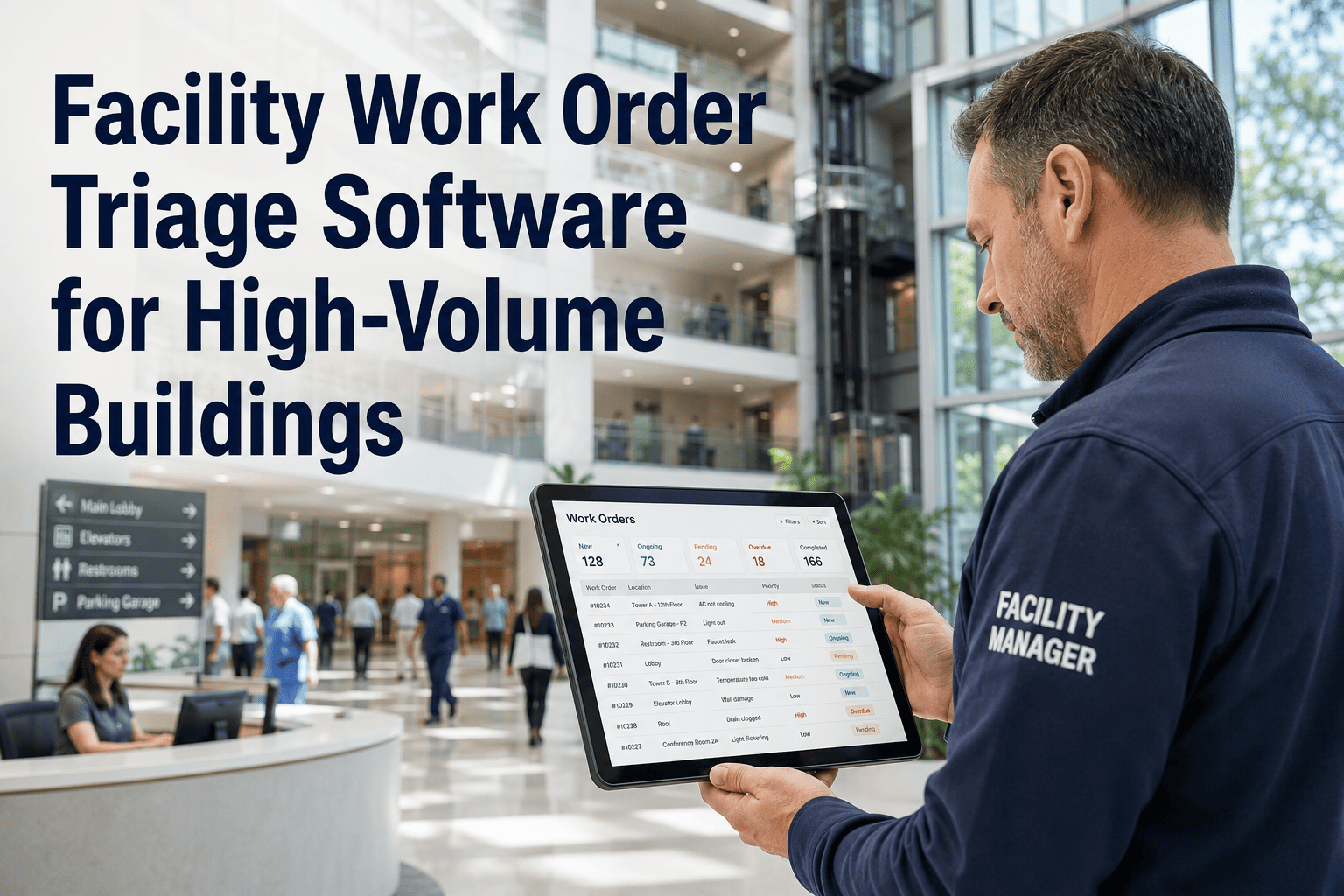
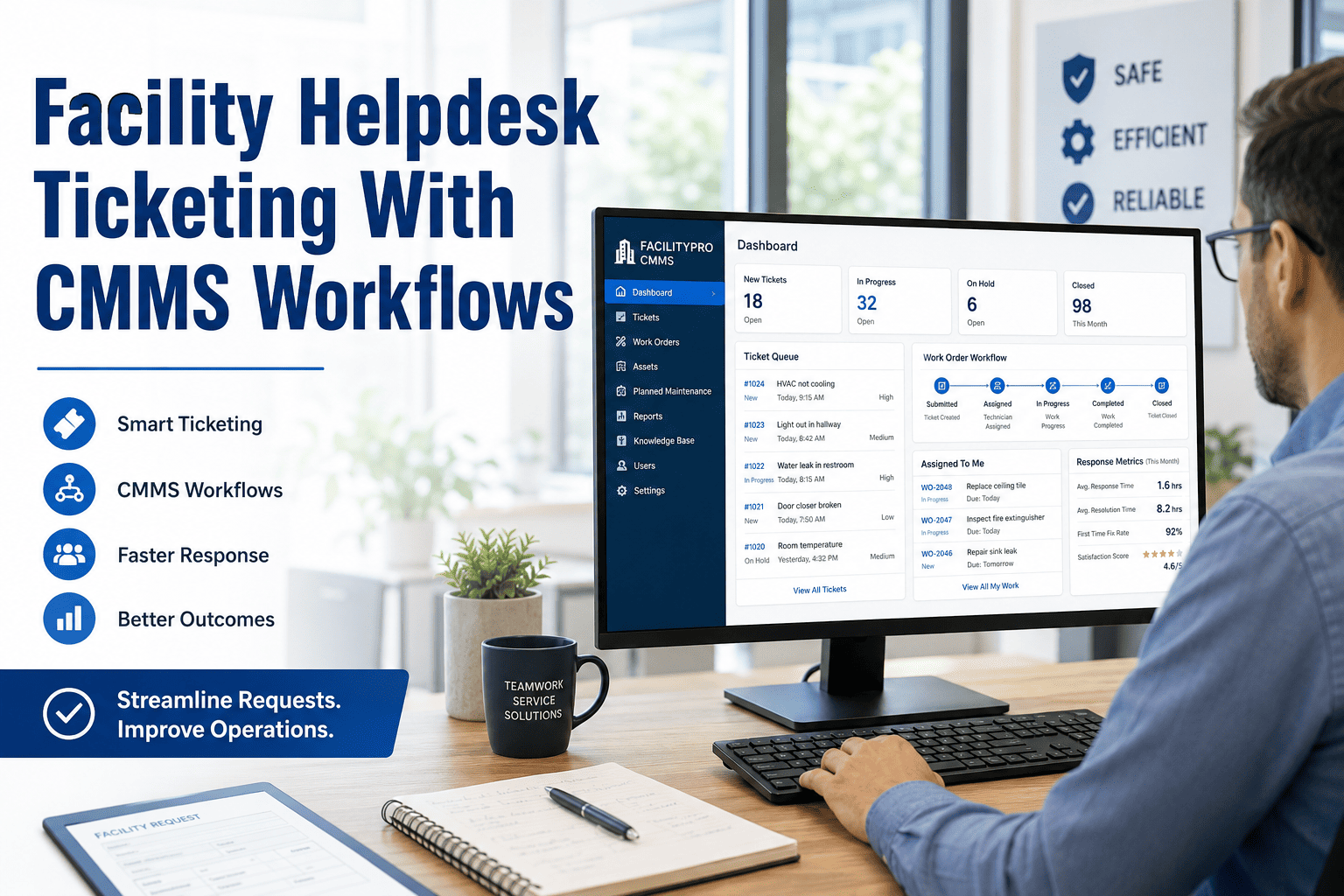
In a commercial building with tenants, staff, facility engineers, and external vendors all submitting repair requests through different channels, tickets regularly fall through the cracks. An email to the wrong contact goes unanswered for days. A paper form sits in a binder while the asset deteriorates. A QR-code submission gets lost because no one owns the inbox. OxMaint's repair ticket routing software eliminates this fragmentation — capturing requests from any channel and routing each one to the right facility technician or contracted vendor within seconds, with full SLA visibility from submission to closure. Connect your request channels to OxMaint free or book a demo to see repair ticket routing in a live building scenario.
Repair Ticket Routing
Every Repair Request — Routed Right, Tracked Always
From tenant HVAC complaints to contractor punch-list items, OxMaint routes every commercial building repair ticket to the right person with SLA accountability baked in.
Routing Workflow
How a Repair Request Travels Through OxMaint
1
Request Received
Submitted via QR portal, web form, email, app, or front desk. Channel is logged automatically.
2
Auto-Classified
Category, location, and urgency assigned by rule engine. Asset tag attached if submitted via QR.
3
SLA Applied
Response and resolution SLA windows set automatically based on tenant tier, request type, and building zone.
4
Routed to Right Team
Internal tech or external vendor assigned based on skill, availability, location, and license requirements.
5
Closed with Evidence
Tech uploads photo, notes, and completion timestamp. Requestor notified. Audit record locked.
Routing Logic by Request Type
Smart Routing Rules That Handle the Edge Cases
| Request Type |
Routing Rule |
SLA Window |
Fallback if Unavailable |
| Life Safety (Fire, Flood) |
On-call senior tech, immediate |
15 min response |
Supervisor alert + vendor dispatch |
| HVAC System Fault |
HVAC-certified tech in building |
2 hr response |
HVAC contract vendor auto-assigned |
| Electrical Issue |
Licensed electrician on roster |
4 hr response |
Licensed vendor from approved list |
| Plumbing / Drainage |
In-house plumber or nearest tech |
4 hr response |
Plumbing vendor with active contract |
| Cosmetic / Non-Urgent |
Any available tech in zone |
48 hr response |
Queue for next planned shift |
All routing rules are configurable. Defaults shown are OxMaint commercial building recommended settings.
Channel Coverage
Every Way a Request Comes In — Handled Automatically
QR Code Portal
Tenants and occupants scan a QR code at any asset or area. Request pre-fills location and asset — no manual tagging required from field teams.
Web Form
Embedded on building portals or intranet. Custom fields by building zone, tenant type, and category ensure clean data at intake.
Email to Ticket
Emails sent to a configured address are automatically parsed into structured tickets — category, urgency, and location extracted and routed without human handling.
Mobile App
Staff and engineers submit from the field with photos, GPS location, and audio notes. Requests appear in the queue within seconds of submission.
Expert Review
Facility Professionals on Routing Accuracy
"We had 6 different channels for submitting repair requests — email, WhatsApp, a paper logbook, phone calls, walk-ins to the office, and an old ticketing system. OxMaint collapsed all of them into one queue in a week. We haven't missed a routing assignment in four months."
Head of Facilities, 4-Tower Commercial Complex
Verified OxMaint Review — 5 / 5
Route Every Ticket to the Right Person, Automatically
See OxMaint's routing engine live — configured for your building type, tenant structure, and vendor roster. 30 minutes is all it takes.
FAQ
Questions on Repair Ticket Routing
How does OxMaint handle vendor routing for work that requires licensed contractors?
OxMaint's vendor management module maintains a roster of approved external vendors with skill tags, license types, and contract status. When a request requires a licensed contractor — electrical, HVAC, plumbing, elevator — the routing engine checks internal tech availability first, then escalates to the relevant vendor if no qualified in-house tech is available.
Set up your vendor roster in your free OxMaint account. Vendor SLA clocks are separate from internal tech SLAs and tracked independently in the same dashboard.
Can tenants track the status of their submitted repair tickets?
Yes. Tenants receive automated status updates at each stage of the workflow: received, assigned, in progress, and completed. The notification channel matches the submission channel — email submissions get email updates, app submissions get push notifications. Tenants can also view their open ticket status through the building's web portal without needing to call the facilities office.
See the full tenant notification workflow in a live demo.
What happens if the assigned technician is unavailable or the request goes unacknowledged?
OxMaint applies escalation timers to every routed ticket. If a tech doesn't acknowledge within the defined window — typically 15 to 30 minutes for P1 requests — the ticket is re-assigned to the next available qualified technician and the supervisor receives an alert. For vendor-assigned tickets, the vendor receives an automated reminder and the facility manager is notified if no acknowledgment comes within the SLA window.
Configure your escalation timers in OxMaint free.
Does OxMaint keep a record of all routed tickets for audit and reporting purposes?
Every ticket in OxMaint maintains a full audit trail: submission source, classification, routing decision, assignment history, SLA status, and closure evidence including photos and technician notes. Reports can be filtered by date range, building, tenant, vendor, and request category — and exported for lease review, insurance documentation, or operational performance analysis.
Request a sample audit report in your demo session.
Stop Losing Tickets Between Channels. Start Routing Every Request Automatically.
OxMaint connects your repair request intake to the right technician or vendor in seconds — with SLA tracking and audit records built in. Book a demo and see it live for your building type.