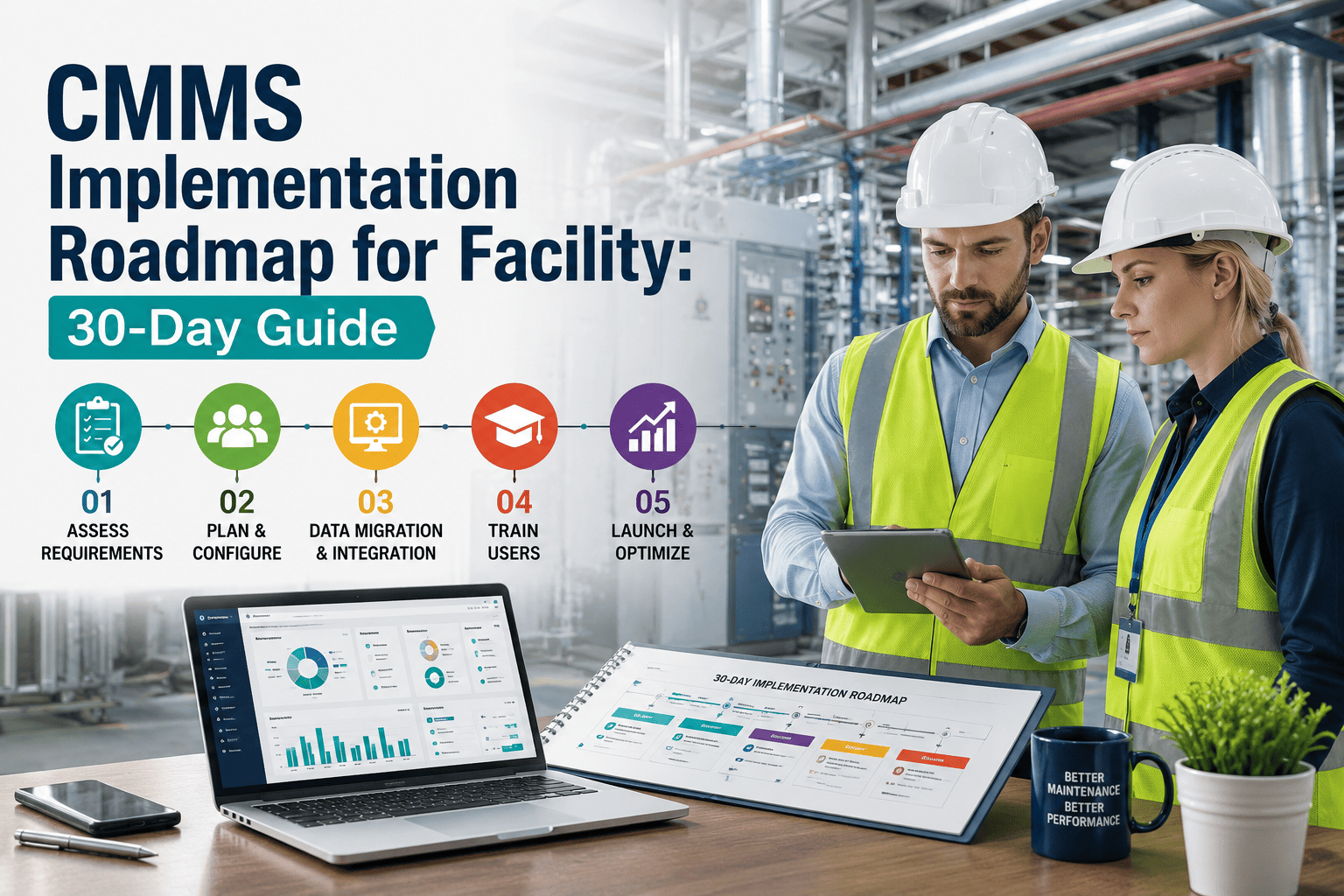
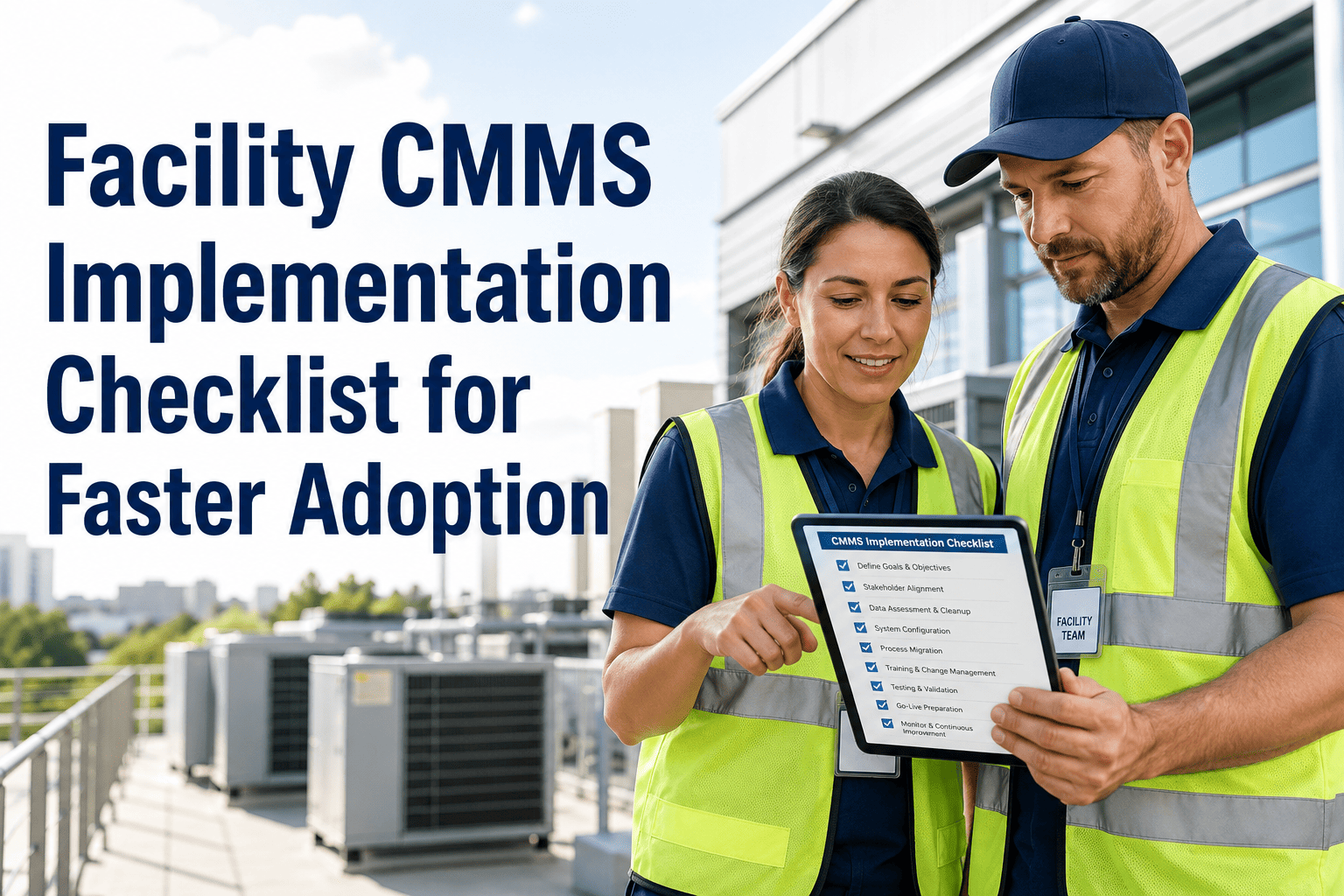
Most CMMS rollouts don't fail because of the software — they fail because there was never a structured 30-day plan behind the go-live date. A large share of new CMMS deployments miss their expected return within the first two years, and the pattern is always the same: assets imported without priority, PM schedules copied without cleanup, and technicians trained once and left to figure out the rest on their own. A facility team that follows a week-by-week roadmap instead — critical assets first, PM templates second, role-based training third — reaches strong adoption inside 30 days instead of drifting for months. This guide breaks that roadmap into four weeks you can start today, or you can book a demo to see it mapped to your own asset list.
Facility CMMS · Implementation · 30-Day Roadmap
The 30-Day CMMS Implementation Roadmap for Facility Teams
Skip the six-month rollout. Import your top 50 critical assets in week one, configure PM templates in week two, train by role in week three, and go live with measured results by week four.
30 Days
From signup to a live, measured facility rollout
85%
Adoption rate teams reach when they follow a phased weekly plan
Top 50
Critical assets to import first — not the entire register
Week by Week: What Actually Happens in a 30-Day Rollout
A 30-day CMMS implementation is not four weeks of software configuration. It is four weeks of sequenced decisions — what gets imported first, which PMs get activated first, who gets trained on what, and which group goes live before everyone else.
Week 1
Import Your Top 50 Critical Assets
Rank equipment by safety risk, production impact, and replacement cost — then import only that top slice. Standardize naming conventions and attach nameplate data before a single work order is created. The remaining assets get added on demand as technicians reference them in the field, not migrated in bulk.
Week 2
Build PM Templates From Real Failure History
Configure preventive maintenance tasks around how equipment actually fails at your facility, not a generic manufacturer manual. Each template needs labor time, required parts, safety steps, and a clear completion checklist. Activate PM generation for a smaller slice of assets first, then expand monthly as compliance holds steady.
Week 3
Train by Role, Not in One Long Session
Technicians only need three actions in week one: receive a work order, complete the task, close it with a photo. Save configuration and reporting training for supervisors and planners in a separate session. Short, role-specific mobile training consistently beats a single all-hands classroom walkthrough.
Week 4
Pilot, Measure, Then Expand
Run the system live with one department or shift before rolling out everywhere. Track PM compliance, work order completion rate, and login frequency against the baseline set on day one. Share the day-30 results with the whole team before expanding to the next group of assets.
CMMS Implementation · Oxmaint
Your Team Doesn't Need a 6-Month Rollout Plan
Oxmaint's guided implementation sequence gives you asset import templates, PM configurators, and role-based training paths built into onboarding — so your facility goes from signup to a measured, live rollout in 30 days.
Rushed Rollout vs a Structured 30-Day Roadmap
The gap between a CMMS that gets adopted and one that gets abandoned by month three usually comes down to sequencing, not features.
| Rollout Dimension |
Rushed / All-at-Once Rollout |
Structured 30-Day Roadmap |
| Asset data |
Entire historical register migrated before go-live, delaying launch by months |
Top 50 critical assets imported first, rest added on demand |
| PM configuration |
Manufacturer PM schedules copied as-is, unrelated to real operating conditions |
Templates built from actual failure history, activated in phases |
| Training approach |
One long classroom session covering every feature at once |
Short role-based training focused on daily-use actions only |
| Go-live scope |
Every site and department switched over simultaneously |
Single pilot group first, expansion tied to measured compliance |
| Result by day 30 |
Partial adoption, incomplete data, teams reverting to spreadsheets |
Measured PM compliance and completion rate improvement, high adoption |
Where 30-Day Rollouts Usually Break
Most implementation delays trace back to one of four decisions made in the first week — before configuration even starts.
Migrating Every Historical Record
Teams that try to clean and import years of maintenance history before go-live rarely launch on schedule. Most of that history is never referenced again once the system is live.
Copying PM Schedules As-Is
Manufacturer-recommended PM intervals rarely match how equipment is actually run. Copied schedules generate tasks nobody trusts, and compliance drops within the first few weeks.
One Classroom Training Session
A single session covering every feature overwhelms technicians. Without role-specific, hands-on practice, teams quietly revert to paper and whiteboards within days.
Going Live Everywhere at Once
Switching every site or shift over at the same time turns every configuration gap into an organization-wide problem before anyone has a chance to fix it.
Why Sequencing Matters More Than Feature Count
A CMMS rollout does not fail because a facility picked the wrong platform. It fails because the team tried to do everything at once — full asset migration, every PM template, and company-wide training in the same week. The 30-day roadmap works because it forces sequence: prove the system on the assets that matter most, expand PM coverage only after compliance holds, and train people on the three actions they need this week rather than every feature they might need someday. Adoption is a habit built in small, repeatable steps, not a single go-live event.
Facility Operations Advisory Team
Maintenance and Reliability Implementation Practice
Frequently Asked Questions
How long does a CMMS implementation actually take?
A focused rollout covering critical assets, core PM templates, and role-based training can go live in 30 days. Full portfolio-wide expansion typically continues over the following 60 to 90 days.
Book a demo to map a 30-day plan to your facility.
What asset data should we migrate first?
Start with your top 50 critical assets ranked by safety risk, production impact, and replacement cost. Add remaining assets on demand as technicians reference them during real work orders, rather than migrating the full register upfront.
How do we get technicians to actually use the system?
Train on three daily actions only — receive, complete, and close a work order with a photo. Role-specific mobile training in short sessions consistently drives higher week-one adoption than a single classroom walkthrough.
Start free to explore the mobile technician workflow.
Should every site or department go live at the same time?
No. Start with one pilot department or shift, resolve configuration gaps there, then expand once PM compliance and completion rates hold steady against your baseline for two to three weeks.
What does success look like at day 30?
Track PM compliance rate, work order completion rate, and technician login frequency against the baseline set on day one. Teams following a phased roadmap typically see meaningful gains in completion rate and adoption by day 30.
Facility CMMS · 30-Day Implementation
Start Week One of Your CMMS Rollout Today
Oxmaint's guided onboarding sequences your top critical assets, PM template setup, and role-based training into a single 30-day path — so your facility gets a live, measured CMMS rollout without the six-month delay.