The difference between a CMMS implementation that transforms maintenance operations and one that gets abandoned after 90 days usually comes down to preparation — not the platform. Facilities that spend two to three weeks before go-live organizing their asset registry, mapping workflows, and training users consistently see 60–80% faster adoption than those who rush straight to configuration. This implementation checklist was built for facility managers deploying OxMaint's asset management and CMMS platform, covering every stage from pre-launch data preparation to 90-day review. Whether you are migrating from spreadsheets, a legacy CMMS, or a paper-based system, following this structured rollout process dramatically reduces the most common implementation failure points: incomplete asset records, undertrained technicians, and undefined request workflows. Book a 30-minute implementation planning call with an OxMaint specialist before you start — it will save you weeks.
Checklist · Asset Management · CMMS Rollout
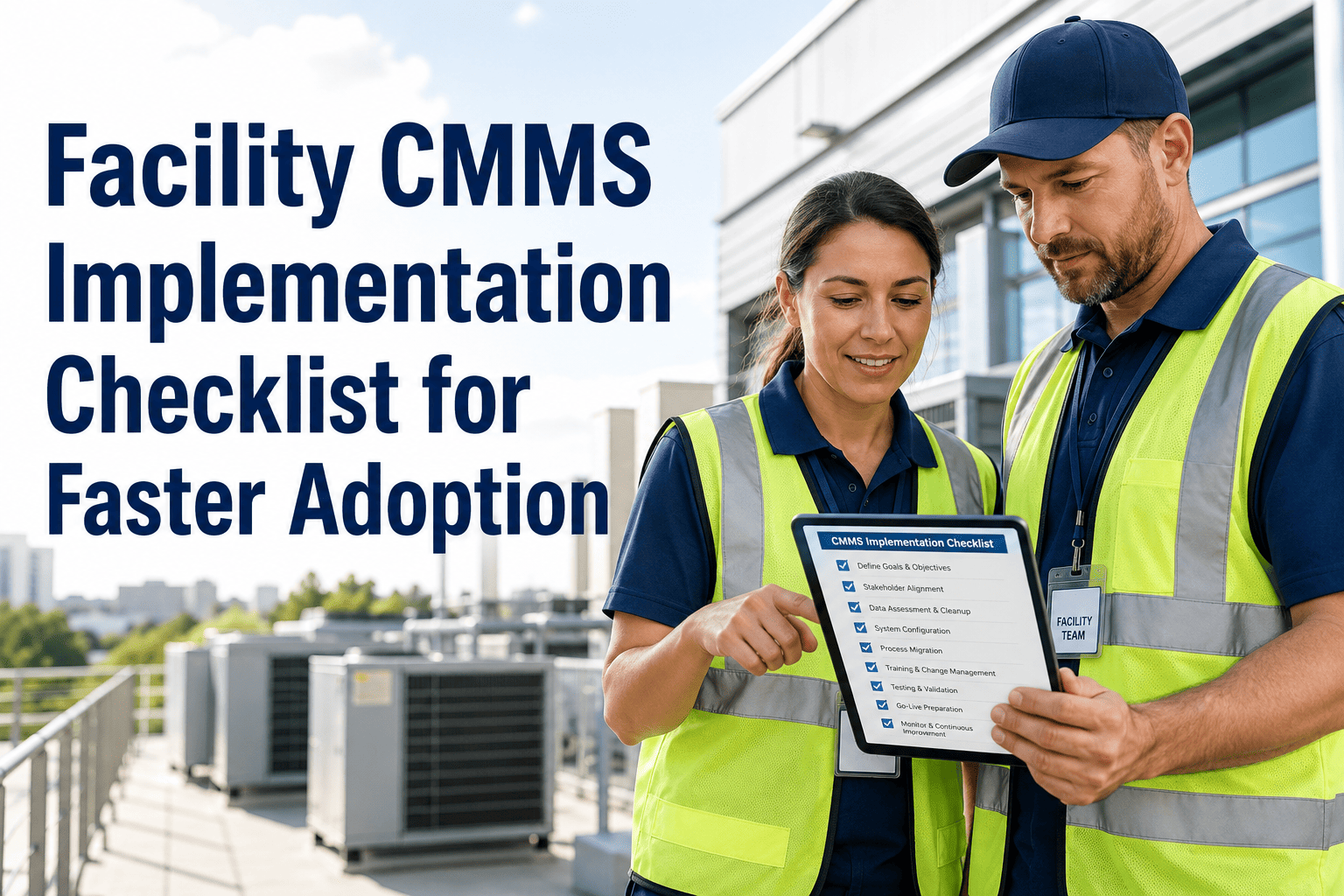
Facility CMMS Implementation Checklist
7 stages. 42 tasks. Everything your team needs to deploy OxMaint successfully — from asset import to 90-day review.
Implementation Phases
Your 14-Day OxMaint Rollout Roadmap
Days 1–2
Asset Inventory & Data Prep
Audit and export your existing asset list. Every asset needs: name, location, category, manufacturer, model, serial number, installation date, and warranty expiry. Assets with missing data should be flagged for field verification before import — bad data at import multiplies into bad work orders for months.
Export current asset register from existing system or spreadsheet
Standardize asset naming convention (Building-Floor-AssetType-Number)
Flag assets with missing critical fields for field verification
Photograph high-value assets for OxMaint asset profiles
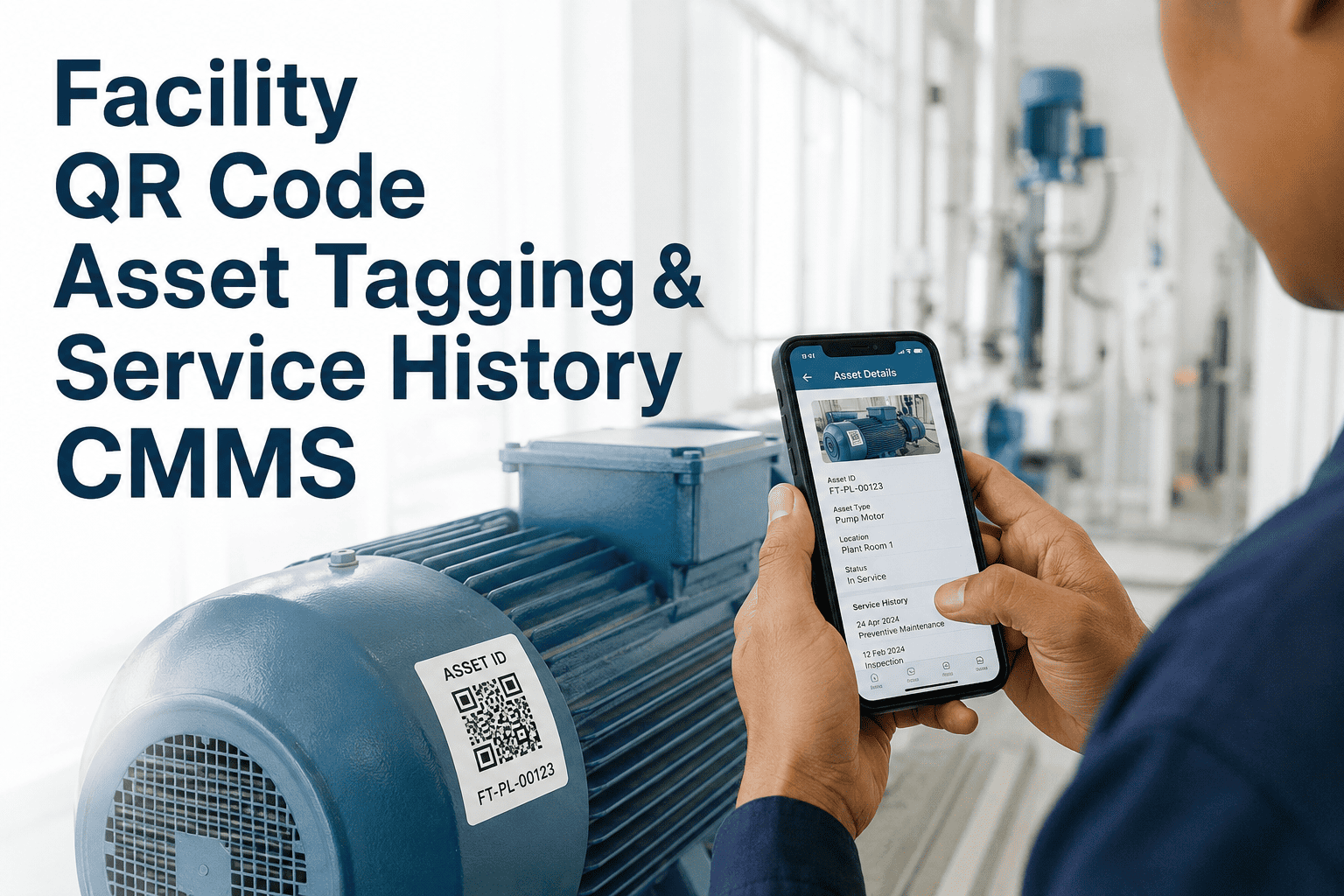
Identify which assets need QR code labels at go-live
Days 2–4
Asset Import & Registry Build
Import your cleaned asset list into OxMaint using the bulk CSV importer. Assign each asset to a location hierarchy (campus, building, floor, room) and set asset categories and priority tiers. This stage typically takes 4–6 hours for 500 assets when the data is clean.
Import assets via OxMaint CSV template or direct integration
Build location hierarchy in OxMaint before importing assets
Assign asset categories and priority levels (Critical / High / Standard)
Link assets to vendor contacts and warranty documentation
Generate and print QR code labels for Phase 1 assets
Days 4–6
User Setup & Roles
Invite team members and configure role-based access. Most facility teams have 3–5 role types: Facility Manager (full access), Supervisor (work order management), Technician (mobile field access), Requestor (submit only), and View-Only for leadership reporting. Get this right before training — wrong permissions create friction that slows adoption.
Define and configure role types for your org structure
Invite all team members with correct role assignments
Configure technician skill tags for smart dispatch
Set up requestor access for tenants or non-technical staff
Configure notification preferences per role
Days 6–9
PM Schedules & Workflows
Build your preventive maintenance schedule in OxMaint. Start with your top 20% of assets — those that account for 80% of maintenance spend or failure risk. Map each PM to the correct technician skill requirement, parts list, and estimated duration. Do not try to build all PMs in week one; start critical, then expand.
Identify top 20% highest-priority assets for initial PM setup
Build PM templates with step-by-step task checklists
Set PM triggers: calendar interval, meter reading, or runtime hours
Assign required parts and estimated labor time per PM
Configure work order approval workflows and escalation paths
Set up request categories for intake form routing
Days 9–11
Integrations & Inventory
Connect OxMaint to your existing systems — BMS, inventory management, HR, or ERP platforms. Set up your parts inventory in OxMaint with reorder thresholds so the system alerts you before stockouts delay a critical repair. Integration issues are the most common cause of go-live delays; address them before training, not after.
Connect BMS or IoT integrations (if applicable)
Import parts and inventory catalog with reorder thresholds
Link vendor contacts to preferred part categories
Test integration data flow with a sample work order
Configure reporting exports if ERP or finance integration required
Days 11–13
Training & Go-Live Prep
Run role-specific training sessions — not one-size-fits-all demos. Technicians need 45 minutes on the mobile app. Supervisors need 60 minutes on work order management and reporting. Managers need 30 minutes on dashboards and KPI setup. Pilot with a small group first, gather feedback, then train the full team.
Run mobile app training session for all field technicians
Train supervisors on work order creation, dispatch, and close-out
Train managers on dashboard setup and report scheduling
Communicate go-live date and requestor portal link to building occupants
Assign an internal OxMaint champion for post-launch questions
Day 14 Onward
Go-Live & 90-Day Review
Launch OxMaint as the single system of record for all maintenance activity. Monitor adoption metrics daily for the first two weeks — low technician login rates are the earliest warning sign. At 90 days, run the built-in OxMaint adoption report to review PM compliance rate, work order backlog, MTTR, and cost-per-work-order against your pre-implementation baseline.
Launch OxMaint and retire parallel spreadsheet or legacy system
Monitor daily active users and work order creation rates
Review and resolve adoption friction points at Day 30
Build remaining PM schedules through Days 30–60
Run 90-day adoption and KPI review report
Present ROI comparison to leadership using OxMaint executive summary
Get a Guided Implementation Plan for Your Facility
Our implementation team will build a custom rollout timeline for your asset count, team size, and go-live target — in a free 30-minute planning call.
Common Pitfalls
Top 5 CMMS Implementation Mistakes — and How to Avoid Them
| Mistake |
Why It Fails |
OxMaint Solution |
| Importing dirty asset data |
Incomplete records create work orders assigned to wrong assets or locations — teams lose trust in the system within weeks |
OxMaint's pre-import validator flags missing required fields before data enters the system |
| Building all PMs in week one |
100+ PMs created at once overwhelm schedulers and technicians — backlog builds immediately and adoption stalls |
Phased PM build: start with top 20% critical assets, expand over 60 days |
| No internal champion |
Without a dedicated owner, questions go unanswered, configurations drift, and the system gets abandoned |
OxMaint assigns a dedicated CSM for 90 days post-launch for all accounts |
| Training everyone at once |
Mixed-role training sessions confuse technicians with manager features — low confidence leads to low usage |
Role-specific training modules built into OxMaint onboarding flow |
| Keeping the old system running in parallel |
Teams revert to the familiar system when OxMaint gets hard — the old system never actually retires |
Hard go-live date recommended with a planned archive date for legacy data access only |
Expert Review
What Drives Successful CMMS Adoption
The facilities teams I've seen fail at CMMS rollout all made the same mistake: they treated implementation as an IT project rather than a change management project. The software configuration took two days. Getting technicians to actually use the mobile app instead of calling the supervisor to log work — that took three months of consistent reinforcement. The most effective lever is removing every alternative: turn off the shared email inbox for requests, retire the paper work order pads, make OxMaint the only path. When there's no workaround, adoption happens fast. When the old ways still work, they always win.
Common Questions
Frequently Asked Questions
How long does a typical OxMaint implementation take?
Most facility teams reach operational go-live within 14 days using this checklist, with full PM schedule build-out completed by Day 60. The timeline depends primarily on the quality of your existing asset data — clean, structured asset records cut implementation time by 40–60% compared to facilities that start with spreadsheets or paper logs.
Book an implementation planning call to get a timeline estimate based on your specific asset count and data readiness.
Can we migrate data from our existing CMMS into OxMaint?
Yes — OxMaint supports data migration from all major CMMS platforms including Maximo, Fiix, eMaint, Maintenance Connection, and spreadsheet-based systems. The migration includes asset records, historical work orders, PM schedules, and parts inventory. OxMaint's implementation team provides a migration template and reviews your data structure during the planning call to flag any format conversion requirements.
Start your free trial and connect with the migration team to assess your export format.
What is the minimum asset count needed to justify OxMaint implementation?
OxMaint delivers measurable ROI with as few as 25 tracked assets — the PM compliance and work order tracking benefits appear immediately regardless of scale. However, the full value of OxMaint's analytics and AI features compounds with scale: facilities with 100+ assets typically see 3–5x the ROI of smaller deployments due to failure pattern detection and lifecycle forecasting accuracy.
Book a demo to get an ROI estimate specific to your asset count and facility type.
Do technicians need smartphones to use OxMaint in the field?
OxMaint's mobile app runs on iOS and Android and requires only a basic smartphone — no specialized hardware needed. For facilities where personal device use is restricted, OxMaint supports shared team devices or dedicated tablets mounted at maintenance stations. The app works offline and syncs automatically when connectivity is restored, making it reliable in basement equipment rooms, parking structures, and other low-signal environments.
Download the OxMaint mobile app and test it with your team during the free trial.
What KPIs should we track at the 90-day review?
The five most important 90-day KPIs for new OxMaint implementations are: (1) PM compliance rate vs. pre-implementation baseline, (2) reactive vs. planned work order ratio, (3) average MTTR change from Day 1 to Day 90, (4) technician mobile app adoption rate (target: 85%+ of field staff), and (5) open work order backlog trend. OxMaint's 90-day adoption report pulls all five metrics automatically and compares them to industry benchmarks.
See the 90-day report format in a demo.
CMMS Implementation · OxMaint Asset Management
Ready to Roll Out OxMaint in 14 Days?
Our implementation team will guide your facility through every stage of this checklist — from asset import to go-live — with a dedicated specialist for 90 days post-launch.


.jpeg)
