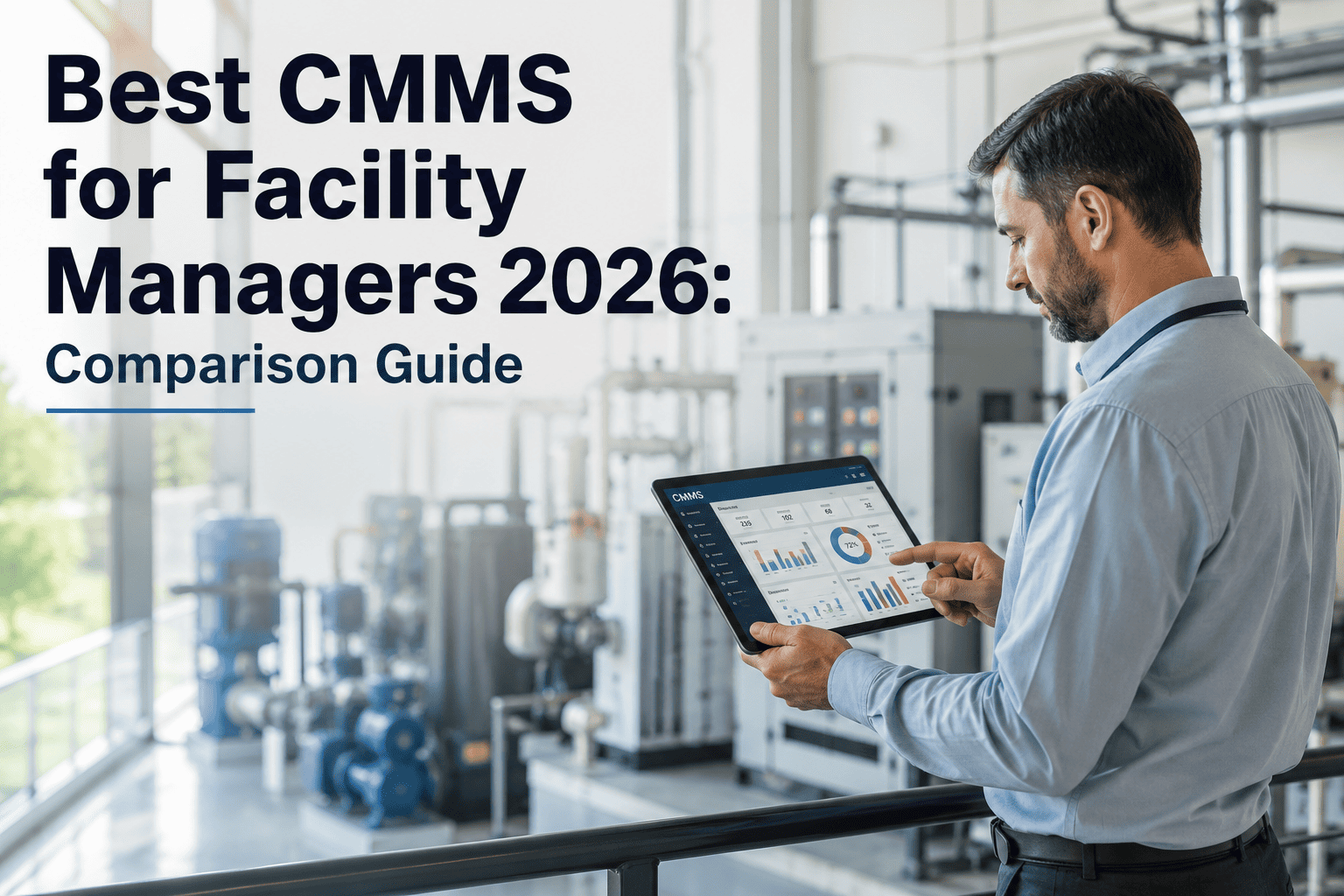
Nearly two out of three new CMMS installations across commercial and industrial facility portfolios in 2026 are cloud-hosted, and the gap widens every quarter. Facility managers still running on-premise systems watch cloud-deployed peers roll out predictive maintenance, mobile work orders, and multi-site dashboards in days while their own IT team plans the next server refresh cycle. The decision is no longer a technical preference — it shapes total cost of ownership, technician adoption, and compliance readiness for the next five to ten years. Book a demo to see how a modern facility team makes this call.
Cloud CMMS vs On-Premise: The 2026 Facility Management Decision
64% of new CMMS installations are cloud deployments this year. See exactly what that means for your deployment timeline, your five-year budget, and how many of your technicians will actually open the app in the field.
Why Facility Teams Are Moving to Cloud Faster Than Ever
Four numbers explain most of the 2026 shift. Together they show why on-premise is now a deliberate, narrow choice rather than the default starting point for a facility CMMS.
Cloud vs On-Premise Facility CMMS — Side by Side
This is a representative mid-size facility portfolio comparison: 10 properties, 20 technicians, 500 assets under management.
| Decision Factor | On-Premise CMMS | Cloud CMMS |
|---|---|---|
| Deployment timeline | 3 to 6 months for server procurement, configuration, and go-live | 3 to 5 days from signup to live work orders |
| Budget structure | Large upfront capital spend plus ongoing IT staffing and hardware refresh | Single predictable monthly subscription, no infrastructure spend |
| Mobile technician access | Requires VPN; adoption typically 30 to 50% of technicians | Native mobile app with offline sync; adoption typically 85 to 95% |
| Adding a new facility | Standalone 3 to 6 month IT project per site | Added through an admin panel in minutes |
| Feature and AI updates | Formal upgrade project; teams often run 2 to 4 years behind current | Delivered automatically the month they ship |
| Disaster recovery | Dependent on internal IT backup programme | Geo-redundant automated backups, 99.9% uptime SLA |
Your Storeroom, Your Technicians, and Your Reports Move Slower on Legacy Infrastructure Than They Should
OxMaint deploys as a full cloud facility CMMS in under 5 days, with mobile work orders, multi-site dashboards, and predictive maintenance included from day one — no servers, no consultants, no waiting for the next upgrade project.
Which Model Actually Fits Your Facility?
Use this quick framework. If most of your situation sits in one column, that column is your practical answer.
- You manage more than one site or plan to add sites
- Technicians work the floor, field, or multiple buildings
- You want AI predictive maintenance without a separate project
- You need to be live and running within weeks, not quarters
- Regulation mandates data residency within one jurisdiction
- Your network is air-gapped with no internet access
- You already staff dedicated IT infrastructure teams
- Connectivity at your site is unreliable or unavailable
Expert Perspective
The on-premise versus cloud debate in facility management is not really about technology anymore. It is about which cost structure and which upgrade cadence a facility can tolerate. A cloud subscription bundles hosting, patching, and feature delivery into one predictable line item. An on-premise licence hides most of its true cost behind IT staffing and hardware refresh cycles that never appear on the original proposal. The facilities that switch almost always report the same thing afterward — the software did not change what they needed, it simply removed the friction between the maintenance work and the record of it.
Frequently Asked Questions
See Your Facility Running on Cloud CMMS Within the Week
OxMaint gives facility teams mobile work orders, multi-site visibility, and AI-driven maintenance in a single cloud subscription — live in days, with no servers, no VPNs, and no upgrade projects to plan around.