Facility managers are choosing between more than 200 CMMS platforms in 2026, and the market has never been noisier. The right platform depends less on the length of its feature list and more on one question: will your maintenance team actually use it every day in the field? Mobile execution, AI-driven fault detection, flexible PM triggers, and total deployment cost are what separate the systems technicians adopt from the ones they quietly abandon within six months. This guide compares what actually matters when evaluating a CMMS for facility management in 2026, based on current market data and real deployment outcomes. If you want to see how a mobile-first, AI-enabled CMMS performs against your own facility portfolio, book a demo and walk through it live.
Facility CMMS · 2026 Comparison Guide
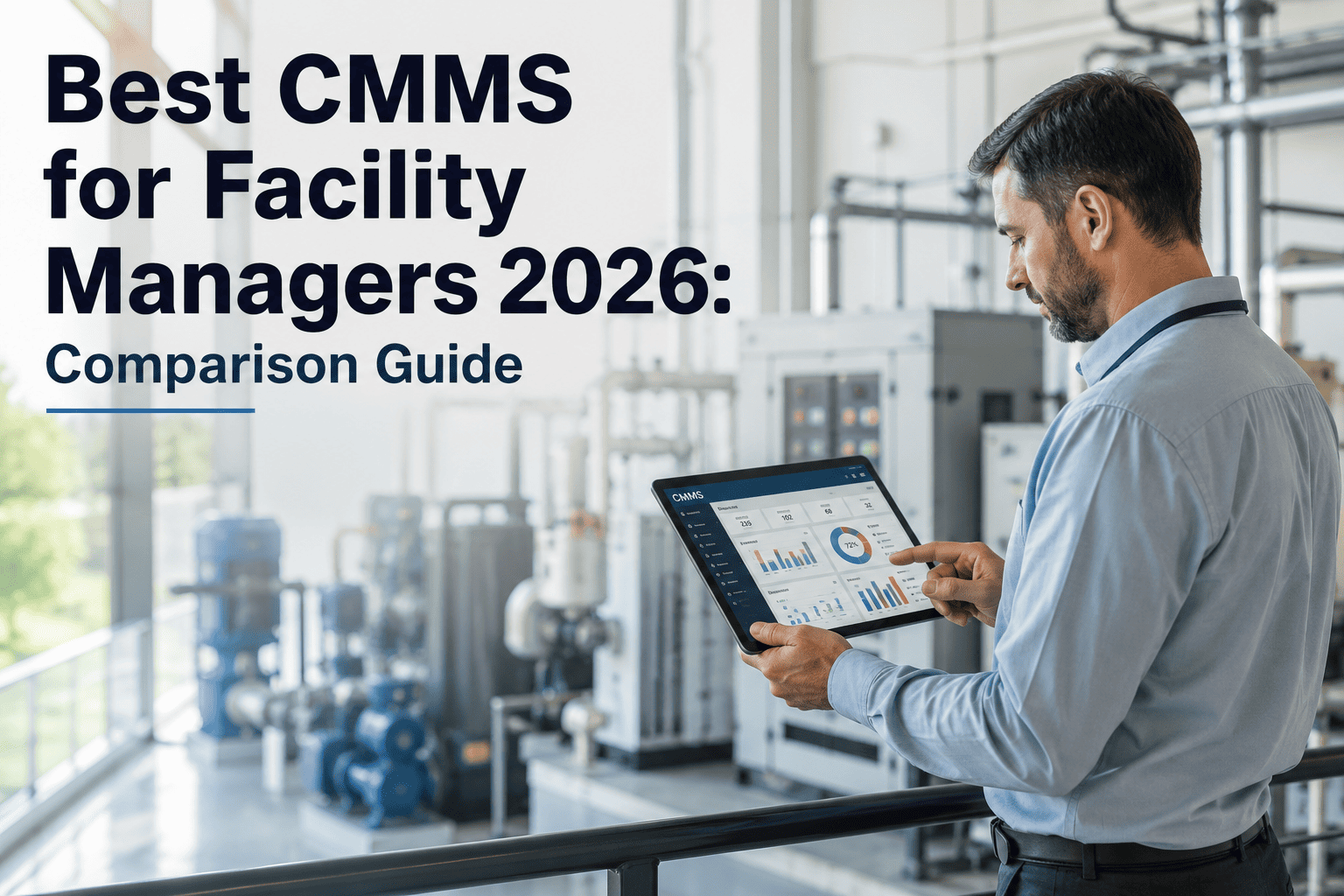
Best CMMS for Facility Managers in 2026
A practical comparison of what separates a CMMS your technicians actually use from one that turns into shelfware — mobile-first execution, AI fault detection, and multi-building visibility, evaluated against real 2026 market data.
200+
CMMS platforms competing for facility budgets in 2026
64%
Of new 2026 CMMS installs are cloud-based, not on-premise
65%
Of maintenance teams plan to adopt AI-powered CMMS tools by end of 2026
5 Things That Separate an Adopted CMMS From Shelfware
Feature checklists look similar across vendors on paper. Field adoption is where platforms actually separate — these are the five dimensions that determine whether your maintenance team uses the system daily or quietly reverts to spreadsheets.
01
Full Work Order Lifecycle on Mobile
Technicians should accept, execute, document, and close a work order entirely from a phone, without returning to a desktop. If the app requires desktop follow-up or training before first use, adoption fails within months, regardless of the feature list.
02
AI Fault Detection, Not Just Work Order Logging
A modern CMMS should analyze asset data to surface failure patterns before breakdown occurs, not just record work orders after the fact. AI integration has become a core evaluation criterion rather than a premium add-on for facility teams in 2026.
03
Flexible PM Triggers Beyond the Calendar
Calendar, runtime, cycle-count, and condition-based PM triggers all need to be supported. A platform limited to calendar-only PM cannot serve multi-asset facility environments where equipment failure follows usage, not the date.
04
Direct BMS and BAS Integration
When a building automation system detects a fault, the CMMS should generate a work order automatically with the fault code attached, closing the gap between detection and technician response before the facility manager even sees the alert.
05
Deployment Speed Without a Professional Services Bill
Most enterprise platforms add professional services fees on top of the subscription for implementation. The platforms winning facility teams in 2026 are the ones that deploy in days, with data migration handled as part of onboarding, not billed separately.
Legacy Enterprise vs Mid-Market vs OxMaint
Facility CMMS pricing in 2026 spans from free tools through mid-market platforms at $45–110 per user per month, to enterprise IWMS systems priced above $100,000 annually. The table below compares the operational reality across each tier.
| Evaluation Dimension |
Legacy Enterprise CMMS |
Mid-Market CMMS |
OxMaint |
| Implementation timeline |
3–6 months with consultants for multi-site rollouts |
30–60 days with partial onboarding support |
3–5 days, no professional services required |
| Mobile work order lifecycle |
Often desktop-first, mobile is a limited companion app |
Mobile-capable but training required for full adoption |
Full accept-execute-close cycle on mobile from day one |
| AI fault detection |
Usually a separate, high-cost module or unavailable |
Basic alerting, limited predictive capability |
Built-in AI failure pattern analysis, included in core plan |
| PM trigger types |
Calendar-based, condition triggers need custom development |
Calendar and runtime, condition triggers vary by plan |
Calendar, runtime, cycle-count, and condition-based, standard |
| Year-one implementation cost |
$20,000–$100,000+ in professional services alone |
$5,000–$25,000 typical onboarding spend |
No implementation fee on any plan tier |
| Data migration from existing CMMS |
Handled by consultants, often a separate paid workstream |
Self-service import tools, limited support |
Guided migration from Maximo, eMaint, Fiix, Excel in 5–10 days |
FACILITY CMMS · OXMAINT · 2026
Your Maintenance Team Will Judge This Platform in the First Week, Not the Sales Demo
See exactly how OxMaint handles your work order lifecycle, PM triggers, and BMS alerts on a real device, with your own facility data, not a scripted demo environment.
What Choosing the Wrong CMMS Actually Costs a Facility Team
The visible cost of a CMMS is the subscription. The real cost of the wrong one shows up months later, spread across three areas facility directors underestimate during evaluation.
Abandoned Adoption
Platforms with desktop-first workflows routinely see field usage collapse within six months when technicians revert to paper or text messages instead of the app.
Hidden Implementation Spend
Enterprise platforms frequently add tens of thousands of dollars in professional services during year one, on top of the subscription price quoted in the sales cycle.
Delayed Failure Response
Without AI fault detection or BMS integration, the gap between a building system alarm and a technician being dispatched stretches from minutes to hours or days.
Uncaptured Downtime Savings
Facilities that move to a predictive, mobile-first CMMS have documented equipment downtime reductions of up to 20 percent, savings that never materialize on a platform nobody uses.
Expert Review
The most consistent mistake I see facility directors make is optimizing for features on a spec sheet instead of adoption in the field. I have watched teams invest in enterprise platforms with extraordinary capability that their technicians used at a fraction of potential, because the mobile interface needed training and the workflow was built for planners, not the people doing the work. A CMMS that managers love but technicians avoid delivers zero operational value. In 2026, the platforms winning on adoption are the ones that put the technician workflow first and build management analytics on top of it, not the other way around. That is the only evaluation criterion that actually predicts whether a facility team is still using the system in eighteen months.
Facility Operations Consultant
30 years maintenance management consulting · CMRP, CPMM · Author on factory and facility maintenance management practice
Frequently Asked Questions
What should facility managers evaluate first when comparing CMMS platforms?
Start with mobile execution, not the feature list. If technicians cannot complete a work order end to end on a phone, everything else on the spec sheet is secondary.
Book a demo to see the full mobile workflow before comparing anything else.
How much does a CMMS cost for a facility management team in 2026?
Pricing ranges from free entry tiers through $45–110 per user per month for mid-market platforms, up to six-figure annual contracts for enterprise IWMS systems, before implementation fees are added.
How long does CMMS implementation realistically take?
Enterprise rollouts across multiple sites typically take three to six months. Mid-market platforms take 30 to 60 days.
Start free to see a facility team live on OxMaint in three to five days instead.
Can a CMMS integrate with existing building automation systems?
The strongest platforms connect to BAS and BMS systems via API so equipment alarms and fault codes generate a work order automatically, before a facility manager has to notice the alert manually.
Is switching from an existing CMMS disruptive to ongoing operations?
Asset records, PM schedules, vendor contacts, and historical work order data can typically be migrated from major platforms within five to ten business days without pausing daily maintenance work.
FACILITY CMMS · OXMAINT · 2026
Compare OxMaint Against Your Shortlist in Your Own Facility
Mobile-first work orders, AI fault detection, flexible PM triggers, and BMS integration, live in your portfolio in days, not months, with no implementation fee on any plan.