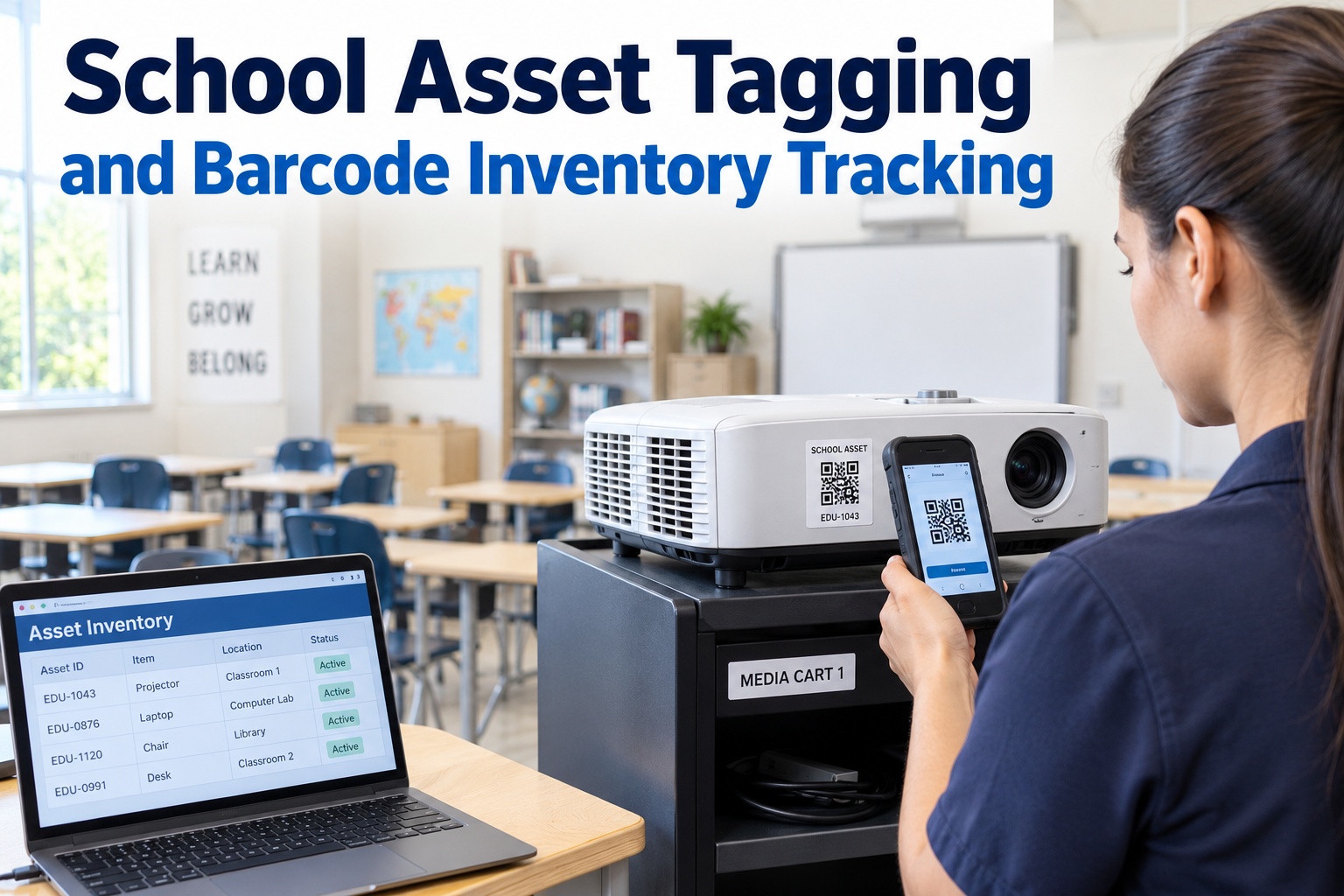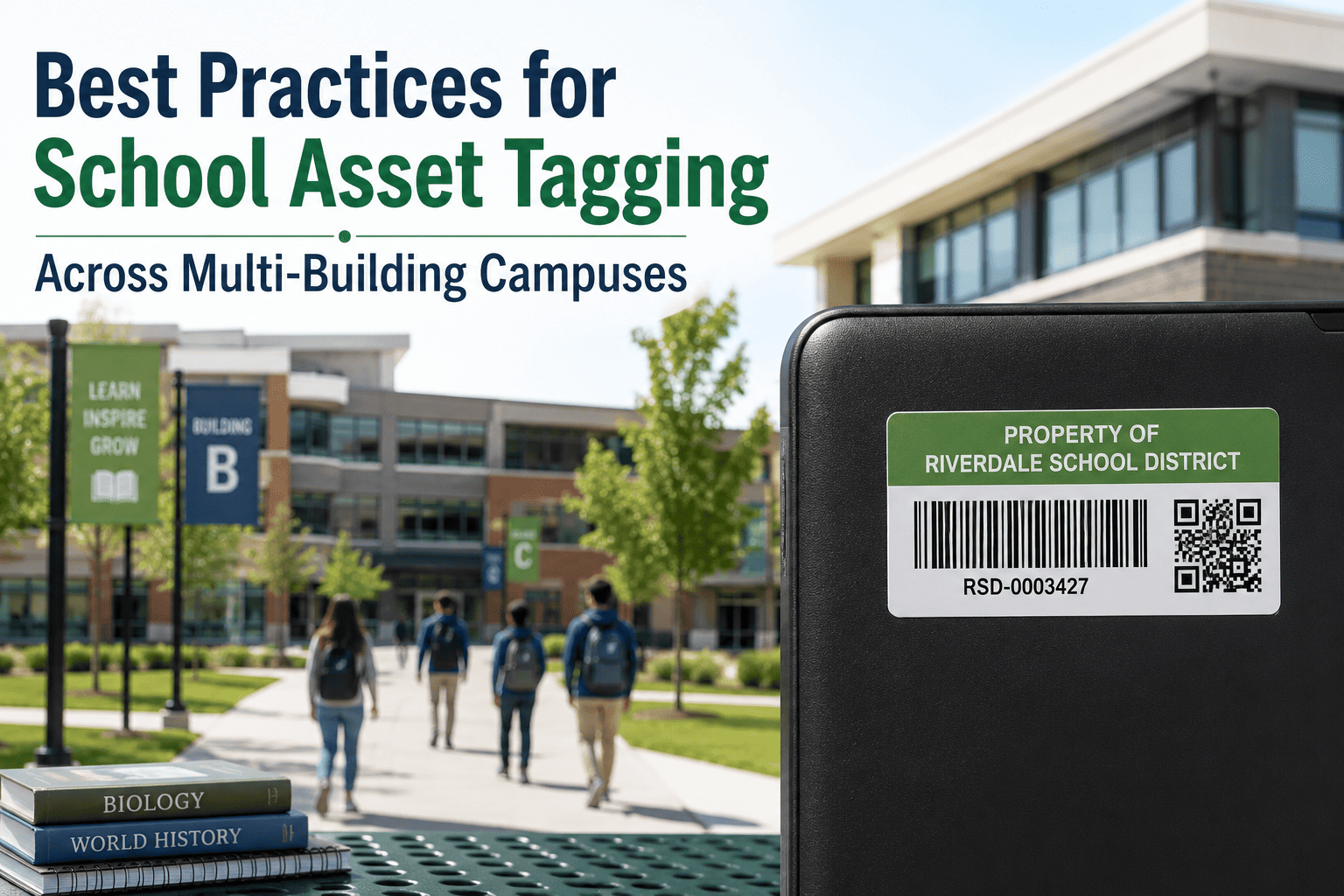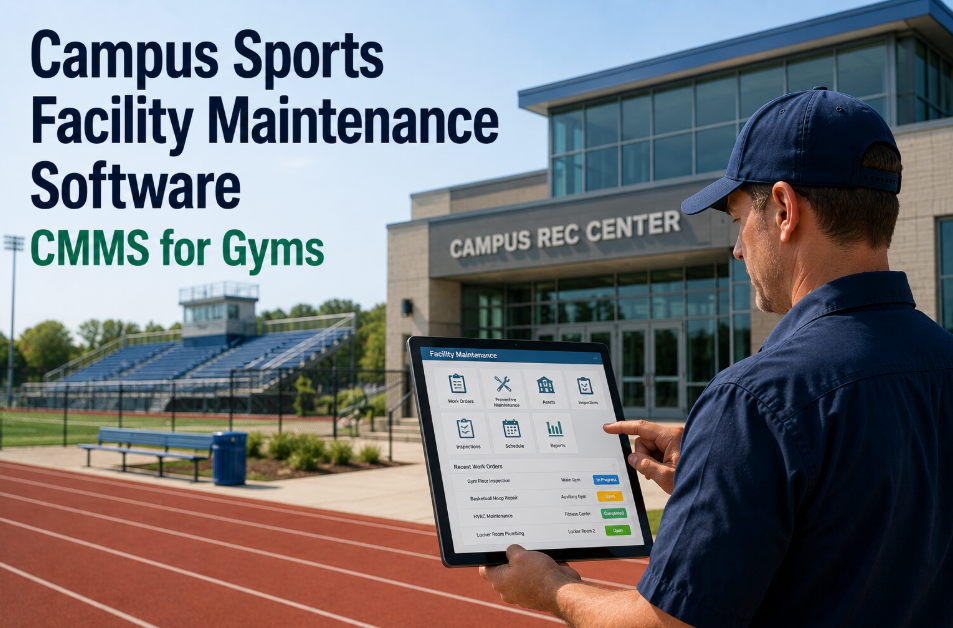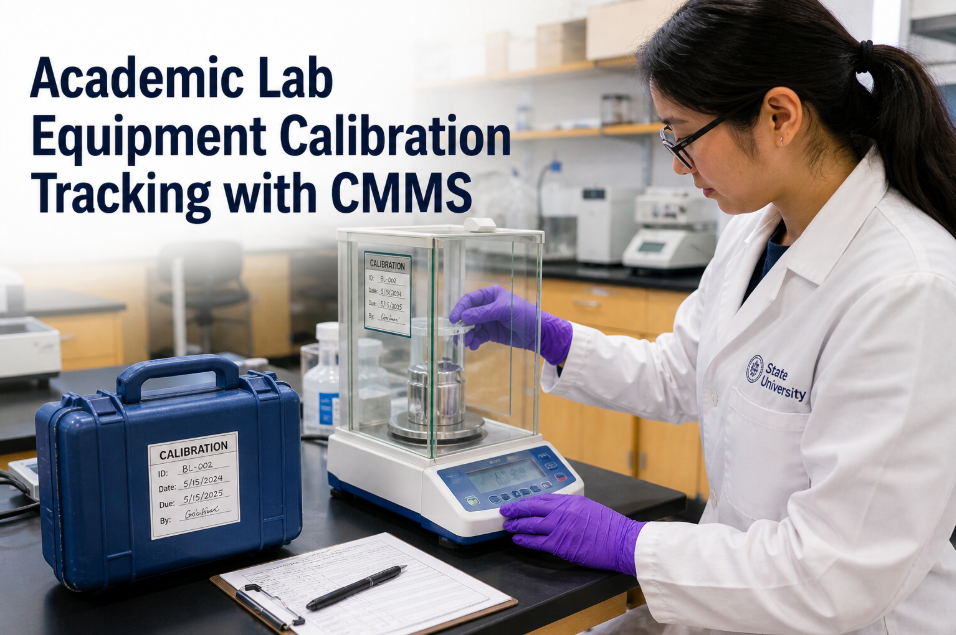
A maintenance technician who arrives at a classroom HVAC unit, scans the QR code on the unit with their phone, and instantly sees the last three service records, the open work orders, the parts used in the last repair, and the OEM PM schedule — has every piece of information they need to service the unit correctly, without calling the office, without logging into a desktop, and without guessing. A technician who arrives at the same unit without QR access has a unit number and a problem description, and has to reconstruct the rest from memory or from a paper binder that may be two buildings away. QR code asset management with Oxmaint closes this gap on every campus asset — HVAC units, lab equipment, electrical panels, fire extinguishers, elevators, kitchen equipment — by linking the physical asset to its complete digital record through a scan that takes under 3 seconds. See Oxmaint QR asset tracking configured for your campus — start free.
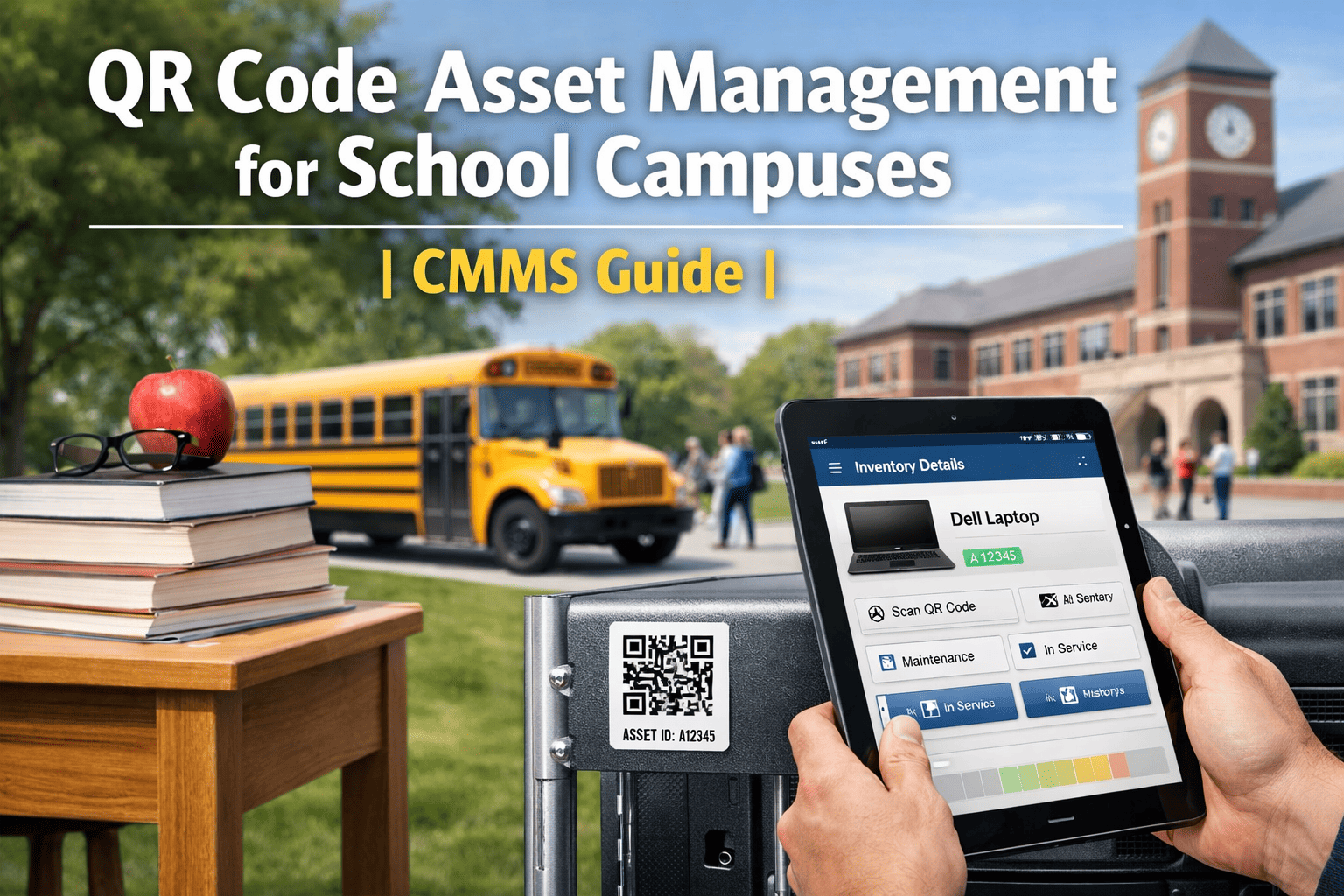
QR Code Asset Management for School Campuses | CMMS Guide
Scan any classroom asset, HVAC unit, lab equipment, or fire extinguisher with a phone — instantly pull full maintenance history, open work orders, and OEM PM schedule. No login. No search. Just scan and know.
Oxmaint QR tags link every physical campus asset to its complete digital record. Scan to see maintenance history, create a new work order, report a defect, or check the next PM due date — without logging into a desktop or calling the facilities office. Works on iOS and Android with the Oxmaint mobile app or any standard QR scanner.
What QR Asset Access Changes for Campus Technicians
The average campus technician spends 12 to 18 minutes per work order on non-productive tasks — looking up asset records, calling the office for history, searching for the correct PM procedure, or checking if the required part is in the storage room. At a 20-technician campus team running 40 work orders per day, that is 8 to 12 hours of collective lost time daily.
QR asset access through Oxmaint eliminates most of those lookups at the point of work. The technician scans the tag on the unit, sees the last service date, the last parts used, the current PM due dates, and any open work orders on the same unit — all on the phone screen before they open the access panel. If they need to submit a new defect or create a follow-up work order, they do it from the same scan screen without navigating to a separate form. Start free to see QR asset access on your campus.
QR Asset Coverage — What Oxmaint Tags and Tracks
Any campus asset with an Oxmaint QR tag is instantly identifiable, historically complete, and work-order-ready from any phone. The table below shows the asset types most commonly QR-tagged at K-12 and university campuses — and what the scan reveals for each. See QR asset configuration for your asset inventory.
| Asset Type | Scan Reveals | Most Common Use | QR Format |
|---|---|---|---|
| HVAC Units | Last service, filter dates, belt condition, next PM due | Technician pre-service lookup | Metal QR tag |
| Lab Equipment | Calibration date, certification records, safety notes | Lab manager compliance check | Laminated QR label |
| Fire Extinguishers | Last monthly check, annual service, charge status, location | Monthly compliance inspection | Weatherproof label |
| Electrical Panels | Last inspection, LOTO procedures, connected circuits | Safety reference before work | Inside-panel label |
| Classroom Furniture | Purchase date, repair history, disposal schedule | Asset lifecycle tracking | Adhesive QR label |
| Elevators | Inspection certificate, last service, next inspection due | Compliance and service reference | In-cab label |
QR Asset Management Results — Campus Deployments
Measured outcomes at K-12 and university campuses using Oxmaint QR asset tracking — 12-month post-deployment data on technician productivity, asset data quality, and work order accuracy.
QR Asset Workflow — Scan to Action in 5 Steps
Oxmaint's QR asset workflow connects the physical asset to every possible maintenance action — history review, work order creation, defect report, PM completion — in five steps that take under 30 seconds from scan to submitted.
We have 4,200 assets tagged across 31 buildings. Before QR, our technicians were calling the office 15 to 20 times a day asking for asset history. Now they scan and know. Our work order completion time dropped 21% in the first month. The ROI was obvious before we even ran the numbers.
Frequently Asked Questions
3-Second Asset Access. -18% Completion Time. Zero Lookup Errors.
QR code asset management across your entire campus — live in Oxmaint within 1 week.