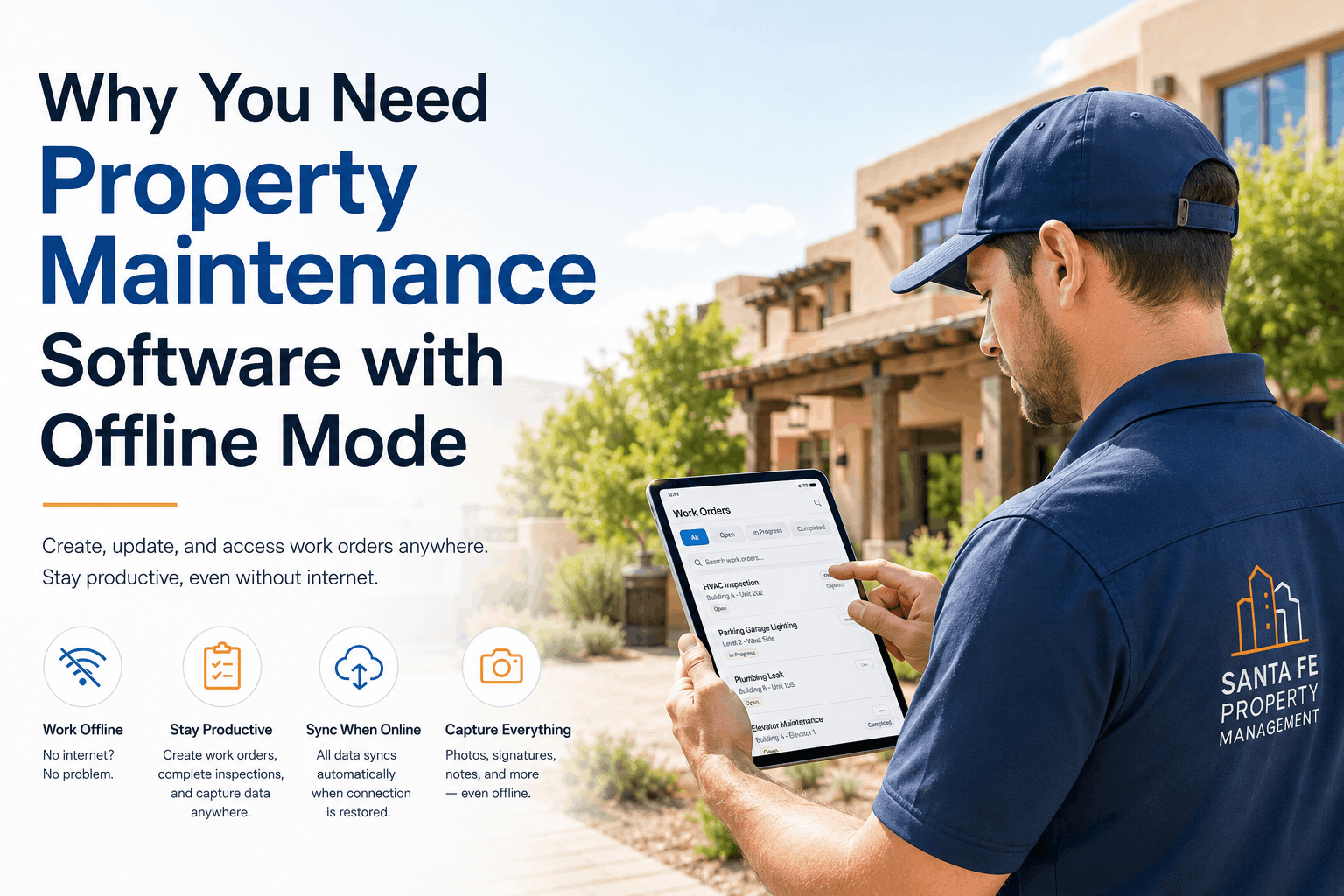
Field technicians work offline in basements, attics, and vacant units where cellular signals fade and WiFi networks don't reach. A property maintenance system that depends on internet connectivity creates operational chaos when technicians lose connection mid-work, cannot access work order details, and end up photographing problems with their personal phones because the maintenance app doesn't function without data. Traditional CMMS platforms were built for office-based data entry with the assumption that maintenance staff would return to headquarters to complete paperwork. But modern property maintenance happens where maintenance happens — on job sites, outside buildings, in dead-signal zones — and field teams need tools built around field work conditions, not office convenience.
Mobile Maintenance Software · Field Operations · CMMS App
Your Field Team Deserves More Than a Responsive Website
True mobile-first maintenance apps with offline capability, barcode scanning, photo capture, GPS tracking, and real-time synchronization — designed for field technicians who work in places where internet is unreliable and office walls are rare.
67%
of field technicians report frustration with responsive website maintenance apps that fail offline or buffer during work — mobile app with offline capability required for field operations USA property management
4.2 hrs
daily time wasted by field technicians due to mobile website delays, app crashes, and poor offline performance — eliminated with purpose-built mobile CMMS designed for unreliable connectivity
89%
of property managers report improved technician productivity after switching from responsive website to native mobile app with offline sync and real-time push notifications
56 mins
average time per technician per day spent on redundant paperwork and office data entry — eliminated with mobile photo capture, barcode scanning, and automatic CMMS synchronization
76%
of field technician errors stem from incomplete work order information, lost inspection photos, and difficulty accessing reference materials on job sites — not from technician incompetence, but from maintenance tools optimized for office workflow instead of field reality. Mobile CMMS apps provide complete work order details cached locally before technicians leave the office, store inspection photos directly within the app with automatic CMMS synchronization, and enable reference material access offline for instant equipment specs, tenant information, and safety documentation without depending on internet connectivity.
Why Mobile Apps Beat Responsive Websites for Property Maintenance
Offline Functionality — Work Without Internet
Responsive websites buffer on slow connections and fail completely offline. Mobile apps cache critical work order data, asset information, and reference materials locally — technicians access everything they need without internet, complete work fully offline, and automatically synchronize all updates to the CMMS when connectivity returns. No lost time waiting for pages to load.
QR Code and Barcode Scanning — Instant Asset Identification
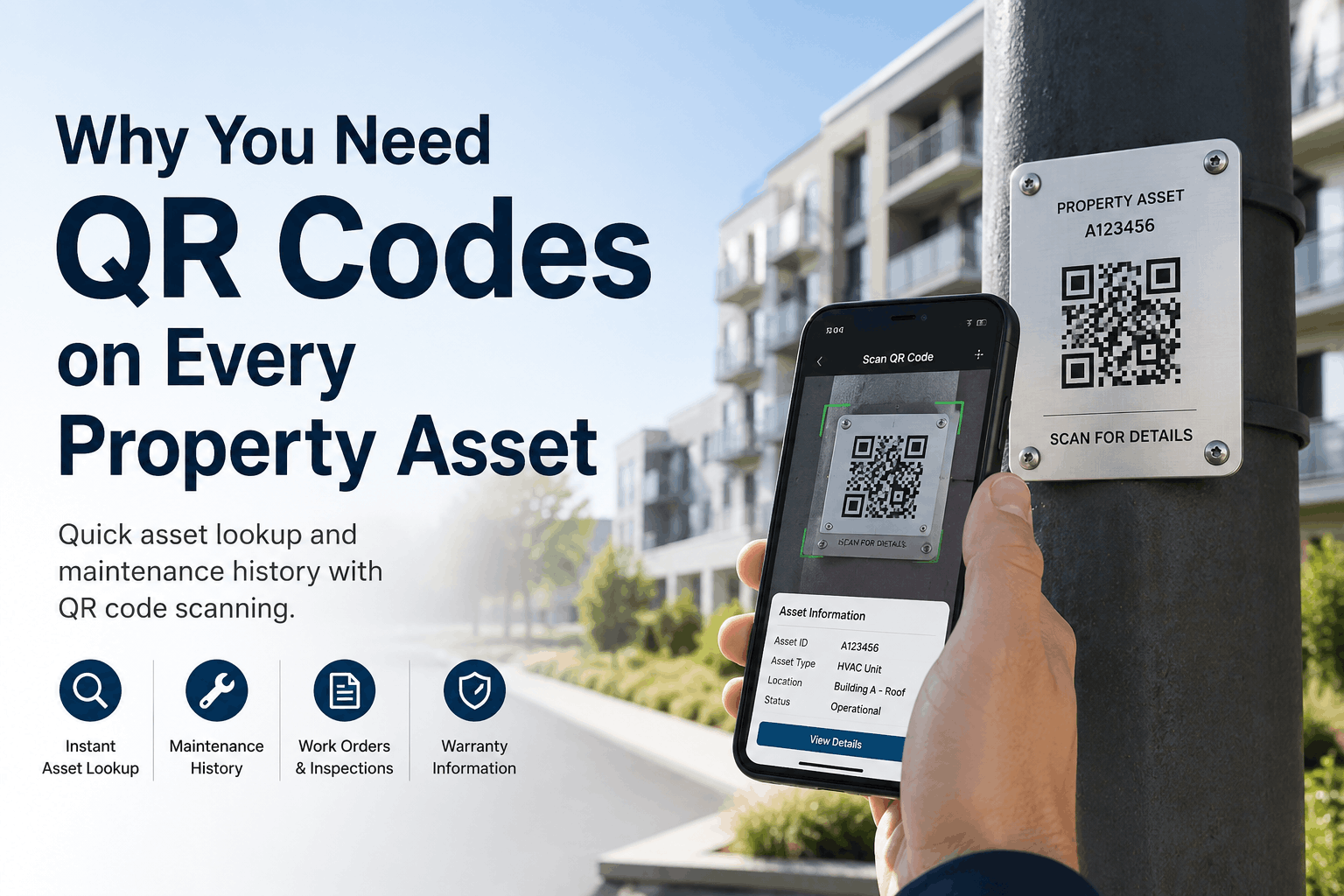
Mobile apps integrate barcode scanning APIs enabling technicians to instantly locate asset information by scanning equipment labels — no typing asset numbers, no manual searches, no data entry errors. Scanning a water heater directly opens its complete maintenance history, known failure patterns, and parts inventory — all without leaving the app.
On-Site Photo Capture With Automatic Metadata
Mobile CMMS apps capture photos directly within the maintenance work order, automatically attach timestamp and GPS location data, and sync to the cloud when connectivity returns. Technicians get immediate on-site confirmation that photos were captured and accepted — no wondering if email attachments made it through hours after leaving the property.
GPS Tracking and Route Optimization
Mobile apps use native GPS APIs to track technician location in real-time, calculate route suggestions between multiple properties, and log arrival/departure times automatically. Dispatchers get live visibility into technician locations and can reassign nearby jobs dynamically without phone coordination delays.
Time Tracking and Labor Productivity Analytics
Native mobile apps automatically start time tracking when technicians mark work order as "In Progress" and stop when they mark work as "Complete" — eliminating manual time entry and the guesswork around how long tasks actually took. Labor productivity data feeds into variance analysis and helps identify efficiency gaps requiring training or process improvement.
Push Notifications and Instant Communication
Mobile apps deliver push notifications for urgent work orders, priority changes, and manager approvals — reaching technicians instantly regardless of email access. Two-way messaging within the app enables instant clarification of work scope without requiring technician phone calls that interrupt current jobs.
Mobile CMMS Workflow — From Job Site Check-In to Data Synchronization
Step 1 · Arrive
Check-In at Property
Technician app automatically logs arrival time and GPS location, displays complete work order details cached locally — offline app access requires zero internet connectivity
→
Step 2 · Work
Complete Job & Capture Evidence
Technician scans asset barcodes, logs time entries, captures before-and-after photos and video directly in app — all stored locally with complete work order context
→
Step 3 · Sync
Automatic Cloud Synchronization
When connectivity returns, all work order updates, photos, time entries, and location data automatically sync to CMMS cloud — no manual upload, no lost data, complete audit trail
Mobile CMMS Field Operations
Stop Forcing Field Teams to Use Office Software. Build for Field Reality.
Purpose-built mobile maintenance apps with offline capability, barcode scanning, photo capture, GPS tracking, and real-time communication — enabling field technicians to work effectively in any conditions without depending on office connectivity or manual paperwork.
Advanced Mobile Features That Drive Field Productivity
Complete Offline Work Order Management
All work order information, asset details, maintenance history, and reference materials are cached to the mobile device before technicians leave the office — enabling complete access to everything needed for a job without any internet connection, with automatic synchronization when connectivity returns.
On-Site Photo and Video Documentation
Capture before-and-after photos and video directly within the mobile app, with automatic attachment to the work order and cloud synchronization when connectivity returns — technicians get instant confirmation that media was captured and will be backed up, eliminating lost photos from phone storage issues.
Automatic Time Tracking and Labor Analytics
Mobile app automatically starts time tracking when work begins and stops when work completes — eliminating manual time entry and providing accurate labor data feeding productivity analytics, variance analysis, and cost estimation for future jobs.
GPS Location Tracking and Route Optimization
Mobile app uses native GPS to track technician arrival/departure times and locations, calculate optimal routes between multiple jobs, and provide real-time visibility to dispatchers for dynamic job reassignment — eliminating guesswork about technician whereabouts and enabling quick response to priority changes.
Barcode and QR Code Asset Scanning
Scan equipment barcode labels to instantly access asset details, maintenance history, known failure patterns, and parts inventory — no typing asset numbers, no data entry errors, complete asset information accessible in seconds without internet connectivity.
Voice Notes and Signature Capture On-Site
Record voice notes directly within the app for detailed work descriptions and observations captured while fresh in technician memory, and capture digital signatures on-site for work completion approval — eliminating the need to complete paperwork hours after work finishes.
67%
of field technicians prefer native mobile apps over responsive websites for maintenance work — especially for offline capability and GPS functionality
4.2 hrs
daily productivity gain when technicians use mobile apps versus responsive websites experiencing delays and connectivity issues
56 mins
daily administrative time eliminated per technician through automatic photo attachment, time tracking, and CMMS synchronization
Field technicians work in basements where WiFi doesn't reach. Your maintenance software should work there too.
Mobile CMMS apps built for field reality — offline capability, barcode scanning, photo capture, GPS tracking, and real-time communication — enabling technicians to complete jobs effectively regardless of internet connectivity or office access.
Mobile App vs Responsive Website — Field Technician Reality Check
Responsive Website (Mobile Web)
Offline functionalityFails without internet
Connection handlingBuffers on slow networks
Barcode scanningRequires 3rd party tools
GPS trackingLimited capability, drains battery
Push notificationsUnreliable or missing
Device performanceSlower, device-intensive
Native Mobile App
Offline functionalityComplete — works everywhere
Connection handlingAutomatic sync when connected
Barcode scanningNative integration, instant
GPS trackingNative API, optimized battery
Push notificationsReal-time, reliable delivery
Device performanceFast, optimized, responsive
Frequently Asked Questions — Mobile CMMS Apps for Property Maintenance
Can a mobile CMMS app work completely offline without internet connectivity?
Yes — mobile apps cache complete work order information, asset details, and reference materials locally before technicians leave the office. All work is completed offline, and updates automatically synchronize to the cloud when connectivity returns.
How do barcode and QR code scanning capabilities work in a mobile maintenance app?
Mobile apps integrate native barcode scanning using the device camera and OS barcode detection APIs. Technicians scan equipment labels to instantly access asset history, maintenance records, and known issues — no typing asset numbers, no data entry errors.
Does a mobile CMMS app automatically attach timestamps and location data to photos?
Yes — photos captured within the mobile app automatically receive timestamp and GPS location metadata, attached to the work order, and synchronized to the cloud with automatic backup, eliminating the worry of lost photos or missed documentation.
Can GPS tracking in a mobile app provide real-time visibility of technician locations to dispatchers?
Yes — mobile apps use native GPS APIs to track technician locations in real-time, enabling dispatchers to see live maps, calculate route suggestions, and dynamically reassign nearby jobs without phone coordination delays.
Does a mobile app automatically track time for individual maintenance tasks?
Yes — mobile apps start time tracking automatically when work begins and stop when work completes, eliminating manual time entry and providing accurate labor productivity data for variance analysis and cost estimation.
How quickly do push notifications reach field technicians in a mobile CMMS app?
Push notifications are delivered in real-time when sent by dispatchers or managers, reaching technicians instantly regardless of email access — enabling urgent work order alerts, priority changes, and manager approvals without requiring technician phone calls.
Can technicians complete work orders entirely within the mobile app without returning to an office?
Yes — mobile apps provide complete work order management including task completion, photo capture, signature approval, time tracking, and parts usage — all within the app, with no office visit needed before data synchronizes to the CMMS.
What happens to data if a technician loses connectivity during mobile app usage?
Mobile apps continue to function completely offline — all work is saved locally and automatically synchronizes to the cloud when connectivity returns, ensuring no data loss and eliminating the need for manual cloud uploads or email attachments.
Your Field Team Needs a Mobile App Built for the Field, Not the Office.
Offline capability, barcode scanning, photo capture, GPS tracking, and real-time communication — designed for technicians working in real conditions without depending on office connectivity or manual paperwork.
.png)