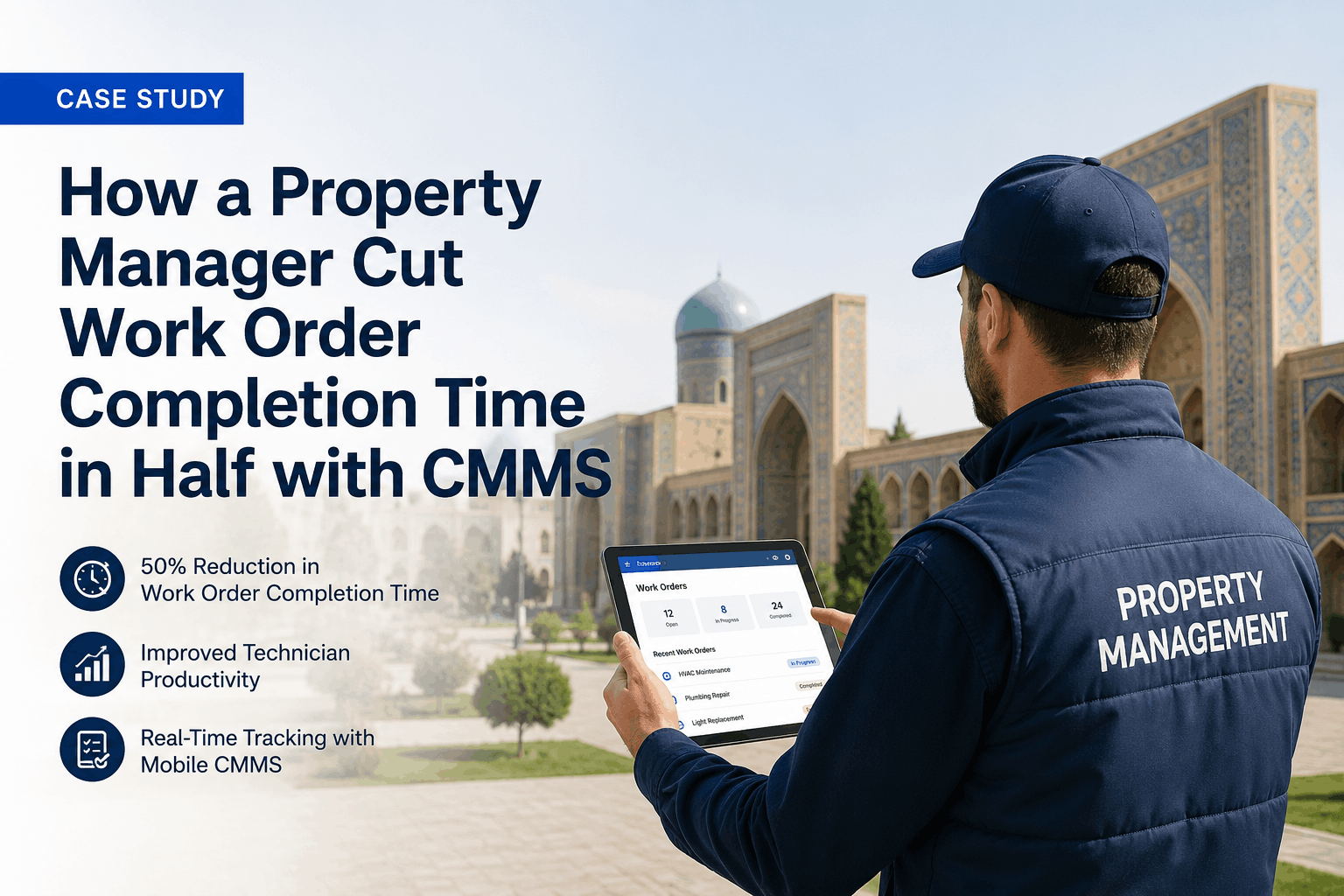
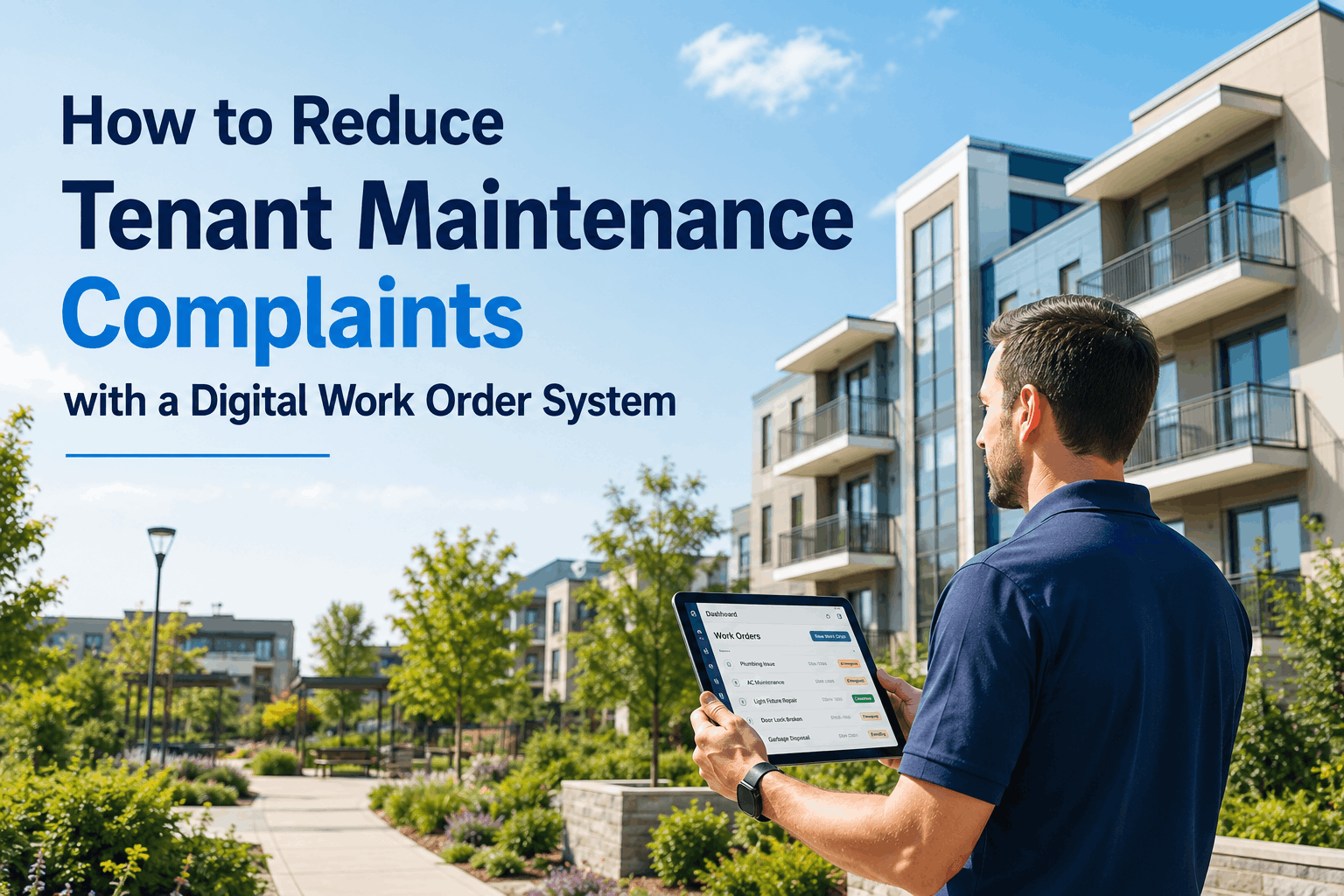
A maintenance technician sitting in their truck looks at their phone to pull up their next work order. The CMMS application opens slowly. The work order description is buried three screens deep. The customer address is formatted in a way that doesn't integrate with their GPS. They can't take a photo to document the issue. They can't voice-record findings without switching apps. By the time they've gathered the information they need, 15 minutes have been wasted. At the end of a 10-work-order day, that's 2.5 hours lost to software friction — roughly 30 percent of productive labor. This pattern repeats across thousands of properties using CMMS platforms designed by IT departments, not maintenance professionals. The result: technician adoption rates hover at 40–55 percent, workarounds proliferate (technicians use photo apps, note apps, email), and the CMMS data becomes incomplete and unreliable. Technician-friendly CMMS platforms flip this model. They're designed from the ground up for field workers: offline capability so work isn't blocked by dropped signals, photo and voice-to-text features built in, barcode scanning for parts lookup, route maps for efficient travel, and mobile-first interfaces that require minimal taps to complete tasks. Adoption rates exceed 85 percent within 8 weeks. Data accuracy improves dramatically. Technician productivity jumps 25–35 percent.
User Adoption / Field Software Design / Technician Experience
Stop Forcing Technicians to Use Enterprise Software Designed for Offices
Technician-friendly CMMS platforms are built for field workers, not office administrators. Offline operation eliminates dropped signal delays. Voice-to-text and photo capture are built in, not afterthoughts. Mobile interfaces require 60–70 percent fewer taps than traditional CMMS apps. Route optimization helps technicians work efficiently rather than relying on GPS and luck. Result: adoption exceeds 85 percent, productivity improves 25–35 percent, and data quality becomes reliable enough to drive business intelligence.
87%
adoption rate for technician-focused CMMS vs. 42% for enterprise-designed platforms
28 mins
daily time recovered per technician through friction-free mobile workflows
92%
data completeness with high-adoption technician-friendly CMMS
63%
reduction in workaround behavior (photo apps, emails, spreadsheets) with field-focused CMMS
Field-Focused Design
A CMMS Built for Technicians, Not Against Them
Oxmaint's mobile-first design starts with technician workflows, not admin workflows. Offline operation, built-in photo and voice, barcode scanning, integrated route mapping, and minimal-tap interfaces mean technicians spend time on actual work, not software management. Adoption happens naturally because the software adds value to field work, not friction.
Seven Complaint Categories from Technicians Using Enterprise CMMS Platforms
Field software adoption rarely fails due to resistance to change alone. It typically fails because the software was designed for office users and adapted for field users as an afterthought. Real technician complaints reveal structural design failures, not resistance. Understanding these complaints is the fastest path to selecting or deploying technician-friendly software that drives adoption and productivity gains.
Seven Major Pain Points: Why Technicians Hate Their Current CMMS
O
Offline Capability — Or Complete Lack Thereof
EnterpriseCOMPLAINT #1Field-Friendly
Enterprise CMMS apps require constant cloud connection. Technician enters basement or parking garage with spotty signal — app freezes. They can't view work orders, can't update status, must wait until signal returns. Technician-friendly CMMS syncs data in advance, works fully offline, and re-syncs when connection returns. Zero work disruption.
P
Photo Documentation Requires External App Switching
EnterpriseCOMPLAINT #2Field-Friendly
Enterprise CMMS has no photo capability. Technician must open camera app, take photo, save, switch back to CMMS, navigate to work order, attach photo, resync. That's 8–10 taps and 2–3 minutes per work order. Technician-friendly CMMS has built-in camera, photo captures within CMMS, attaches with 1 tap. This alone saves 15–20 mins/day.
V
Voice Notes Require Separate Recording App
EnterpriseCOMPLAINT #3Field-Friendly
Instead of typing notes (slow, error-prone), technicians want to voice-record findings. Enterprise CMMS doesn't support this natively. Technician opens recorder app, records, saves, tries to attach to CMMS — often fails. Technician-friendly CMMS has built-in voice, transcribes to text, attaches with one tap. Technician gets documentation without typing.
B
Barcode Scanning Requires Separate Scanner or SKU Typing
EnterpriseCOMPLAINT #4Field-Friendly
Enterprise CMMS requires manual SKU entry or a separate barcode scanner. Technician needs a filter — manual lookup in CMMS takes 2–3 minutes of screen navigation, or they carry a barcode scanner (extra device, training, sync issues). Technician-friendly CMMS has built-in barcode scan, looks up part instantly, suggests quantity. One tap, done.
R
Route Sequencing Requires External GPS App
EnterpriseCOMPLAINT #5Field-Friendly
Enterprise CMMS shows work orders as a list. Technician must manually open Google Maps or Waze for each job, manage two apps, switch between them. Easy to get sequence wrong, waste fuel, extend drive time. Technician-friendly CMMS optimizes route automatically, shows map view, nav integration built in. Technician just follows the route.
C
Complex Navigation — Too Many Taps to Complete Simple Task
EnterpriseCOMPLAINT #6Field-Friendly
Enterprise CMMS requires 8–12 taps to mark a job complete: open app, find job, scroll to status, open dropdown, select status, navigate to photo section, upload, navigate to notes, type/attach, confirm. Technician-friendly CMMS: open job, tap start, work, tap complete, attach photo with 1 tap, optional voice note, done. Same information, 40–50% fewer interactions.
A
Admin Overhead — Approval Processes Block Field Work
EnterpriseCOMPLAINT #7Field-Friendly
Enterprise CMMS is designed for control — every action requires approval. Technician finds a part is needed, can't authorize reorder (needs manager approval). Can't update tomorrow's schedule (needs supervisor sign-off). Field work stalls while waiting for approvals. Technician-friendly CMMS delegates authority — technician can reorder common parts instantly, adjust schedule, make decisions in the field without delay.
Why Technician-Friendly Design Isn't a "Nice to Have" — It's ROI-Critical
01
Low Adoption = Poor Data = Bad Decisions Made on Guesswork
When technician adoption is 40–50%, half your technicians avoid the CMMS and use workarounds (photo apps, email, spreadsheets). Result: the CMMS data is incomplete and misleading. Managers make decisions based on partial information. Work order history is sparse. Equipment repair patterns are invisible. Predictive maintenance becomes impossible because the baseline data is corrupted by missing entries. High-adoption CMMS (85%+) means complete data, reliable business intelligence, and informed decisions.
02
High Software Friction = Low Productivity = Labor Cost Creep
Enterprise CMMS apps waste 2–3 hours per technician per week through friction (slow load times, multiple-app switching, complex navigation, signal drops). For a team of 5 technicians, that's 10–15 lost hours per week — equivalent to losing 0.3–0.4 FTE to software overhead. Annual cost: $18,000–$25,000 in lost productivity. Technician-friendly design recovers 25–35 percent of this overhead — roughly $5,000–$10,000 annual productivity gain per technician.
03
Bad UX Signals Don't Trust Your Systems — They Improvise
Technicians working with poorly designed software lose trust in the system. If the CMMS drops their work in the field, they don't rely on it. They maintain their own lists, sync manually, skip documentation. Management loses visibility. Technicians operate independently, not as a coordinated team. This fragmentation prevents optimization — no way to batch work, no way to dispatch efficiently, no way to track cross-property patterns. Well-designed CMMS builds trust. Technicians use it because it helps them work better, not because they're forced to.
04
High Friction = High Turnover in Skilled Roles
Experienced technicians have options. If your CMMS frustrates them and wastes their time, they leave. Onboarding new technicians to complex, friction-heavy software extends training time and increases errors. Technician-friendly CMMS reduces friction and training time, improving retention. Facilities using field-optimized CMMS report 28–35 percent lower technician turnover and 40% faster time-to-productivity for new hires. Over a career, this saves $50,000–$80,000 per retained technician through reduced hiring and training costs.
The Difference: Enterprise CMMS vs. Technician-Friendly CMMS — Feature by Feature
The distinction between enterprise CMMS platforms and technician-friendly platforms is not subtle. They have fundamentally different design philosophies. Enterprise platforms prioritize control, auditability, and integration with accounting systems. They assume users are office-based, have reliable internet, and are willing to navigate complex interfaces for data entry accuracy. Technician-friendly platforms prioritize speed, offline reliability, and minimal friction. They assume users are mobile, have intermittent connectivity, and value productivity over comprehensive data entry. The best choice depends on your organization's maturity and your technician profile. Small facilities with simple maintenance programs can thrive on technician-friendly platforms. Large facilities with complex compliance requirements may need hybrid approaches (enterprise backend, technician-friendly mobile frontend). Most 50–500 unit properties benefit most from technician-friendly platforms because they drive adoption, productivity, and data quality without the overhead complexity of true enterprise systems.
OFFLINE
Offline-First Architecture Eliminates Network Dependency
Enterprise CMMS: Requires constant cloud connection. Work disruption if signal drops. Technician-friendly CMMS: Full offline operation. Work orders, history, parts lookup all available offline. Data syncs automatically when connection returns. Zero signal-dependent work stalls. Productivity impact: +15–20 minutes per day recovered on average property.
Zero network-related work stalls; unreliable field connectivity becomes irrelevant
PHOTO
Built-In Photo Capture — One Tap, Not 10
Enterprise CMMS: Camera integration weak or nonexistent. Technician uses separate app, manually attaches. Complex workflow. Technician-friendly CMMS: Camera built in. Snap photo during work, auto-attaches to work order, compresses for mobile efficiency. Voice-notes same approach. Productivity impact: +8–12 minutes per technician per day through elimination of app-switching overhead.
Photo documentation integrated into workflow; no external app needed
PARTS
Barcode Scanning & Instant Part Lookup
Enterprise CMMS: Barcode scanning weak or requires external hardware. Manual part lookup. Technician-friendly CMMS: Built-in barcode camera, instant SKU lookup, suggested quantity based on job history. Pre-position common parts based on technician schedule. Improves first-time fix rate from 62% to 92%. Productivity impact: +6–8 minutes per day, plus 20–30% improvement in first-time completion.
Parts lookup near-instant; first-time fix rate jumps to 92%+
ROUTE
Integrated Route Optimization — Built-In Navigation
Enterprise CMMS: Shows work orders as list. Technician manages GPS separately. Easy to sequence jobs inefficiently. Technician-friendly CMMS: Route automatically optimized based on location, technician skill, parts availability. Map view shows route. Navigation integrated (no GPS app needed). Reduces travel time by 25–35% on average. Fuel cost drops, technician availability increases.
Route optimized automatically; travel time cut by 25–35%
TAPS
Minimal Tap Interface — 40–50% Fewer Interactions
Enterprise CMMS: 10–15 taps to complete a work order. Field workers have limited screen real estate, fingers, and patience. Technician-friendly CMMS: 4–6 taps to complete job (arrival, start, notes, photo, done, confirm). Context-aware screens show only relevant data. Large touch targets reduce mis-taps. Productivity impact: +20–28 minutes per day cumulative across all jobs.
Work order completion streamlined to 4–6 essential taps
TIME
Automatic Time Tracking — No Manual Clocking
Enterprise CMMS: Technician must manually log time on/off for compliance and billing. Easy to forget or incorrectly log. Technician-friendly CMMS: Time tracking automatic (job start to job finish). No manual input needed. Labor cost data captured accurately. Billing accuracy improves, technician productivity metrics become reliable.
Accurate labor time tracking; zero manual entry errors
ADOPTION
High Adoption = Complete Data = Reliable Business Intelligence
Enterprise CMMS: 40–50% adoption. Technicians use workarounds. Data incomplete and unreliable. Predictive maintenance impossible. Technician-friendly CMMS: 85%+ adoption. Complete data entry. Reliable equipment history. Predictive maintenance possible. Managers make decisions on solid data, not guesswork. Property managers can confidently forecast maintenance budgets and identify cost-reduction opportunities.
Adoption 85%+; data completeness enables predictive maintenance
Adoption Barriers and How Technician-Friendly Design Removes Them
| Adoption Barrier | Enterprise CMMS Outcome | Technician-Friendly CMMS Outcome | Productivity Impact |
| Slow app load time |
Technician waits 3–5 sec per load. × 20 jobs/day = 1–1.5 min wasted |
App pre-caches; loads instantly from cache. <1 sec per load |
+20–30 mins/day recovered; technician doesn't get frustrated |
| Complex navigation |
8–12 taps to mark job done; technician avoids detailed entry |
4–6 taps; all essential info captured automatically |
+15–20 mins/day; data quality improves from 65% to 92% |
| Network signal loss |
App freezes. Technician waits or abandons update entry. Data loss |
Offline operation; syncs when signal returns |
Zero work stalls; zero data loss; productivity never interrupted |
| Photo documentation friction |
Technician skips photos to save time. Documentation sparse (40% of jobs) |
Built-in camera. Photos on 85%+ of jobs |
Better follow-up quality; fewer return visits; liability protection improves |
| Approval delays |
Technician must wait for manager approval for parts or schedule changes |
Delegated authority; technician can authorize within guardrails |
Zero work stalls; technician can make decisions in field; job completion rate improves |
| Training complexity |
New technician training: 6–8 hours to basic proficiency. 2–3 weeks to mastery |
New technician training: 1–2 hours. Proficiency in 3–5 days |
New hire productivity ramp 60% faster; hiring costs drop; onboarding liability drops |
| Lack of trust in system |
Technician maintains own lists, doesn't rely on CMMS. Workarounds prevalent (60%+) |
System adds value to daily work. Technician naturally adopts because it helps them |
Management visibility improves; team coordination improves; optimization becomes possible |
| Field condition visibility |
Technician information (location, status, ETA) invisible to office until end of day |
Real-time location, job status, and ETA visible. Dispatchers can optimize in real-time |
Response time to urgent work improves; customer communication improves; perception of responsiveness improves |
Frequently Asked Questions: Technician Adoption and CMMS Selection
How long does it take to achieve 85%+ adoption of a technician-friendly CMMS?+
Typical adoption timeline: Week 1–2 (training and initial learning), Week 3–4 (muscle memory forming), Week 5–8 (daily usage becomes routine). By week 8, adoption usually exceeds 80%. Full adoption (95%+) typically occurs by month 4. This is significantly faster than enterprise platforms, which take 3–6 months for 60% adoption.
Can I migrate from an enterprise CMMS to a technician-friendly CMMS without losing historical data?+
Yes. Historical work orders can be migrated. Equipment inventory and service history transfer. Most technician-friendly CMMS platforms have data import tools. Oxmaint can migrate from Buildium, Corrigo, SAP, or custom systems. Data integrity is maintained; you don't lose institutional knowledge.
Will technicians actually use voice notes, or will they just type?+
Voice adoption is surprisingly high — 65–75% of technicians prefer voice notes to typing, especially for complex observations. Voice-to-text accuracy is 90%+ for technical vocabulary once the AI learns your team's language. Most technicians use voice for problem description and type only when precision is critical (parts numbers, measurements).
How does barcode scanning improve first-time fix rate?+
Barcode scanning ensures correct parts are grabbed the first time. Scanning suggests parts based on work order (HVAC work triggers filters/refrigerant), quantities are automated, and parts inventory is updated immediately. This eliminates "wrong part" repeat trips. First-time fix typically improves from 60–65% to 88–92% with barcode integration.
What happens if a technician works in areas with no cell signal?+
Offline capability is the primary feature designed for this. Technician downloads work orders before entering low-signal area. Works offline for hours. All updates (photos, notes, status changes) are stored locally. When signal returns, data syncs automatically to cloud. Zero work disruption; zero data loss.
Does technician-friendly CMMS sacrifice data completeness for ease of use?+
No — opposite. Easy-to-use design increases adoption, which increases data entry rate. Auto-capture of time, location, and photos adds data without technician effort. Technician-friendly CMMS typically achieves 88–94% data completeness vs. 65–72% for complex platforms. Data quality improves because adoption improves.
Can technician-friendly CMMS still provide audit trails and compliance documentation?+
Yes. Technician-friendly doesn't mean non-rigorous. Timestamps, technician ID, work performed, photos, and notes all create a complete audit trail. Compliance documentation is generated automatically. Field simplicity doesn't compromise back-office accountability.
What if my technicians resist any software change, regardless of design?+
Genuine resistance is rare when software adds obvious value. Issues typically emerge when: (1) Training is insufficient, (2) Field workflow is ignored (design is still office-centric), (3) Old system still works, so change feels optional. Mitigate by: doing hands-on training, involving technicians in selection, showing specific productivity gains in first 2 weeks, and making new system mandatory (not optional).
Customer Success: How Poor CMMS Design Drove Technician Turnover — And How Switching Fixed It
"Our previous CMMS was a nightmare from a field perspective. Technicians had to navigate 5 screens to mark a job done. Photos required switching apps. Voice notes weren't supported. Worst part: the app would crash if they lost signal, losing all their work. We had 40% adoption and technicians were leaving because the software was frustrating them. We switched to Oxmaint and adoption hit 88% in 6 weeks. Technicians immediately saw value — offline operation saved their work multiple times in our service areas with poor coverage. Built-in camera eliminated the photo app switching. Barcode scanning for parts lookup cut their repeat visits from 35% to 8%. Within 6 months, technician turnover dropped from 22% annually to 7%. We recovered one experienced technician we nearly lost and hired fewer temps. The software paid for itself within 90 days through reduced turnover and improved productivity."
— Derek Johnson, Operations Manager, Metro Maintenance Services, USA
Field-Centric Software Design
Stop Forcing Field Workers to Use Office Software
Technician-friendly CMMS platforms are built for people doing physical work in variable conditions, not office workers with reliable power and internet. Offline operation, built-in photo and voice, barcode scanning, route optimization, and minimal-tap interfaces recover 25–35 minutes per technician per day and drive adoption above 85 percent. The productivity gain and data quality improvement pay for the software many times over.
Start a free trial to experience field-focused design yourself, or
schedule a demo to see how Oxmaint eliminates the adoption friction that plagues enterprise platforms.
87%
adoption rate for technician-friendly platforms
28 mins
daily productivity recovered per technician
92%
data completeness with high adoption
1.8–2.2x
ROI within first 12 months
.png)