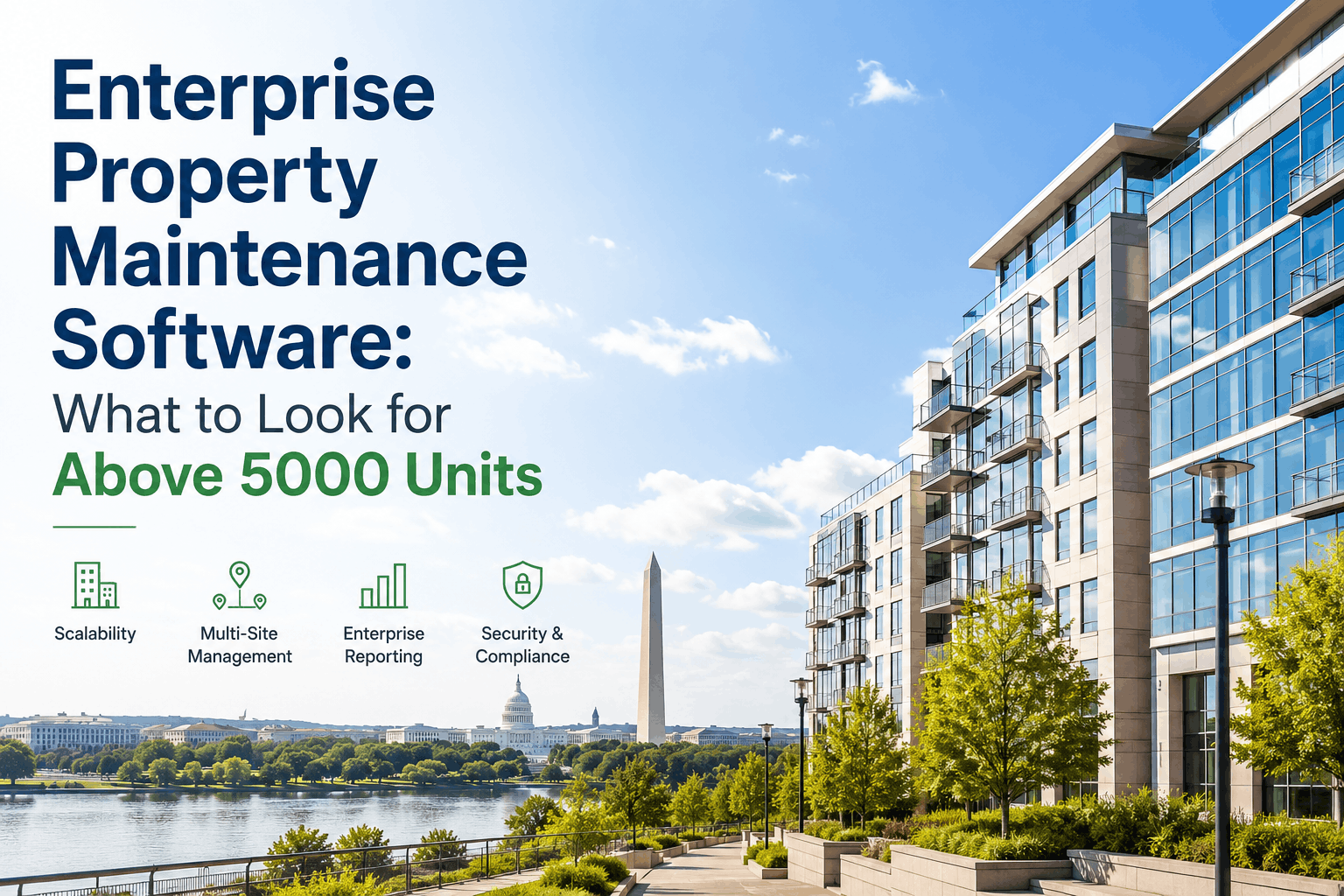
Enterprise property management — 5,000+ units across multiple buildings, regions, or companies — operates under completely different constraints than small portfolios. The software requirements scale exponentially: custom reporting for investor stakeholders, multi-site consolidation for portfolio-level decision-making, API integration with accounting and procurement systems, white-label capability for management companies serving multiple clients, enterprise security compliance (SOC2, SSO, encrypted data centers), and dedicated customer support that understands large-scale operational complexity. Premium platforms costing $1,500–5,000+ monthly are justified at scale because they handle the consolidation, automation, and reporting that impossible to implement manually across 5,000+ units and 50+ technicians. This guide covers what large property portfolios must look for when evaluating enterprise maintenance software, why specialized enterprise platforms differ fundamentally from mid-market solutions, critical features that unlock portfolio-level optimization above 3,000 units, and how to calculate ROI on enterprise platform investments that easily justify their cost through operational efficiency alone.
Portfolio-wide KPI consolidation, real-time multi-site reporting, automated compliance documentation, API integration with enterprise systems — built for portfolios managing 5000+ units at scale. See how enterprise software unlocks 18–24% operational cost reduction through portfolio-wide optimization.
Enterprise property maintenance software for 5,000+ unit portfolios must provide: (1) Multi-site KPI consolidation — real-time comparison of maintenance costs, PM compliance, emergency ratios across all properties with automated alerts when individual sites drift below portfolio targets; (2) Portfolio-level financial reporting with GL integration — automatic ledger posting, budget variance analysis, cost allocation across properties, accrual automation; (3) Workflow customization and automation — enterprise workflows (escalation paths, approval hierarchies, compliance gates) must be configurable for different property classes without code changes; (4) Dedicated customer support team assigned to portfolio with SLA guarantees for response time and resolution; (5) Enterprise security: SOC2 certification, SSO integration, encrypted data centers, role-based access control with granular permission management, audit logs for regulatory compliance; (6) API access for integration with enterprise ERP systems, procurement platforms, accounting software, and custom business systems; (7) White-label capability for management companies serving multiple clients; (8) Advanced analytics and reporting — custom dashboard creation, drill-down analysis, predictive maintenance modeling. Enterprise portfolios should expect to pay $1,500–$4,000 monthly for true enterprise functionality, with ROI achieved within 6–12 months through cost reduction and efficiency gains. Oxmaint offers enterprise functionality through custom implementations for large portfolios requiring full feature set with dedicated support team and custom integration work.
Critical Features for Enterprise Portfolio Management Software
Enterprise property portfolios operate at scale that demands features fundamentally different from mid-market software. Here's what separates enterprise solutions from mid-market platforms, and why each feature becomes critical above 3,000 units.
Enterprise portfolios need unified KPI dashboards showing all properties in real-time: cost per square foot across all buildings, PM compliance rates ranked from best to worst performer, emergency maintenance ratios flagging which sites are drifting into reactive mode, tenant satisfaction scores by property, budget variance by location. This consolidation allows executive decision-making at portfolio scale: identifying which properties need immediate intervention, comparing performance trends across regions, identifying which operating practices from top-performer properties can be replicated to underperforming sites. Portfolio-level KPI dashboards are the single most important enterprise feature — they transform a collection of independent properties into a coordinated portfolio where best practices spread automatically.
Enterprise portfolios manage millions in annual maintenance spend. Every work order must flow automatically to the general ledger, coded to the correct property, cost center, and account number. Manual posting of work orders to GL — the standard in many mid-market organizations — is not scalable: with 150+ work orders monthly across 50+ properties, manual posting means 1,800+ manual journal entries annually. This introduces accounting errors, requires reconciliation resources, and delays financial reporting. Enterprise software automates GL posting entirely: technicians complete work orders in the CMMS, system captures all cost and accounting data, posts automatically to GL each night. This eliminates accounting labor, prevents errors, and enables real-time financial reporting. For a portfolio with $50M annual maintenance budget, automation prevents estimated $200–400K in accounting errors, rework, and labor.
A 5,000-unit portfolio typically includes buildings with different characteristics: Class A office towers requiring fast emergency response, industrial facilities requiring compliance-heavy preventive schedules, multifamily buildings requiring tenant-friendly scheduling, medical facilities requiring HIPAA-compliant documentation. Each property class needs different workflows: approval hierarchies, escalation rules, documentation requirements, compliance gates. Enterprise software must allow configuration of these workflows through a UI, not require code development and 12-week implementation cycles. When a new property is acquired, it should be integrated into the platform with custom workflows in days, not months. Workflow customization capability separates enterprise platforms from mid-market — which typically force all customers into standardized workflows.
Enterprise portfolios have strict data security requirements: SOC2 Type II certification proving independent verification of security controls, SSO (Single Sign-On) integration with enterprise Active Directory (no separate logins), encrypted data centers, role-based access control with granular permission management, audit logs tracking every system action. These aren't optional features — they're required by enterprise procurement policies, insurance carriers, and regulatory bodies. A $500M real estate portfolio cannot use software lacking SOC2 certification because insurance and legal teams will reject the platform as liability risk. Enterprise platforms invest heavily in security compliance; mid-market platforms skip this because cost doesn't justify the effort for 100-unit portfolios.
Enterprise portfolios operate with complex technology ecosystems: ERP systems (SAP, Oracle), procurement platforms (Coupa, Ariba), accounting software (NetSuite, Workday), HR systems. Maintenance software must integrate with these systems via APIs, not require manual data entry between platforms. For example: when procurement pre-approves a vendor contract, the CMMS should automatically pull vendor discounts and apply them to new work orders. When GL codes change in the ERP, the CMMS should auto-update. When technicians complete work orders, the system should automatically create equipment replacement purchase requisitions. API-driven integration eliminates data entry labor, prevents errors, and enables real-time enterprise reporting across systems. Mid-market platforms don't offer API access because enterprise integration complexity is beyond their development capacity.
A 100-unit portfolio can manage with email support and online documentation. A 5,000-unit portfolio managing $50M+ annual maintenance spend requires dedicated customer success team assigned to the portfolio. This team knows your operation, understands your business challenges, proactively identifies optimization opportunities, responds to support requests within defined SLA windows (typically 1-hour response for critical issues affecting multiple sites, 4-hour response for operational issues). This dedicated support prevents the 2–4 week resolution cycles common with shared support teams. For a portfolio where each day of system downtime costs $50K+ in operational disruption, paying for dedicated support (typically $15–40K monthly) is cost-effective insurance against support gaps.
Portfolio-Level Consolidation. Real-Time KPI Comparison. Enterprise-Grade Security.
Enterprise property software consolidates 5,000+ units into unified KPI dashboards, enables portfolio-level decision-making, integrates with enterprise systems, and provides dedicated support. See how large portfolios unlock $420K–$580K annual savings through operational optimization.
Enterprise Portfolio Case Studies — Scale-Based Optimization Results
We were managing a 5,400-unit portfolio across 42 properties with 47 separate maintenance systems and spreadsheets. Each property was optimizing independently without visibility into what other properties were doing. When we implemented enterprise software with portfolio-level KPI dashboards, it revealed that our top 20% of properties were running at $0.34/sq ft while our bottom 20% were running at $0.72/sq ft. That $0.38/sq ft difference across 5,400 units was costing us $8.2M annually. By replicating best practices from top performers across the entire portfolio, we compressed that gap to $0.18/sq ft within 18 months. The enterprise software paid for itself 12 times over through consolidation alone.
Enterprise Implementation: Timeline, Cost, And Consideration
Enterprise software implementation is a significant undertaking. Here's what to expect in terms of timeline, cost, and organizational change.
Dedicated professional services team interviews stakeholders across operations, finance, accounting, executive leadership to understand current state, pain points, data architecture, integration requirements. Current-state maintenance software and systems documented. Go-live success criteria defined. Custom workflow requirements for different property classes documented.
Professional services designs enterprise workflows, configures multi-site KPI dashboards, defines GL mapping, sets up API integrations with ERP/procurement systems, configures SSO with enterprise Active Directory, develops data migration strategy from legacy systems. All design documented and validated with stakeholder groups before development begins.
System deployed to pilot group of 10–15 properties (representing diverse property types in the portfolio). Pilot users test workflows, verify GL posting, validate API integrations, confirm data accuracy. Issues identified and resolved. Pilot refined based on feedback before portfolio-wide rollout. Training documentation developed using pilot experience.
System deployed to all properties in waves (typically 10–12 properties per week to maintain support capacity). Users trained in new workflows, dashboards, mobile app. Data migrated from legacy systems. Legacy system support winds down as each property goes live. Support team monitors for issues 24/7 during rollout.
Frequently Asked Questions — Enterprise Property Maintenance Software
Portfolio-Wide Optimization. Enterprise-Grade Consolidation. Data-Driven Decision-Making.
Enterprise property maintenance software transforms independent properties into coordinated portfolios where best practices spread automatically and data-driven decisions replace manual judgment. Achieve 18–24% operational cost reduction through consolidation and standardization. See ROI within 6–12 months.