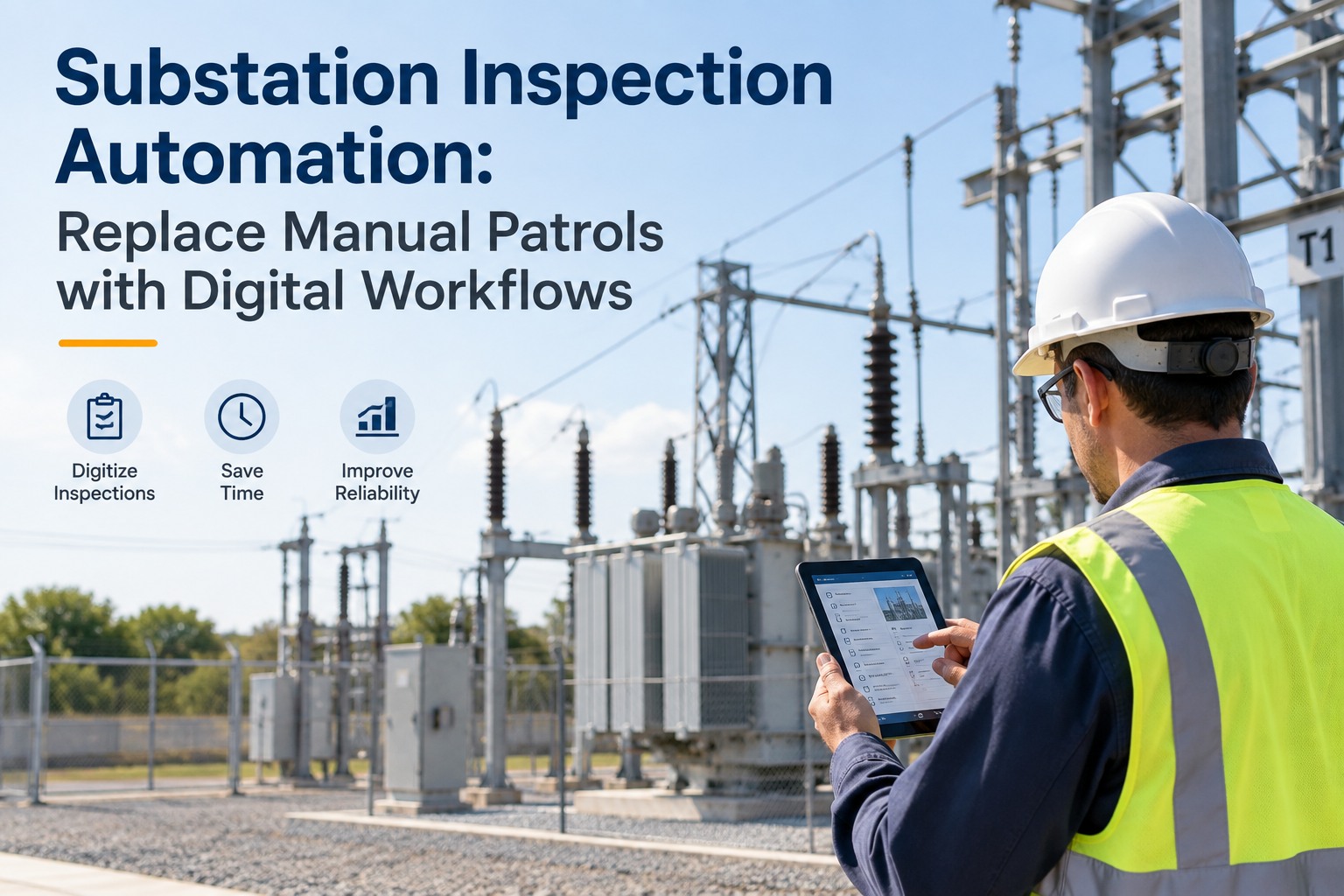
A paper clipboard is still how most substation patrols get walked today — a printed checklist, a pen, and a technician hoping the notes make it back to the office intact. A finding written in the margin doesn't turn into a work order by itself; it waits for someone to type it up, if anyone does. This guide walks through how to replace manual substation patrols with a digital inspection workflow — mobile checklists, asset history at your fingertips, anomaly capture, and automatic corrective work orders — using OXMAINT AI, the AI-powered CMMS that turns every patrol finding into a tracked, prioritized work order the moment it's logged.
Substation Inspection Automation: Replace Manual Patrols with Digital Workflows
A finding scribbled on a paper checklist is only useful once someone transcribes it — and by then, hours or days have passed. OXMAINT AI puts the checklist, the asset's full history, and the work order pipeline on the same device a technician already carries on patrol: a finding gets logged against the exact breaker or transformer in the field, a flagged issue opens a defect on the spot, and that defect converts straight into a corrective work order with the field notes and photos already attached — no separate write-up after the walk.
What a Paper Clipboard Actually Costs You
A clipboard patrol isn't just slower — it loses information at every handoff. A finding gets noted in shorthand, then typed up (or not) back at the office, then maybe becomes a work order days later, disconnected from the exact reading that flagged it. Start free and put your first patrol route on OXMAINT AI.
- Findings written in shorthand, transcribed later — or not at all
- No asset history in hand to compare today's reading against
- A flagged issue waits for a second write-up before it becomes a work order
- Photos, if taken, live on a personal phone, disconnected from the finding
- Completed checklists filed away, rarely reviewed for a pattern across patrols
- Every finding logged directly against the asset, in the field, in real time
- Full service and reading history pulled up on the device at each waypoint
- A flagged issue opens a defect and drafts a work order on the spot
- Photos attached directly to the finding, tied to the asset and timestamp
- Every completed patrol adds to a trend the next technician can actually see
The Digital Patrol Workflow
Automating a patrol isn't about removing the technician — it's about giving them a checklist that does more than sit on a clipboard. OXMAINT AI runs the same four steps on every round, so nothing has to be reconstructed after the fact. Book a demo to see the full workflow on a mobile device.
What a Digital Checklist Actually Captures
A good digital checklist isn't just a paper form on a screen — it's built to capture the kind of evidence a work order actually needs. Sign up free and build your first digital checklist in OXMAINT AI.
| Checklist item | What's captured | Why it matters |
|---|---|---|
| Visual condition | Photo plus a pass/fail or condition rating | A photo settles a dispute over what was actually seen, weeks later |
| Gauge & meter readings | Numeric entry, compared against the asset's own history | A single reading means little without the trend behind it |
| Safety & access checks | Fencing, signage, lock condition — logged per waypoint | Small safety gaps get missed easily on a paper form skimmed quickly |
| Free-text finding | Anything outside the standard checklist, tied to the asset | Captures the judgment call a rigid checklist alone would miss |
A Finding Only Matters If It Reaches a Work Order.
The gap between "I noticed something" and "someone acted on it" is where paper patrols lose their value. OXMAINT AI closes that gap in the field, not back at the office.
One Patrol Finding, Start to Close
Here's how a single flagged finding actually moves through OXMAINT AI during a digital patrol. Book a demo to see this on your own patrol route.
Paper Patrol vs. Digital Patrol
| What matters | Paper checklist patrol | Digital patrol in OXMAINT AI |
|---|---|---|
| Where a finding is logged | Written down, transcribed later | Entered on the asset, in the field |
| Access to asset history on patrol | None — relies on memory | Full history visible on the device |
| Time from finding to work order | Depends on someone typing it up | Drafted automatically on the spot |
| Photo evidence | Separate from the written note, if taken at all | Attached directly to the finding |
| Pattern across patrols | Hard to see across filed paper forms | Visible as a trend on the asset record |
Frequently Asked Questions
Put the Checklist, the History, and the Work Order in the Same Hand.
Replace the clipboard with a digital patrol that logs every finding against the asset, flags anomalies on the spot, and drafts the corrective work order before the technician even leaves the yard.