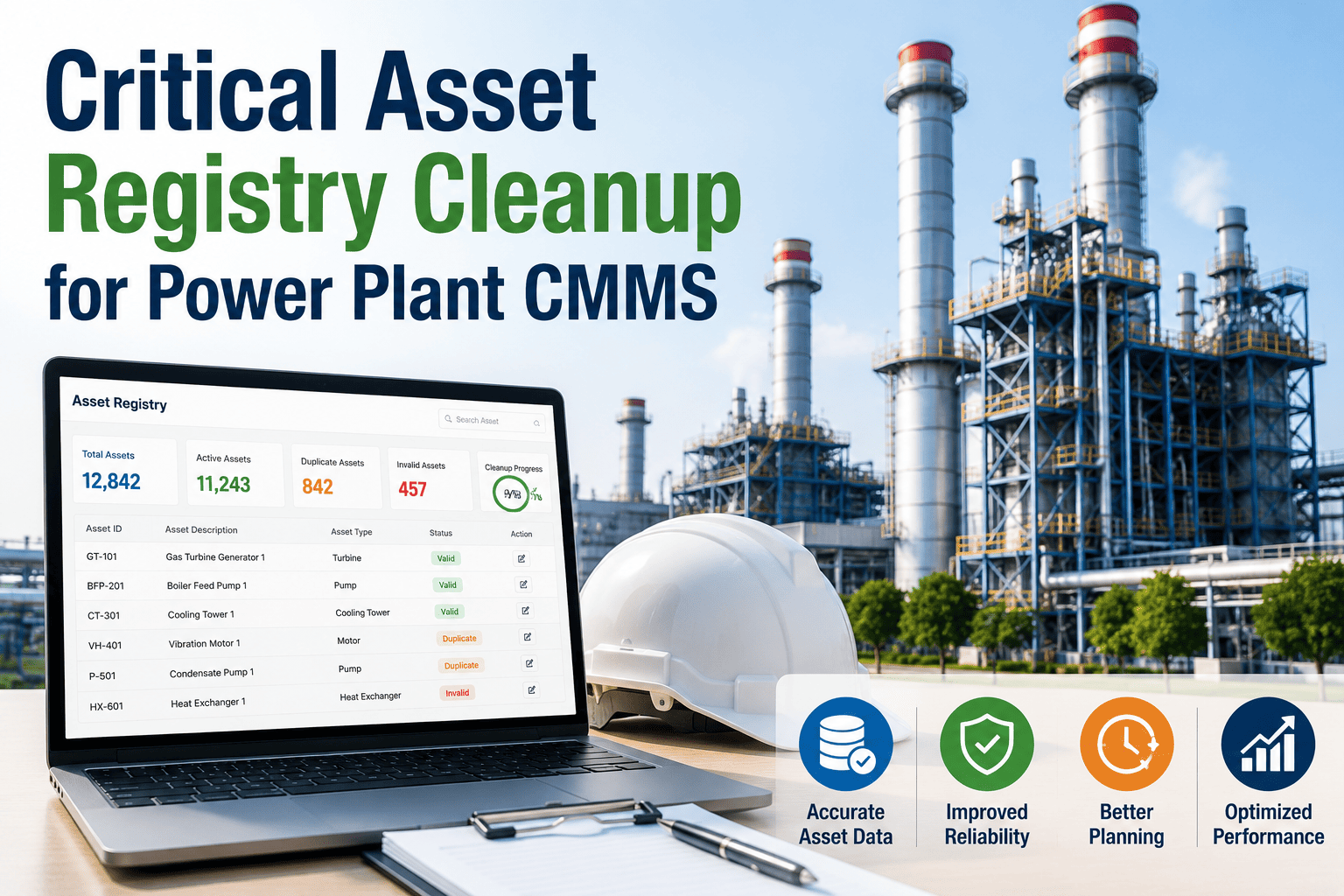
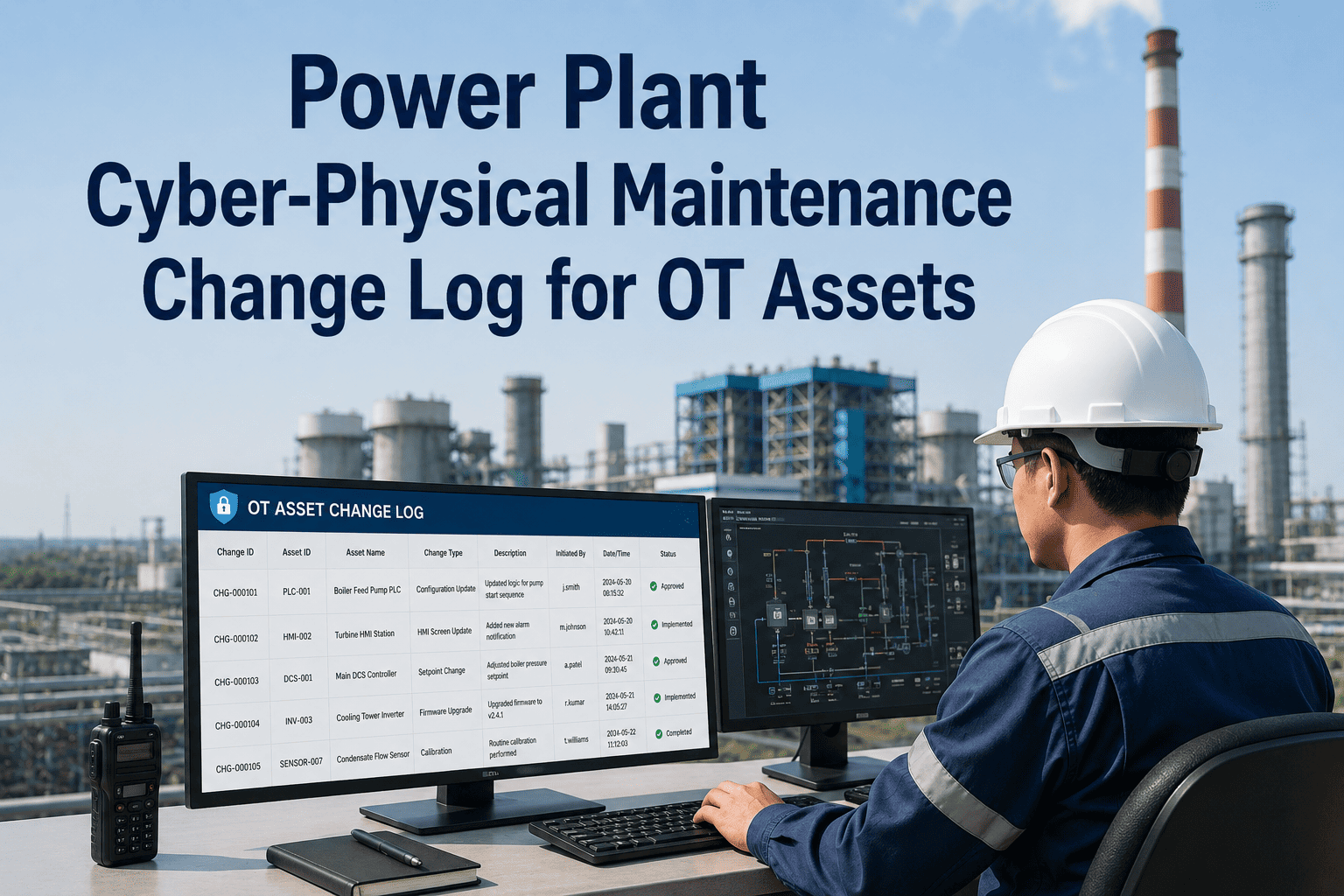
Most power plant CMMS rollouts don't fail because the software is bad. They fail because the implementation was treated like an IT project instead of an operational transformation. When 70–80% of industrial software deployments fall short of expectations, the difference between success and failure almost always comes down to the same three gaps: unclear requirements going in, poor data migration, and no structured change management plan. This guide gives your team the complete roadmap — from requirements gathering through go-live and continuous improvement — so your CMMS becomes the operational backbone your plant actually needs.
70–80%
CMMS rollouts miss expectations
45%
Reduction in unplanned downtime post-CMMS
6–18 wks
Typical full deployment window
3–5×
ROI within first operating year
Why Power Plants Are a Different CMMS Challenge
A 500 MW thermal plant is not a warehouse or a hospital. Its asset complexity — turbines, boilers, transformers, cooling towers, SCADA-integrated control systems — means a generic CMMS deployment simply does not map to operational reality. Power plants operate under OSHA, EPA, and FERC compliance requirements, run continuous 24/7 operations with zero tolerance for unplanned outage, and manage maintenance across interconnected systems where a single missed work order can cascade into a regulatory incident. The CMMS that serves this environment must be implemented with a precision that matches the environment it will operate in.
Zero-Downtime Pressure
Plants cannot pause operations for implementation. Parallel running and phased cutover are non-negotiable.
Regulatory Audit Trail
Every work order, inspection, and permit must be traceable. The CMMS must be configured for compliance from day one.
SCADA Integration
Real-time sensor data and CMMS work orders must connect. Integration planning is a technical prerequisite, not an afterthought.
Multi-Trade Workforce
Electricians, mechanical techs, instrumentation teams — all with different workflows and different CMMS interaction patterns.
The 6-Phase Implementation Roadmap
A successful power plant CMMS deployment moves through six distinct phases. Skipping or compressing any phase is where implementations break down. Each phase has a defined output — a deliverable that gates entry into the next phase — so your team always knows exactly where the project stands.
Key Activities
Asset inventory audit — all equipment, assets, and systems to be managed in CMMS
Current maintenance workflow documentation — how WOs are created, assigned, and closed today
Stakeholder interviews — maintenance, operations, compliance, and IT representatives
Integration requirements — SCADA, ERP, procurement, HR systems to connect
Compliance requirements mapping — OSHA, EPA, FERC, and internal audit needs
Phase Gate Output
Deliverable Required to Proceed
Signed Requirements Document with asset list, integration map, compliance requirements, and prioritized feature needs versus nice-to-haves
Common Mistake Here
Letting IT define requirements without operations input. The people who will use the CMMS must define how it needs to work.
Key Activities
Asset hierarchy definition — plant, system, equipment, component levels standardized
Historical maintenance data cleaning — remove duplicates, fill gaps, standardize naming
PM library build — preventive maintenance task templates per asset class
Parts and inventory catalog — storeroom data, part numbers, min/max levels
Criticality ranking per asset — drives maintenance priority and PM frequency
Phase Gate Output
Deliverable Required to Proceed
Clean asset register in CMMS-ready format, validated PM task library, and data migration test results showing less than 2% error rate
Common Mistake Here
Migrating dirty data at speed. Incomplete asset records imported on day one create recurring data problems for years after go-live.
Key Activities
CMMS workflow configuration — work order lifecycle, approval tiers, priority levels
User roles and permission setup — technician, supervisor, planner, and manager views configured
SCADA and sensor integration — alarm triggers creating automatic work orders tested
Mobile device configuration — field access for technicians verified in all plant zones
Compliance report templates — regulatory outputs configured and verified with audit team
Phase Gate Output
Deliverable Required to Proceed
User Acceptance Testing (UAT) sign-off from maintenance leads, IT, and compliance confirming all workflows function as designed
Common Mistake Here
Skipping SCADA integration testing in a real plant environment. Alarm-to-work-order flows must be tested under live plant conditions.
Key Activities
Role-based training delivery — technicians, planners, supervisors, and managers trained separately
Super-user identification and advanced training — one per department as first-line support post-launch
Leadership communication plan — why the CMMS is being deployed, what changes, what stays the same
Resistance management — early-adoption incentive plan and objection handling for resistant users
Hands-on simulation exercises — plant-specific scenarios practiced before go-live
Phase Gate Output
Deliverable Required to Proceed
Training completion records for all users, super-user readiness assessment passed, and go/no-go readiness survey with 80%+ user confidence score
Common Mistake Here
One-size training sessions. A maintenance planner and a field technician have entirely different CMMS interactions and need separate training paths.
Key Activities
Single department or unit pilot — select a contained system for initial live operation
Parallel running period — old and new systems both active until CMMS data integrity is confirmed
Daily issue log — all friction points captured and resolved before full rollout
KPI baseline measurement — downtime, MTTR, PM compliance rate tracked from first day
Go/no-go full rollout decision — defined criteria, not subjective judgment
Phase Gate Output
Deliverable Required to Proceed
Pilot close-out report: issue log with resolution status, KPI baseline results, and formal go/no-go decision signed by plant manager and project lead
Common Mistake Here
Ending the parallel running period before data integrity is confirmed. Cutting the old system too early leaves no fallback if issues surface post-launch.
Key Activities
Full plant cutover — all departments live on CMMS simultaneously with hyper-care support active
30/60/90-day performance reviews — KPIs versus baseline tracked and reported to leadership
PM:CM ratio monitoring — planned versus corrective maintenance ratio tracked weekly
Predictive maintenance feature activation — condition monitoring and trend analysis enabled
Continuous improvement cycle — quarterly CMMS review meetings with operations and maintenance leads
Phase Gate Output
Deliverable Required to Proceed
90-day post-launch report showing KPI movement versus baseline, open issue resolution rate, and user adoption metrics across all departments
The Real Success Measure
PM compliance rate above 85%, MTTR reduction of 25%+, and PM:CM ratio moving toward 80:20 within the first operating quarter.
OxMaint Deploys in Days, Not Months
Most power plants go live on OxMaint within one week. Pre-built asset templates for generators, turbines, boilers, and transformers mean your asset register is 80% complete before your first configuration session.
The Master Implementation Checklist
Use this checklist to track implementation readiness across every critical category. Each item represents a real failure mode documented across power plant CMMS deployments. Items left unchecked at phase transitions are where go-live problems originate.
01
Requirements & Planning
Foundation phase — incomplete here compounds every subsequent phase
Organizational Readiness
Executive sponsor identified with budget authority and decision-making power
Cross-functional implementation team assembled: maintenance, IT, ops, compliance, finance
Project champion named for day-to-day ownership and team momentum
Implementation timeline agreed with plant operations schedule — no overlap with major outages
Success KPIs defined and baseline measurements taken before any CMMS configuration begins
Technical Requirements
Full asset inventory completed — every system, equipment item, and component documented
Integration requirements confirmed — SCADA, ERP, procurement, and HR system APIs documented
Regulatory reporting requirements listed — formats, frequencies, and responsible parties confirmed
Mobile and field access requirements confirmed — connectivity in all plant zones tested
Data security and access control requirements signed off by IT and compliance
02
Data Migration
The single highest-risk phase — most go-live failures trace back here
Asset Data
Asset hierarchy defined and approved: plant → system → equipment → component
Naming conventions standardized across all asset classes before migration begins
Asset criticality ranking completed — A/B/C classification driving PM frequency and priority
Manufacturer specs, manuals, and OEM maintenance intervals loaded per asset
Data migration test run completed — error rate confirmed below 2% before production migration
Work Order & PM Data
Historical work order data cleaned — duplicates removed, asset associations verified
PM task library built — standard tasks per asset class with frequency, materials, and labor hours
Storeroom inventory catalog loaded — part numbers, descriptions, min/max levels, and costs
Vendor and contractor records migrated — contact data, contract terms, approval limits
Data ownership assigned — named person responsible for accuracy of each data category post-launch
03
Training & Change Management
User adoption is the most under-resourced phase in most implementations
Training Delivery
Role-based training tracks created: field technician, planner/scheduler, supervisor, manager
Hands-on simulation with plant-specific scenarios — not generic software demos
Super-user designated per department — advanced training completed with support protocols active
Quick-reference guides distributed — role-specific, laminated or mobile-accessible for field use
Training completion records documented — all users signed off before go-live date
Change Management
Leadership communication delivered — why this CMMS, what it changes, what it doesn't
Resistance identification completed — high-resistance users identified and individually engaged
Early adoption recognition plan active — visible acknowledgment of first-mover users
Feedback channel open — users have a named person to surface issues without judgment
Go/no-go readiness survey completed with 80%+ user confidence score before launch
04
Go-Live & Post-Launch
The 90 days after launch determine whether the CMMS delivers or disappoints
Launch Readiness
Pilot close-out signed — all pilot issues resolved before full plant rollout begins
Hyper-care support window defined — vendor or implementation partner on standby for launch week
Rollback plan documented — clear steps and conditions under which old system is reactivated
All open work orders migrated to CMMS — no active WOs left in old system at cutover
Management dashboards live and verified — real-time views confirmed working before user cutover
Post-Launch Monitoring
30-day KPI review completed — MTTR, PM compliance, and work order close rate versus baseline
PM:CM ratio tracked weekly — target of 70:30 planned-to-corrective within first quarter
Compliance report generated and verified — first regulatory output reviewed by audit team
User adoption rate monitored — percentage of WOs created in CMMS versus outside it tracked
90-day improvement report delivered to leadership — ROI versus baseline, next-phase priorities
KPI Framework: What to Measure Before, During, and After
You cannot manage what you do not measure — and you cannot prove CMMS value without a baseline recorded before implementation begins. These are the four KPI categories that define CMMS success in a power plant environment and the targets that indicate a well-implemented system is working.
Mean Time to Repair (MTTR)
Before CMMS
After CMMS (target)
Target: 35–45% reduction within 90 days of go-live. Faster diagnosis from asset history access is the primary driver.
PM Compliance Rate
Before CMMS
After CMMS (target)
Target: 85%+ PM completion rate. Automated scheduling and mobile dispatch eliminate manual tracking as the bottleneck.
Planned vs. Corrective Ratio
Before CMMS (typical)
After CMMS (target)
Target: 70:30 PM:CM ratio within first operating year. The shift from reactive to planned maintenance is the core CMMS value story.
Maintenance Cost per Asset
Before CMMS
After CMMS (target)
Target: 20–30% reduction in cost per asset. Parts usage tracking, vendor comparison data, and warranty recovery are the main cost levers.
The Three Change Management Conversations That Determine Adoption
The technology is rarely why CMMS implementations fail. The people are. Specifically, three conversations that did not happen — or happened too late — account for the majority of poor adoption outcomes in power plant environments.
01
The "Why We're Doing This" Conversation
Field technicians in power plants have often survived multiple failed software rollouts. Their default posture toward a new system is skepticism earned through experience. The conversation that unlocks adoption isn't about features — it's about what is currently broken that this fixes. Lost work orders. Repeated diagnosis of the same problems. Hunting for parts that should be in the storeroom. When technicians see their own pain points reflected in the rationale, resistance drops before the first training session begins.
Have this conversation: Before requirements gathering begins
02
The "What Changes for You Specifically" Conversation
A maintenance planner, a field technician, and a plant supervisor will have entirely different day-to-day experiences with the CMMS. Generic rollout communications create anxiety because they do not answer the most important question: what does my job look like after this goes live? Role-specific conversations — in small groups, not all-hands announcements — that walk through the daily workflow change for each type of user are the single highest-leverage change management investment in any implementation.
Have this conversation: During training design phase
03
The "Your Feedback Changes This" Conversation
The most common reason users revert to old systems within 60 days of go-live is that they raised issues nobody visibly acted on. When a technician reports that a workflow does not match how the plant actually operates and sees no change, the implicit message is that the system was built for management visibility, not for them. A structured post-launch feedback process — with named owners, visible resolution, and regular updates — is what turns reluctant adopters into advocates.
Have this conversation: Continuously, starting at pilot launch
OxMaint Is Built for Plants That Cannot Afford a Failed Implementation
Pre-built power generation asset templates, mobile-first technician interface, automated work order creation from equipment alarms, and a dedicated implementation team that has deployed in active generation facilities — OxMaint gives you the roadmap and the platform in one.
Frequently Asked Questions
How long does a power plant CMMS implementation realistically take?
For a medium-sized thermal or gas plant with 200–500 assets, a well-structured implementation runs 10–14 weeks from kick-off to full go-live. Simple plants with fewer assets and minimal integrations can go live in 6–8 weeks. Complex facilities requiring SCADA integration, multi-site deployment, or migration from a legacy CMMS typically need 16–20 weeks. The timeline is driven primarily by data preparation quality and organizational readiness — plants that begin with a clean asset inventory and engaged stakeholders compress timelines significantly. Cloud-based platforms like OxMaint eliminate infrastructure setup time and reduce technical complexity, which is where much of the delay occurs in legacy implementations.
What is the biggest cause of CMMS implementation failure in power plants?
Poor data migration is the leading technical cause — incomplete or inaccurate asset records imported at go-live create compounding problems that undermine CMMS credibility with users within weeks. Insufficient change management is the leading organizational cause — plants that invest in software configuration but not in user adoption find that technicians revert to spreadsheets and paper logs within 60 days. The combination of clean data and genuine user buy-in, more than any feature selection decision, determines whether a CMMS delivers on its ROI. Research consistently shows that 70–80% of industrial software implementations fall short of expectations, and the gap between successful and failed deployments is almost entirely attributable to these two factors rather than software capability.
Does OxMaint integrate with SCADA and DCS systems used in power plants?
OxMaint supports integration with SCADA and plant historian systems through its API, enabling alarm-triggered automatic work order creation, real-time equipment status visibility in the CMMS dashboard, and condition data logging against asset records. The integration configuration is handled during Phase 3 of the implementation roadmap and is tested in a non-production environment before go-live. OxMaint's implementation team has experience with common industrial automation platforms and can scope the integration requirements during the initial demo call. For plants with complex SCADA environments, a technical integration assessment is recommended as part of the requirements gathering phase to confirm scope and timeline accurately.
How should we handle regulatory compliance requirements in CMMS configuration?
Compliance requirements must be mapped during Phase 1 requirements gathering and built into the CMMS configuration before go-live — not retrofitted afterward. For power plants, this means defining which work order types require digital sign-off, which inspection records must be retained and for how long, how LOTO and hot work permit workflows must be structured, and what report formats your regulatory bodies require. OxMaint supports customizable compliance report templates, digital permit-to-work workflows, and audit-trail documentation for all work order activity. The compliance configuration should be verified with your audit team before the Phase 3 user acceptance testing sign-off to ensure the system will produce acceptable outputs under regulatory review from day one.