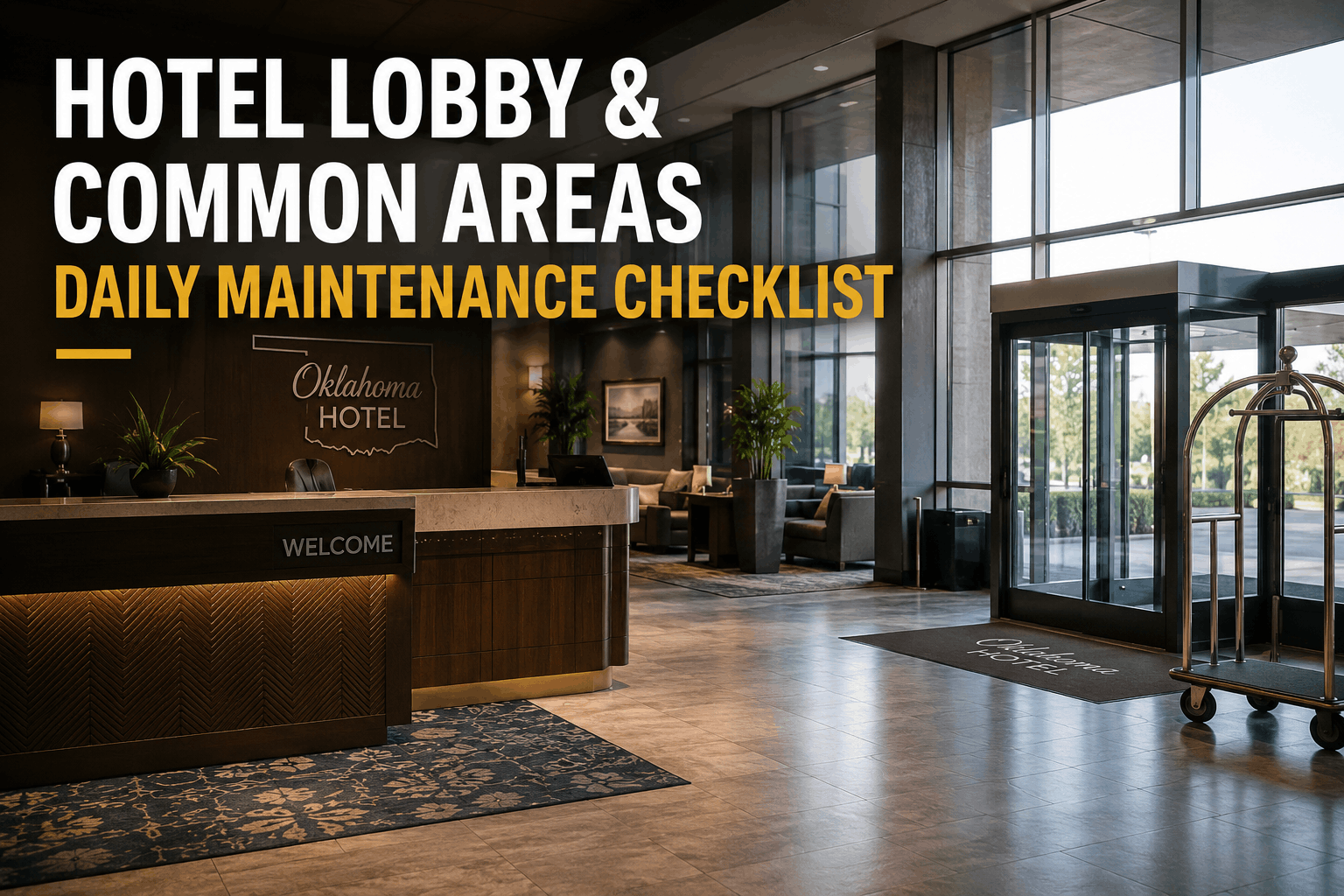
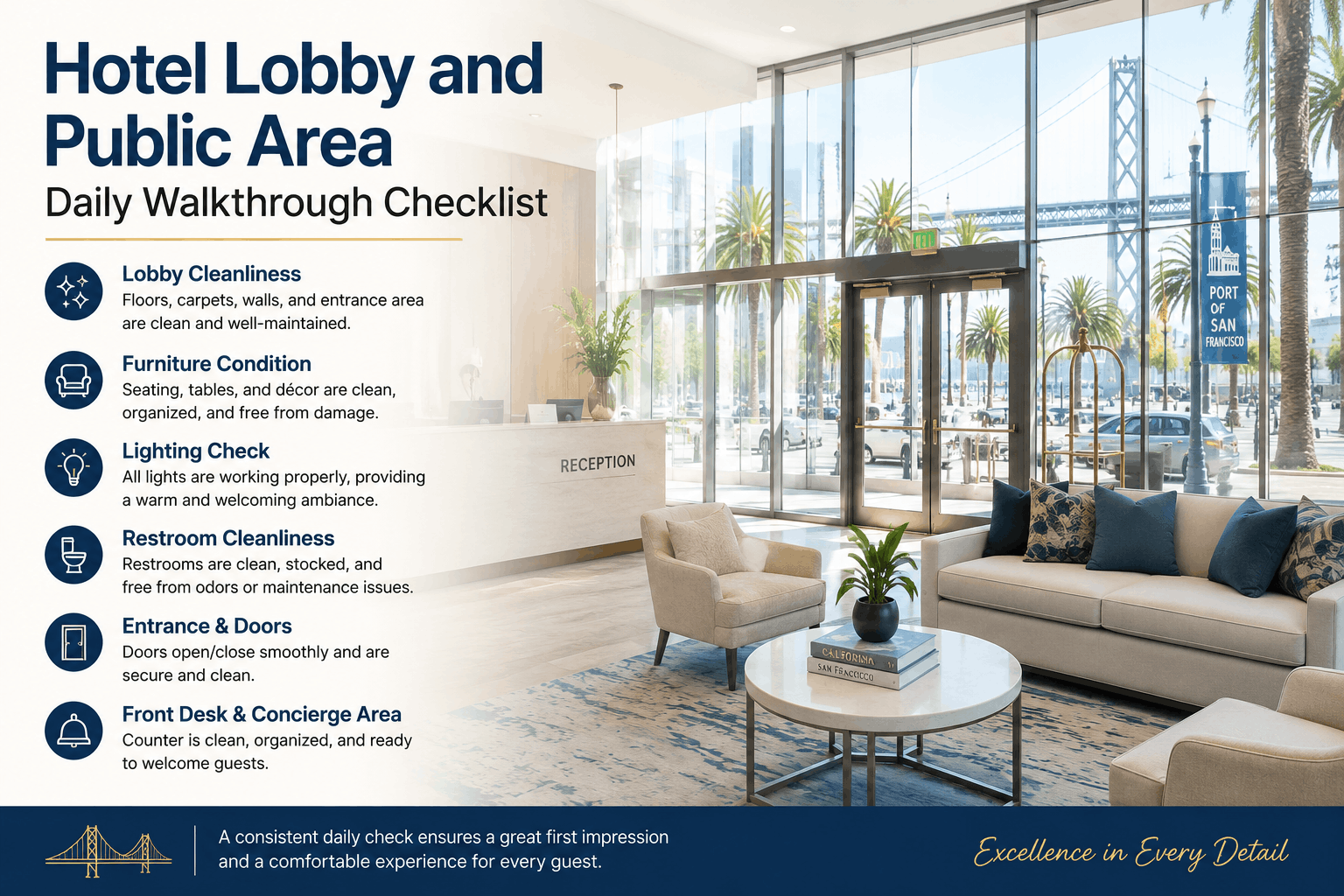
Hotel Lobby and Public Area Daily Walkthrough Checklist
By Alex Jordan on June 9, 2026
Daily lobby and public area walkthroughs are the foundation of guest first impressions, online review scores, and perceived property value. Hotels implementing systematic daily inspection checklists using a mobile CMMS like Oxmaint's hospitality platform increase guest satisfaction ratings by 35–50% and reduce guest complaints by 55%. From spotless floor finishes and furniture condition to functioning restroom fixtures and entrance door operation, structured daily audits prevent small maintenance lapses from compounding into negative reviews, lost bookings, and OTA penalty scores that impact revenue.
Manage Your Hotel Lobby with Oxmaint Daily Walkthrough ChecksMobile-first daily lobby inspection templates, damage photo documentation, guest complaint response tracking, restroom sanitation logs, and instant priority work order creation for emerging issues—all with team visibility and compliance audit trails.
The lobby is where guests form lasting first impressions within 30 seconds of arrival. Daily inspections of flooring, walls, lighting, and entrance doors catch minor wear before they degrade the entire guest experience and damage online reputation.
Inspect Entrance Doors and HardwareTest automatic door openers for speed and smoothness. Check all door hardware for tightness, corrosion, and proper function. Sticky, slow, or malfunctioning entrance doors create negative guest impression before they even enter the building.
Check Lobby Floor for Cleanliness and HazardsInspect for spilled liquids, debris, dirt from outside, or loose tiles that create slip hazards. Poorly maintained floors are the top source of guest liability claims in hotel lobbies and directly drive negative online reviews.
Verify Lobby Wall Finish and Paint ConditionCheck for scuffs, marks, peeling paint, or stains on walls that communicate poor maintenance. High-traffic lobby walls near entrances show wear quickly. Touch-up paint or professional wall cleaning addresses guest perception issues rapidly.
Test All Lobby Lighting for Brightness and FunctionVerify all ceiling, wall, and accent lights are operational and provide warm, inviting illumination. Dim or flickering lobby lighting creates a tired, neglected impression and may indicate electrical or ballast issues requiring immediate service.
2. Front Desk and Concierge Area Daily Audit
The front desk and concierge zones are high-touch, guest-facing work areas that set operational tone. Daily cleanliness checks and equipment verification prevent guest perception of disorganized, poorly maintained operations that drive booking abandonment.
3. Public Restroom Cleanliness and Functionality Verification
Hotel restroom condition is the #1 driver of guest satisfaction and online reviews. Daily restroom walkthroughs prevent unsanitary conditions, plumbing failures, and supply outages that immediately trigger negative online feedback and lost repeat bookings.
Verify Toilet, Sink, and Plumbing OperationCheck that all toilets flush properly, sinks provide adequate water pressure, and there are no visible leaks or pooling water. Non-functioning or slow plumbing is the top restroom complaint—address immediately to prevent guest escalations.
Check Soap, Paper Towel, and Toilet Paper SupplyRestrooms that run out of essential supplies trigger immediate negative online reviews. Verify all dispensers are full and functional. Empty restroom supplies create the perception that the hotel is poorly managed, damaging guest trust.
Inspect Mirrors, Fixtures, and LightingVerify mirrors are clean, undamaged, and adequately lit. Test all lights, exhaust fans, and water heaters. Dim or broken bathroom lighting and non-functional exhaust fans are primary restroom complaints affecting guest hygiene perception.
Document Cleanliness and Sanitization StatusUse your CMMS to log restroom inspection times and cleanliness verification. Book a demo to see how Oxmaint tracks hourly restroom cleaning schedules and enables staff to mark sanitization completion with timestamps.
4. Guest Furniture, Seating, and Amenity Assessment
Worn, damaged, or misaligned lobby furniture creates visual clutter that contradicts messaging about property investment and care. Daily furniture inspection prevents deterioration and maintains the visual design intent that justifies room rates and attracts premium bookings.
5. Incident Documentation and Emergency Response Readiness
Daily lobby walkthroughs detect safety hazards, emergency equipment functionality, and damage requiring immediate repair. Rapid documentation and work order creation prevent liability escalation and operational disruption.
Photo-Document Any Damage or Safety ConcernsUse your mobile CMMS to photograph any detected damage, spills, equipment failures, or safety hazards. Timestamped photos provide liability protection and create a visual maintenance history for future reference and compliance audits.
Verify Emergency Exit Signs and Fire Safety EquipmentCheck that all emergency exit signage is illuminated and unobstructed. Verify fire extinguishers are accessible, properly mounted, and have current inspection tags. Emergency equipment accessibility is a life-safety requirement with zero tolerance for violations.
Create Immediate Work Orders for Urgent IssuesIf any issue poses guest safety risk, create urgent work orders that alert maintenance immediately. Broken glass, water leaks, electrical hazards, or unsecured furniture require immediate attention to prevent liability and guest injury.
Complete Daily Walkthrough Reports with TimestampsLog your daily walkthrough completion time, any findings, and corrective actions taken in your CMMS. Consistent documentation demonstrates due diligence in maintaining guest safety and provides evidence of preventive maintenance for insurance audits.
Automate Your Daily Lobby Walkthroughs in OxmaintMobile inspection templates, photo documentation, instant work order creation, safety incident tracking, and compliance audit trails—designed to protect your reputation and guest experience from the moment they arrive.
"Before Oxmaint, our lobby issues were scattered across emails and sticky notes. Now, our front office manager completes a mobile walkthrough checklist every morning, photos are attached automatically, and maintenance gets alerts before guests complain. Our restroom scores on TripAdvisor went from 4.1 to 4.8 stars in six months, and our booking completion rate increased 18% because guests feel confident the property is well-maintained."— David L., General Manager, 256-Room Upscale Hotel, Miami, FL
Frequently Asked Questions — Hotel Lobby and Public Area Inspection
1. How often should hotel lobby and public areas be inspected?
Daily morning and evening walkthroughs are industry standard. Some premium properties conduct 2–3 inspections per day to catch and address issues before affecting guest experience and online reviews.
2. What is the direct impact of lobby condition on online hotel reviews?
Hotels with well-maintained lobbies receive 1–2 point higher ratings on OTA platforms. Poor lobby conditions directly reduce booking rates; each 0.2-point review drop costs hotels 5–8% in monthly revenue on average.
3. Who should be responsible for daily lobby walkthroughs?
Front office managers, housekeeping supervisors, or dedicated facility inspectors typically perform daily walkthroughs. The role requires authority to create maintenance work orders and communicate directly with maintenance leadership for urgent issues.
4. How should hotels respond to guest safety hazards discovered during walkthroughs?
Create emergency work orders immediately and consider temporarily blocking the area until resolved. Document the hazard, the time discovered, and corrective actions taken. Never ignore safety issues hoping they'll resolve naturally.
5. How do restroom condition scores correlate with overall guest satisfaction?
Restroom condition is weighted 3–4x heavier than other property attributes in guest satisfaction. A single negative restroom comment reduces overall property rating by 0.4–0.6 points, directly impacting occupancy rates and ADR.
6. What documentation is required for liability protection in case of guest injury in lobbies?
Maintain daily walkthrough logs with timestamps, photos of hazard conditions, and evidence of prompt corrective action. Insurance claims favor properties with systematic inspection documentation proving due diligence in safety maintenance.
7. How can hotels use public area inspection data to improve operational efficiency?
Track recurring issues (e.g., specific restroom fixtures failing regularly, furniture damage patterns) to identify systemic problems. Use data to prioritize capital improvements and prevent repeated reactive maintenance costs.
8. What is the cost difference between preventive lobby maintenance and guest complaint resolution?
Preventive daily inspection costs $100–300/day in labor; a single guest complaint requiring room comp or reputation management can cost $500–5,000+. Prevention pays for itself with just one avoided complaint per month.
Make Your Lobby Your Strongest Sales ToolOxmaint's daily walkthrough checklists ensure nothing falls through the cracks—from first-impression cleanliness to restroom functionality to emergency equipment compliance—creating guests who return and post positive reviews.
.png)