A maintenance technician, a facilities manager, and an HVAC contractor should never be looking at the same screen with the same access. Yet in many hospital CMMS deployments, that is exactly what happens — one shared login passed around a department, a vendor account that never got deactivated after the contract ended, no record of who actually opened a specific asset's history. Healthcare data breaches now cost more than seven million dollars on average per incident, and a large share trace back to exactly this kind of access sprawl rather than a sophisticated attack. Start a free OxMaint trial and see role-based access and single sign-on applied to every login on day one.
Enterprise Integrations · SSO · Role Access · Healthcare CMMS
Secure Login and Role Permissions Built for Hospital IT
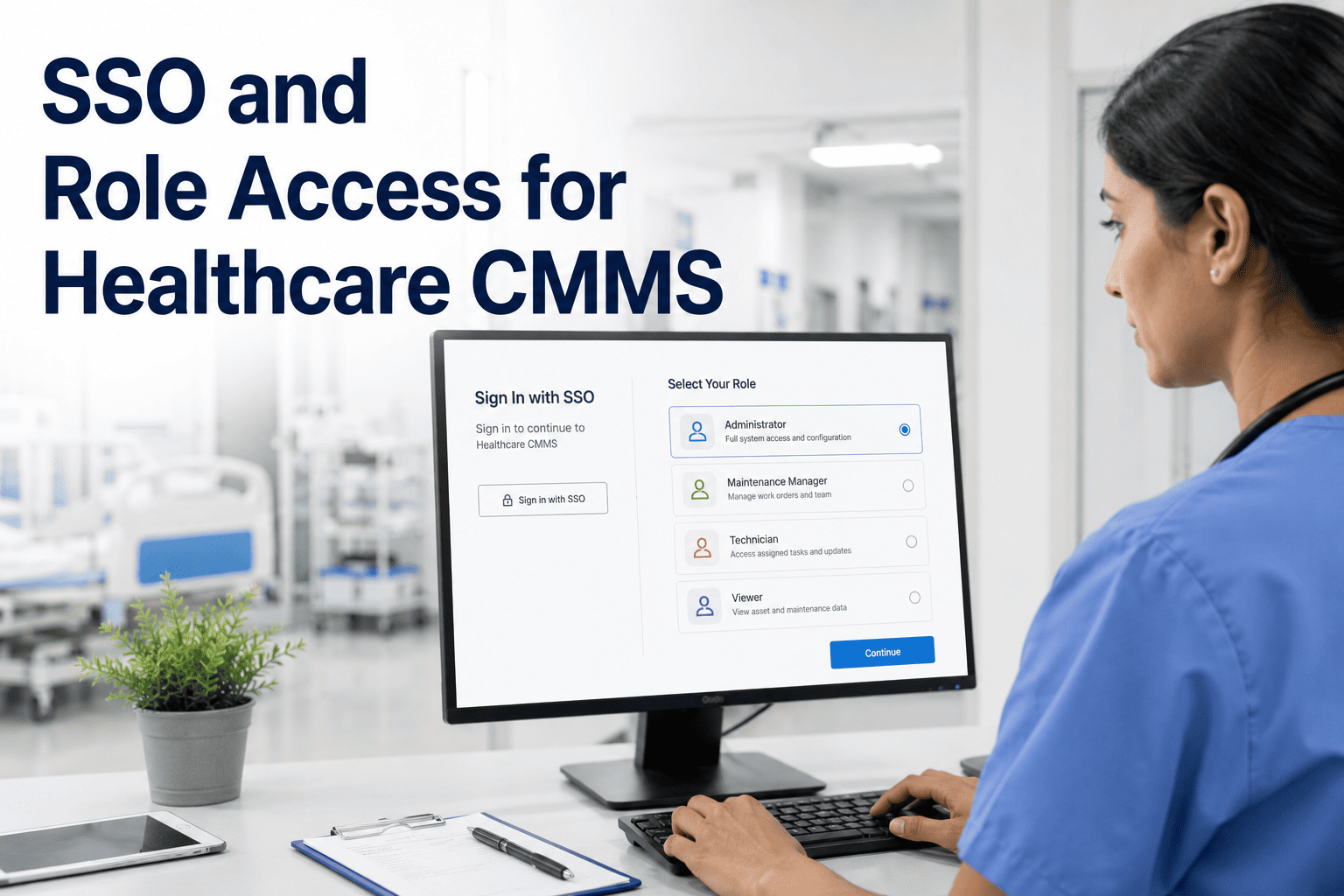
OxMaint supports single sign-on through your existing identity provider and applies role-based permissions automatically, so every login is verified and every action is auditable.
Why Access Control Matters Now
The Access Problem, in Numbers
$7M+
Average cost of a healthcare data breach
1 in 3
Healthcare breaches tied to third-party vendor access
Majority
Of breaches involve compromised or shared credentials
MFA
Now required under updated HIPAA security guidance
Role Access Mapped to Job Function
What Each Role Can See, Do, and Never Touch
| Role |
Can See |
Can Do |
Cannot Access |
| Administrator |
All assets, all locations, full reporting |
Create users, set permissions, export audit logs |
Nothing — full access by design |
| Facility Manager |
Assets and work orders for assigned buildings |
Assign work, approve parts requests, run reports |
User management, billing settings |
| Technician |
Assigned work orders and linked asset history |
Complete checklists, log parts and time, attach photos |
Other departments, financial reports |
| External Vendor |
Only the specific work order they are assigned |
Update status, upload completion evidence |
Asset history, other vendors, internal staff data |
OxMaint · Secure Access · Healthcare CMMS
Every Login Verified. Every Role Scoped. Every Action Logged.
Replace shared logins and standing vendor access with single sign-on and role permissions that match how your hospital is actually structured.
How Login Works
Single Sign-On in Three Steps
1
Hospital Identity Provider
Staff log in with the same credentials they already use across hospital systems.
2
SSO Token Verified
OxMaint confirms identity through your identity provider, no separate password stored.
3
Role Permissions Applied
The account opens directly into the access scope assigned to that person's role.
Expert Review
What a Hospital IT Director Sees After Rolling Out RBAC
TM
We had eleven contractor logins that nobody remembered creating. Moving to SSO with role-based access meant every login traced back to an actual person, and offboarding a vendor became one click instead of a search through a spreadsheet nobody maintained.
T. Mehta
IT Director, acute care hospital system
Frequently Asked Questions
SSO and Role Access for Healthcare CMMS — Common Questions
Which identity providers does OxMaint support for single sign-on?
Can we create custom roles beyond the standard ones?
Yes. Standard roles cover most hospitals out of the box, and administrators can create custom permission sets for departments with unique access requirements, such as biomedical engineering or contracted security teams.
What happens to access when a vendor contract ends?
Does role-based access slow technicians down in the field?
No. Technicians see exactly the work orders and asset history relevant to their assignment, which generally speeds up mobile use since there is less irrelevant information to scroll past on a small screen.
OxMaint · Healthcare CMMS · Free to Start
Review Your Access Controls Before an Auditor Does
Single sign-on, role-based permissions, and a full access audit trail — set up in days, not a quarter-long IT project.


.jpg)
