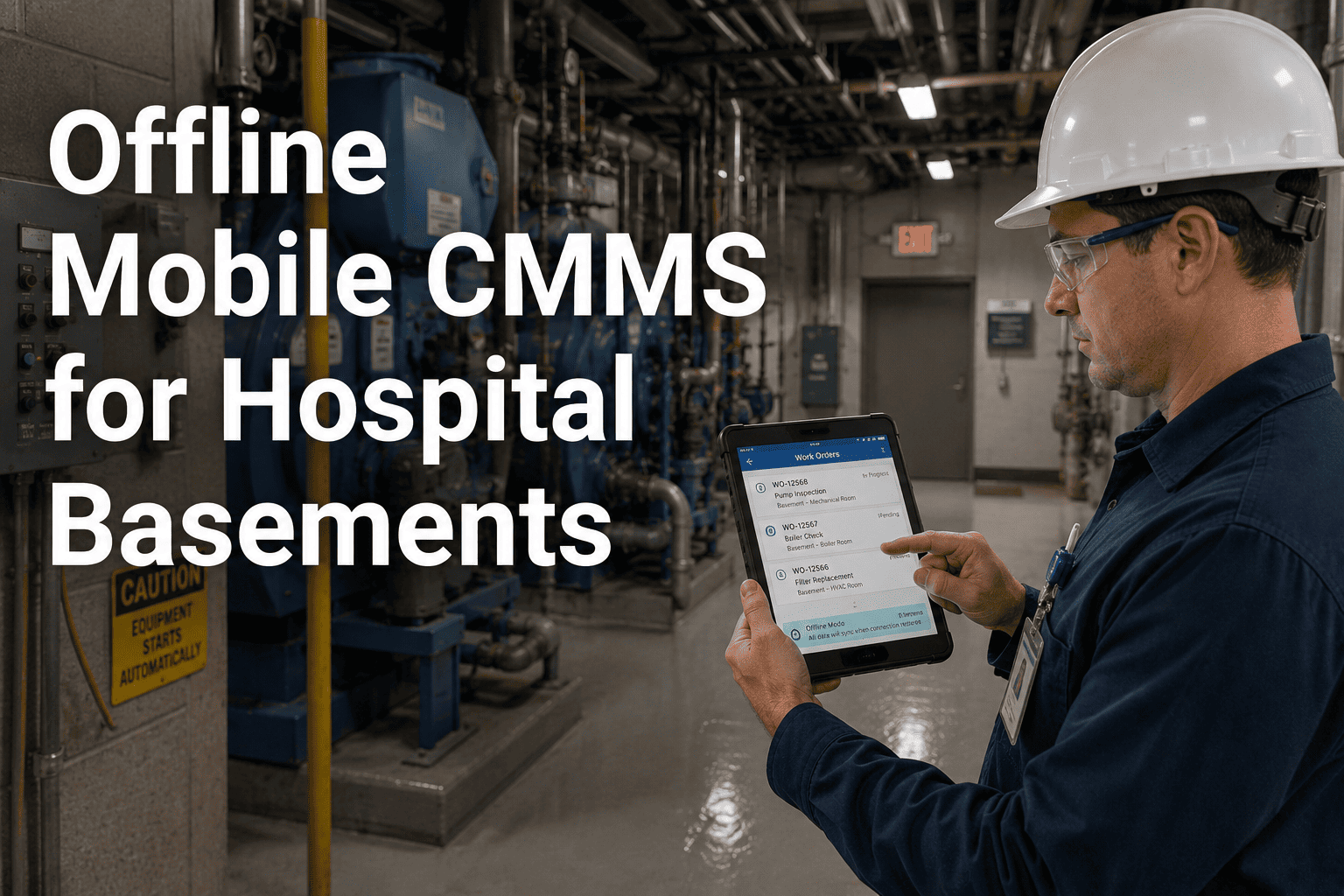
Hospital basements, mechanical penthouses, and below-grade utility tunnels share one trait that has nothing to do with the equipment inside them: there is no cell signal and often no Wi-Fi. That is exactly where chillers, boiler rooms, electrical switchgear, and medical gas manifolds tend to live, and exactly where a maintenance app that depends on a live connection stops working the moment a technician needs it most. Surveys of field maintenance teams find that more than six in ten technicians regularly work in zones with unreliable connectivity. Start a free OxMaint trial and run a full work order — checklist, photos, signature — without a single bar of signal.
Mobile CMMS · Offline Access · Hospital Basements
A Maintenance App That Works Where the Signal Doesn't
OxMaint caches work orders, asset history, and checklists to the device before a technician walks underground, then syncs everything automatically the moment signal returns.
Why Connectivity Fails Exactly Where Maintenance Happens
The Spaces Built to Block Network Signal Are the Same Ones Holding the Equipment
Depth Below Grade
Basement levels sit below the floor where the nearest wireless access point was installed, and concrete and soil attenuate signal fast.
Metal-Clad Enclosures
Electrical rooms and mechanical penthouses are lined with metal cladding for fire and EMI protection, which also blocks radio signal.
Lead-Lined Walls
Imaging suites and adjacent mechanical spaces often share lead shielding that was never designed with Wi-Fi propagation in mind.
Distance From Access Points
Hospital IT prioritizes Wi-Fi coverage for patient care areas first, leaving utility corridors and tunnels as the last upgrade on the list.
OxMaint · Offline Mobile CMMS
Built for the Floor Your Wi-Fi Never Reaches
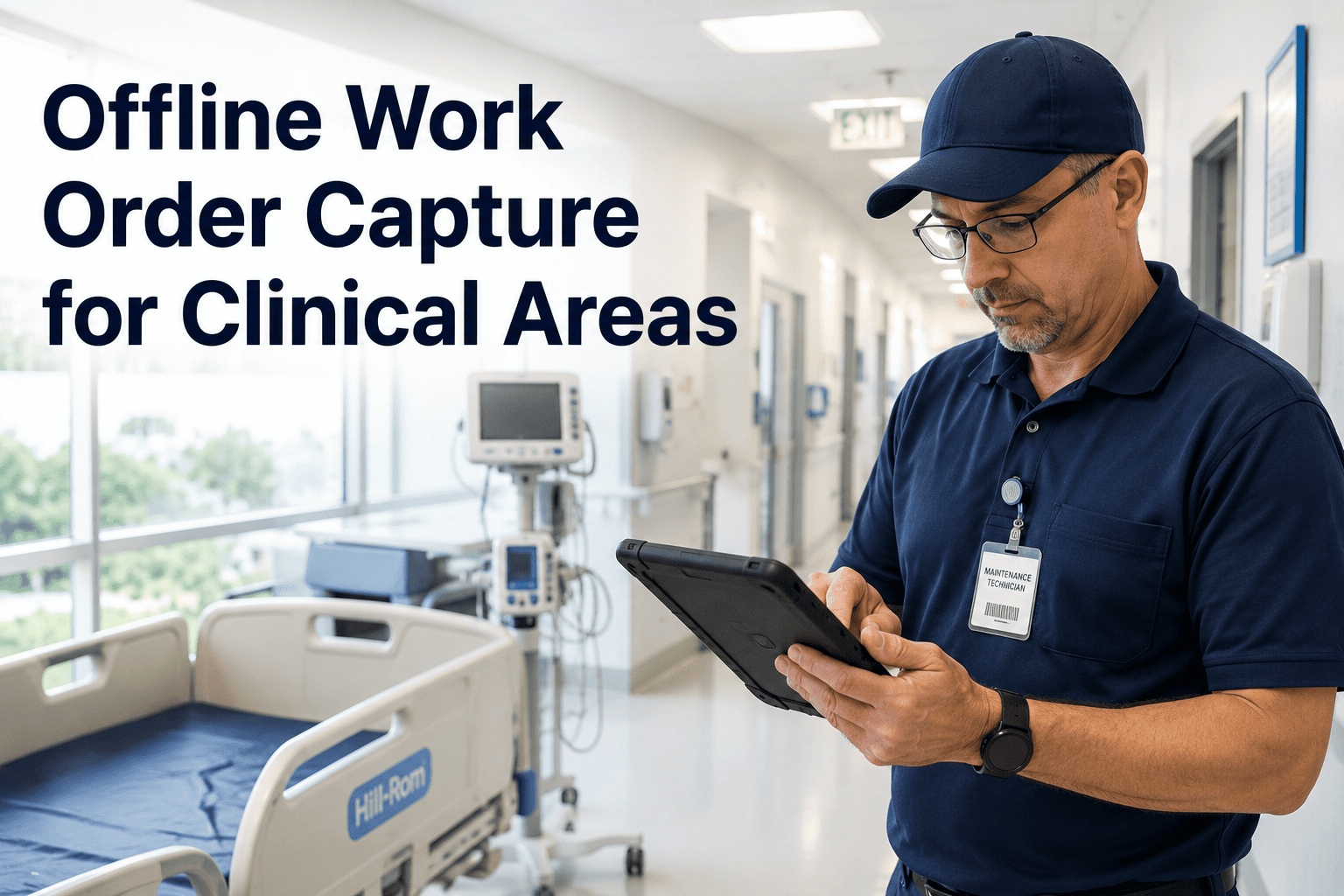
Work orders, asset records, and checklists download before your technician goes underground, and every action syncs the second they come back up.
A Shift Inside a Hospital Basement
The Same Work Order, Two Different Tools
Signal-Dependent App
1
App fails to load the work order outside signal range
2
Technician notes details on paper to enter later
3
Walks back to a signal zone just to log progress
4
Photos and notes get typed in from memory, hours later
OxMaint Offline Mode
1
Work order and asset history already cached on the device
2
Checklist, photos, and notes captured directly on site
3
Work order closed before leaving the room
4
Everything syncs automatically the moment signal returns
What Offline-First Mobile Actually Changes
The Numbers Behind Mobile-First Maintenance Teams
| Metric |
Reported Impact |
| Technicians working in low-connectivity zones |
More than 60% of field maintenance staff, industry-wide |
| Unplanned downtime |
30 to 50% lower with mobile-first CMMS adoption |
| Maintenance cost |
25 to 30% lower within the first year |
| Admin time recovered per technician |
Up to 90 minutes a day redirected to actual repair work |
Expert Review
What a Maintenance Director Sees Once Offline Mode Goes Live
JD
Our boiler room and tunnel system have never had signal in twenty years and never will. Once the app stopped needing a connection, technicians stopped carrying clipboards down there at all. Everything closes out before they climb back up the stairs.
J. D'Souza
Maintenance Director, tertiary care hospital
Frequently Asked Questions
Offline Mobile CMMS for Hospital Basements — Common Questions
What exactly works without an internet connection?
What happens if two technicians edit the same work order offline?
OxMaint uses conflict-resolution logic when syncing, preserving every field-entered update from both technicians rather than letting one submission silently overwrite the other.
How much data does a technician need to download before going offline?
Only the work orders, asset records, and manuals relevant to that day's assignments cache to the device, keeping downloads small and fast even on an older phone.
See offline caching explained live.
Is the offline app available on both iOS and Android?
Yes. OxMaint's mobile app runs with full offline feature parity on both iOS and Android, so device choice does not limit functionality for any technician on the team.
OxMaint · Mobile CMMS · Free to Start
Stop Letting Dead Zones Decide What Gets Documented
Give your maintenance team an app that works exactly where the basement, the tunnel, and the plant room actually are.


.jpg)