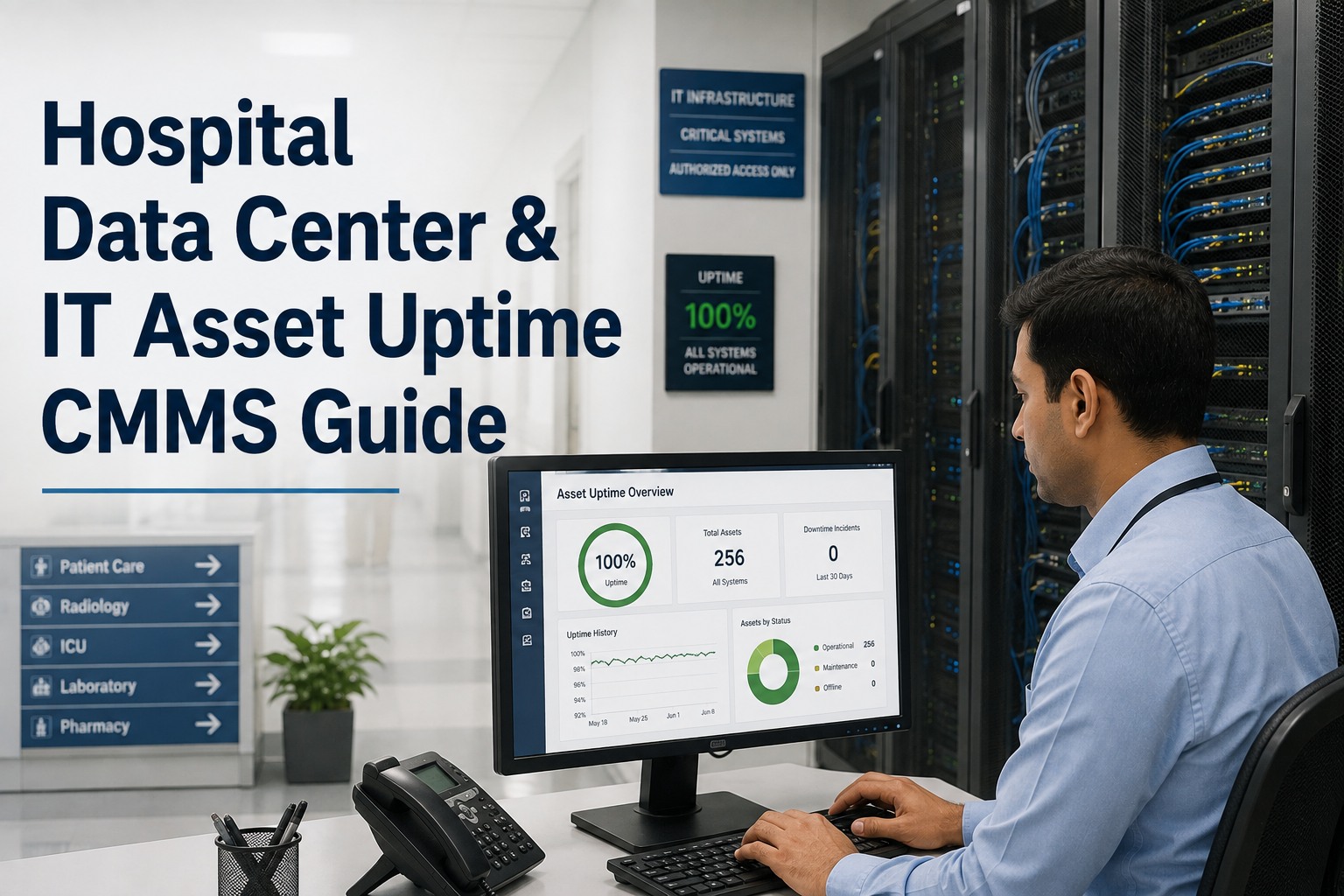
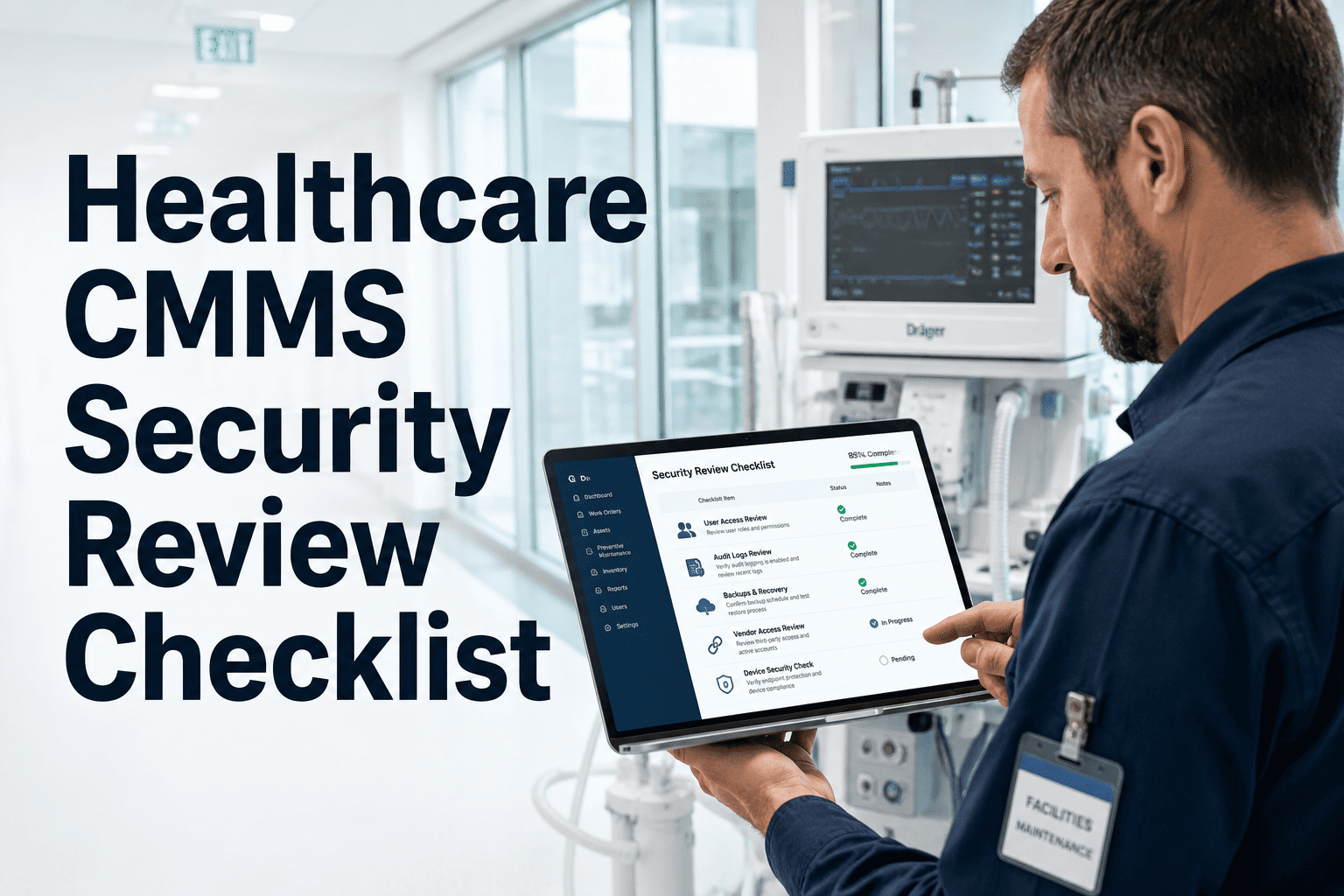
A hospital server room is not an IT convenience — it is clinical infrastructure. Electronic health records, imaging systems, patient monitoring networks, pharmacy dispensing platforms, and surgical scheduling tools all depend on uninterrupted server room uptime. When cooling fails, UPS batteries degrade undetected, or fire suppression systems go untested, the risk is not a slow application — it is a system outage during active patient care. Hospital server room maintenance managed through a CMMS like Oxmaint ensures every inspection task — cooling checks, UPS load tests, fire suppression verification, and HVAC calibration — runs on a documented, auditable schedule with no missed intervals and no paper trails that disappear between shifts. This checklist covers every critical system that must be inspected, the frequency required, and how each item maps to a tracked corrective action. Book a demo to see how Oxmaint auto-assigns these checks to your facilities team and generates compliance records for Joint Commission and HIPAA infrastructure audits.
Hospital · Healthcare Data Center · Checklist
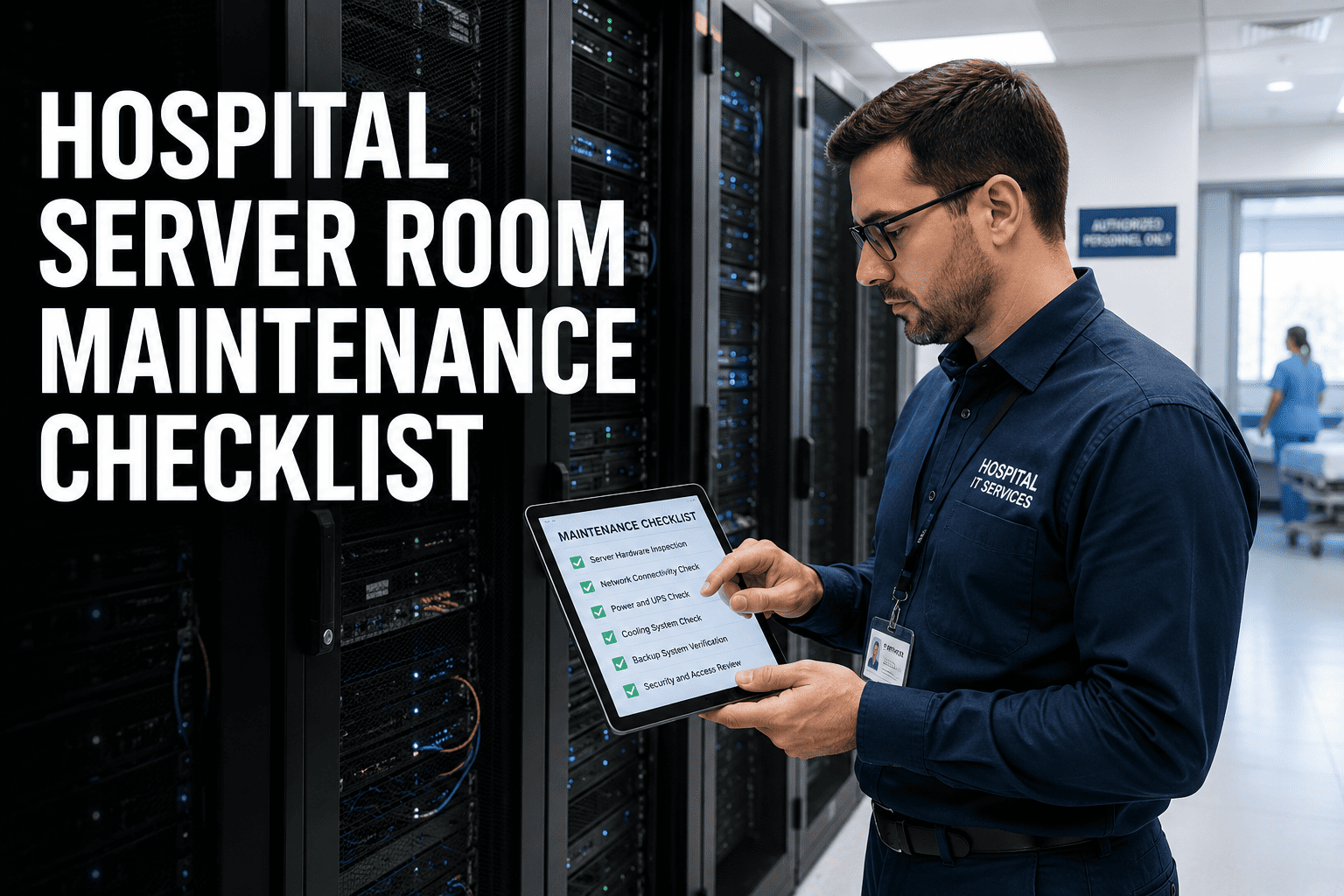
Hospital Server Room Maintenance Checklist
Cooling, UPS, fire suppression, and HVAC gaps can take down clinical systems. Use this checklist with Oxmaint to schedule every inspection task, log findings, and trigger corrective actions — before uptime is at risk.
78%
of hospital data center outages are caused by cooling or power failures — both preventable with scheduled maintenance
$8,600
average cost per minute of clinical system downtime in a mid-size hospital environment
91%
of server room failures show prior warning signs that a structured inspection checklist would have caught
Complete Maintenance Checklist
Hospital Server Room Inspection Checklist by System
Each section below maps to a critical server room system. Every checklist item includes inspection method, acceptable threshold, and how Oxmaint routes the finding to a corrective work order when a value falls outside range.
Ambient Temperature Reading — All Zones
Record temperature at front and rear of each rack row. Acceptable range: 64°F to 80°F (18°C to 27°C) per ASHRAE A1 class. Flag and route corrective work order above 81°F.
Critical
CRAC Unit Operational Status
Verify each CRAC unit is running, no fault indicators active, and supply air temperature is within 2°F of setpoint. Log unit ID and reading in Oxmaint.
Critical
Humidity Level Check
Target range: 40% to 60% relative humidity. Values below 35% increase static discharge risk. Values above 65% risk condensation on hardware. Log and alert if outside band.
High
Hot Aisle and Cold Aisle Containment Integrity
Inspect containment panels, blanking plates, and raised floor tiles for gaps or displacement. Missing blanking plates are the single most common cause of hot-spot formation in hospital data rooms.
High
CRAC Filter Condition
Visual check of filter cleanliness. Clogged filters reduce airflow and cause compressor strain. CMMS-scheduled replacement interval: every 90 days or per manufacturer spec.
Scheduled
UPS Battery Health and State of Charge
Verify battery charge percentage and estimated runtime at current load. Hospitals require minimum 15-minute runtime at full load. Flag units below 90% charge or showing battery fault indicators.
Critical
UPS Load Percentage
Record load percentage per UPS. Operating above 80% load reduces battery lifespan and increases transfer-to-generator risk. Route capacity review work order if consistently above 75%.
Critical
UPS Bypass and Fault Indicator Status
Confirm no active alarms, no bypass mode engaged without documented maintenance reason. Bypass mode means servers are on unprotected mains — unacceptable for clinical infrastructure.
Critical
PDU Breaker and Phase Balance Check
Verify all PDU breakers are in the correct position and phase loads are balanced within 20% variance. Unbalanced phases accelerate equipment wear and increase trip risk.
High
Automatic Transfer Switch Test Log
Confirm last ATS test date is within 30-day interval. Oxmaint auto-generates monthly ATS test work order assigned to electrical team — completion creates compliance record for Joint Commission review.
Monthly
Battery Cabinet Thermal Inspection
Thermal scan or visual check of battery cabinet for heat buildup, swollen cells, or electrolyte residue. Battery failure is the leading cause of UPS-related hospital IT outages.
High
Clean Agent System Pressure Check
Verify suppression agent cylinder pressure is within the green zone on the gauge. Low pressure indicates leakage and means the system will not discharge effectively. Immediate corrective action required.
Critical
Smoke Detector Status — All Zones
Confirm no fault or trouble indicators on any detector. VESDA or aspirating smoke detection systems require daily status check in clinical environments. Log per detector ID in Oxmaint.
Critical
Pre-Action Valve and Solenoid Inspection
Visual inspection of pre-action valve condition and solenoid indicator. Corrosion, leakage, or indicator lamp failure must generate immediate corrective work order to fire safety contractor.
Critical
Suppression System Abort Switch Functionality
Weekly test of abort switch response and door-hold release integration. System must abort discharge correctly when switch is activated within the delay window.
Weekly
Full System Functional Test — Contractor Certified
Annual full discharge simulation and detector sensitivity test by certified fire suppression contractor. Oxmaint auto-schedules this task 60 days in advance with vendor assignment and compliance record capture.
Annual
Supply and Return Air Temperature Delta
Measure temperature difference between supply and return air. A delta above 20°F indicates insufficient cooling capacity or airflow obstruction. Log and compare against weekly trend in Oxmaint.
High
Raised Floor Plenum Inspection
Check under-floor space for cabling obstructions, debris, or water accumulation. Blocked plenum reduces cold air delivery to racks and can trap moisture near electrical components.
High
Economizer and Free Cooling Mode Status
Confirm economizer operation status during eligible ambient conditions. Failure to engage economizer mode during cool weather increases energy cost and unnecessary mechanical strain.
Seasonal
Coil and Condensate Drain Inspection
Quarterly inspection of evaporator coils for dirt buildup and condensate drain pans for algae or blockage. Blocked drains are a leading source of under-floor water events in hospital server rooms.
Quarterly
Belt Drive and Fan Motor Check
Inspect CRAC fan belts for wear, tension, and alignment. Motor amperage draw recorded and compared against baseline. Oxmaint schedules belt replacement at 6-month intervals as preventive task.
Quarterly
Access Control Reader and Door Lock Function
Verify server room door badge readers are operational and door latches engage correctly. Any access failure must generate immediate security corrective action — unauthorized access risk to clinical data.
Critical
CCTV Camera Operational Status
Confirm all server room cameras are recording and no blind spots exist due to camera displacement or lens obstruction. Gaps in CCTV coverage must be corrected before next shift.
High
Water Leak Detector Status
Check all under-floor and perimeter water detection sensors for active status. Any sensor fault or water detection event triggers immediate critical work order — water events in server rooms escalate rapidly.
Critical
Environmental Monitoring System Alarm Test
Weekly confirmation that temperature, humidity, and water alarms transmit correctly to BMS and on-call facilities team. Alarm routing failures are a compliance risk under Joint Commission EC standards.
Weekly
Schedule every checklist item automatically in Oxmaint
Stop relying on manual reminders. Oxmaint assigns each inspection task to the right team member, on the right schedule, with corrective actions routed the moment a value falls outside threshold.
Inspection Schedule
Hospital Server Room Checklist Frequency Reference
| System |
Checklist Item |
Frequency |
Oxmaint Trigger |
Compliance Impact |
| Cooling |
Ambient temperature all zones |
Every 8 hours |
Shift-based auto-task |
Clinical uptime |
| UPS |
Battery health and load % |
Daily |
Calendar auto-task |
Power continuity |
| Fire |
Suppression cylinder pressure |
Weekly |
Calendar auto-task |
Joint Commission |
| HVAC |
Supply/return air delta |
Daily |
Shift-based auto-task |
Operational |
| Security |
Water leak detector status |
Daily |
Calendar auto-task |
HIPAA / Physical |
| UPS |
Automatic transfer switch test |
Monthly |
Calendar auto-task |
Joint Commission |
| HVAC |
Coil and condensate drain |
Quarterly |
Calendar auto-task |
Preventive |
| Fire |
Full system functional test |
Annual |
Compliance calendar |
Regulatory |
Corrective Action Routing
How Oxmaint Routes Server Room Findings
P1 — Immediate
On-call engineer alerted, work order active within 15 minutes
Cooling failure above 85°F, UPS in bypass, suppression system fault, water detected
P2 — Same Day
Work order assigned to department queue, resolved within 8 hours
Battery charge below 90%, humidity out of range, PDU phase imbalance, CCTV gap
P3 — Scheduled
Added to next planned maintenance window, 7 to 14 day resolution
CRAC filter due, belt tension marginal, condensate drain needs cleaning
Expert Review
Hospital server rooms operate in a uniquely high-consequence environment — every system in the room is a support function for clinical care, and the tolerance for unplanned downtime is essentially zero. The most common failure pattern we see in healthcare data center audits is not a single catastrophic event, but a series of inspection gaps that compound over weeks: a UPS battery degrading unmonitored, a CRAC filter missed for two quarters, a smoke detector in fault mode nobody noticed. A structured inspection schedule with automatic corrective action routing closes all of those gaps simultaneously.
Healthcare Facilities Management Review, 2025
Based on audit findings across 60 hospital data center and server room environments in North America and the UK
Frequently Asked Questions
How does Oxmaint help hospital facilities teams manage server room inspection schedules?
Oxmaint auto-generates inspection tasks for every item in this checklist based on the configured frequency — shift-based tasks for temperature and UPS checks, calendar-based tasks for monthly ATS tests and quarterly HVAC maintenance. Each task is assigned to the responsible team member with a due time. When a technician logs a value outside the acceptable range,
Oxmaint automatically creates a corrective work order with the finding, asset ID, and priority level attached — no manual re-entry required.
What compliance standards does this checklist support for hospital environments?
The inspection items in this checklist are aligned to requirements from the Joint Commission Environment of Care standards (EC.02.05.01 and EC.02.05.07), NFPA 75 for IT equipment fire protection, ASHRAE thermal guidelines for data centers, and general HIPAA physical safeguard requirements for systems handling protected health information.
Book a demo to see how Oxmaint structures compliance records to support Joint Commission survey documentation specifically.
Can Oxmaint generate audit-ready documentation from hospital server room inspections?
Yes. Every completed inspection task in Oxmaint generates a timestamped record containing the technician name, completion time, logged values, and any corrective actions triggered. For recurring items like UPS load tests and ATS functional tests, Oxmaint stores the full history against the asset record — so during a Joint Commission survey or an internal IT governance review, the complete inspection history is retrievable instantly from
the Oxmaint dashboard without manual file assembly.
How are after-hours and overnight server room inspections handled in Oxmaint?
Oxmaint supports shift-based task assignment, so overnight and weekend inspection tasks are automatically assigned to the on-call facilities technician for that shift window. If a task is not completed within its scheduled window, an escalation alert is sent to the supervising engineer. This ensures 24-hour inspection coverage without relying on manual handoff notes or informal verbal agreements between shifts.
Protect Clinical Uptime with a Smarter Inspection System
Oxmaint keeps your hospital server room inspection schedule on track — automated task assignment, threshold-based corrective actions, and compliance records that are always ready for audit.