Fleet managers who fail a DOT audit rarely saw it coming — not because they were careless, but because their repair documentation lived in scattered spreadsheets, paper work orders, and verbal confirmations that never made it into a searchable record. DOT auditors do not accept "we fixed it" without a paper trail showing what was found, who authorized the repair, when work was completed, and what parts were used. A DOT repair documentation dashboard centralizes every one of those touchpoints into a single auditable record — so when an investigator walks through your door, you hand over a report instead of a panic. If you want to see how OxMaint's compliance dashboard works for your fleet, start a free trial or book a demo today.
DOT Compliance · Fleet Maintenance · 2026 Guide
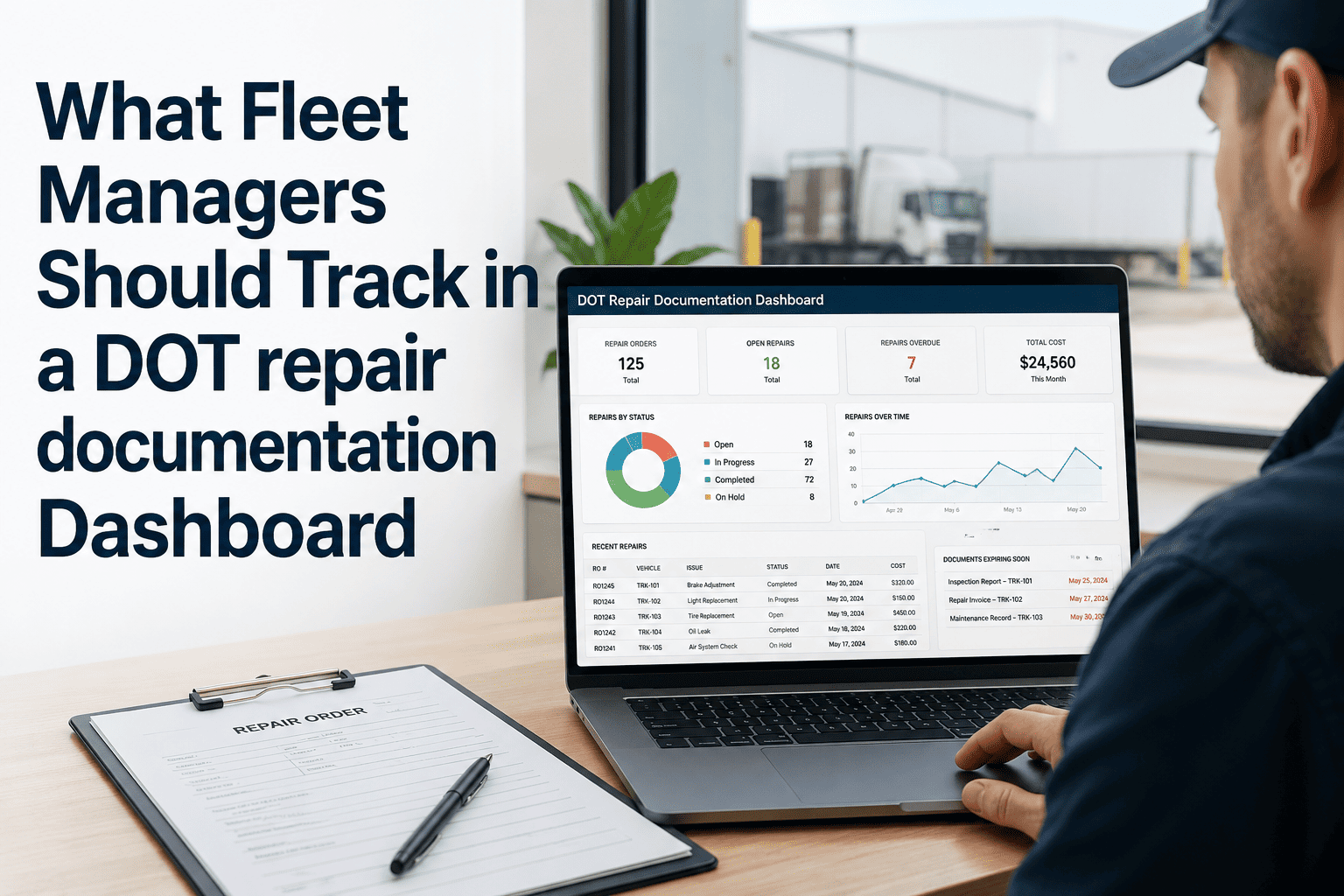
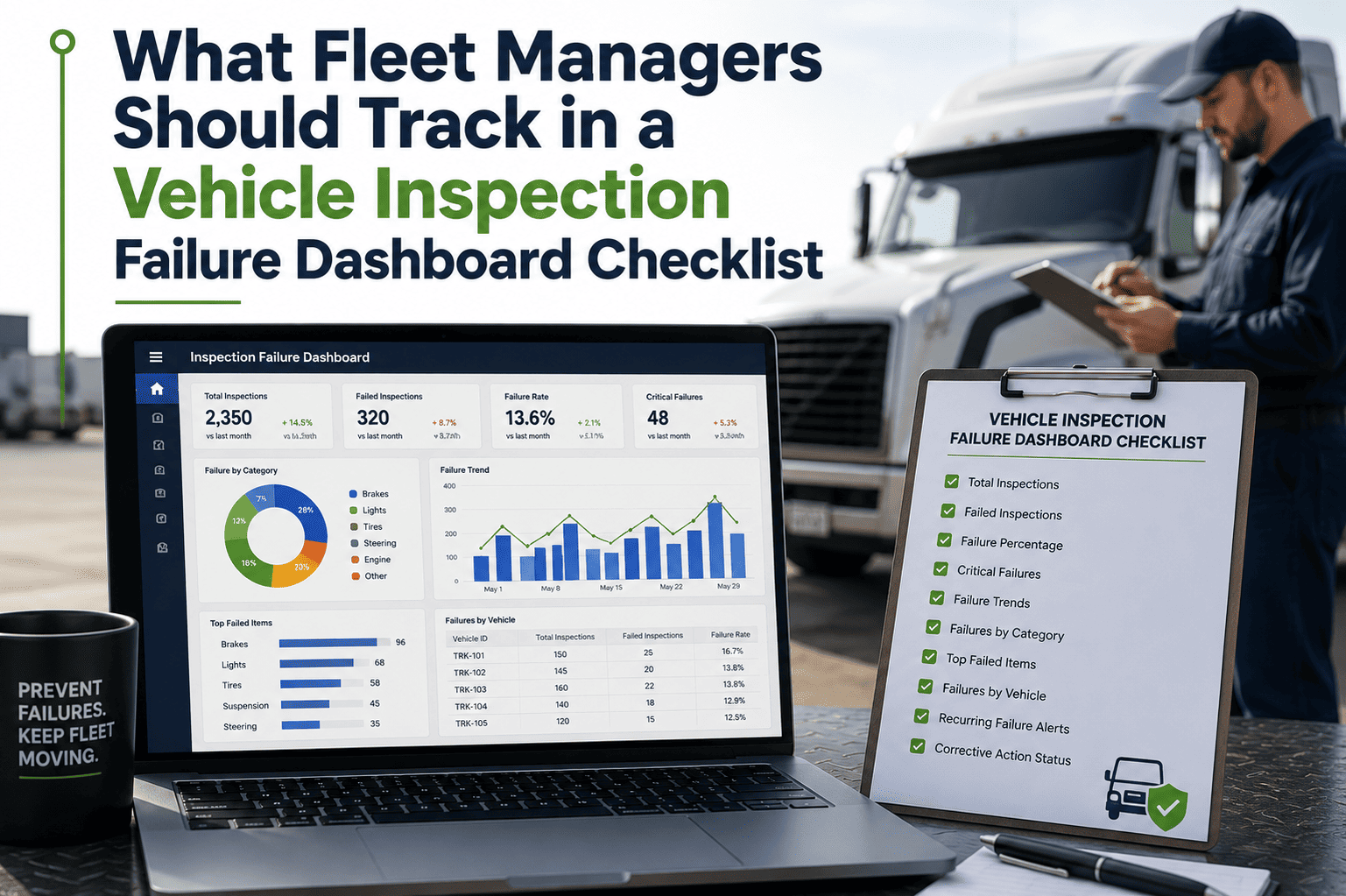
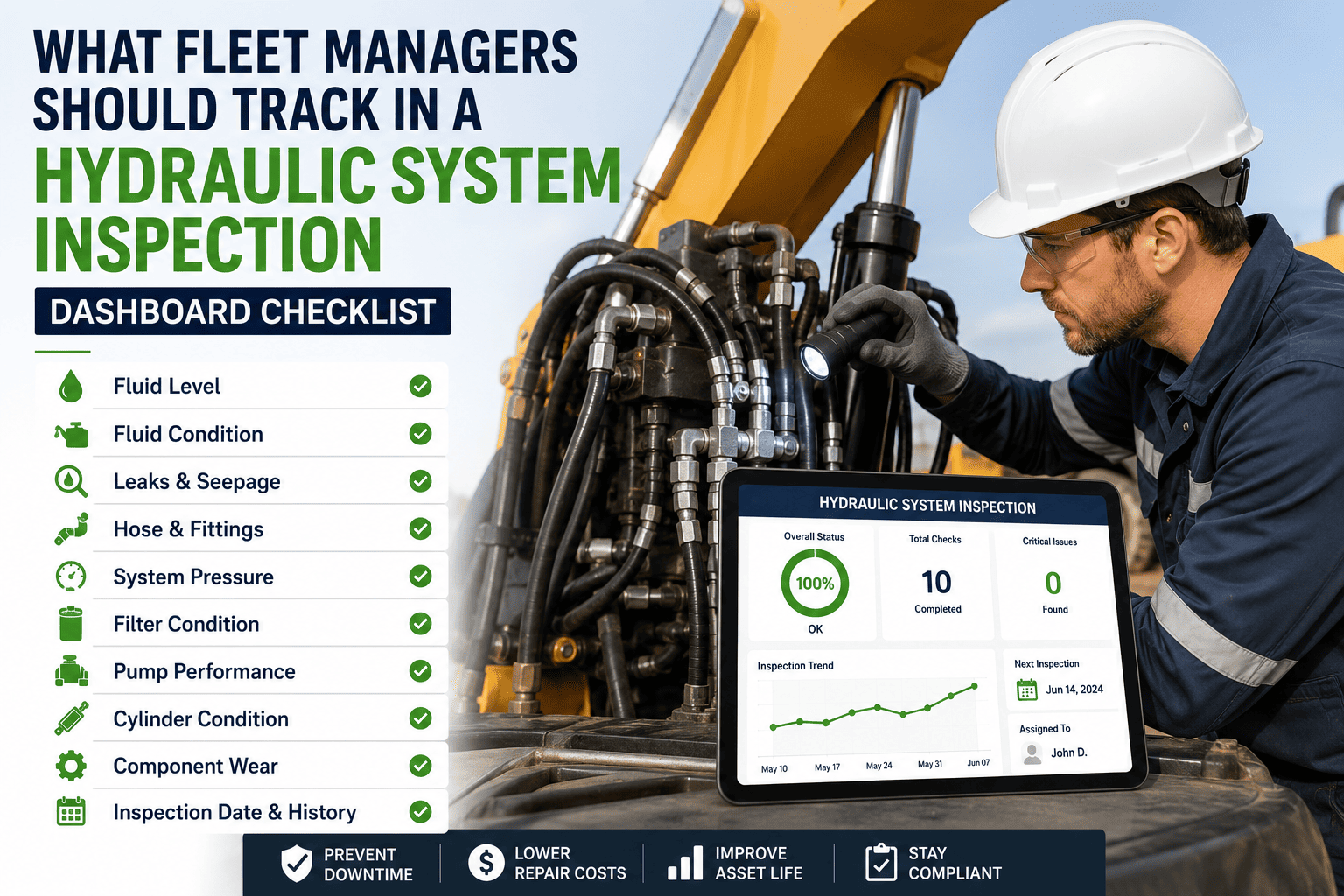
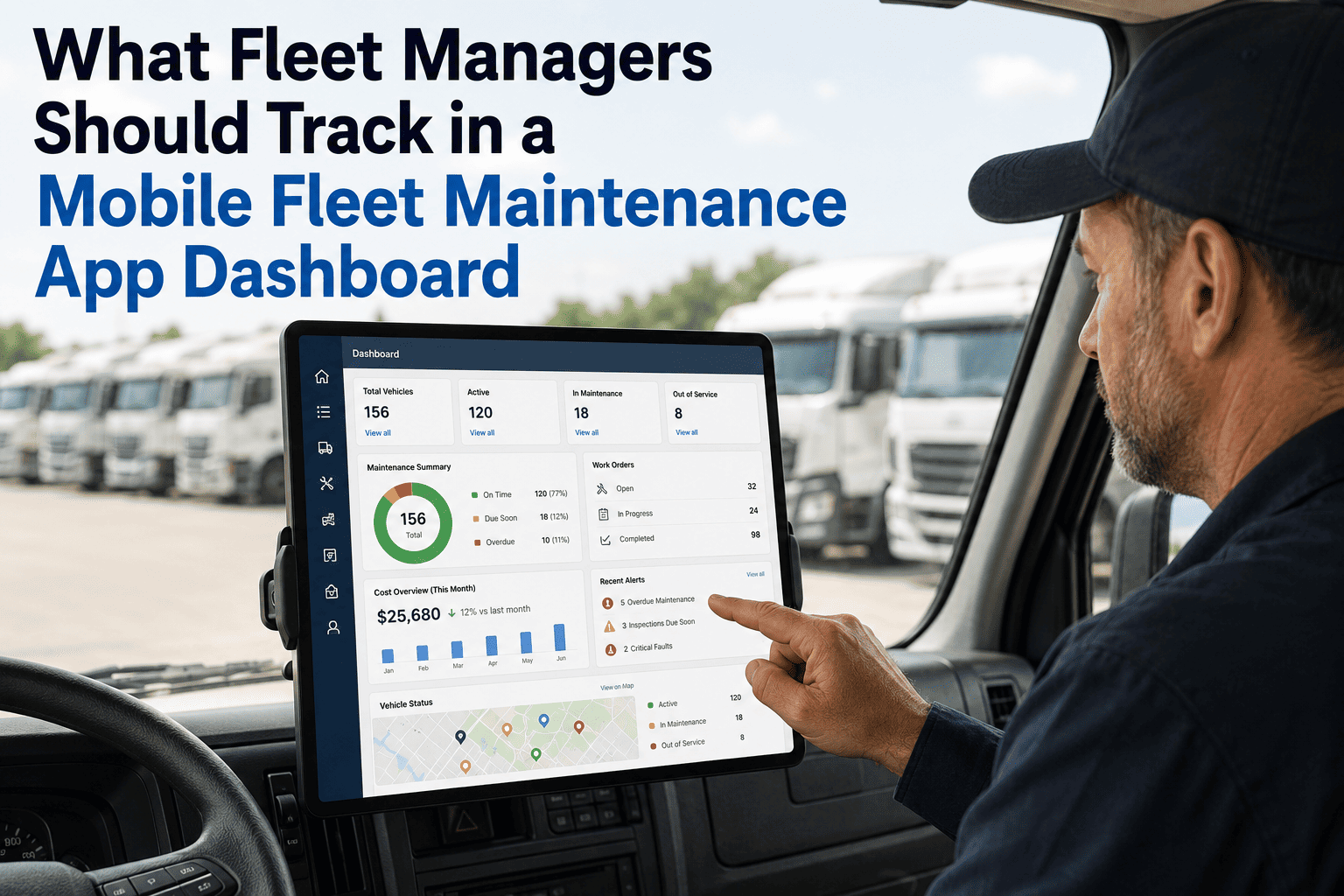
What Fleet Managers Should Track in a DOT Repair Documentation Dashboard
Every repair. Every defect. Every sign-off. Here is the complete tracking framework that keeps your fleet audit-ready 365 days a year — and the dashboard fields that matter most when a DOT investigator arrives unannounced.
The Numbers That Matter
What Happens When DOT Documentation Breaks Down
$16,000
Average fine per violation in a DOT compliance audit with missing repair records
34%
Of roadside inspections result in a vehicle out-of-service order due to unresolved defect records
72 hrs
Maximum time a DVIR defect must be certified as repaired before vehicle returns to service
2 years
Minimum repair record retention requirement under FMCSA regulations
Core Dashboard Fields
The 7 Things Every DOT Repair Documentation Dashboard Must Track
A compliance dashboard is only as useful as the fields it captures. These are the seven non-negotiable data points that turn a repair log into a defensible audit record.
01
Defect Origin Source
Was the defect found in a pre-trip DVIR, a post-trip inspection, a roadside inspection report, or a driver verbal report? The source determines regulatory obligation and response timeline. Dashboard must log origin automatically on defect creation.
02
Defect Classification Code
DOT distinguishes between defects that prohibit operation and those that require monitoring. Your dashboard must classify each defect against FMCSA Part 396 categories — not just free-text notes that mean different things to different mechanics.
03
Work Order Authorization Chain
Who approved the repair? Who assigned the mechanic? Who authorized return-to-service? Every link in the chain must be timestamped and tied to a named individual — not a department or a shared login. Auditors look for accountability gaps.
04
Parts Used With Part Numbers
A brake repair documented as "replaced brakes" is not DOT-compliant documentation. The dashboard must capture specific part numbers, supplier, installation date, and mileage at installation — especially for brake, steering, and lighting components.
05
Repair Completion Timestamp
The 72-hour defect certification clock starts from DVIR signature. Your dashboard must display time-to-close for every open defect — not just a status field, but an actual timestamp that creates a verifiable timeline from discovery to certification.
06
Certifying Mechanic Signature Record
FMCSA requires that the person certifying a DVIR defect as repaired is identifiable and qualified. Digital signatures with user credentials replace paper sign-offs and create a tamper-evident record that holds up under audit scrutiny.
07
Vehicle Return-to-Service Confirmation
The repair record is not complete when the mechanic signs off — it is complete when an authorized manager confirms the vehicle is safe to operate and re-enters the active fleet. The dashboard must capture this final step as a separate, timestamped action.
OxMaint Compliance Dashboard
Every field above is tracked automatically in OxMaint — with digital DVIR, work order chains, and audit-export in one click.
Audit Readiness
What a DOT Investigator Actually Looks at First
First 10 Minutes of a DOT Audit
Request last 90 days of DVIR defect records for all vehicles
Cross-reference defect dates against repair completion dates
Look for any vehicle that operated after a defect was reported but before it was certified as repaired
Check that every certifying signature is a named individual with mechanic credentials on file
Verify parts records for brake, steering, and lighting system repairs in the past 12 months
What OxMaint Gives You Instantly
Full DVIR history per vehicle exported to PDF in under 60 seconds
Time-to-close report showing every defect from report to certification
Automatic flag if any vehicle had active unresolved defects while dispatched
Named mechanic credentials linked to every certification signature in the system
Parts log with supplier, part number, and installation mileage for every work order
AI Predictive Maintenance
How AI Predictive Maintenance Connects to DOT Documentation
Reactive documentation — logging repairs after they happen — keeps you compliant. Predictive documentation — flagging failures before they become defects — keeps you out of the audit in the first place. OxMaint's AI predictive maintenance layer reads vehicle fault codes, service history patterns, and mileage intervals to surface at-risk components before they generate a DVIR defect.
1
Pattern Detected
AI identifies brake wear rate exceeding baseline for vehicle age and load profile
2
Work Order Created
System generates a pre-emptive work order with component classification and estimated service window
3
Repair Logged
Mechanic completes repair, records parts, signs off digitally — full documentation chain created before any defect is reported
4
Audit Record Ready
Every proactive repair is stored with the same documentation depth as a defect-triggered repair — building a compliance record that shows predictive intent
Common Failures
5 Documentation Gaps That Get Fleet Managers in Trouble
01
Verbal defect reports with no written record
A driver tells a dispatcher about a warning light. The dispatcher tells a mechanic. The mechanic fixes it. Zero documentation created. DOT sees: vehicle operated with a reported defect and no paper trail.
02
Backdated repair records
Paper systems allow repair dates to be written after the fact. When a roadside inspection date and your logged repair date conflict, auditors notice. Digital timestamps cannot be retroactively edited.
03
Shared mechanic login credentials
When three mechanics share one maintenance system login, no individual can be held accountable for a certification. DOT requires an identifiable, qualified person to certify each repair — "Maintenance Team" is not a person.
04
Return-to-service with open defects
A vehicle dispatched before its DVIR defect is certified as repaired is an automatic violation — regardless of whether the defect was minor. The dashboard must prevent dispatch on vehicles with unclosed defect records.
05
Records stored in formats that can not be exported
A DOT investigator will ask for records in a usable format within a short timeframe. Maintenance logs in proprietary software with no export function, or in physical binders that are not indexed, are effectively inaccessible under audit pressure.
Common Questions
DOT Repair Documentation — What Fleet Managers Ask Most
How long do I need to keep DOT repair records?+
FMCSA regulations require vehicle inspection and repair records to be retained for a minimum of 14 months from the date of the last entry. Brake records and certain safety-critical component repairs carry a longer 2-year standard. OxMaint stores all records indefinitely in the cloud — you never need to manage physical archives.
Start a free trial to see the records vault.
Can a fleet management dashboard replace paper DVIRs for DOT compliance?+
Yes — FMCSA allows electronic DVIR records as an equivalent to paper, provided the system produces a printable or exportable record and maintains tamper-evident timestamps. OxMaint's digital DVIR is FMCSA-compliant and produces a PDF export for auditors on request.
Book a demo to see the DVIR workflow.
What is the 72-hour rule in DOT repair documentation?+
When a driver reports a defect on a DVIR that affects safe vehicle operation, the repair must be certified as complete before the vehicle returns to service — and that certification must happen within the operational cycle. OxMaint flags any vehicle with an open defect and blocks dispatcher assignment until the defect is closed in the system.
Does OxMaint work for fleets that use third-party repair shops instead of in-house mechanics?+
Yes. OxMaint allows external repair shops to be assigned as service providers on work orders. The shop completes the repair and the fleet manager logs the completion with invoice documentation attached. All records are stored in the same dashboard as in-house repairs.
Try it free with your current shop setup.
How does AI predictive maintenance help with DOT compliance specifically?+
AI predictive maintenance creates proactive repair records before defects are reported, building a compliance history that shows a systematic maintenance program rather than purely reactive repairs. DOT auditors view proactive maintenance documentation as evidence of a well-managed fleet — which affects SafetyFit scoring and audit outcomes.
OxMaint · DOT Compliance Made Trackable
Stop Hoping Your Records Are Audit-Ready. Know They Are.
OxMaint tracks every defect, every repair, every authorization, and every return-to-service event in one dashboard — with AI predictive maintenance that builds your compliance record before problems occur. Setup takes 30 minutes. Audit exports take 60 seconds.