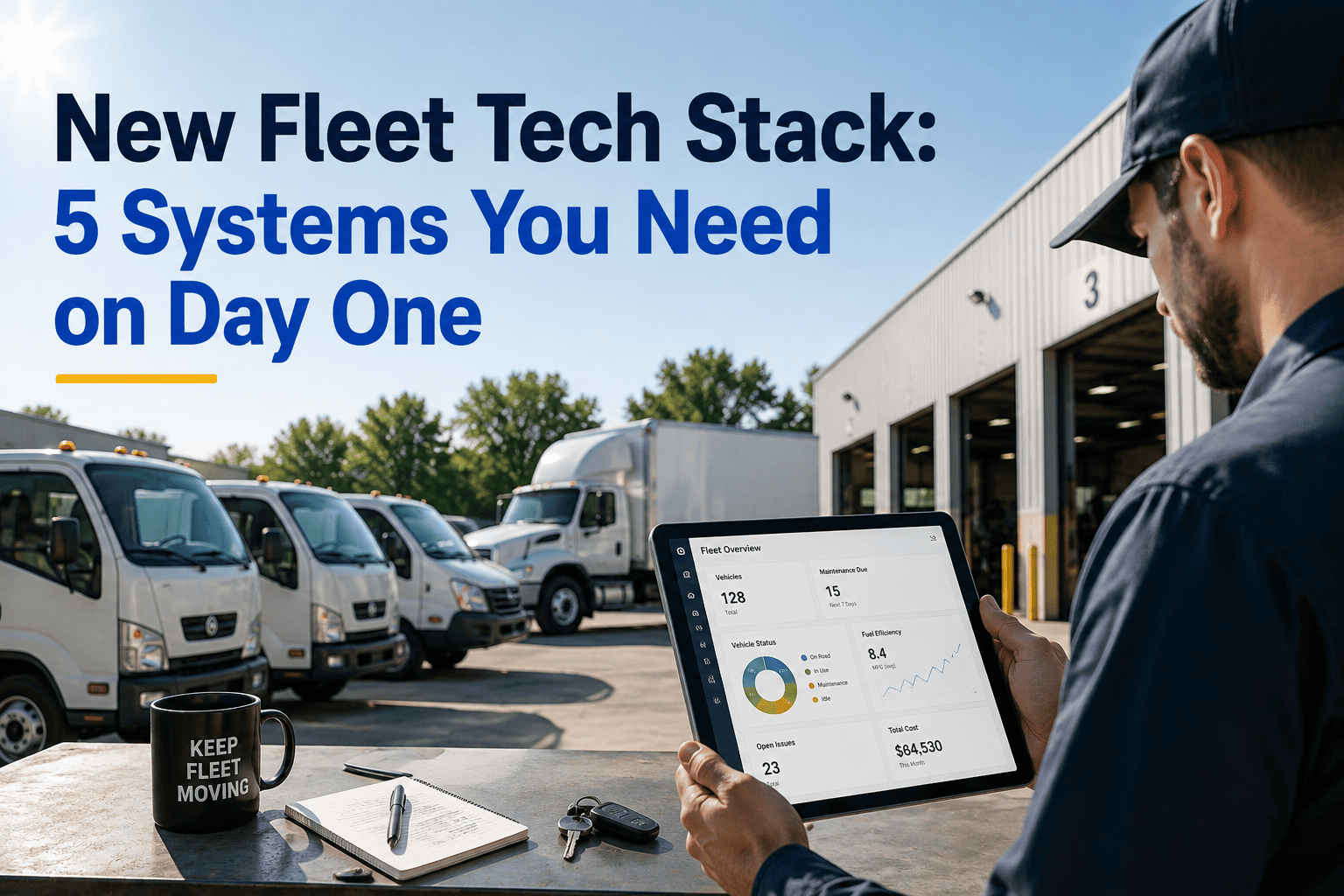
New carriers hear the same advice from every trade forum: you need a TMS, an ELD, a maintenance system, a factoring partner, fuel cards, a safety platform, a driver app, an accounting tool, load boards, and a dozen more logins before you haul your first mile. Most of that list is noise. A new fleet running its first five to twenty-five trucks needs exactly five connected systems to stay compliant, get paid on time, and keep trucks moving — everything else can wait until the revenue justifies it. This page breaks down those five systems, what each one actually does for a new operation, and how they should talk to each other from day one. Skip the twelve-tool spreadsheet and see what a lean, working stack looks like at app.oxmaint.ai.
New Fleet Tech Stack: 5 Systems You Need on Day One
Forget the 12-tool checklist. Here is the exact minimum software stack that covers compliance, dispatch, cash flow, maintenance, and books for a fleet running its first trucks in 2026.
Why New Fleets Overbuy Software
Most fleet software listicles are written for carriers running 40, 100, or 500 trucks — operations with a dispatch team, a safety department, and a controller on staff. A new fleet at five to twenty-five trucks does not have those departments yet; the owner or a single ops person is wearing every hat. Buying enterprise-grade tooling at that stage means paying for modules nobody has time to configure, let alone use. The goal on day one is coverage, not sophistication: one system per critical function, chosen for fast setup and a mobile-first driver experience, wired together so data does not have to be typed twice.
The 5 Systems, in Priority Order
Set these up in roughly this sequence. The first two are non-negotiable before a truck leaves the yard; the last three prevent the cash and equipment problems that sink new carriers in year one.
See How Oxmaint Covers System 4 of Your Stack
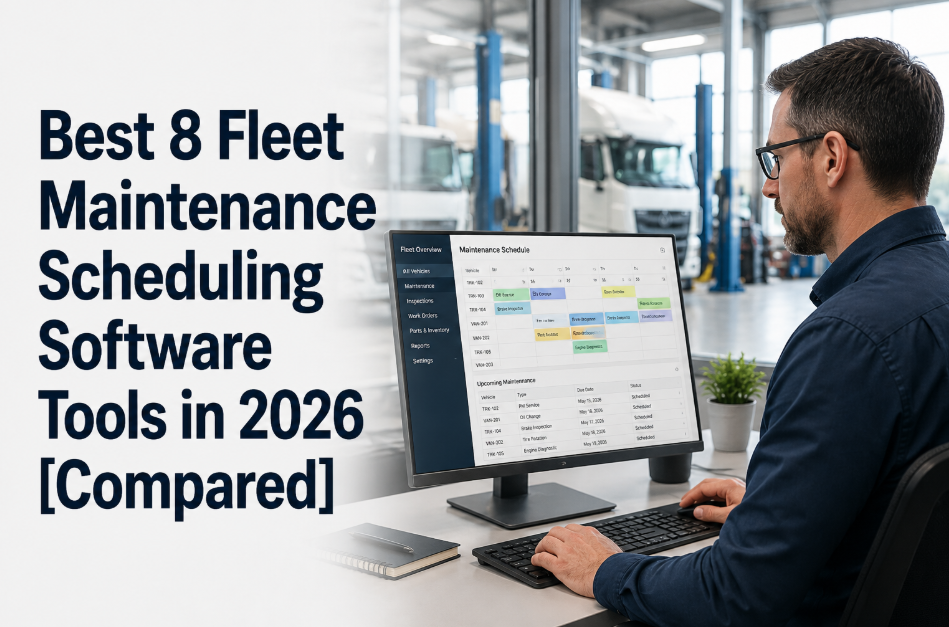
Oxmaint gives new fleets PM scheduling, digital DVIRs, and repair history per truck from the first vehicle you add — no spreadsheet, no whiteboard, no missed inspection. It is built to run alongside whatever ELD and dispatch tools you already picked, not replace them.
Day-One Stack vs. What Can Wait
Not every tool on a mature fleet's list belongs on a new fleet's list. Here is a simple way to sort what you set up before your first load against what you add once volume justifies it.
| Function | Day-One Priority | Add When | Skip Until Later |
|---|---|---|---|
| ELD / Compliance | Required before first load | — | — |
| Dispatch / TMS | Required before first load | — | — |
| Freight Factoring | Set up in week one | — | — |
| Maintenance CMMS | Set up before truck two | — | — |
| Accounting / Pay | Set up in month one | — | — |
| Dedicated Safety Platform | — | 10+ trucks | — |
| Multi-Terminal Coordination | — | 25+ trucks, 2+ yards | — |
| Custom ERP Integrations | — | — | Until back-office headcount grows |
| Dedicated BI / Analytics Tool | — | — | Until reporting outgrows spreadsheets |
How the 5 Systems Should Talk to Each Other
Buying five separate logins is not the goal — the value comes from the data moving between them without anyone re-typing it.
Maintenance runs alongside this loop rather than inside it — every mile logged by the ELD and every DVIR filed by a driver should feed straight into the CMMS so PM intervals and repair flags update without a separate manual check.
Frequently Asked Questions
Do I really need five separate systems, or can one platform cover all of it?
Which of the five systems should a brand-new one-truck operation set up first?
How do I know if my maintenance process is already behind?
Is freight factoring worth the fee for a new fleet with good customers?
When should I upgrade past this five-system starter stack?
Get the Maintenance Layer of Your Stack Right From Truck One
Oxmaint gives new carriers PM scheduling, digital DVIRs, and per-truck repair history without the setup overhead of enterprise fleet software. Start free and add trucks as your fleet grows, or talk to our team about what a lean, connected stack looks like for your specific lane and fleet size.


-(1).png)