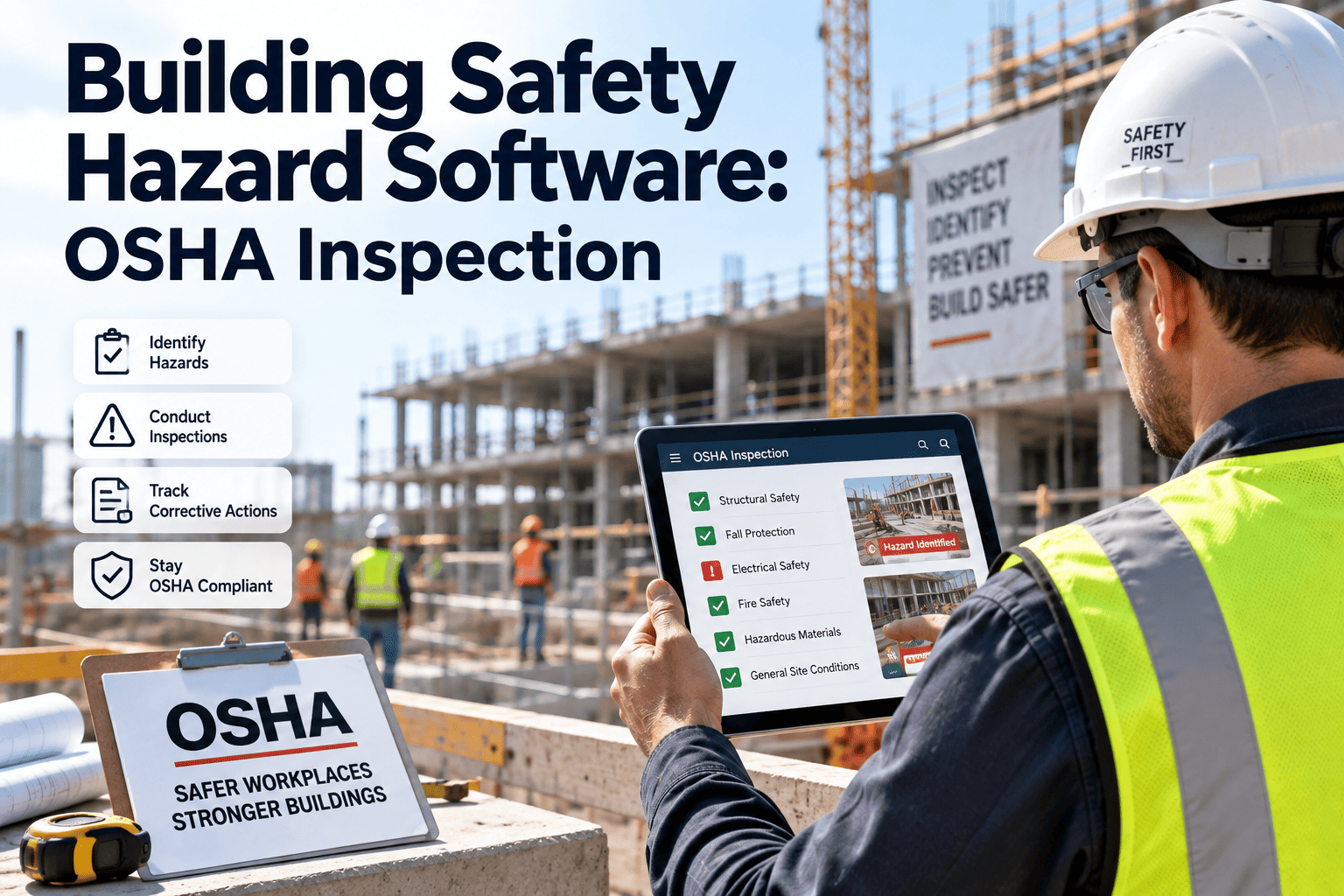
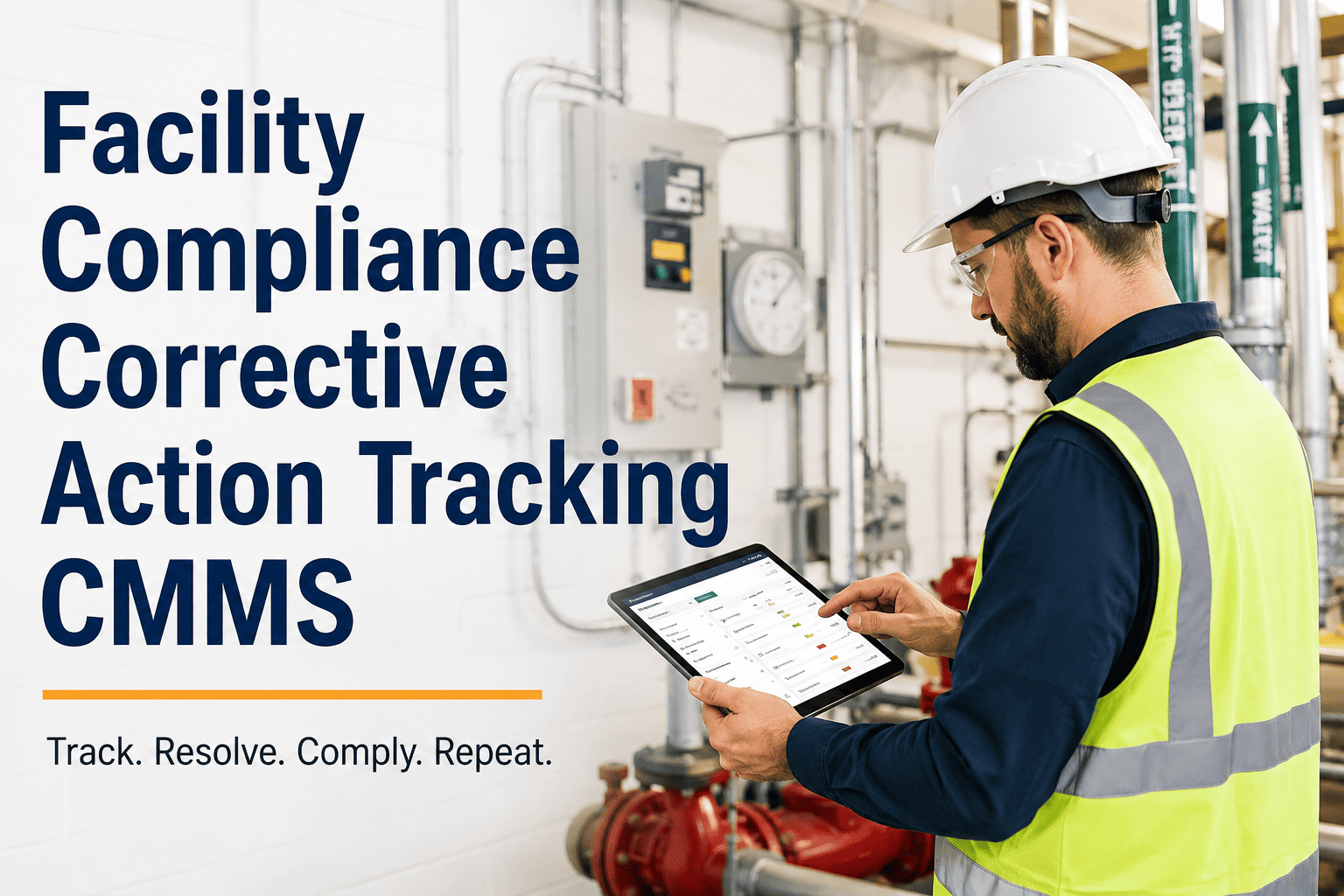
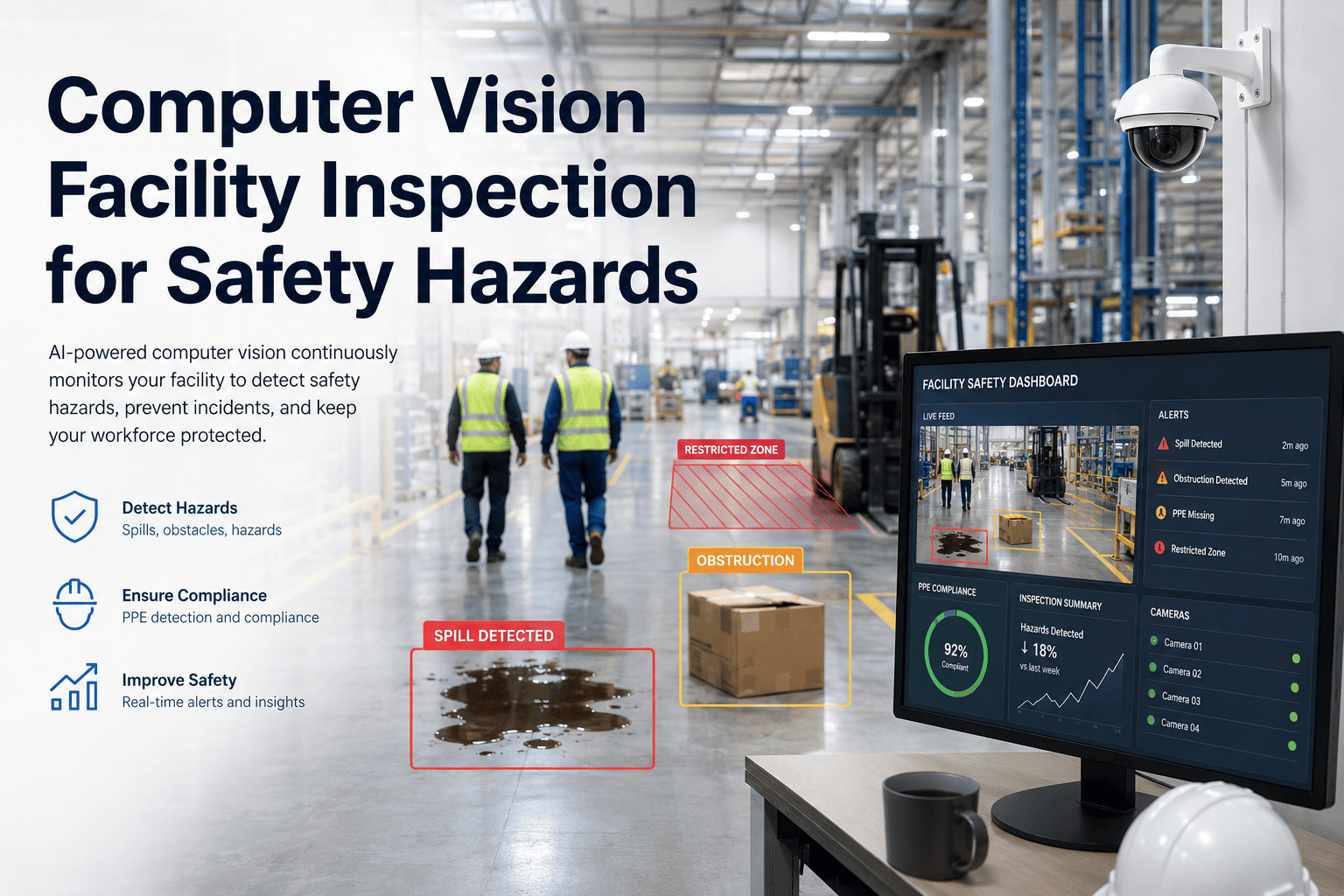
Most facility safety programs generate a steady stream of field observations — a contractor without a hard hat, a fire exit partially blocked by stacked pallets, exposed wiring near a break room — yet a large share of that information still lives on paper checklists or spreadsheets nobody is accountable for closing out. When an observation doesn't automatically become an assigned, tracked corrective task, the hazard simply waits to be noticed again on the next walkthrough. OxMaint's EHS observation workflow closes that gap by converting every logged hazard, near miss, or PPE violation into a corrective work order with an owner, a severity-based response window, and a verified closure record. This page breaks down how the workflow moves from field capture to resolved ticket, what severity classification looks like in practice, and how teams use the resulting data to spot recurring risk zones before they cause an incident. To see the observation-to-work-order flow running against your own facility's zones and asset list, book a live walkthrough with the OxMaint team.
EHS Management · Safety Observations
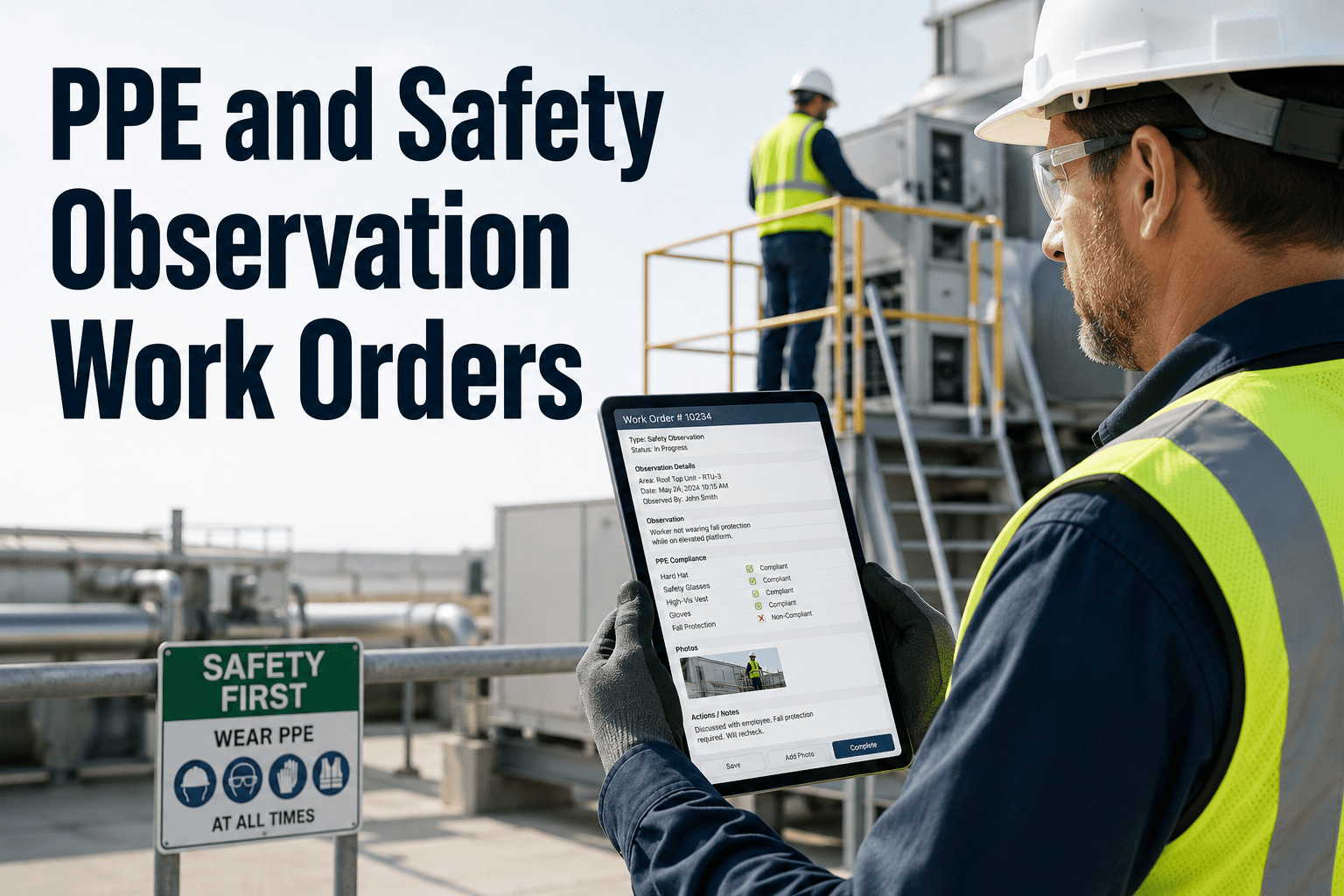
PPE and Safety Observation Work Orders
Turn every hazard report, PPE gap, and near miss into a tracked corrective work order — not a forgotten line on a clipboard.
61%
of paper-logged observations never receive a documented corrective action
3.2x
faster mean-time-to-closure when observations auto-generate work orders
74%
of EHS teams report the same hazard reappearing in a zone within 90 days
48 hrs
average reduction in resolution time for high-severity hazards once escalation is automated
The Workflow
From Field Observation to Closed Work Order
Five steps turn a logged hazard into a resolved, audit-ready record — with no spreadsheet handoffs in between.
1
Observation Logged
Staff, contractors, or visitors capture the hazard from the mobile app or a posted QR code, attaching a photo and an auto-tagged location — no separate login or training required.
2
Auto-Classification
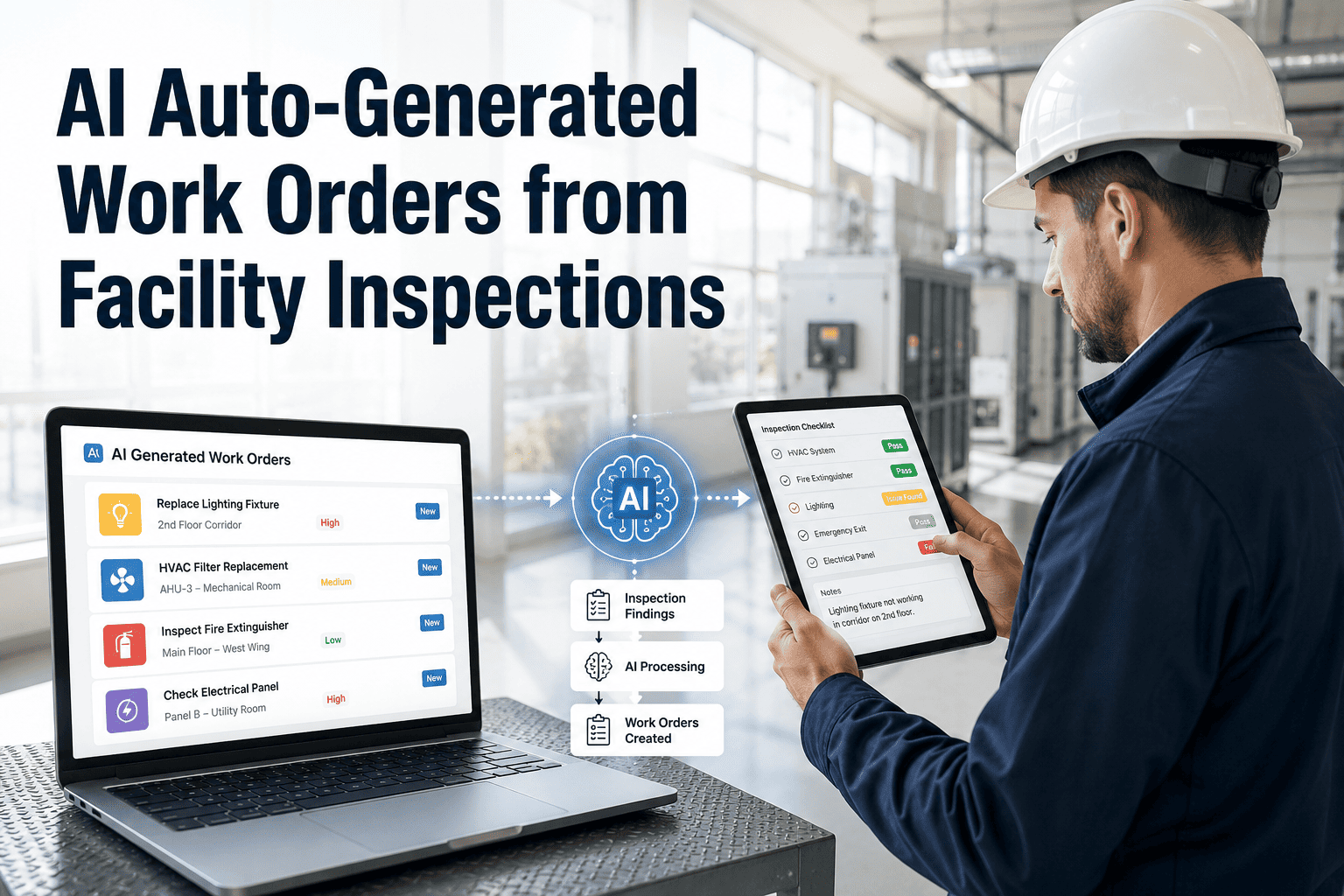
The system sorts the report by category — PPE, housekeeping, structural, chemical, electrical — and assigns an initial severity level based on the description and photo evidence.
3
Work Order Generated
A corrective work order is created automatically and routed to the technician or zone owner with the right skill set, carrying the severity-based response window with it.
4
Resolution & Verification
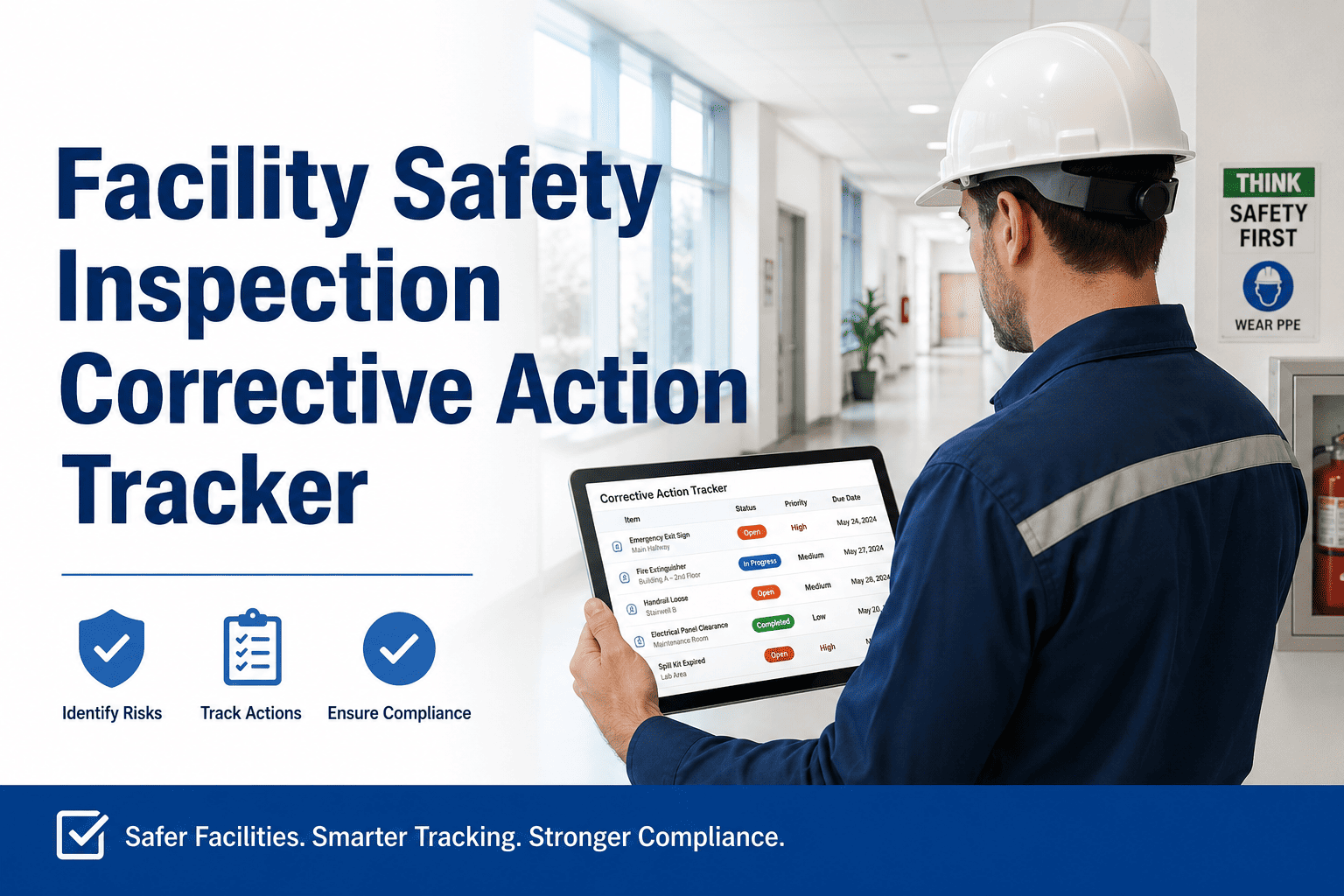
The assigned technician resolves the issue, logs any parts used, and closes the ticket with a photo — creating a timestamped record tied to the original observation.
5
Trend Review
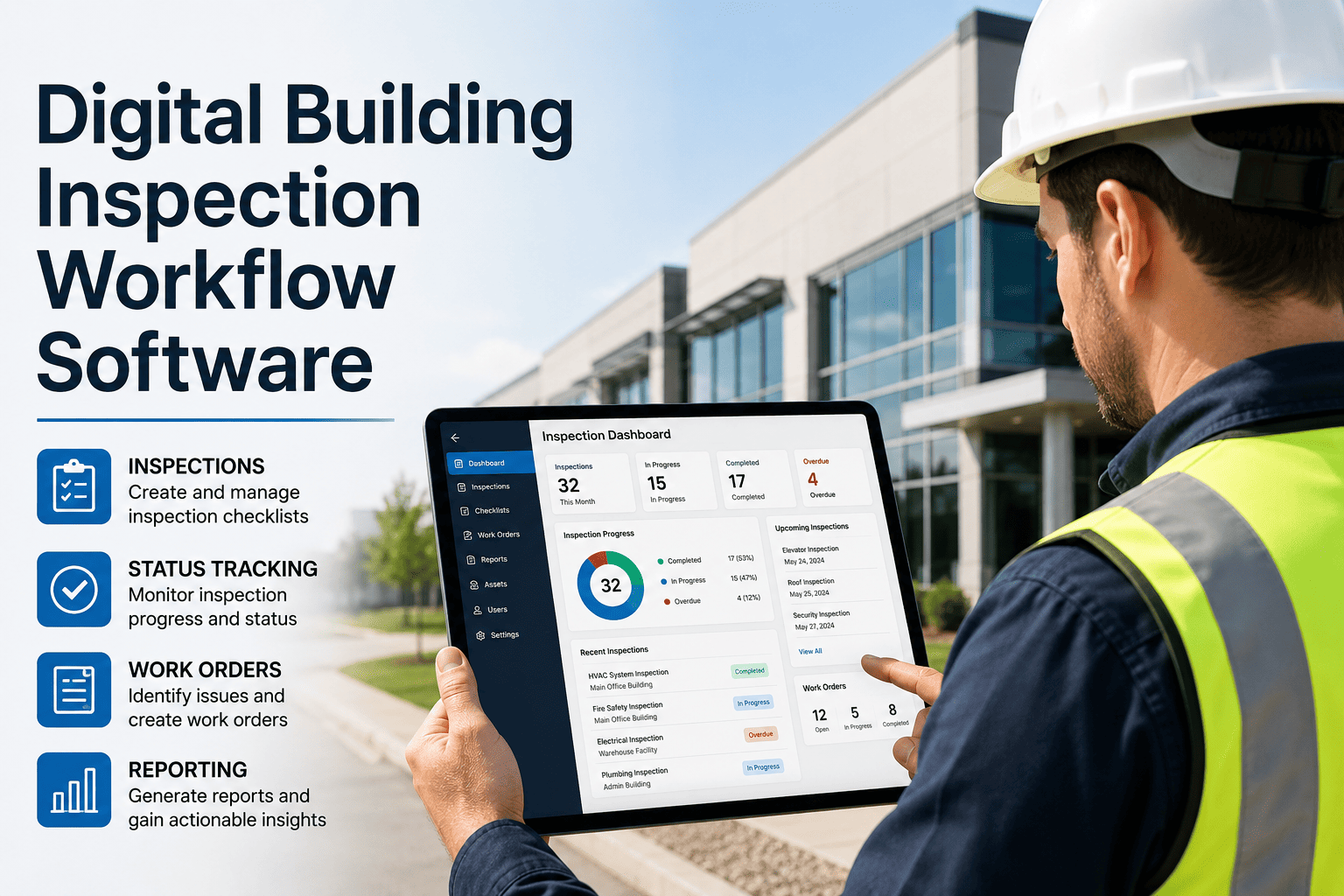
Closed observations roll into zone-level analytics, surfacing repeat hazards and chronic problem areas so EHS leads can act on root cause instead of one-off reports.
Response Targets
Severity Classification & Escalation Windows
Every observation is scored on arrival, and the score determines who gets notified and how fast a response is expected.
| Severity | Example Observation | Target Response | Escalation Path |
|---|
| Low | Minor housekeeping issue, cluttered walkway | 48 hours | Standard work order queue |
| Medium | Missing PPE signage, partially blocked aisle | 24 hours | Shift supervisor notified |
| High | Damaged guardrail, exposed wiring | 4 hours | Safety manager and site lead alerted |
| Critical | Active spill, blocked emergency exit | Immediate | Auto-escalated to EHS director, locked to top priority |
Live Walkthrough
See an Observation Turn Into a Work Order in Real Time
In a 30-minute session, we'll log a sample hazard on your own zone map and walk through classification, routing, and closure end to end.
Observation Categories
What Gets Logged Most Often
These six categories account for the majority of corrective work orders raised through OxMaint's EHS workflow.
01
PPE Non-Compliance
Missing hard hats, hi-vis vests, eye or hearing protection in designated zones.
02
Slip, Trip & Fall Hazards
Wet floors, loose flooring, cluttered walkways and stairwells.
03
Blocked Egress & Fire Exits
Obstructed exit doors, stacked material against egress routes.
04
Chemical Storage Violations
Improper labeling, incompatible chemicals stored together.
05
Machine Guarding Gaps
Missing guards, exposed moving parts on production equipment.
06
Electrical Hazards
Exposed wiring, overloaded outlets, damaged cords near work areas.
Before vs. After
Paper Safety Logs vs. OxMaint EHS Workflow
Manual Safety Logs
Observations recorded on paper or shared sheets
No automatic owner assigned to a hazard
Closure depends on someone remembering to follow up
Repeat hazards in the same zone go unnoticed
OxMaint EHS Workflow
Mobile and QR capture with photo and location tagging
Work order auto-assigned by severity and zone ownership
SLA-based escalation if closure window is missed
Zone-level dashboards flag chronic repeat hazards
Expert Review
Why Closing the Loop Matters More Than Logging the Hazard
Most safety programs are good at the first half of the job — getting people to report what they see. Where programs fall apart is the second half: making sure that report turns into an owned task with a deadline. I have audited facilities with thousands of logged observations and almost no record of what was actually fixed. The fix is structural, not behavioral — route every observation straight into a work order system with severity-based response windows, so closure isn't optional or memory-dependent. When that loop is automatic, near-miss reporting goes up because staff can see their reports actually result in action, not silence.
Senior EHS Program Manager
15+ years building corrective action programs across manufacturing, healthcare, and commercial facility portfolios
Common Questions
Frequently Asked Questions
How does an observation become a work order automatically?
When a hazard is logged through the mobile app or a QR code, OxMaint classifies it by category and severity, then generates a corrective work order routed to the technician or zone owner responsible for that area.
See the workflow in a free trial to watch a sample observation move through each stage.
Can visitors or contractors submit observations without an account?
Yes. Posted QR codes let anyone on site submit a report without logging in or downloading an app, and the submission still flows into the same classification and routing pipeline as staff-reported observations.
Ask us to walk through QR setup for your specific building zones during a demo.
How does severity classification work, and can we customize it?
Default severity tiers (Low, Medium, High, Critical) come with preset response windows, but thresholds, categories, and escalation contacts can be adjusted to match your facility's existing safety program and reporting standards.
Explore severity settings directly inside a free trial account.
Does OxMaint support recordkeeping for closed observations?
Every observation retains a full timeline — submission, classification, assignment, resolution photo, and closure timestamp — giving safety teams an exportable, audit-ready record for internal reviews or external inspections.
Book a demo to see a sample exportable record.
How long does it take to roll out EHS observation tracking?
Most facilities have QR codes posted and the mobile workflow active within one to two weeks, since setup mainly involves mapping zones and assigning technician ownership rather than any complex integration work.
Start a free trial to begin zone setup today.
EHS Management · OxMaint
Stop Losing Safety Observations to a Clipboard
Give every hazard report an owner, a deadline, and a closure record — automatically. Set up takes days, not months.