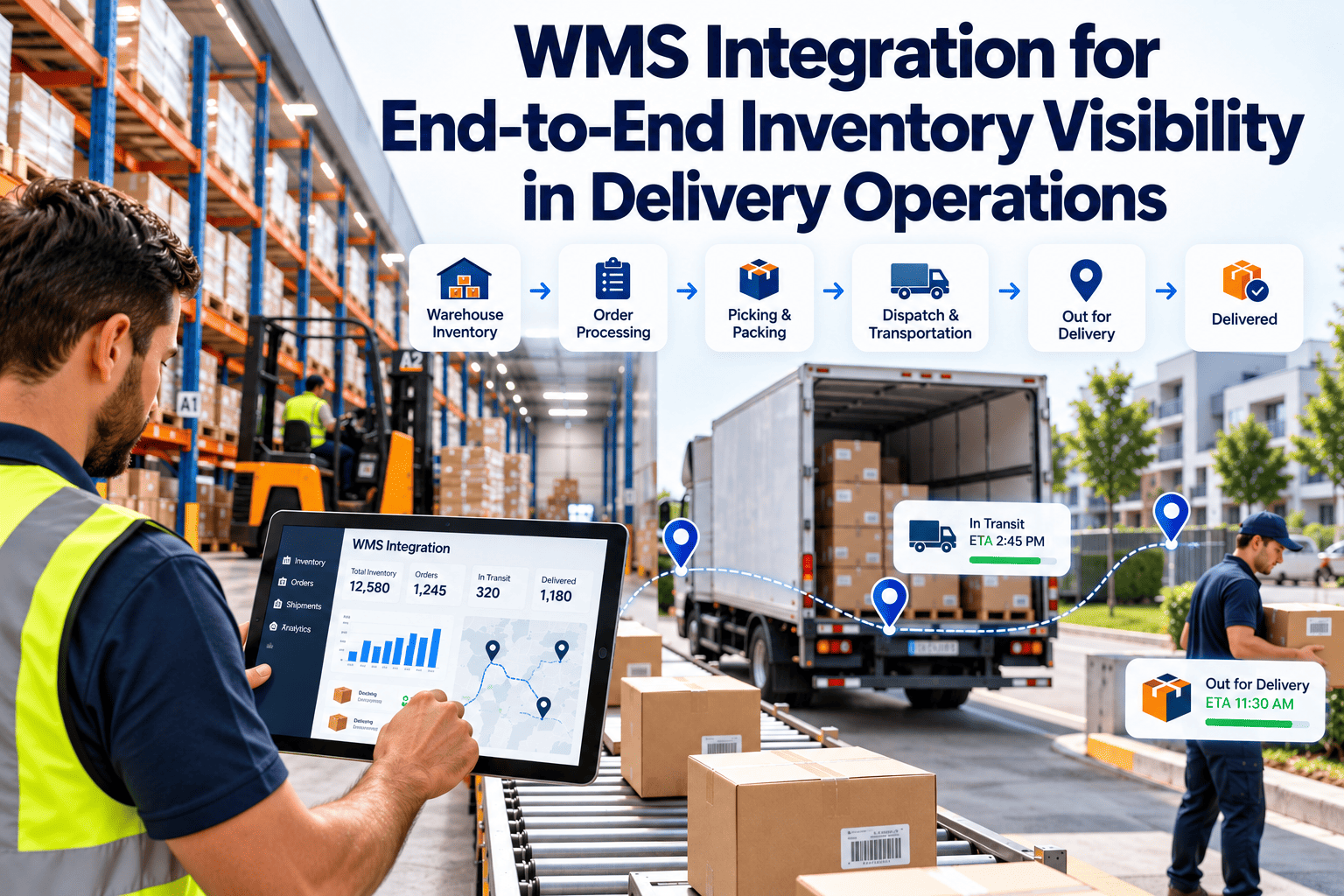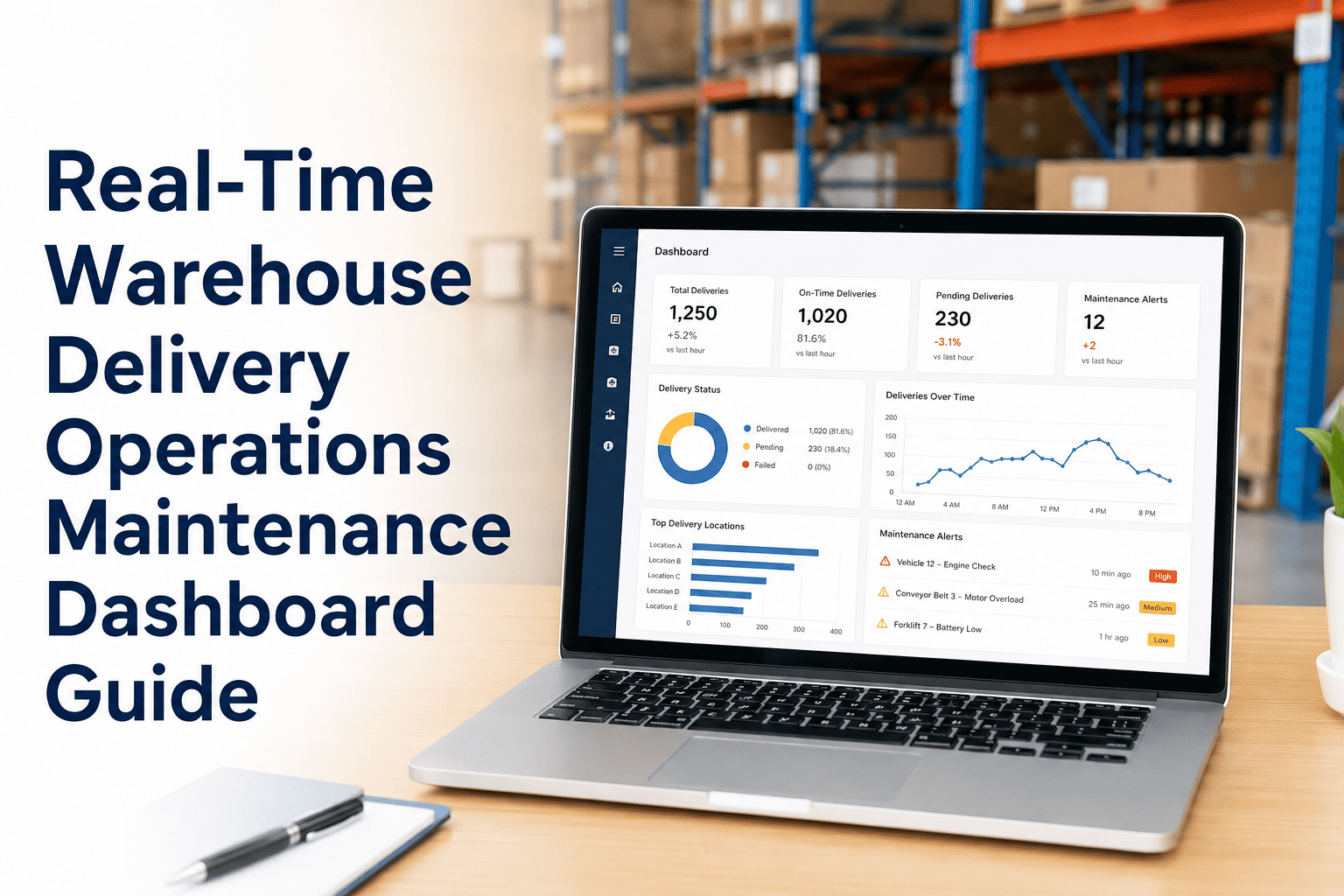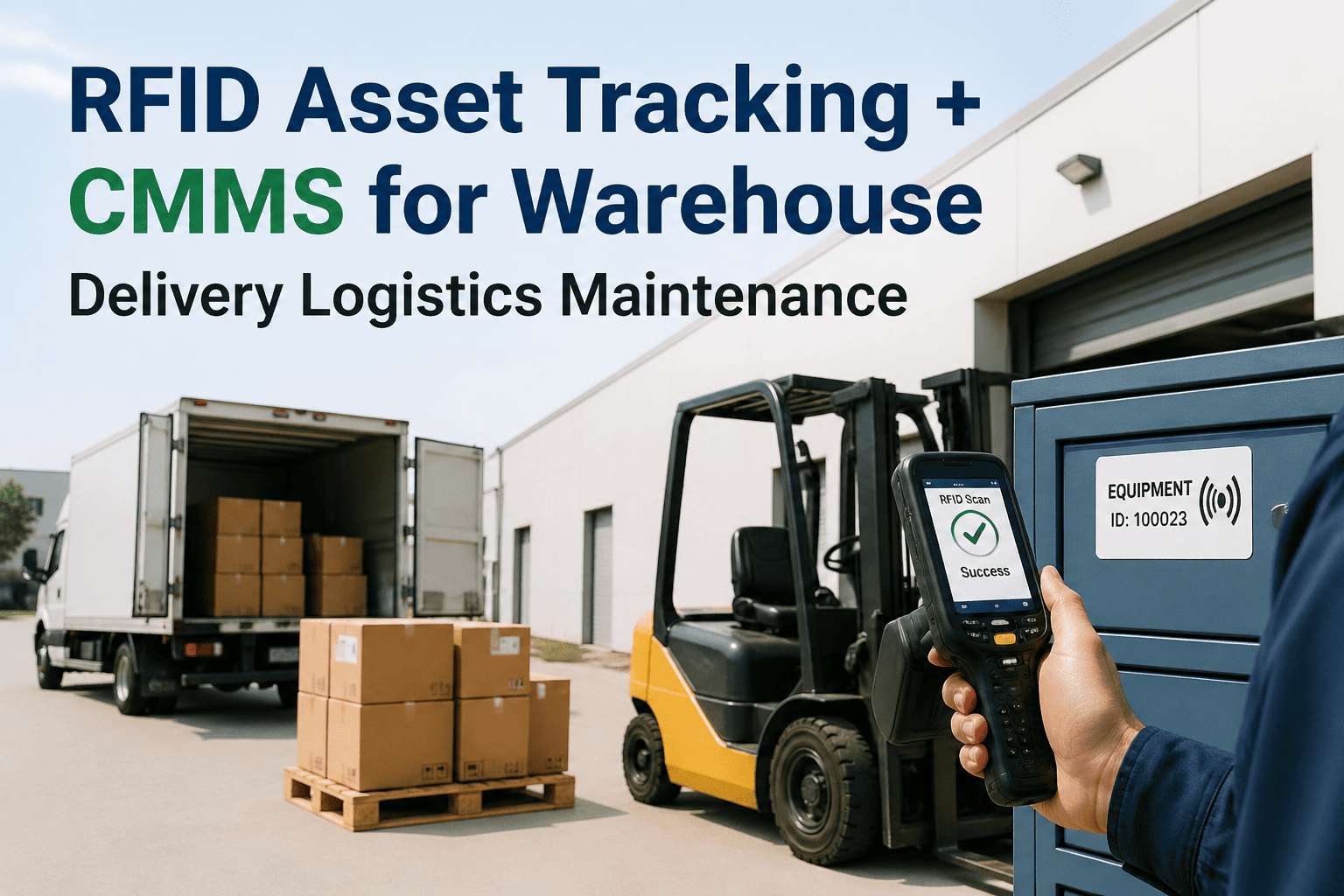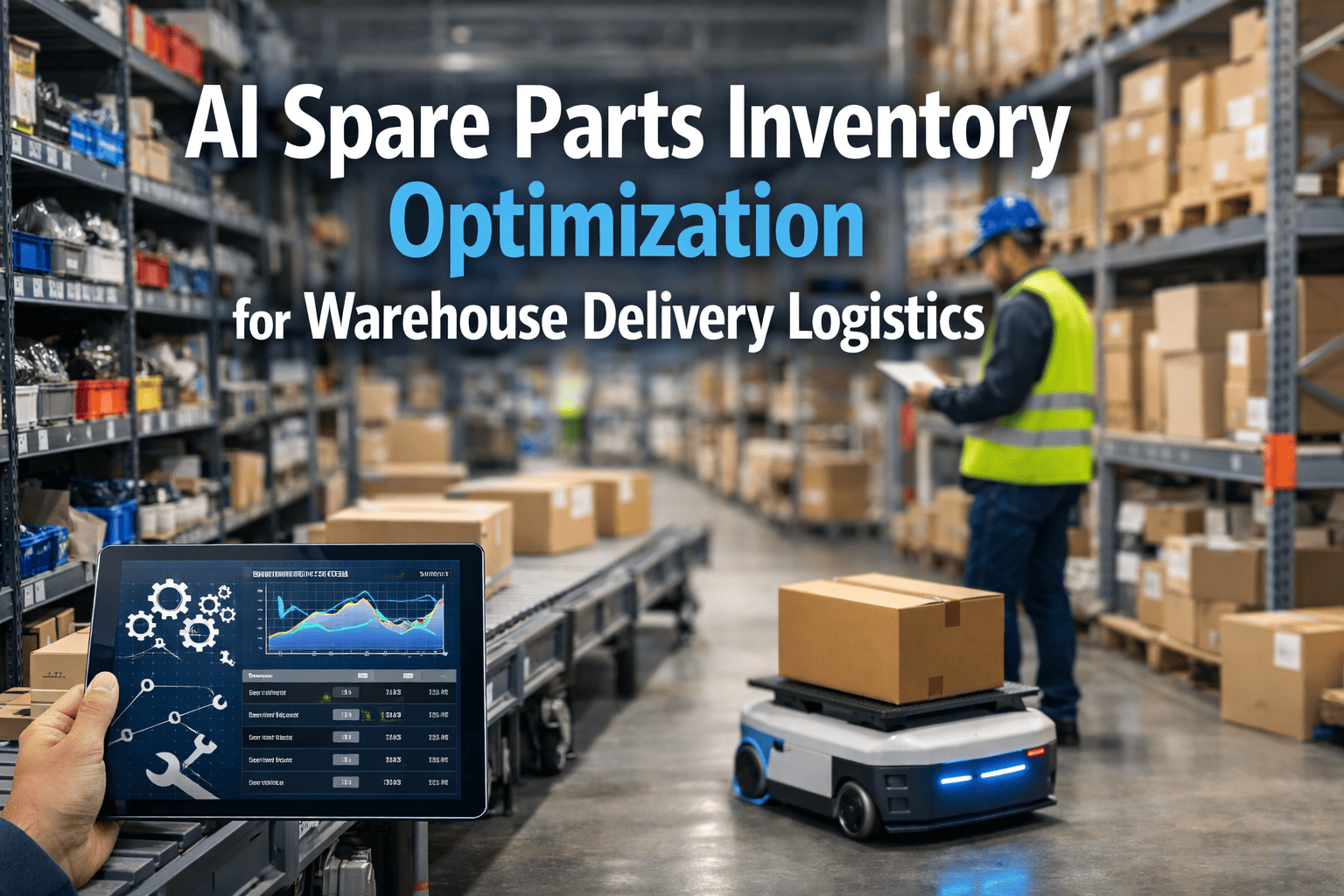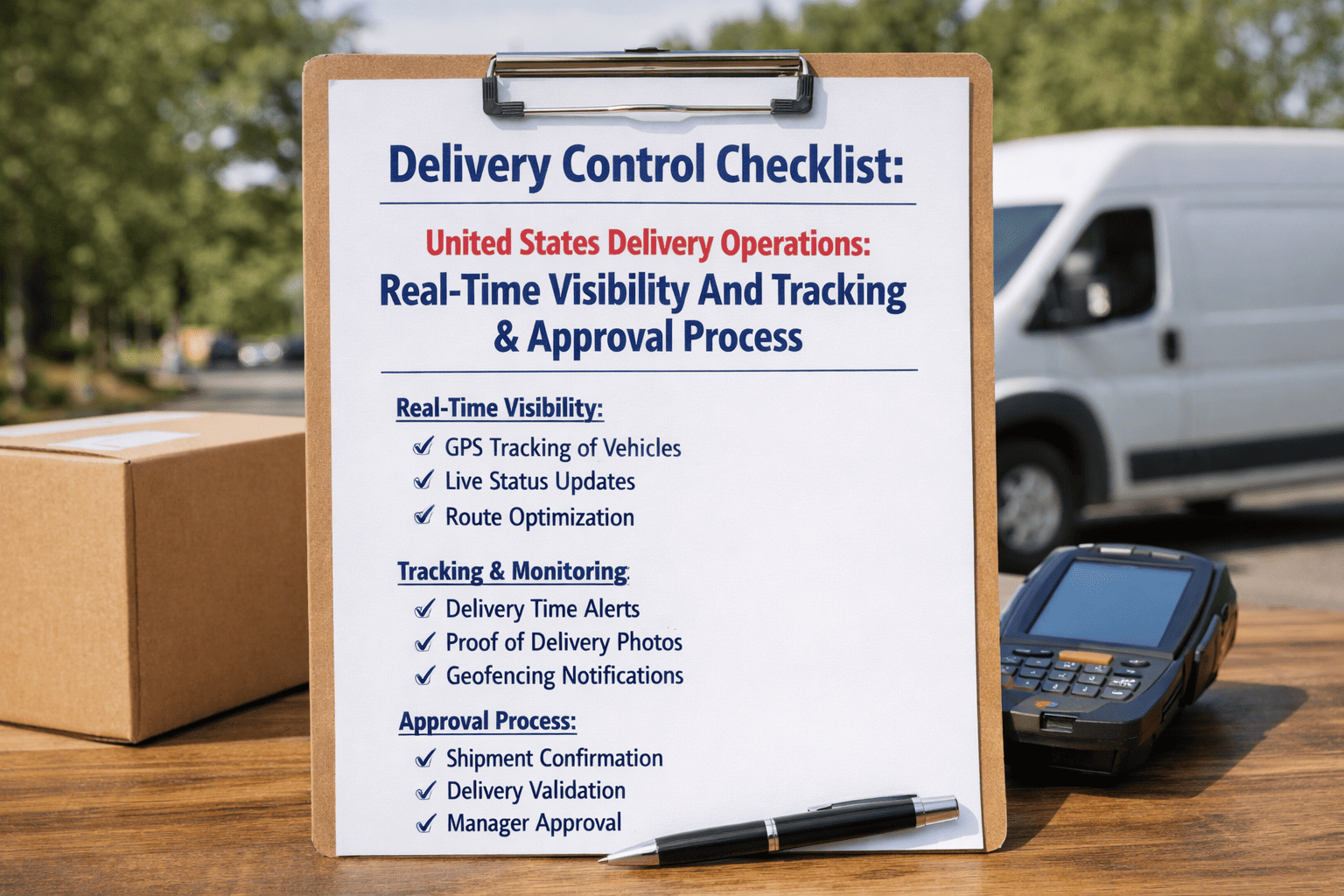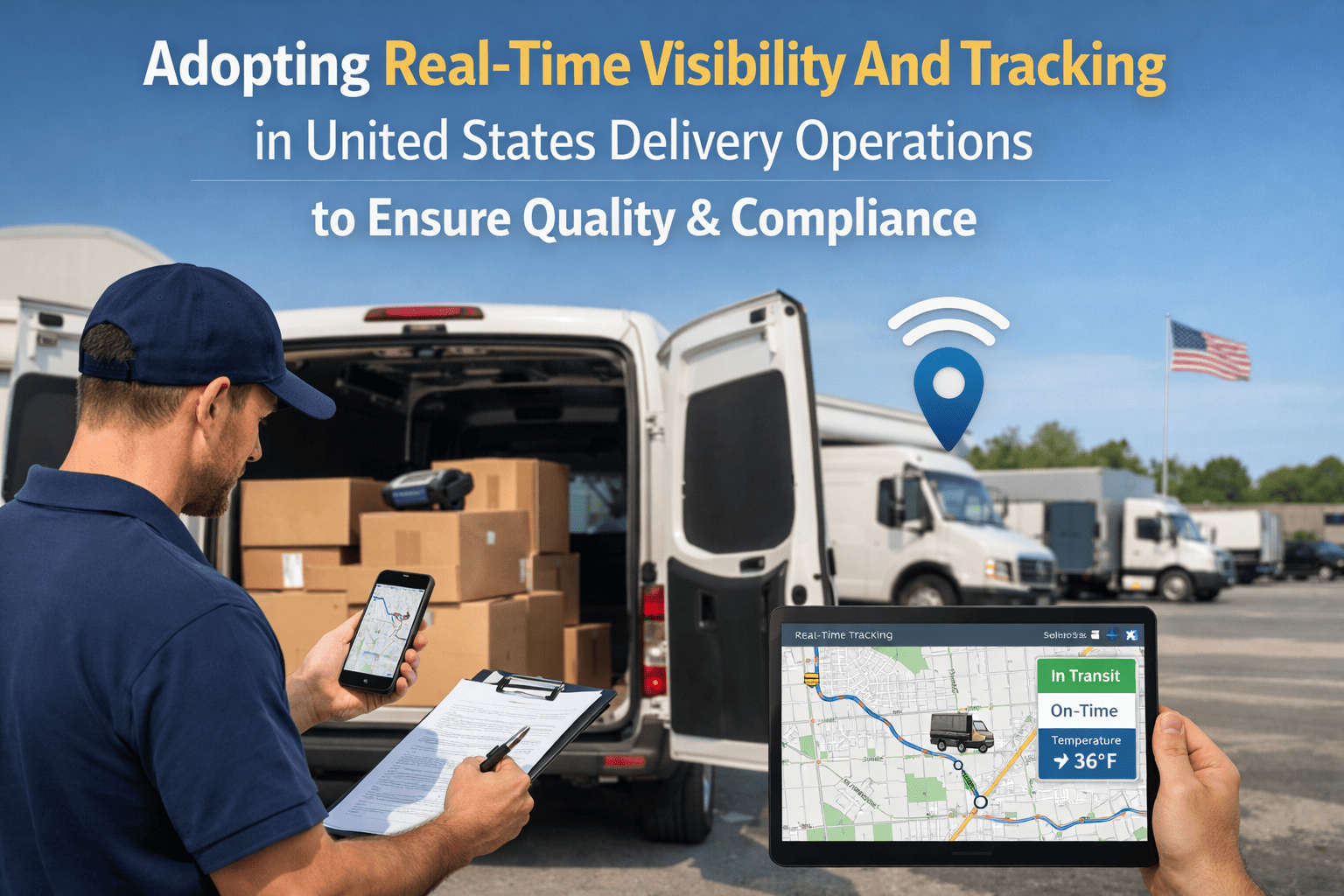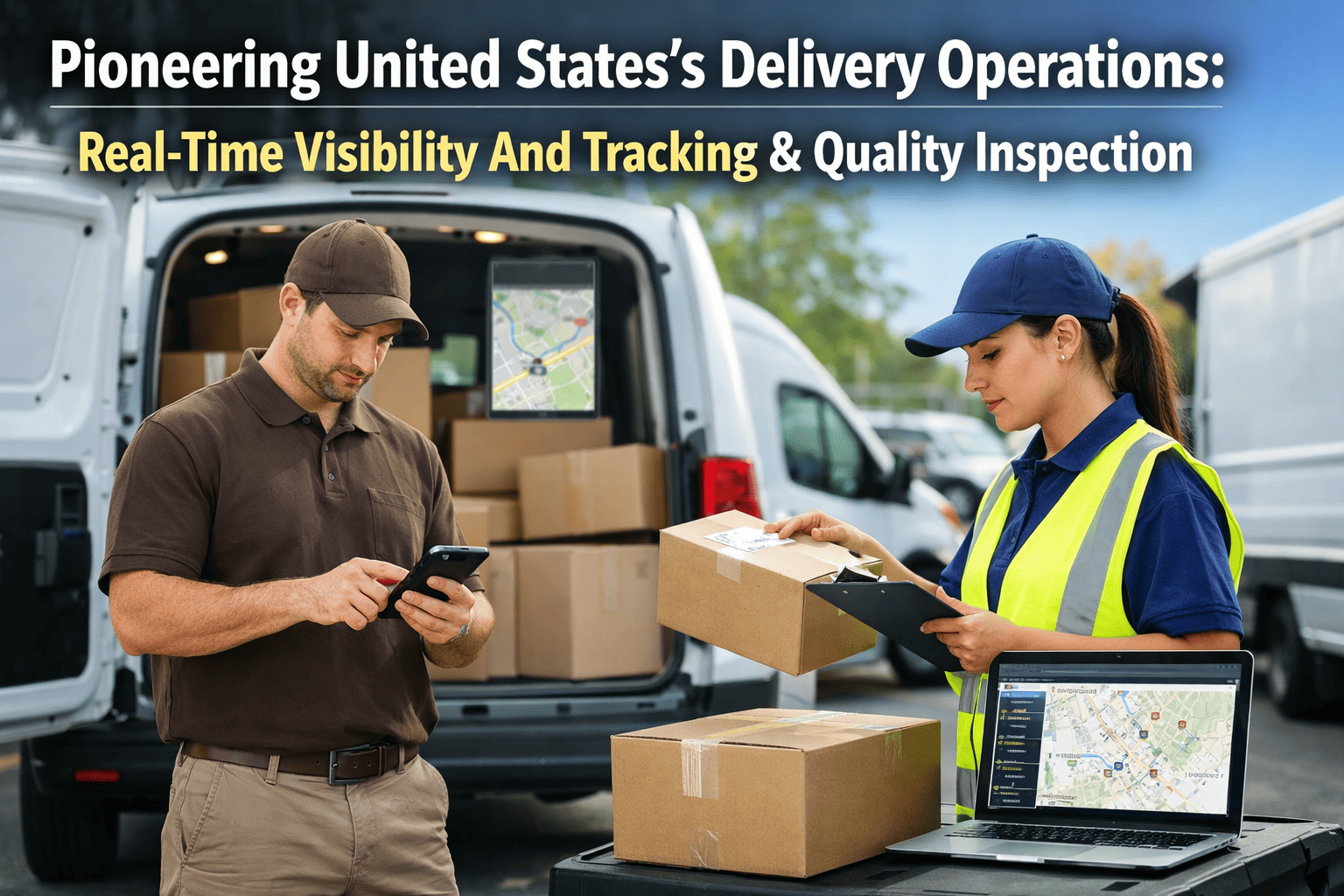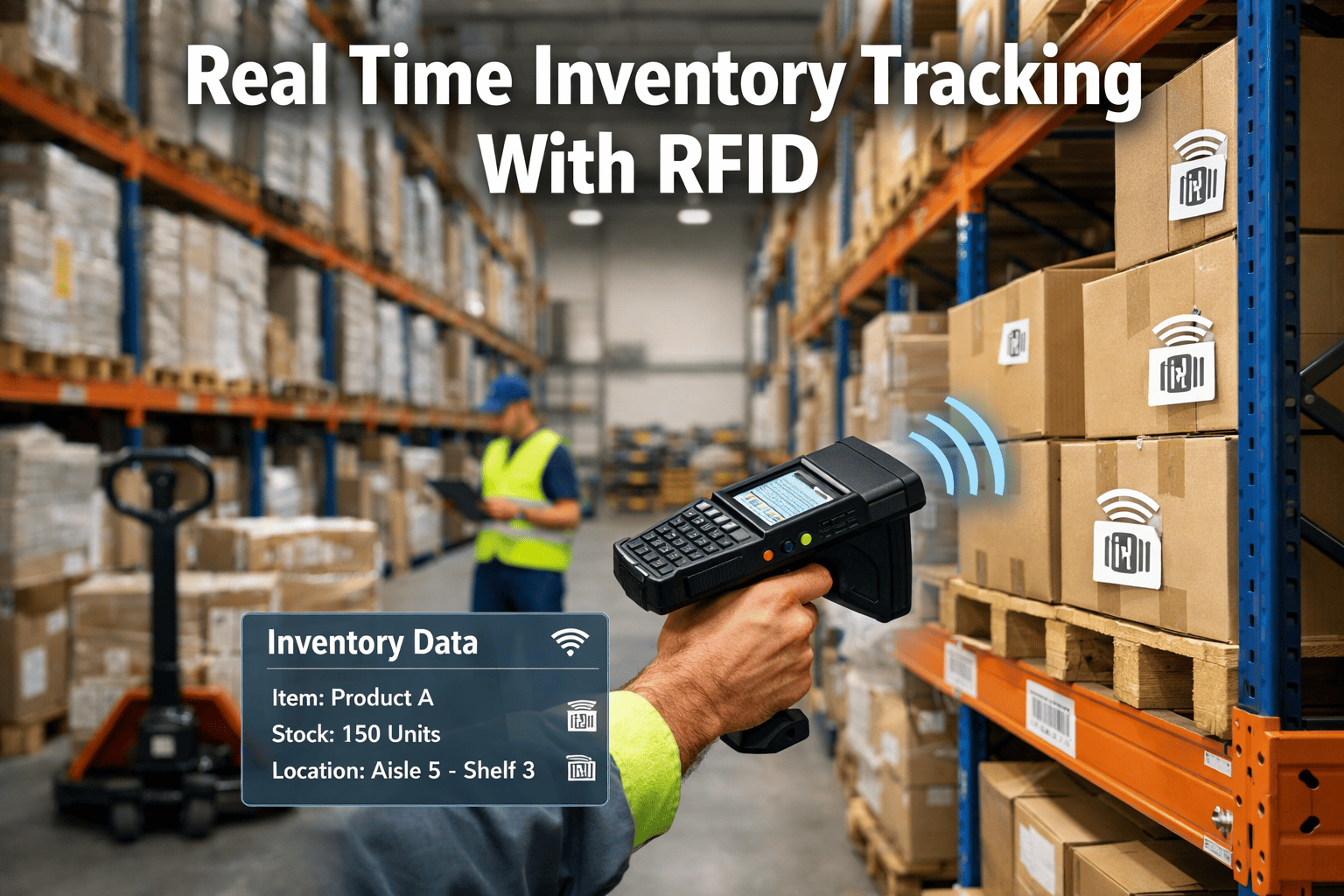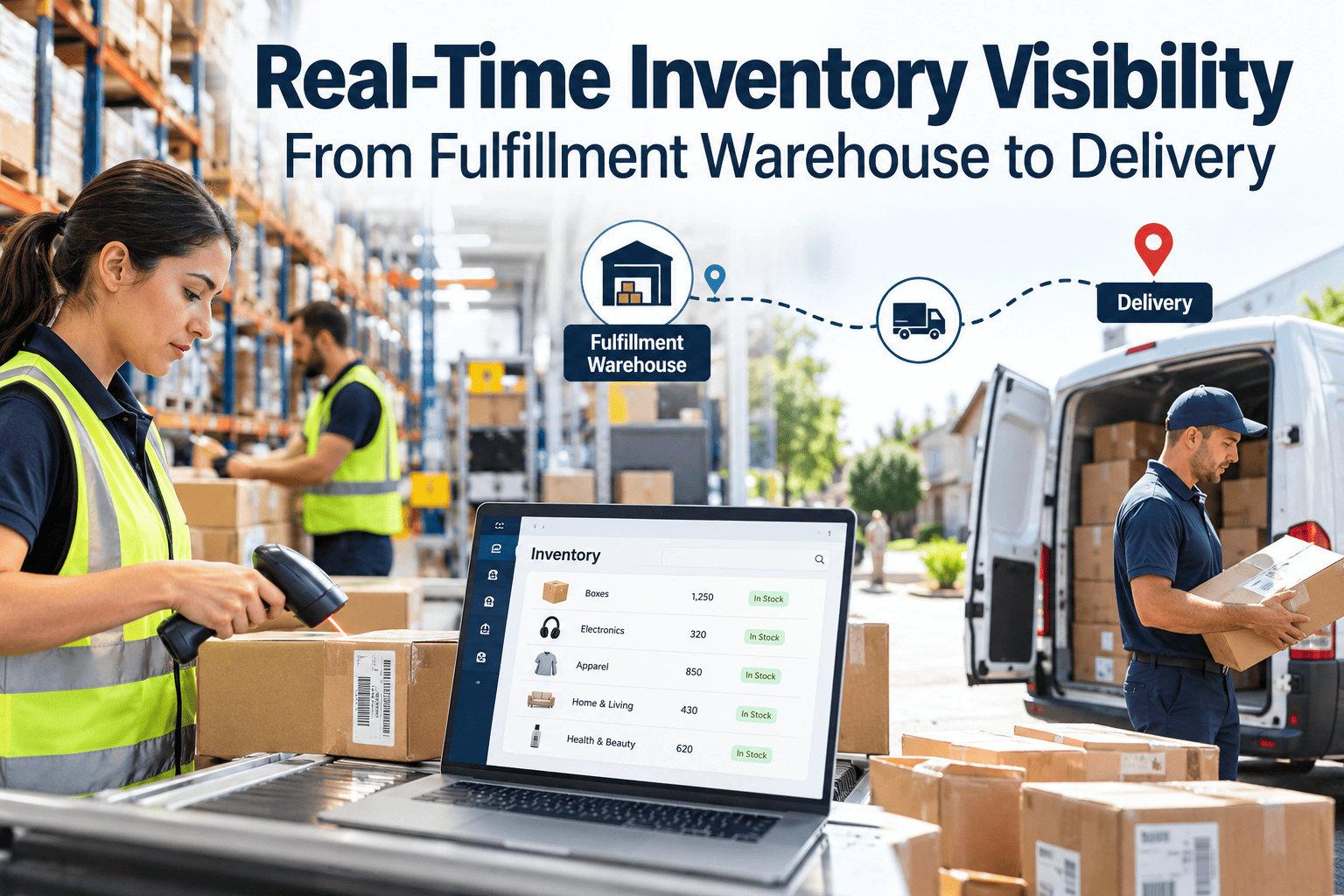
Promising same-day delivery is easy. Knowing, at the moment a customer clicks buy, that the item is actually on a shelf, in a pickable location, and reachable by a van with capacity is the hard part. Most visibility gaps are not a missing dashboard. They are missed scans, delayed system updates, disconnected warehouse and transport systems, and equipment that fails mid-shift and leaves counts out of date. This guide covers how to build real-time inventory visibility from warehouse to doorstep, and how maintenance management software protects the equipment and spare parts that visibility depends on.
Real-Time Inventory Visibility From Fulfillment Warehouse to Delivery
Inventory blind spots cause stockouts, delays, and lost sales. Connect warehouse stock to delivery promises with reliable data capture at every handoff.
Receive
Scan at dock
Putaway
Confirm location
Pick and pack
Confirm item
Load
Confirm route
Deliver
Confirm drop
Each checkpoint turns a physical movement into a trusted data event.
Where Visibility Breaks Down
Look for the delay between a physical event and the system knowing about it. That delay is your blind spot.
Receiving to available
Stock sits on the dock or in staging while the system shows zero.
Location drift
Items moved without a scan, so the system sends pickers to the wrong slot.
Pick shorts
Orders accepted against inventory that was damaged, misplaced, or already allocated.
Warehouse to transport
Loaded packages not matched to the vehicle, route, or driver in the transport system.
Last-mile exceptions
Failed attempts and returns not reflected in available stock for days.
The Data Architecture Behind a Single Source of Truth
Visibility is built in layers. Each layer should publish events that the next layer can trust.
Customer and order layer
Order management and storefront see available-to-promise quantities and delivery windows.
Execution layer
Warehouse and transport systems manage tasks, allocations, loads, and routes.
Integration layer
APIs or event messaging move changes between systems quickly, with error handling and retries.
Capture layer
Barcode, RFID, vehicle location, and sensor events record what physically happened.
Capture Technology: Choosing the Right Tool
| Method | Best for | Watch out for |
|---|---|---|
| Handheld and mobile barcode scanning | Receiving, putaway, picking, loading | Skipped scans under time pressure, damaged labels, dead scanners |
| Fixed scanners and tunnels | High-volume conveyor flow | Read rates depend on alignment and clean optics |
| RFID | Pallet, tote, or high-value item tracking, bulk reads | Tag cost, metal and liquid interference, reader placement |
| Vehicle location tracking | Route progress and estimated arrival | Linking vehicle events to package and order data |
| Cycle counts and audits | Correcting drift that scanning misses | Counting the wrong locations and not recording causes |
Scanning Discipline Checklist
Every inbound pallet scanned before it leaves the receiving area
System-directed putaway with location confirmation
Short picks and damages entered at the moment they are found
Replenishment moves scanned at source and destination
Load confirmation scan linking package, vehicle, and route
Returns and failed attempts scanned back into a defined status
Cycle counts focused on fast movers and high-error locations
Root cause logged for each large variance
Data Quality Measures That Predict Promise Accuracy
Inventory record accuracy
Share of locations where system and physical counts match.
Event latency
Time between a physical movement and the system update.
Pick short rate
Orders lines that could not be filled from the expected location.
On-time in-full
Orders delivered within the promised window with all items.
Exception aging
How long unresolved variances remain open.
Visibility Needs Equipment That Keeps Working
Scanners, conveyors, label printers, and vehicles all feed your data. Oxmaint helps keep them on a maintenance schedule.
The Maintenance Link Most Visibility Projects Miss
Software cannot count what failed equipment never recorded. Several common visibility problems start in the maintenance backlog.
Without maintenance discipline
Handheld scanners fail and workers skip scans
Dirty fixed scanners create no-reads and manual handling
Conveyor stoppages change flow and leave packages unscanned
Spare parts are untracked, so repairs wait
Delivery vans break down and promised drops are missed
With managed maintenance
Scanner fleet inspected, batteries and devices replaced on schedule
Cleaning and alignment tasks on fixed readers
Conveyor preventive maintenance reduces unplanned stops
Spare parts visible with minimum stock levels
Vehicle service planned around routes
Oxmaint Capabilities That Support Visibility Operations
- Asset management for scanners, printers, conveyors, and delivery vehicles with full service history.
- Preventive maintenance and inspections that keep capture equipment reliable.
- Work orders that route device failures to the right technician quickly.
- Maintenance inventory so critical spares are counted and reordered on time.
- Dashboards on downtime and repair cost to focus improvement.
Oxmaint is maintenance software and is not a warehouse management system. It complements WMS and TMS platforms by keeping the physical layer dependable.
Rollout Sequence
1
Map every physical handoff and the system event that should follow it
2
Measure record accuracy and event latency to set a baseline
3
Fix the largest delay first, usually receiving or load confirmation
4
Integrate warehouse and transport events and monitor failures
5
Put capture equipment on a maintenance plan and review monthly
Event Latency by Process Step
Latency is the time between something happening on the floor and the system knowing. Mapping it step by step shows where promises become unreliable.
| Process step | Typical cause of delay | Practical fix |
|---|---|---|
| Receiving | Paperwork processed after unloading, pallets staged without scans | Scan at the dock door, assign locations before pallets move |
| Putaway | Forklift drivers store in the nearest open space | System-directed putaway with scan confirmation of the location |
| Replenishment | Moves made without recording source and destination | Task-driven moves on mobile devices |
| Picking | Shorts discovered but not reported until end of shift | Immediate short-pick reporting at the pick face |
| Packing and loading | Batch uploads of load data after the trailer departs | Scan at load with vehicle and route confirmation |
| Delivery and returns | Driver app updates delayed, returns held in a pile | Same-day return scanning and status mapping |
Integration Patterns Between Warehouse and Transport Systems
How systems exchange data determines how fresh the picture is. Choose a pattern that matches the speed of your promises.
Scheduled batch transfer
Simple and common, but data is stale between runs. It suits reporting and slow-moving planning, not same-day availability decisions.
Request-based API calls
Systems ask each other for current data when needed. This works well for lookups but can create load and dependency when many calls occur at once.
Event-driven messaging
Each change is published as it happens, and interested systems react. This gives the freshest view but needs monitoring, retries, and clear message definitions.
Shared data platform
A central store combines events from multiple systems for reporting and promise calculation. It needs strong governance so definitions stay consistent.
Master Data: The Quiet Foundation
Visibility projects often stall on bad master data. A perfect scan against the wrong item record still produces the wrong answer.
- Keep one agreed identifier for each item, and map vendor, customer, and warehouse codes to it.
- Verify dimensions and weights through measurement instead of trusting supplier estimates.
- Maintain clean location records, including aisle, bay, level, position, and type, and update them when racking changes.
- Define status codes for available, held, damaged, in transit, returned, and quarantined stock, and use them everywhere.
- Assign owners for each data set and review errors on a regular schedule.
Handling Exceptions From Warehouse to Doorstep
Perfect processes still produce exceptions. Visibility is proven by how quickly the network detects and resolves them.
1
Detect the exception from a scan mismatch, missing event, or customer contact, and log it with time and location
2
Classify it as a stock difference, damage, misroute, delay, or failed delivery so the right team owns it
3
Protect the customer promise by reallocating stock, rebooking a route, or contacting the customer early
4
Correct the inventory record with a documented adjustment and reason code
5
Review recurring causes weekly and change the process, equipment, or training that created them
Positioning Stock Using Better Visibility
Available-to-promise
Combines on-hand, allocated, and inbound stock to show what can be promised for a delivery window.
Safety stock
Accurate counts and shorter latency allow lower buffers without increasing stockout risk.
Network balancing
Visibility across sites lets planners move stock toward demand before it becomes a shortage.
In-transit awareness
Knowing what is on a vehicle supports customer updates and reroutes when a van is delayed.
Mobile Device and Scanner Care Checklist
Scanners are the sensors of your inventory system. A neglected device fleet creates the missed scans that visibility projects try to eliminate.
Assign each handheld an identity in the asset register with model, purchase date, and assigned area
Inspect screens, triggers, and housings for cracks and sticky buttons on a regular cycle
Test battery health and replace batteries that no longer last a full shift
Clean scan windows and check read performance on worn or low-contrast labels
Check charging cradles and contacts for damage and dirt
Confirm wireless coverage in aisles, trailers, and corners where scans often fail
Keep swap devices available so a failed unit never leads to unscanned work
Review repair history to identify models or areas with high failure rates
Visibility Maturity: Where Is Your Network Today?
Predictive
The network anticipates shortages and delays from live data and acts before customers feel them.
Connected
Warehouse and transport events flow within minutes and support accurate delivery promises.
Digitized
Most movements are scanned, but systems update in batches and exceptions are found late.
Manual
Spreadsheets, paper, and memory drive decisions, and counts are verified only at audits.
Cycle Counting That Fixes the Cause, Not Just the Count
Counting finds errors, but visibility improves only when the sources of those errors are removed.
- Count fast movers and high-value items more often, and slow or stable items less often.
- Trigger counts when an unusual event occurs, such as a negative balance, repeated short pick, or empty location that should hold stock.
- Count during quiet periods and avoid counting locations with pending moves, so results are meaningful.
- Record the reason for each variance, such as mis-scan, mislocated stock, damage, or supplier shortage.
- Review the top variance causes weekly and assign owners for process, training, or equipment fixes.
- Track whether accuracy improves in the locations and processes that were corrected.
Using Visibility to Keep Delivery Promises
Promises without visibility
Orders accepted against stock that is not actually pickable
Customers learn about delays after the promised window passes
Dispatchers cannot tell which vans hold which orders
Customer service relies on phone calls to the warehouse
Promises with visibility
Availability checked against current, pickable stock
Delays flagged early so customers can be warned and options offered
Load and route data show what each vehicle carries
Support teams see order status without chasing staff
Designing a Dashboard Operations Will Actually Use
A dashboard is useful when it triggers action. Focus on a few measures with clear owners and thresholds.
Inventory record accuracy by zone, with the worst locations listed for counting
Event latency at receiving, putaway, and load confirmation
Open exceptions by age and owner
Orders at risk of missing their promised window
Scanner, conveyor, and vehicle downtime that affects data capture
Trends over weeks, not only the current shift
Common Visibility Mistakes to Avoid
- Buying technology before fixing process discipline, so new tools simply record the same missed scans faster.
- Treating the inventory system as a source of truth without regular physical verification.
- Letting each system keep its own item and location definitions, which creates conflicting answers for the same question.
- Ignoring the condition of scanners, printers, and network coverage that every scan depends on.
- Reporting averages that hide the worst zones, shifts, or routes, where most of the errors occur.
- Failing to assign owners for exceptions, so unresolved issues age quietly until a customer complains.
Inventory Visibility FAQs
What does real-time inventory visibility mean?
It means system quantities and locations reflect physical reality within seconds or minutes, not at the next batch update.
Do I need RFID to get real-time visibility?
Not necessarily. Disciplined barcode scanning and integrated systems solve most gaps. Use RFID where its benefits justify cost.
How does maintenance affect inventory accuracy?
Failed scanners and stalled conveyors cause unrecorded movements. Scheduled maintenance reduces these gaps.
How do warehouse and delivery data connect?
Through load confirmation events tying packages to vehicles and routes inside your WMS and TMS.
Where should we start?
Measure event latency at receiving and loading, then fix the biggest delay. Book a demo to plan equipment upkeep.
Protect the Equipment Behind Your Data
Give your maintenance team a clear plan for every scanner, conveyor, and van that supports your delivery promise.